1. はじめに
The Bose QuietComfort Wireless Noise Cancelling Earbuds deliver a high-quality audio experience with advanced noise cancellation capabilities. This manual provides essential information for the proper setup, operation, and maintenance of your earbuds to ensure optimal performance and longevity.
Key features include active noise cancellation, customizable tap controls, IPX4 water resistance, up to 8.5 hours of battery life per charge, and advanced Bluetooth 5.3 connectivity. The Bose QCE app allows for personalized sound adjustments and device management.
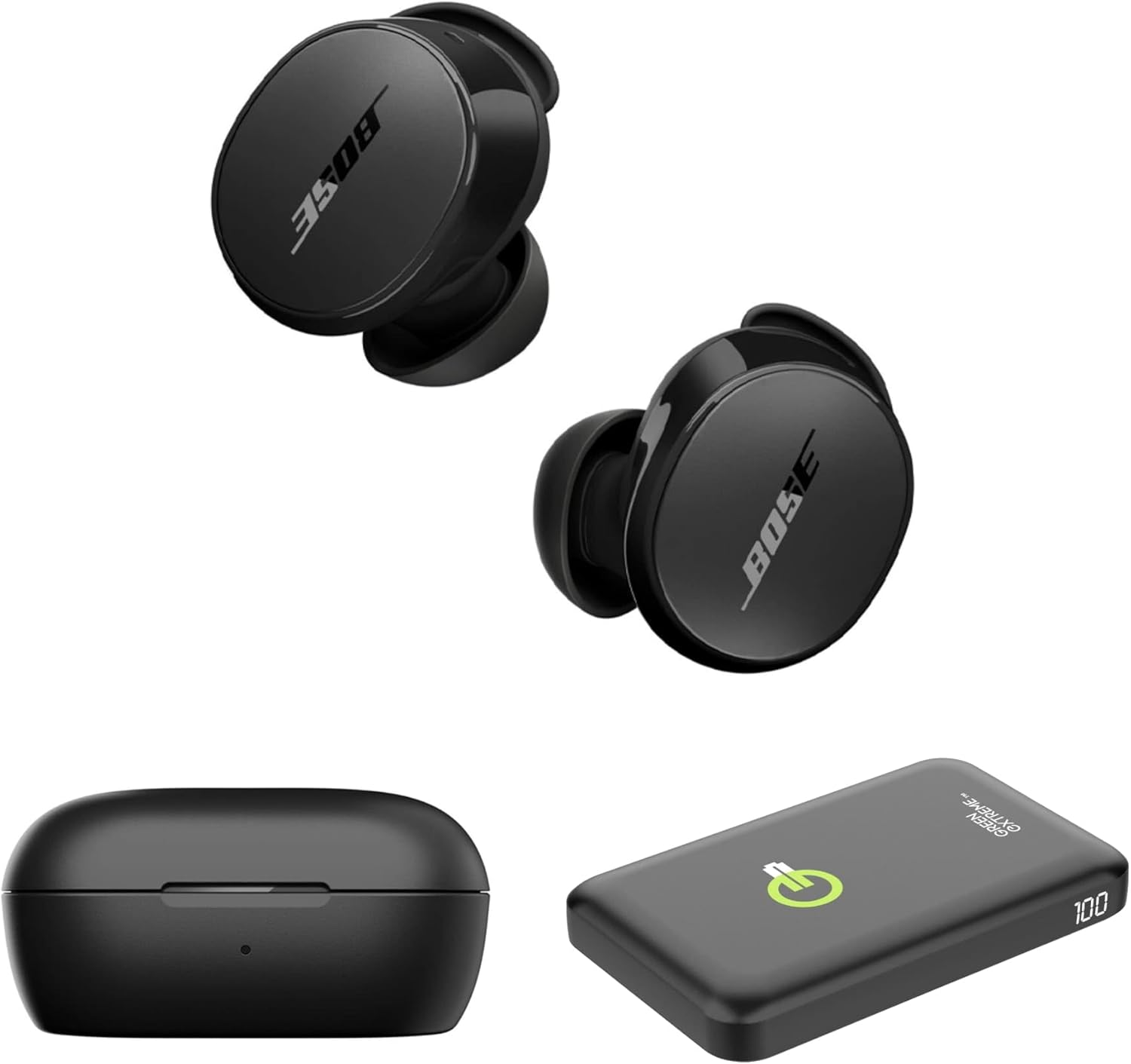
Image 1.1: Bose QuietComfort Earbuds, charging case, and Green Extreme portable charger.
2. セットアップ
2.1 開梱とコンポーネント
パッケージ内にすべてのコンポーネントが揃っていることを確認します。
- Bose QuietComfort Earbuds (Black)
- 充電ケース
- USB-A - USB-C ケーブル
- Small, Medium, and Large Eartips & Stability Bands
- Green Extreme 10000mAh Qi Power Bank

Image 2.1: Bose QuietComfort Earbuds in open charging case with included eartips and stability bands.
2.2 イヤホンとケースの充電
- イヤホンを充電ケースに入れてください。しっかりと固定されていることを確認してください。
- Connect the USB-A to USB-C cable to the charging case and a power source.
- The charging case can also be charged wirelessly.
- A 20-minute charge provides approximately 2 hours of playback. Full charge provides up to 8.5 hours of playback. The case holds an additional 2.5 charges.

Image 2.2: Hand holding the Bose QuietComfort Earbuds charging case.
2.3 Selecting the Correct Fit
The earbuds come with three sizes of eartips and stability bands (S, M, L) to ensure a comfortable and secure fit. Experiment with different sizes to find the best seal for optimal sound quality and noise cancellation.
- Gently pull the eartip and stability band off the earbud.
- Select a new size and align it with the earbud.
- Press firmly until it clicks into place.

Image 2.3: Close-up of Bose QuietComfort Earbuds, highlighting the design and fit components.
2.4Bluetoothペアリング
イヤホンは Bluetooth 5.3 を採用し、安定した効率的なワイヤレス接続を実現します。
- 充電ケースを開けると、イヤホンがペアリングモードになります。
- デバイス(スマートフォン、タブレット、コンピューター)で Bluetooth を有効にし、利用可能なデバイスを検索します。
- Select "Bose QuietComfort Earbuds" from the list.
- The earbuds support multipoint connection, allowing seamless switching between multiple paired devices.
3. 操作手順
3.1 Customizable Tap Controls
The earbuds feature customizable tap controls for managing audio playback and calls. These controls can be configured via the Bose QCE app.
- 再生/一時停止: どちらかのイヤホンを 1 回タップします。
- トラックをスキップ: 右のイヤホンをダブルタップします。
- 音量コントロール: Swipe up or down on the earbud surface (customizable).
- 通話の応答/終了: どちらかのイヤホンを 1 回タップします。
3.2 アクティブノイズキャンセレーション(ANC)
The earbuds feature active noise cancellation to reduce ambient sound. ANC settings can be adjusted through the Bose QCE app.
- 静音モード: Maximizes noise cancellation for immersive listening.
- 認識モード: Allows some ambient sound to pass through, enhancing situational awareness.
- オフ: ノイズキャンセルを無効にします。
3.3 Bose QCE App Integration
The Bose QCE app provides comprehensive control and customization options for your earbuds:
- 調整可能なEQ: Fine-tune bass, mid-range, and treble levels.
- ANC Settings: Switch between Quiet, Aware, and Off modes.
- バッテリー寿命: Monitor the current battery level of each earbud and the charging case.
- カスタムショートカット: Personalize tap control functions.
- デバイス管理: View and manage connected Bluetooth devices.
ビデオ3.1: オーバーview of the Bose QuietComfort Wireless Noise Cancelling Earbuds, demonstrating key features and design.
4. メンテナンス
4.1 クリーニング
定期的にクリーニングすると、イヤホンの性能と衛生状態を維持するのに役立ちます。
- 柔らかく乾いた布を使用して、イヤホンと充電ケースを拭いてください。
- For eartips, remove them from the earbuds and clean with a mild soap solution, then rinse and dry thoroughly before reattaching.
- 研磨材や強力な化学薬品の使用は避けてください。
4.2 耐水性
The earbuds have an IPX4 rating, meaning they are resistant to splashes, drips, and sweat. This rating does not indicate resistance to submersion in water. Avoid exposing the earbuds to excessive moisture or liquids.
5。 トラブルシューティング
If you encounter issues with your Bose QuietComfort Earbuds, refer to the following common solutions:
- 音が出ない/音質が悪い: Ensure earbuds are properly seated in your ears with a good seal. Check the volume levels on both your device and the earbuds. Verify EQ settings in the Bose QCE app.
- 接続の問題: Ensure Bluetooth is enabled on your device and the earbuds are in pairing mode. Try unpairing and re-pairing the earbuds. Ensure your device is within the 30-foot Bluetooth range.
- イヤホンが充電されていない: Ensure the earbuds are correctly placed in the charging case. Check that the charging case itself is charged or connected to a power source. Clean charging contacts if necessary.
- ノイズキャンセリングが機能しない: Verify ANC settings in the Bose QCE app. Ensure a proper fit of the eartips and stability bands to create an effective seal.
さらにサポートが必要な場合は、Boseサポートにお問い合わせください。 webサイトをご覧いただくか、カスタマーサービスにお問い合わせください。
6. 仕様
| 特徴 | 仕様 |
|---|---|
| ブランド | ボーズ |
| モデル番号 | 888507-キット |
| 欧州連合 | 192223262270 |
| Bluetoothバージョン | 5.3 |
| Bluetooth範囲 | 30フィート |
| バッテリー寿命(イヤホン) | 最大8.5時間 |
| 充電ケースの充電 | 2.5 追加料金 |
| クイックチャージ | 20分で2時間再生 |
| ノイズ制御機能 | アクティブノイズキャンセリング |
| 耐水性レベル | IPX4(防水) |
| 制御方法 | 触る |
| オーディオドライバータイプ | ダイナミックドライバ |
| イヤーピースの形状 | 丸い先端 |
| 材料 | Plastic or Aluminum (Case) |
7. 保証とサポート
Your Bose QuietComfort Wireless Noise Cancelling Earbuds are covered by a manufacturer's warranty. Please refer to the warranty card included in your product packaging for specific terms and conditions.
For product support, frequently asked questions, and additional resources, visit the official Bose support webサイトまたは顧客サービス部門に連絡してください。


