1。 オーバーview
This manual provides essential information for setting up, operating, maintaining, and troubleshooting your HP 14-dq5009nr laptop. Designed for productivity and entertainment, this thin and light laptop offers reliable performance for everyday tasks.

Figure 1: HP 14-dq5009nr Laptop in Natural Silver.
主な特徴:
- Micro-Edge HD Display: Enjoy an ultra-wide viewing experience with minimal bezel.
- Intel Core i3-1215U Processor: 12th Generation Intel Core processor with 6 cores for multitasking.
- Intel UHD Graphics: Smooth streaming of 4K content and casual gaming.
- ストレージとメモリ: 256 GB PCIe NVMe M.2 SSD for fast performance and 8 GB DDR4 RAM for enhanced multitasking.
- Windows 11 Home in S Mode: Secure operating system with fast boot times and protection against malware.

図2:以上view of the HP 14-dq5009nr Laptop's main features including display, processor, graphics, storage, and memory.
2. セットアップ
2.1 初回電源投入
- ノートパソコンとすべての付属品を箱から取り出します。
- 電源アダプターをノートパソコンの充電ポートに接続し、電源コンセントに接続します。
- ノートパソコンのカバーを開けます。ノートパソコンは自動的に電源が入る場合もありますが、キーボードの右上にある電源ボタンを押さなければならない場合もあります。
- Follow the on-screen instructions to complete the Windows 11 Home in S Mode setup, including selecting your region, language, and connecting to a Wi-Fi network.

Figure 3: The HP laptop screen showing the Windows 11 Start Menu, indicating successful initial setup.
2.2 Wi-Fiへの接続
During the initial setup, you will be prompted to connect to a wireless network. If you need to connect later or change networks:
- クリック ネットワークアイコン (usually a Wi-Fi symbol) in the bottom-right corner of the taskbar.
- リストから希望の Wi-Fi ネットワークを選択します。
- クリック 接続する プロンプトが表示されたら、ネットワーク セキュリティ キー (パスワード) を入力します。
3. HPラップトップの操作
3.1 キーボードとタッチパッド
The laptop features a full-sized keyboard and an integrated precision touchpad with multi-touch support. The touchpad supports gestures for smooth scrolling, zooming, and navigation.
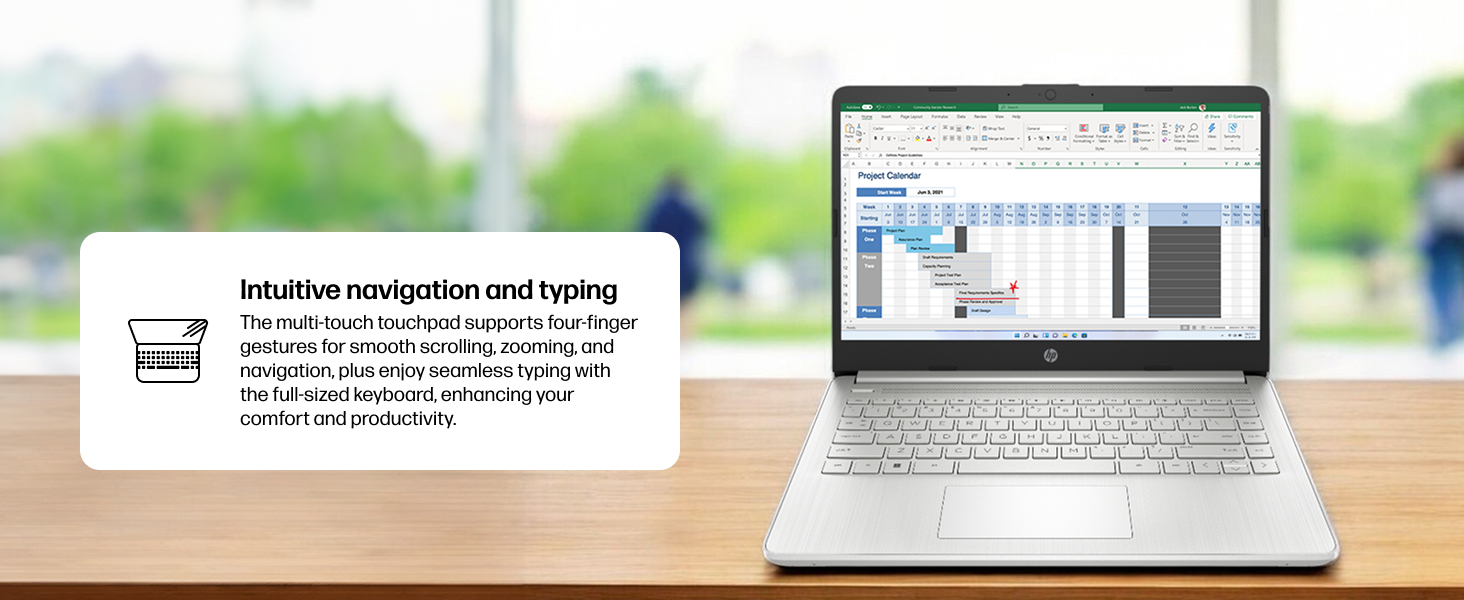
Figure 4: Demonstrating intuitive navigation and typing with the multi-touch touchpad and full-sized keyboard.
3.2 ディスプレイとグラフィックス
Your HP laptop is equipped with a 14-inch HD micro-edge display and Intel UHD Graphics, providing vibrant visuals for various tasks, from web browsing to multimedia consumption.
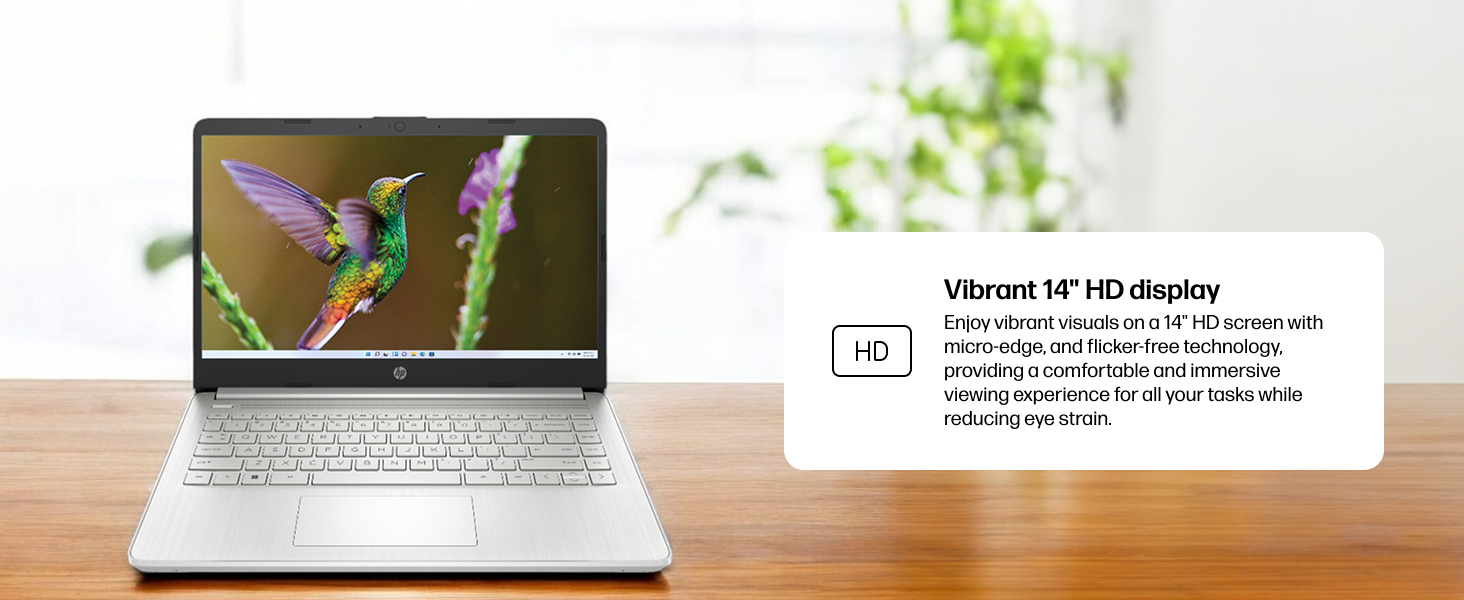
Figure 5: The laptop screen showcasing vivid visuals powered by Intel UHD graphics.
3.3 ポートと接続
The laptop offers a range of ports for connecting peripherals and external devices:
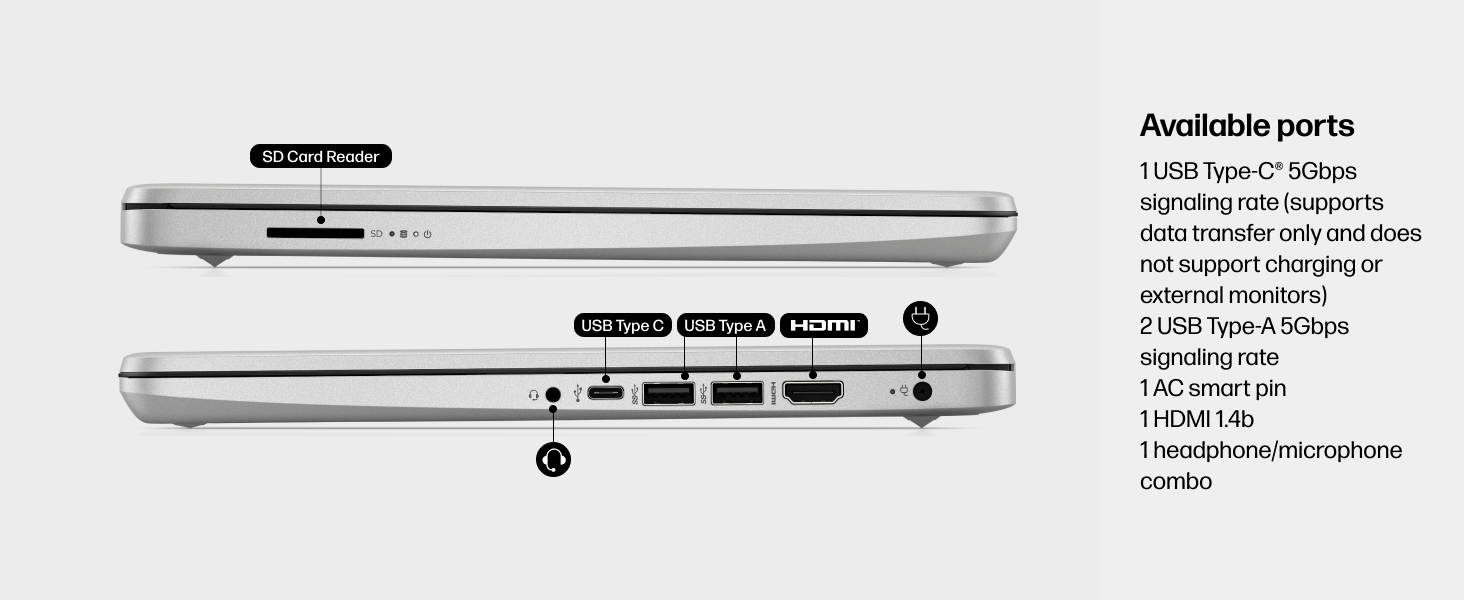
図6:詳細 view of the available ports on the HP 14-dq5009nr laptop.
- 1 USB Type-C® 5Gbps signaling rate (supports data transfer only, no charging or external monitors)
- 2 USB タイプ A 5Gbps 信号速度
- 1 AC smart pin (for power adapter)
- HDMI 1b x 1.4
- 1 ヘッドフォン/マイク コンボ ジャック
- 1 SD Card Reader
4. メンテナンス
4.1バッテリーケア
The HP 14-dq5009nr features a long-lasting battery and HP Fast Charge technology, allowing you to charge from 0 to 50% in approximately 45 minutes. To maximize battery lifespan:
- 極端な温度を避けてください。
- 定期的にバッテリーを完全に放電しないでください。
- 長期間使用しない場合は、ノートパソコンを部分的に充電した状態で保管してください。
4.2クリーニング手順
- 柔らかく糸くずの出ない布で軽く拭き取ってください。ampディスプレイを清掃するには、水またはスクリーンクリーナーを使用してください。
- キーボードとシャーシのお手入れには柔らかい布をご使用ください。刺激の強い化学薬品は使用しないでください。
4.3ソフトウェアアップデート
Ensure your Windows 11 operating system and drivers are regularly updated for optimal performance and security. Windows Update typically handles this automatically.
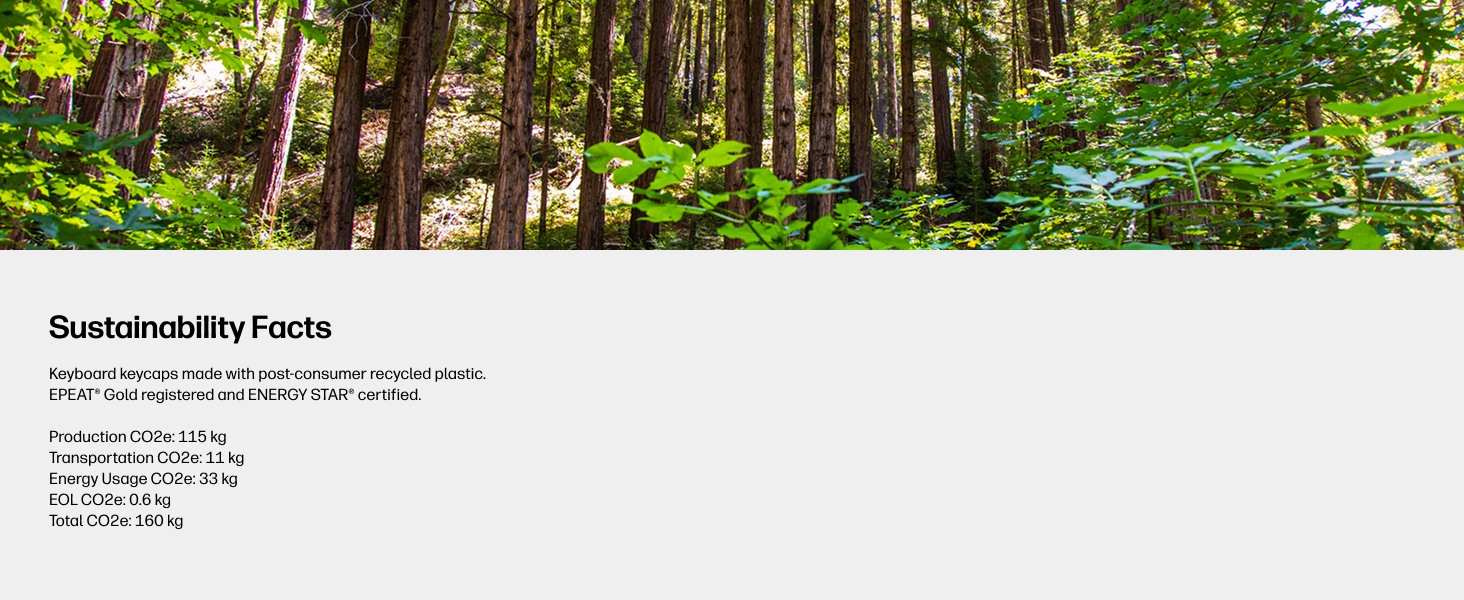
Figure 7: The laptop's keyboard keycaps are made from post-consumer recycled plastic, reflecting HP's commitment to sustainability.
5。 トラブルシューティング
5.1 電源の問題
- ノートパソコンが起動しない: Ensure the power adapter is securely connected and the battery has sufficient charge. Try pressing and holding the power button for 15 seconds.
- バッテリーが充電されない: 電源アダプタとケーブルが破損していないことを確認してください。別のコンセントをお試しください。
5.2 表示の問題
- 空白の画面: Connect an external monitor to check if the display is the issue. Try adjusting screen brightness using the function keys (F2/F3 or similar, look for sun icons).
- 画面のちらつき: グラフィック ドライバーを更新します。
5.3 接続の問題
- Wi-Fi が接続されない: Windowsの設定でWi-Fiが有効になっていることを確認してください。ルーターとモデムを再起動してください。
- Bluetoothデバイスがペアリングされない: 両方のデバイスで Bluetooth が有効になっており、ペアリング モードになっていることを確認します。
6. 仕様
| 特徴 | 仕様 |
|---|---|
| 立ち画面表示サイズ | 14インチ |
| 画面解像度 | 1366 x 768 ピクセル (HD) |
| プロセッサ | インテル Core i3-1215U (4.4 GHz) |
| ラム | 8 GB DDR4 (2400 MHz) |
| ハードドライブ | 256 GB SSD (PCIe NVMe M.2) |
| グラフィックスコプロセッサ | インテルUHDグラフィックス |
| オペレーティング·システム | Windows 11 Home(Sモード) |
| ワイヤレスタイプ | 802.11a/b/g/n/ac、Bluetooth |
| アイテム重量 | 3.24ポンド |
| 製品寸法 | 12.76 x 0.71 x 8.86インチ |
| 色 | 銀 |
7. 保証とサポート
7.1 保証情報
Your HP 14-dq5009nr laptop comes with a 1年間のハードウェア限定保証さらに、 90日間限定のテクニカルサポート for software and initial setup is provided when the product is shipped from and sold by Amazon.
7.2 テクニカルサポート
For technical assistance, please refer to the official HP support channels. Web support is available 24 hours a day, 7 days a week. You can also visit the AmazonのHPストア 詳しい情報とリソースについては、こちらをご覧ください。