導入
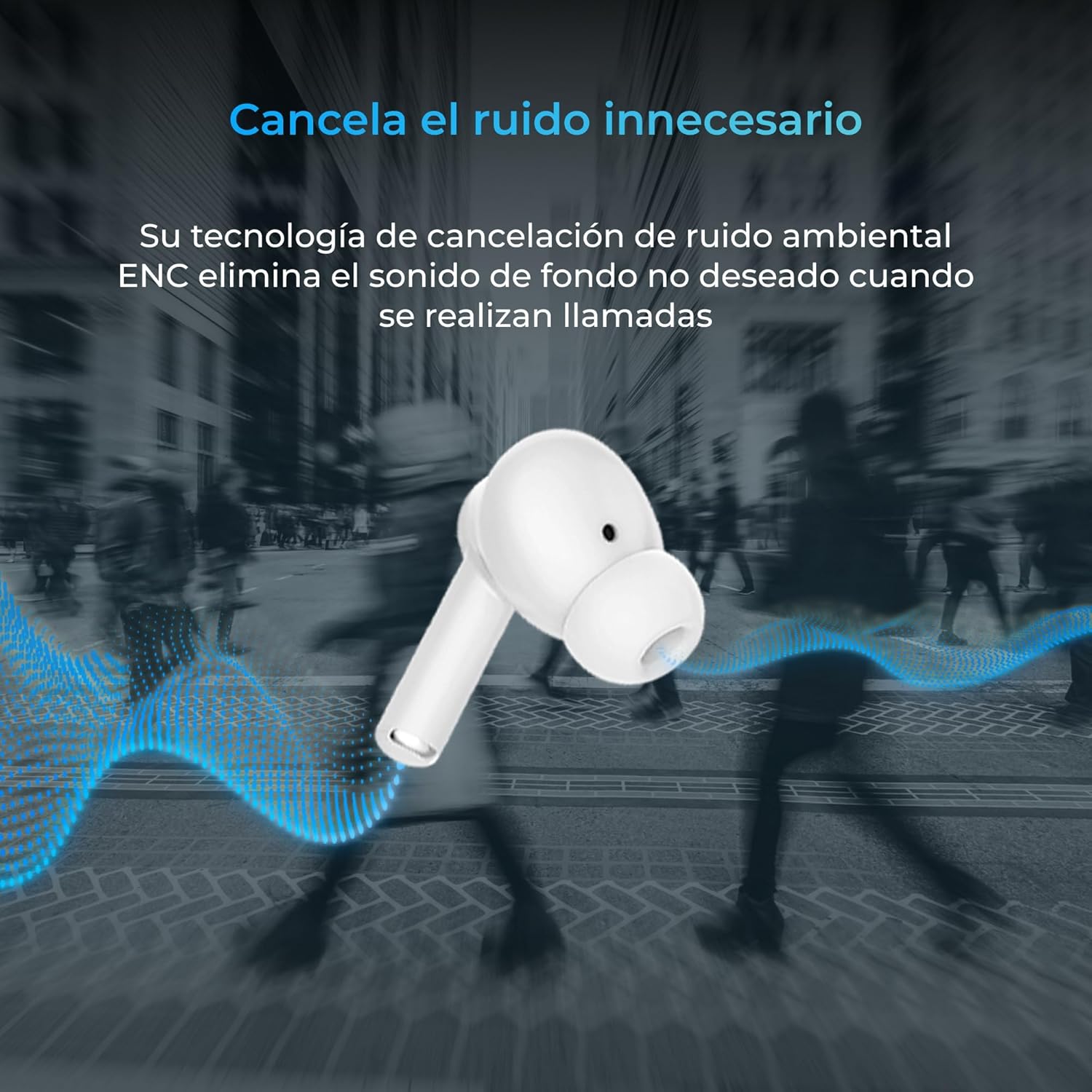
Thank you for choosing the KSIX Orion Wireless Earbuds. These earbuds are designed to provide a superior audio experience with features such as HD calls, Environmental Noise Cancellation (ENC), True Wireless Stereo (TWS), and intuitive touch controls. With up to 15 hours of total battery life and IPX4 water resistance, they are perfect for music, sports, and travel. This manual will guide you through the setup, operation, and maintenance of your new earbuds to ensure optimal performance and longevity.
製品終了view




設定
1. イヤホンとケースの充電
Before first use, fully charge your KSIX Orion earbuds and charging case. The case and earbuds can be fully charged in approximately 1 hour. The earbuds provide up to 5 hours of playback, and the charging case provides an additional 10 hours, for a total of 15 hours of autonomy.
- イヤホンを充電ケースに入れます。
- 互換性のある USB-C ケーブルを使用して、充電ケースを電源に接続します。
- ケースのインジケーターライトが充電状態を示します。
2. デバイスとのペアリング
The KSIX Orion earbuds utilize Bluetooth 5.3 for a stable and uninterrupted connection.
- Ensure the earbuds are in the charging case and the case lid is open, or take them out of the case. They will automatically enter pairing mode.
- スマートフォン、タブレット、その他の Bluetooth 対応デバイスで、Bluetooth 設定に移動します。
- 検索する "KSIX Orion" in the list of available devices.
- Select "KSIX Orion" to connect. Once connected, you will hear a confirmation tone, and the earbuds will be ready for use.
- ペアリングに失敗した場合は、イヤホンをケースに戻し、蓋を閉じて数秒待ってから蓋を開けて再試行してください。
操作手順
The KSIX Orion earbuds feature intuitive touch controls for easy management of music and calls.
タッチコントロール
| アクション | 左イヤホン | 右イヤフォン |
|---|---|---|
| 音楽の再生/一時停止 | シングルタップ | シングルタップ |
| 次の曲 | トリプルタップ | トリプルタップ |
| 前の曲 | ダブルタップ | ダブルタップ |
| 音量を上げる | 長押し(右) | 長押し(右) |
| 音量を下げる | 長押し(左) | 長押し(左) |
| 通話の応答/終了 | シングルタップ | シングルタップ |
| 通話を拒否 | 長押し | 長押し |
| 音声アシスタントを有効にする | 2秒間タップして押し続けます | 2秒間タップして押し続けます |
音声アシスタント
The KSIX Orion earbuds are compatible with popular voice assistants such as Siri, Amazon Alexa, and Google Assistant. To activate your preferred voice assistant, use the designated touch control (tap and hold for 2 seconds). You can then issue commands for calls, music control, and more.
メンテナンス
Proper maintenance ensures the longevity and optimal performance of your KSIX Orion earbuds.
- クリーニング: イヤホン、特にイヤーチップと充電端子は、柔らかく乾いた糸くずの出ない布で定期的に拭いてください。研磨剤入りのクリーナーや溶剤は使用しないでください。
- 耐水性: The earbuds are IPX4 water resistant, meaning they are protected against splashing water from any direction. They are resistant to sweat and light rain. Do not submerge the earbuds in water or expose them to strong jets of water. Ensure the earbuds are dry before placing them back in the charging case to prevent damage.
- ストレージ: 使用しないときは、イヤホンを充電ケースに入れて保管し、ほこりや物理的な損傷から保護してください。高温多湿を避け、涼しく乾燥した場所に保管してください。
- バッテリーのケア: バッテリー寿命を延ばすため、イヤホンとケースを頻繁に完全に放電することは避けてください。頻繁に使用しない場合でも、定期的に充電してください。
トラブルシューティング
If you encounter issues with your KSIX Orion earbuds, try the following solutions:
| 問題 | 考えられる解決策 |
|---|---|
| イヤホンがペアリングされない |
|
| 片方または両方のイヤホンから音が出ない |
|
| イヤホンが充電されない |
|
| Poor call quality / ENC not working |
|
仕様
| 特徴 | 詳細 |
|---|---|
| モデル番号 | BXTW09B |
| ブランド | KSIX スマートテクノロジー |
| 色 | 白 |
| 接続技術 | ワイヤレス(Bluetooth 5.3) |
| 耳の位置 | インイヤー |
| フォームファクター | インイヤー |
| 遮音性 | 環境ノイズキャンセル(ENC) |
| 耐水性レベル | IPX4(防滴) |
| バッテリー寿命(イヤホン) | 最大5時間 |
| バッテリー総寿命(ケース付き) | 最大15時間 |
| 充電時間 | 約1時間 |
| 周波数範囲 | 20 Hz - 20,000 Hz |
| コントロールタイプ | タッチコントロール、音声コントロール |
| 対応デバイス | スマートフォン、タブレット、ノートパソコン、デスクトップパソコン、スマートスピーカー |
| 推奨用途 | Calls, Music, Sport, Travel |
| 含まれるコンポーネント | ワイヤレス充電ケース |
保証とサポート
For detailed warranty information and customer support, please refer to the official KSIX website or contact their customer service directly. Information regarding spare parts availability and software update guarantees is not available in this manual.
さらにサポートが必要な場合は、次のサイトをご覧ください。 www.ksix.com


