
 IULOCK Remote Code
User Guide
V1.02
What is the remote code
All locks come from IULOCK support the remote code function (IU-20,IU-12,IU-30..),
It does not require APP. No network connection is required for locks.
You can visit iulock website and activate your lock according to the website prompts,
You can generate the code you want to control,
You can control the number of times for unlocking. (From 1 to 50 times)
It can also control the code validity period (From 1 hour to 2 years).
Getting Started
Step 1
https://mylock.iulock.com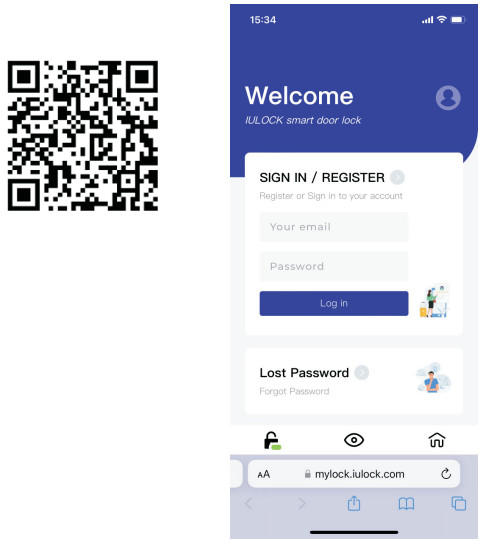
Step 2 Register your account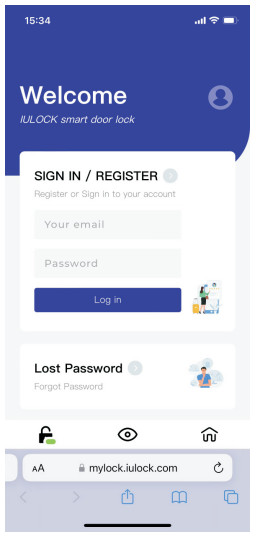 Step 3 Add your lock
Step 4 Activate your lock
Get remote code

Troubleshooting
Q: Do I need to reactivate after I reset the lock? Q: Why the lock does not accept the code? Q: Must the master code be the same as master code of my lock? Q: Can I add many locks?
Documents / Resources
 | IU-20 Remote Code Function |
References
- iuLock - Smart Lockmylock.iulock.com
- User Manualmanual.tools