Introduzione
This manual provides detailed instructions for the setup, operation, maintenance, and troubleshooting of your LG 32GX870A-B 32-inch Ultragear OLED Gaming Monitor. Please read this manual thoroughly before using the product to ensure proper and safe operation.
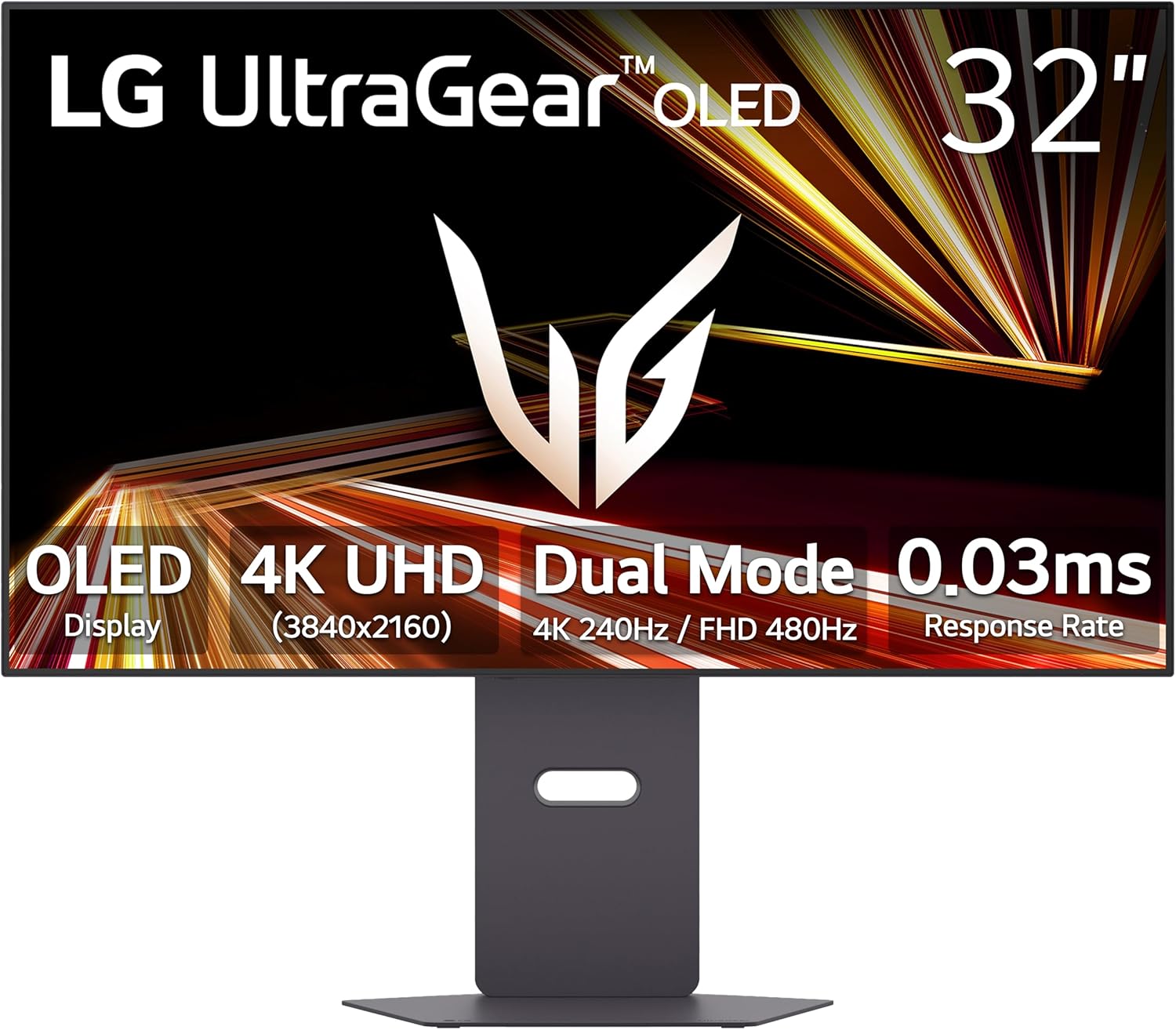
Davanti view of the LG 32GX870A-B Ultragear OLED Gaming Monitor, showcasinil suo design elegante e il display vibrante.
Impostare
1. Contenuto della confezione
Verificare che tutti gli articoli siano presenti nel pacco:
- Monitor
- Cavo di alimentazione
- Cavo HDMI
- Cavo porta display
- Cavo USB-C
2. Assemblaggio
The monitor stand is designed for tool-less assembly. Carefully attach the stand base to the stand neck, then secure the assembled stand to the monitor panel. Ensure all connections are firm.

Posteriore view of the monitor showing the attached stand, which allows for height, tilt, swivel, and pivot adjustments.
3. Connessione a un computer
Connect the monitor to your computer using one of the provided cables:
- Porta Display 2.1: For optimal performance, especially for 4K UHD at 240Hz or Full HD at 480Hz. Requires a graphics card that supports DisplayPort 2.1.
- HDMI: Supports high refresh rates and resolutions.
- USB Tipo-C: For video, data, and power delivery (if supported by your device).
Connect the power cable to the monitor and a power outlet. Press the power button to turn on the monitor.
Dettagliato view of the monitor's rear ports, including HDMI, DisplayPort, USB-C, and USB 3.0 connections.
Funzionamento del monitor
1. Funzionalità a doppia modalità
The LG 32GX870A-B features a Dual Mode refresh rate, allowing you to switch between two display configurations:
- 4K UHD (3840 x 2160) at up to 240Hz: Ideal for high-resolution, graphically intensive content.
- Full HD (1920 x 1080) at up to 480Hz: Optimized for fast-paced competitive gaming where higher frame rates are critical.
Switch between these modes using the dedicated hotkey or through the monitor's On-Screen Display (OSD) menu.

Illustration demonstrating the Dual Mode feature, showing a 4K UHD 240Hz display alongside a Full HD 480Hz display.
2. Response Time and Adaptive Sync
Experience minimal motion blur and ghosting with a 0.03ms Gray-to-Gray (GtG) response time. The monitor is NVIDIA G-SYNC Compatible and supports AMD FreeSync Premium Pro, ensuring smooth, tear-free gameplay by synchronizing the monitor's refresh rate with your GPU's frame rate.

Logos indicating FreeSync Premium Pro and G-SYNC Compatibility, highlighting the monitor's adaptive sync capabilities.
3. Visualizza la qualità
The OLED panel with Micro Lens Array+ (MLA+) technology delivers a typical brightness of 275 nits and a peak brightness of up to 1300 nits. It is VESA DisplayHDR True Black 400 certified, providing deep blacks, vibrant colors, and a 1.5M:1 contrast ratio. The anti-glare/low reflection coating minimizes distractions from ambient light.

Visual representation of the monitor's stunning OLED picture quality, featuring DCI-P3 98.5% color gamut, 1.5M:1 contrast ratio, and HDR True Black 400.
4. Regolazioni ergonomiche
Il supporto del monitor consente varie regolazioni per ottimizzare il tuo viewesperienza di ing:
- Regolazione dell'altezza: Raise or lower the display.
- Regolazione dell'inclinazione: Regola l'angolazione verticale dello schermo.
- Regolazione della rotazione: Ruota lo schermo orizzontalmente.
- Regolazione del perno: Ruota lo schermo in orientamento verticale o orizzontale.

The monitor shown with its adjustable stand, demonstrating its ergonomic flexibility.
5. Caratteristiche audio
The monitor includes built-in speakers for integrated audio. For a more immersive experience, connect headphones to the 4-pole headphone jack, which supports DTS Headphone:X for 3D audio.
6. LG Switch App
The LG Switch app allows for enhanced multitasking and display management. It enables screen splitting into multiple sections, custom display layouts, and quick access to video calls or webOS streaming features via hotkeys. Software installation is required and can be downloaded from LG.com support.

Screenshot of the LG Switch App interface displayed on the monitor, showing various screen settings and layout options.
Manutenzione
OLED Protection and Care
To maintain the performance and longevity of your OLED panel, utilize the built-in OLED Care tools. These tools include features like pixel cleaning, which helps prevent image retention and ensures a sharp display over time. Regular use of these features is recommended.
Risoluzione dei problemi
Se riscontri problemi con il monitor, fai riferimento alle seguenti soluzioni comuni:
- Problemi di sfarfallio: If the screen flickers, try adjusting the Adaptive Sync settings in the monitor's OSD menu. Switching from 'Extended' to 'Basic' or 'Off' can resolve this.
- DisplayPort Connectivity: If you experience issues with non-native resolutions when using DisplayPort, consider using an HDMI 2.1 cable as an alternative. Ensure your graphics card drivers are up to date.
- Il monitor non si accende: Verify that the power cable is securely connected to both the monitor and a working power outlet. If the issue persists, the power supply unit may require inspection.
- Image Retention / Red Dots: Utilize the OLED Care tools, such as pixel cleaning, available in the monitor's settings to address potential image retention or pixel anomalies.
- Grainy/Static/Screen Door Effect: This can sometimes be observed with the matte screen surface, particularly in dark environments when displaying static gray content. It is generally less noticeable during dynamic content or in well-lit rooms.
Specifiche
| Caratteristica | Specificazione |
|---|---|
| Marca | LG |
| Numero di modello | 32GX870A-B.AUS |
| Dimensioni dello schermo | 31.5 pollici |
| Risoluzione dello schermo | 3840x2160 (4K UHD) |
| Risoluzione massima dello schermo | 3840 x 2160 pixel |
| Refresh Rate (4K UHD) | Fino a 240Hz |
| Refresh Rate (Full HD) | Fino a 480Hz |
| Tempo di risposta | 0.03 ms (GtG) |
| Tipo di pannello | OLED |
| Luminosità (tipica) | 275 nidi |
| Luminosità massima | Fino a 1300 nit |
| Rapporto di contrasto | 1.5M:1 |
| Supporto HDR | VESA DisplayHDR True Black 400 |
| Gamma di colori | DCI-P3 98.5% |
| Sincronizzazione adattiva | Compatibile con NVIDIA G-SYNC, AMD FreeSync Premium Pro |
| Connettività | 2x HDMI, 1x DisplayPort 2.1, 1x USB Type-C, 2x USB 3.0, 1x Headphone Jack |
| Peso dell'articolo | 21.6 libbre |
| Dimensioni del prodotto | 9.83 x 28.11 x 24.44 pollici (LxPxA) |
| Colore | Nero |
Garanzia e supporto
Informazioni sulla garanzia
The LG 32GX870A-B monitor comes with a 2-year limited warranty, which covers key components, including the OLED panel. For complete warranty details, please refer to the official LG websito o sulla scheda di garanzia inclusa nel prodotto.
Assistenza clienti
For further assistance, technical support, or to download the latest software and drivers, please visit the official LG support websito: LG.com/support.