Introduzione
Thank you for choosing the Roberts Radio Digital Play11. This portable radio offers high-quality audio with DAB, DAB+, and FM reception. Designed for ease of use, it features a headphone jack for personal listening and flexible power options. This manual provides essential information for setting up, operating, and maintaining your device.
Informazioni sulla sicurezza
Si prega di leggere attentamente tutte le istruzioni di sicurezza prima di utilizzare questo prodotto. Conservare queste istruzioni per riferimento futuro.
- Non esporre la radio a pioggia, umidità o temperature estreme.
- Evitare di posizionare l'unità vicino a fonti di calore o alla luce diretta del sole.
- Use only the specified power supply (USB-C cable) or 4 x AA batteries.
- Non tentare di smontare o modificare l'unità. Per qualsiasi intervento di manutenzione, rivolgersi a personale qualificato.
- Assicurare una ventilazione adeguata; non coprire le aperture di ventilazione.
- Smaltire le batterie in modo responsabile, nel rispetto delle normative locali.
Cosa c'è nella scatola
Dopo aver disimballato, assicurarsi che siano presenti tutti i seguenti elementi:
- Roberts Radio Digital Play11
- Guida rapida
- Cavo di alimentazione USB-C
- Foglio di sicurezza e garanzia
Prodotto finitoview
Familiarize yourself with the main components and controls of your Play11 radio.

Immagine: Frontale view of the Roberts Play11 radio with labels indicating the On/Off button, Volume knob, Antenna, LCD Display, Select knob, Favourites button, Info/Menu button, Mode button, and Next/Previous buttons.
- Pulsante On/Off: Accende o spegne l'unità.
- Manopola del volume: Regola il livello di uscita audio.
- Antenna: Estendi per una ricezione radio ottimale.
- Schermo LCD: Mostra informazioni sulla stazione, l'ora e le opzioni del menu.
- Seleziona manopola: Consente di navigare nei menu e di confermare le selezioni.
- Favourites (2 sec) Button: Press and hold to save a favourite station; short press to recall.
- Info | Menu Button: Displays station information; press and hold to access the main menu.
- Pulsante Modalità: Switches between DAB, DAB+, and FM modes.
- Next | Previous Buttons: Consente di navigare tra le stazioni o le opzioni del menu.
- Jack per cuffie: For private listening (3.5mm AUX Out Port).
- Porta USB-C: Per l'alimentazione.

Immagine: Primo piano view of the Roberts Play11 radio, highlighting the 3.5mm headphone jack on the side for personal listening.
Impostare
1. Alimentazione
The Play11 can be powered by either batteries or the included USB-C power cable.

Immagine: Posteriore view of the Roberts Play11 radio, illustrating the battery compartment for 4x AA batteries (not included) and the USB-C power input port.
- Funzionamento a batteria: Open the battery compartment on the rear of the radio. Insert 4 x AA (LR6) batteries, ensuring correct polarity. Close the compartment securely. Batteries are not included.
- Funzionamento a rete: Connect the supplied USB-C power cable to the USB-C port on the radio and plug the other end into a suitable USB power adapter (not supplied).
2. Antenna
Estendere completamente l'antenna telescopica per una ricezione ottimale sia in modalità DAB/DAB+ che FM.
3. Accensione iniziale
Premere il tasto Acceso/Spento button to power on the radio. If this is the first time using the radio, it will automatically perform a full scan for DAB/DAB+ stations.
Istruzioni per l'uso
Switching Modes (DAB/DAB+/FM)
Premere il tasto Modalità button repeatedly to cycle between DAB, DAB+, and FM radio modes.
Radio DAB/DAB+
- Scansione delle stazioni: After initial power-on, the radio will automatically scan. To perform a manual scan, press and hold the Informazioni | Menù button, navigate to "Full Scan" using the Selezionare knob, and press Selezionare per confermare.
- Selezione delle stazioni: Ruotare il Selezionare knob to browse available stations. Press the Selezionare knob to tune into the desired station.
- Saving Presets (Favourites): Sintonizzarsi sulla stazione desiderata. Tenere premuto il tasto Favourites (2 sec) finché non appare "Preset Store". Ruotare la manopola Selezionare knob to choose a preset number (1-10) and press Selezionare per salvare.
- Richiamo delle preimpostazioni: Premere brevemente il tasto Favourites (2 sec) pulsante. Ruota il Selezionare knob to choose the desired preset and press Selezionare per sintonizzarsi.
Radio FM
- Scansione delle stazioni: In modalità FM, tenere premuto il tasto Next | Previous pulsanti per cercare automaticamente la stazione disponibile successiva.
- Sintonizzazione manuale: Ruotare il Selezionare manopola per sintonizzarsi manualmente su una frequenza specifica.
- Saving Presets (Favourites): Sintonizzarsi sulla stazione desiderata. Tenere premuto il tasto Favourites (2 sec) finché non appare "Preset Store". Ruotare la manopola Selezionare knob to choose a preset number (1-10) and press Selezionare per salvare.
- Richiamo delle preimpostazioni: Premere brevemente il tasto Favourites (2 sec) pulsante. Ruota il Selezionare knob to choose the desired preset and press Selezionare per sintonizzarsi.
Utilizzo delle cuffie
Collega delle cuffie standard da 3.5 mm alla presa cuffie laterale della radio per un ascolto privato. L'altoparlante interno si disattiva automaticamente quando le cuffie sono collegate.
Manutenzione
- Pulizia: Pulire la radio con un panno morbido e asciutto. Non utilizzare detergenti abrasivi o solventi.
- Sostituzione della batteria: When using batteries, replace all four AA batteries simultaneously when the low battery indicator appears on the display. Ensure correct polarity.
- Magazzinaggio: Se si conserva la radio per un periodo prolungato, rimuovere le batterie per evitare perdite.
Risoluzione dei problemi
| Problema | Possibile causa | Soluzione |
|---|---|---|
| Nessun potere | Batteries are flat or incorrectly inserted; USB-C cable not connected properly. | Replace batteries, ensuring correct polarity. Check USB-C cable connection and power adapter. |
| Scarsa ricezione DAB/FM | Antenna not fully extended; weak signal area; interference. | Estendi completamente l'antenna telescopica. Prova a riposizionare la radio. Esegui una scansione completa delle stazioni DAB. |
| Nessun suono | Volume too low; headphones connected; unit muted. | Increase volume. Disconnect headphones. Check if the unit is muted (though this model doesn't have a dedicated mute button, ensure volume is not at zero). |
| I pulsanti non rispondono | Problema temporaneo del software. | Turn the radio off and on again. If problem persists, remove power source (batteries/USB-C) for a few minutes, then reconnect. |
Specifiche
| Modello | PLAY11BK |
| Tipo di sintonizzatore | DAB, DAB+, FM |
| Preimpostazioni | 10 DAB, 10 FM |
| Fonte di alimentazione | 4 x AA batteries (not included) or USB-C (4.5 Volts) |
| Interfaccia Hardware | USB tipo C |
| Presa per cuffie | 3.5mm |
| Tipo di visualizzazione | LCD |
| Dimensioni (LxWxH) | Dimensioni: 17.4 x 6 x 11 cm |
| Peso | 357 grammi |
| Materiale | Plastica, policarbonato (PC) |
Garanzia e supporto
Your Roberts Radio Digital Play11 comes with a 2-year warranty. Please refer to the included Safety and Warranty leaflet for detailed terms and conditions. For technical support or service inquiries, please visit the official Roberts Radio websito o contattare il loro servizio clienti.
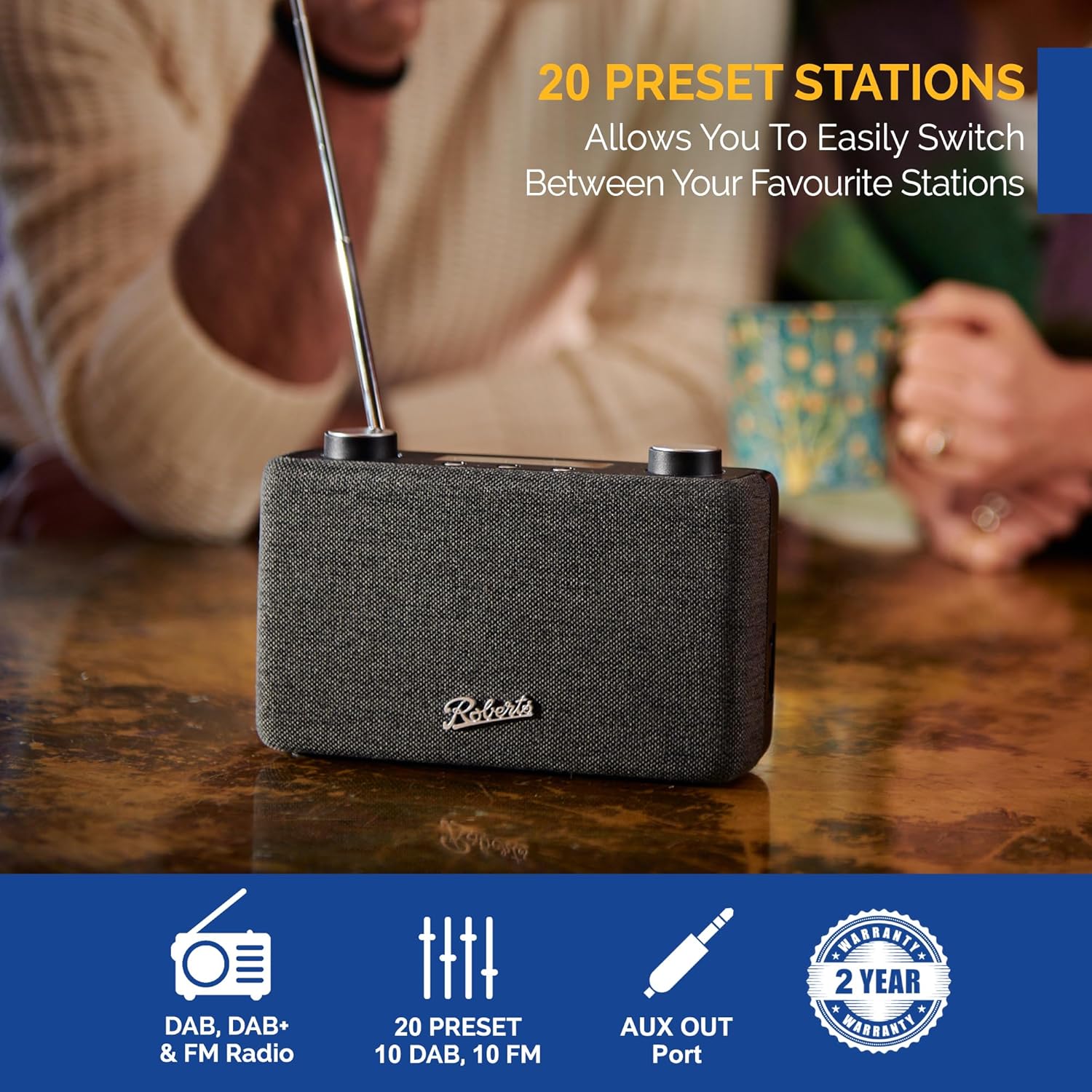
Image: The Roberts Play11 radio displayed alongside icons indicating DAB/DAB+ & FM Radio, 20 Presets, AUX Out Port, and a 2-Year Warranty badge.


