1. Introduzione
Thank you for choosing the UONI S1 P1 Robot Vacuum Cleaner. This device is designed to provide efficient and convenient cleaning for your home, featuring strong suction, Wi-Fi connectivity, and a 2-in-1 vacuum and mop function. This manual provides essential information for safe operation, setup, maintenance, and troubleshooting to ensure optimal performance of your robot vacuum.

The UONI P1 Robot Vacuum Cleaner offers a mini body, durable battery, schedule cleaning, 400ML dust box, 100 minutes runtime, and app control for a comprehensive cleaning experience.
2. Importanti istruzioni di sicurezza
Si prega di leggere attentamente tutte le istruzioni di sicurezza prima di utilizzare questo prodotto e di conservare il presente manuale per riferimento futuro. Il mancato rispetto di queste istruzioni può causare scosse elettriche, incendi o lesioni gravi.
- Questo apparecchio può essere utilizzato da bambini di età pari o superiore a 8 anni e da persone con capacità fisiche, sensoriali o mentali ridotte o prive di esperienza e conoscenza, solo se sorvegliati o istruiti sull'uso sicuro dell'apparecchio e se comprendono i pericoli connessi.
- I bambini devono essere sorvegliati per assicurarsi che non giochino con l'apparecchio.
- La pulizia e la manutenzione da parte dell'utente non devono essere eseguite da bambini senza supervisione.
- Utilizzare solo l'adattatore di alimentazione originale fornito dal produttore.
- Non utilizzare il robot aspirapolvere in ambienti umidi o vicino all'acqua.
- Prima dell'operazione, rimuovere eventuali cavi allentati, piccoli oggetti o elementi fragili dal percorso di pulizia.
- Do not operate the robot vacuum on elevated surfaces without protective barriers.
- Assicurarsi che la base di ricarica sia posizionata contro una parete su una superficie piana, lontano da fonti di calore.
3. Contenuto della confezione
Verificare che tutti i componenti siano presenti e in buone condizioni:
- UONI S1 P1 Robot Vacuum Cleaner
- Stazione di ricarica
- Adattatore di alimentazione
- Spazzole laterali (2 paia)
- Detachable Mopping Plate
- Mopping Cloth (reusable)
- Strumento di pulizia
- Manuale d'uso
4. Prodotto finitoview
Familiarize yourself with the main components of your UONI S1 P1 Robot Vacuum Cleaner.
Superiore View
The top panel features the power/clean button and Wi-Fi indicator.
Metter il fondo a View
The underside includes the driving wheels, side brushes, charging contacts, and drop sensors.
Dustbin and Mopping Plate
The dustbin is easily accessible for emptying, and the mopping plate can be attached for wet cleaning.
5. Impostazione
5.1 Posizionamento della base di ricarica
Posizionare la base di ricarica contro una parete in uno spazio aperto, assicurandosi che non vi siano ostacoli entro 1 metro (3 piedi) frontalmente e 0.5 metri (1.5 piedi) lateralmente. Collegare l'adattatore di alimentazione alla base di ricarica e inserirlo in una presa a muro.
5.2 Carica iniziale
Posizionare il robot aspirapolvere sulla base di ricarica. Assicurarsi che i contatti di ricarica sul robot siano allineati con quelli sulla base. La spia luminosa sul robot indicherà lo stato di carica. Al primo utilizzo, caricare completamente il robot per almeno 6 ore.

The robot vacuum automatically returns to its charging station when the battery is low or cleaning is complete.
5.3 Connecting to the UONI Robot App
For full control and scheduling features, download the UONI Robot App from your smartphone's app store. Follow the in-app instructions to connect your robot vacuum to your home Wi-Fi network.
This video demonstrates the UONI P1 Robot Vacuum's app remote control and automatic self-charging feature.
6. Funzionamento del robot aspirapolvere
6.1 Avvio/Pausa della pulizia
Press the power button on the robot or use the UONI Robot App to start or pause a cleaning cycle.
6.2 modalità di pulizia
The UONI S1 P1 offers multiple cleaning modes to suit different needs:
- Pulizia automatica: Il robot pulisce e naviga in modo intelligente l'intera superficie del pavimento.
- Pulizia delle macchie: Si concentra su una specifica area sporca, pulendo seguendo uno schema a spirale.
- Pulizia dei bordi: Pulisce lungo le pareti e i bordi dei mobili.
- Programma pulizia: Imposta orari specifici per la pulizia automatica del robot tramite l'app.

Illustrates the four distinct cleaning modes available to meet daily cleaning requirements.
6.3 Funzione aspirapolvere e lavapavimenti 2 in 1
The robot vacuum includes a detachable mopping plate and mopping cloth for wet cleaning. Attach the mopping plate with a damp cloth to the underside of the robot for mopping hard floors. Note: This model does not include a water tank; the cloth must be pre-dampente.

The robot features strong suction, a replaceable mopping cloth, and a 90-minute runtime for effective cleaning.
6.4 Navigazione ed evitamento degli ostacoli
The robot is equipped with sensors to detect stairs and ledges, preventing falls. Its slim design allows it to clean under furniture effectively.

Drop-sensing technology helps the robot avoid falling down stairs or off ledges.

The ultra-slim body, measuring 2.65 inches, allows for effective cleaning under beds and sofas.
7. Manutenzione
Una manutenzione regolare garantisce che il tuo robot aspirapolvere funzioni al massimo delle sue prestazioni.
7.1 Pulizia del contenitore della polvere e del filtro
Open the top cover, remove the dustbin, and empty its contents. Clean the filter by tapping it gently to remove dust. Replace the filter regularly for optimal suction.
7.2 Pulizia delle spazzole laterali
Remove any hair or debris tangled around the side brushes. Replace worn brushes to maintain cleaning efficiency.
7.3 Pulizia dei sensori e dei contatti di ricarica
Wipe the drop sensors and charging contacts on both the robot and the charging dock with a clean, dry cloth to ensure proper function and charging.

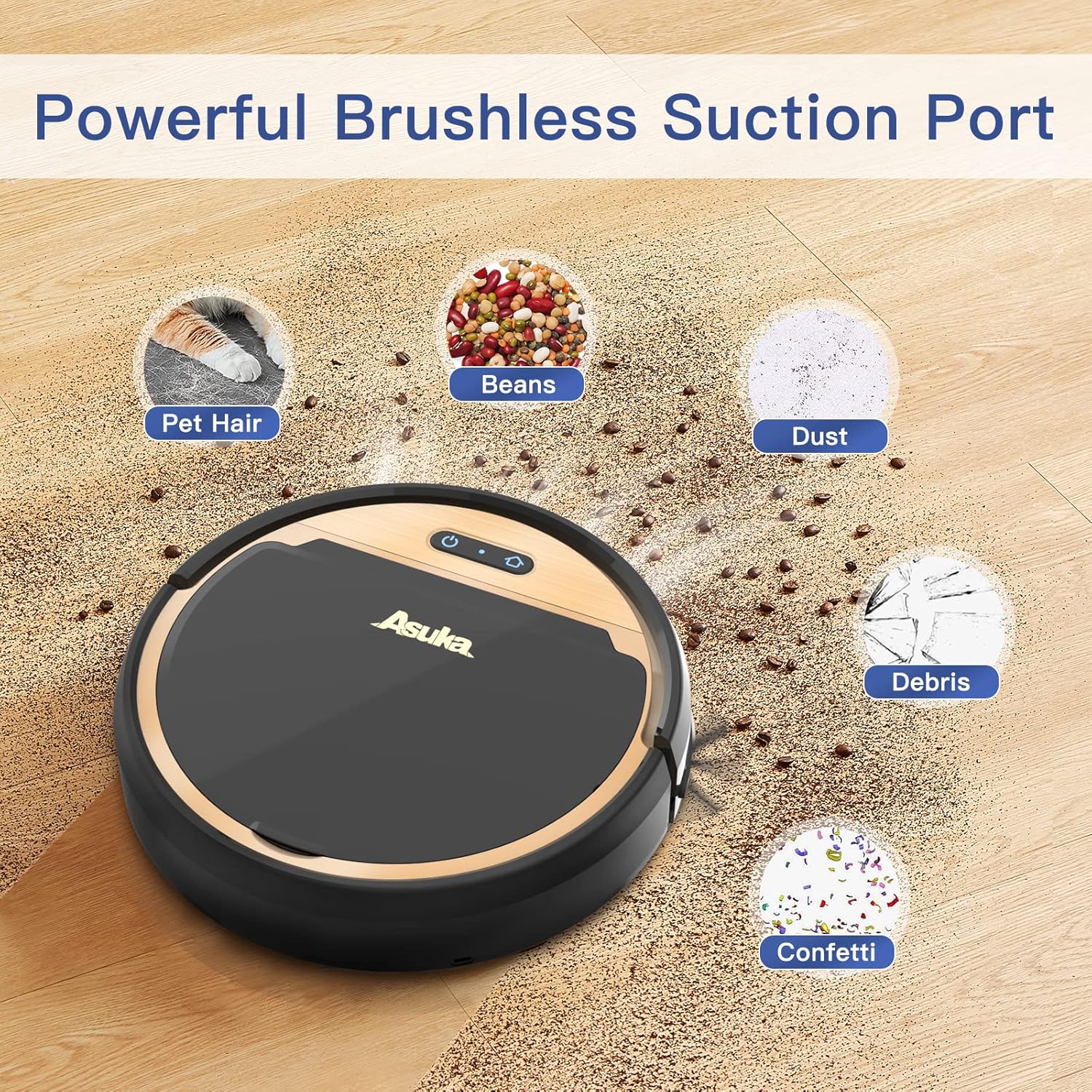
The tangle-free suction port design helps prevent hair from getting tangled, reducing maintenance compared to traditional roller brushes.
8. Risoluzione Dei Problemi
Se riscontri problemi con il tuo robot aspirapolvere, fai riferimento ai seguenti problemi comuni e alle relative soluzioni:
| Problema | Possibile causa | Soluzione |
|---|---|---|
| Il robot non si accende | Batteria scarica; interruttore di alimentazione spento | Caricare il robot; Assicurarsi che l'interruttore di alimentazione sia acceso |
| Il robot non si carica | Contatti di ricarica sporchi; Dock non alimentato | Clean contacts; Check power connection to dock |
| Scarsa aspirazione | Full dustbin; Clogged filter; Obstruction in suction port | Empty dustbin; Clean/replace filter; Remove obstruction |
| Il robot si blocca spesso | Too many obstacles; Tangled side brushes | Clear cleaning area; Clean side brushes |
| Il robot cade dalle scale | Drop sensors dirty | Clean drop sensors thoroughly |
9. Specifiche
Technical details for the UONI S1 P1 Robot Vacuum Cleaner:
- Marca: UONI
- Numero modello: P1
- Dimensioni del prodotto: 12 cm L x 12 cm P x 3 cm A
- Peso dell'articolo: 3 libbre
- Fonte di energia: Alimentato a batteria
- Durata della batteria: 90 minuti
- Tipo di filtro: Stoffa
- Caratteristiche speciali: Wi-Fi Compatible, Works with Alexa, Boost Intellect Technology, Virtual Boundary Capability, 2000Pa Strong Suction Power, Ideal for Pet Hair
- Dispositivi compatibili: Amazon Echo, Google Home, Smartphone
- Raccomandazione sulla superficie: Moquette, pavimento duro
10. Garanzia e supporto
For warranty information, technical support, or service inquiries, please refer to the warranty card included in your product packaging or visit the official UONI websito. Conserva la ricevuta d'acquisto come prova d'acquisto.


