1. Introduzione
This manual provides essential information for setting up, operating, and maintaining your realme C21Y smartphone. Please read this guide thoroughly to ensure optimal performance and longevity of your device. The realme C21Y is an international model featuring a 6.5-inch HD+ display, dual SIM capabilities, and a long-lasting battery.

Figura 1: Posteriore view of the realme C21Y smartphone.
2. Impostazione
2.1 Cosa c'è nella scatola
- Smartphone realme C21Y
- Adattatore
- Cavo USB
2.2 Installazione della scheda SIM
The realme C21Y supports dual SIM cards. Locate the SIM card tray on the side of the device. Use the provided SIM ejector tool to open the tray. Insert your Nano-SIM cards and a microSD card (if desired) into the designated slots, ensuring proper orientation. Gently push the tray back into the phone until it clicks into place.

Figure 2: SIM and microSD card tray for realme C21Y.
2.3 Accensione/Spegnimento
- Per accendere: Tieni premuto il pulsante di accensione (situato sul lato destro) finché non appare il logo realme.
- Per spegnere: Tenere premuto il pulsante di accensione, quindi selezionare "Spegni" dalle opzioni sullo schermo.
- Ricominciare: Tieni premuto il pulsante di accensione, quindi seleziona "Riavvia" dalle opzioni.
2.4 Configurazione iniziale
Alla prima accensione, il dispositivo ti guiderà attraverso la procedura di configurazione iniziale. Questa include la selezione della lingua, la connessione a una rete Wi-Fi, la configurazione del tuo account Google e la configurazione delle funzionalità di sicurezza come lo sblocco tramite impronta digitale.
3. Utilizzo del dispositivo
3.1 Display e navigazione
The realme C21Y features a 6.5-inch HD+ LCD touchscreen with a resolution of 1600 x 720 pixels. Navigate the device using touch gestures: tap to select, swipe to scroll, pinch to zoom, and long-press for additional options.

Figura 3: Fronte view of the realme C21Y display.
3.2 Funzioni della fotocamera
The device is equipped with a 13MP AI Triple Camera system on the rear and a front camera for selfies and video calls. The rear camera setup includes a 13MP primary camera, a 2MP B&W lens, and a 2MP macro lens. Key features include Super NightScape for enhanced low-light photography, Chroma Boost for vibrant colors, and 1080P video recording.
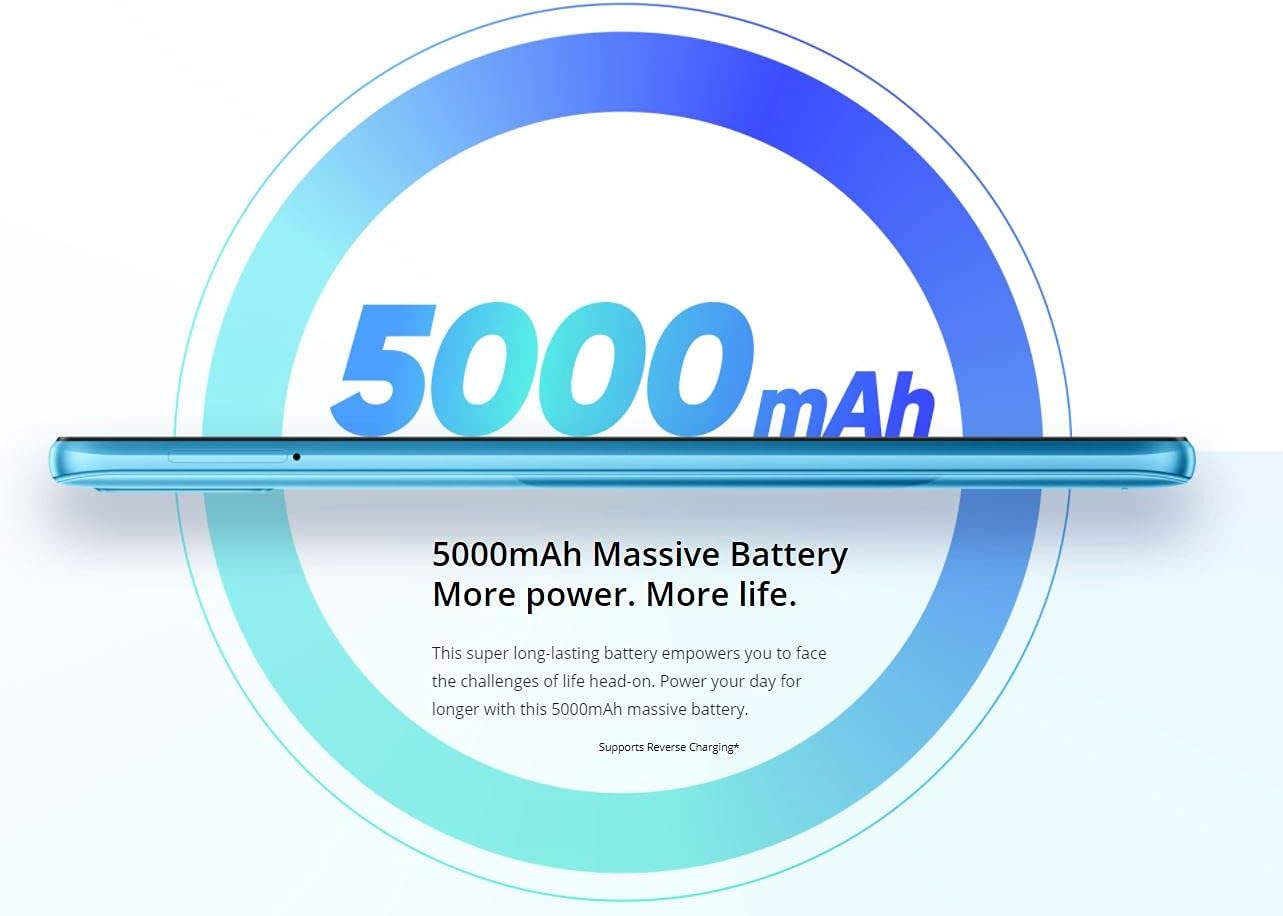
Figure 4: Details of the realme C21Y's 13MP AI Triple Camera.
3.3 Gestione della batteria
The realme C21Y is powered by a 5000mAh battery, providing extended usage time. To optimize battery life, manage background app usage, adjust screen brightness, and enable power-saving modes when needed. Use the provided adapter and USB cable for charging.

Figure 5: The 5000mAh massive battery of the realme C21Y.
3.4 Connettività
The device supports Bluetooth and Cellular wireless communication technologies. For audio, please note that there is no dedicated headphone jack, requiring the use of wireless headphones or a USB-C to 3.5mm adapter (not included).
4. Manutenzione
4.1 Pulizia del dispositivo
To clean your realme C21Y, power it off and gently wipe the screen and back panel with a soft, lint-free cloth. Avoid using harsh chemicals or abrasive materials that could damage the screen or finish. Do not expose the device to excessive moisture.
4.2 Aggiornamenti software
Regularly check for and install software updates to ensure your device has the latest security patches, features, and performance improvements. You can usually find update options in the device's 'Settings' menu under 'System' or 'About phone'.
5. Risoluzione Dei Problemi
If you encounter issues with your realme C21Y, try the following basic troubleshooting steps:
- Il dispositivo non risponde: Per forzare il riavvio, tenere premuto il pulsante di accensione per circa 10-15 secondi.
- La batteria si scarica rapidamente: Check background app usage, reduce screen brightness, and ensure all apps are updated.
- Problemi di connettività di rete: Attiva e disattiva la modalità aereo, riavvia il dispositivo o controlla l'installazione della scheda SIM.
- App che si bloccano: Clear the cache and data for the problematic app in 'Settings' > 'Apps', or reinstall the app.
Per problemi più complessi, fare riferimento al supporto ufficiale realme websito o contattare il servizio clienti.
6. Specifiche
| Caratteristica | Specificazione |
|---|---|
| Nome del modello | C21Y |
| Sistema operativo | Android |
| Memoria RAM | 4 GB |
| Capacità di archiviazione della memoria | 64 GB |
| Dimensioni dello schermo | 6.5 pollici |
| Risoluzione | 1600x720 |
| Capacità della batteria | 5000 milioneamp Ore |
| Velocità della CPU | 1.8 GHz |
| Peso dell'articolo | 14 once |
| Dimensioni del prodotto | 6 x 4 x 2 pollici |
| Comunicazione senza fili | Bluetooth, cellulare |
| Presa audio | Nessun jack per le cuffie |
7. Garanzia e supporto
Per informazioni dettagliate sulla garanzia, fare riferimento alla scheda di garanzia inclusa con il prodotto o visitare il sito ufficiale realme websito. Conservare la prova d'acquisto per eventuali reclami in garanzia.
If you require technical assistance or have questions not covered in this manual, please contact realme customer support through their official channels.


