Introduzione
Grazie per l'acquistoasing the DELTACO GAMING Chair, Model GAM-080. This ergonomic gaming chair is designed to provide comfort and support during long gaming sessions, featuring adjustable components and integrated RGB lighting. Please read this manual carefully before assembly and use to ensure proper operation and longevity of your chair.
Informazioni sulla sicurezza
- Assicurarsi che tutti i componenti siano fissati saldamente prima dell'uso.
- Non salire sulla sedia.
- Non utilizzare la sedia se qualche parte è danneggiata o mancante.
- Durante la regolazione, tenere mani e dita lontane dalle parti mobili.
- This chair is designed for a maximum weight of 120 kg (264 lbs). Exceeding this limit may cause damage or injury.
- The RGB lighting requires a USB power source. Ensure the cable is not pinched or damaged.
Contenuto della confezione
Prima di iniziare il montaggio, verificare che tutti i componenti siano presenti e integri. Se qualche componente risulta mancante o danneggiato, contattare l'assistenza clienti.
- Schienale
- Base del sedile
- Braccioli (2)
- Base a stella
- Rotelle (5)
- Cilindro di sollevamento a gas
- Coperchio per ascensore a gas
- Piastra del meccanismo
- Cuscino lombare
- Cuscino poggiatesta
- Ferramenta di montaggio (viti, rondelle, chiave a brugola)
- Telecomando RGB
- USB Power Cable for RGB
Installazione e assemblaggio
Please follow these steps carefully for proper assembly. It is recommended to assemble the chair on a soft, clean surface to prevent damage.
- Fissare le rotelle alla base stellare: Inserire ciascuna delle cinque rotelle nei fori all'estremità della base a stella finché non scattano saldamente in posizione.
- Inserire il pistone a gas: Posizionare il cilindro del pistone a gas nel foro centrale della base a stella. Coprirlo con il coperchio del pistone a gas.
- Fissare la piastra del meccanismo alla base del sedile: Align the mechanism plate with the pre-drilled holes on the underside of the seat base. Ensure the front of the mechanism plate faces the front of the seat. Secure with screws.
- Fissare i braccioli alla base del sedile: Secure the armrests to the sides of the seat base using the provided screws. Ensure they are firmly attached.
- Fissare lo schienale alla base del sedile: Allineare lo schienale con le staffe di montaggio sulla base del sedile. Fissare con le viti.
- Collegare il sedile al pistone a gas: Posizionare con attenzione il sedile e lo schienale assemblati sul cilindro di sollevamento a gas, assicurandosi che siano centrati e stabili.
- Fissare il poggiatesta e i cuscini lombari: Secure the headrest pillow and lumbar cushion to the chair using their respective straps.

Image: The DELTACO GAMING Chair fully assembled, showcasing its ergonomic design and RGB lighting strips along the edges.
Istruzioni per l'uso
Regolazione dell'altezza
Per regolare l'altezza della sedia, tirare verso l'alto la leva situata sul lato destro del sedile. Da seduti, sollevare il peso dalla sedia per alzarla, oppure rimanere seduti per abbassarla. Rilasciare la leva per bloccare l'altezza.
Reclinazione dello schienale
The backrest can be reclined between 90 and 180 degrees. Pull the recline lever, typically located on the right side of the chair, and lean back or forward to achieve your desired angle. Release the lever to lock the backrest in position.

Image: An illustration demonstrating the chair's ability to recline from an upright position to a nearly flat position, indicated by an orange arrow.
RGB Lighting Operation
The chair features integrated RGB lighting with 332 LED modes. To activate the lighting, connect the chair's USB cable to a 5V USB power source (e.g., a power bank, computer USB port, or USB wall adapter). Use the included remote control to change colors, modes, and brightness.
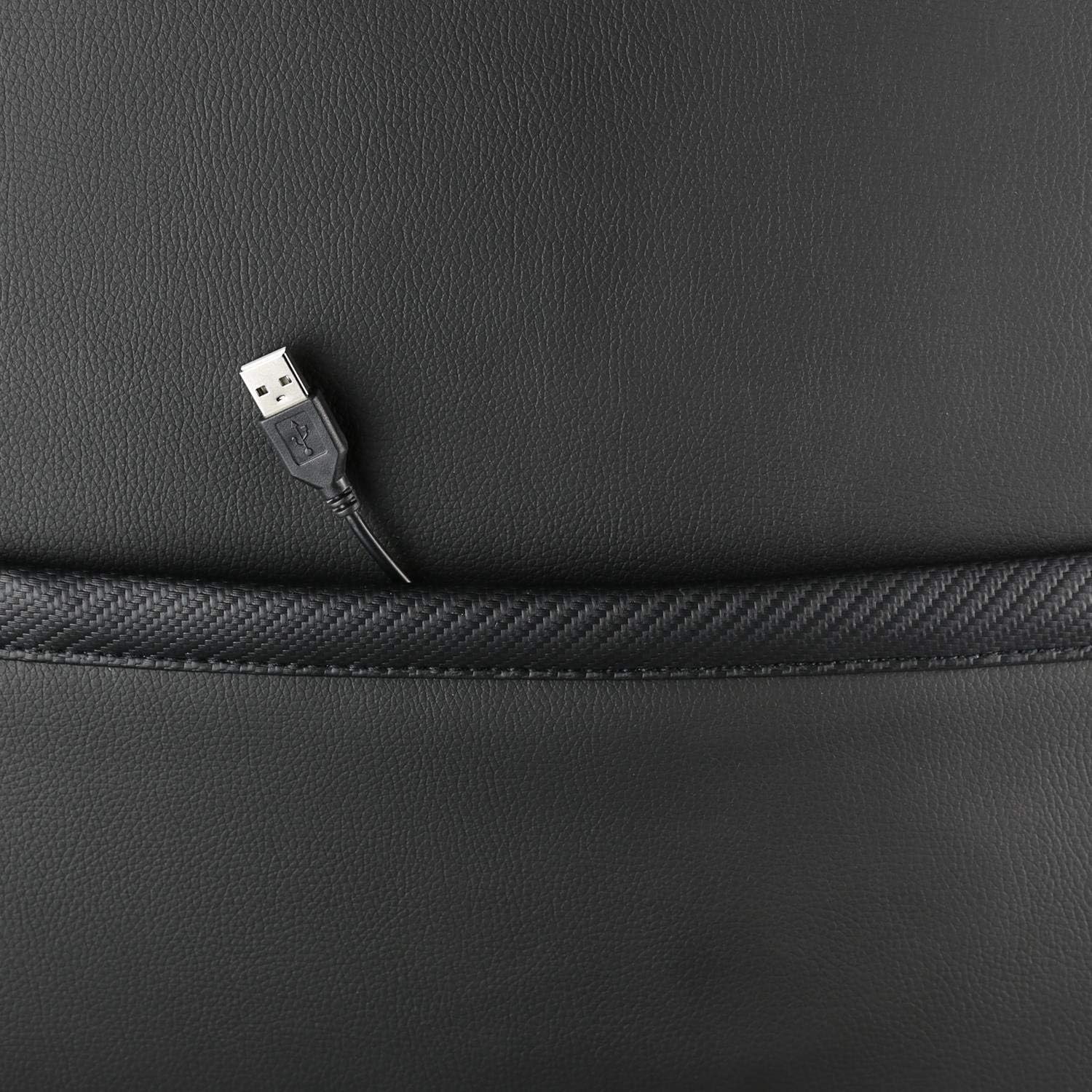
Immagine: un primo piano view showing the USB power cable emerging from a pocket on the chair, used to power the RGB lighting.

Immagine: Un overview image of the DELTACO GAMING RGB Gaming Chair highlighting features such as remote control for RGB lights, adjustable headrest, included lumbar cushion, and adjustable backrest from 90-180 degrees, along with 332 LED modes.
Manutenzione e cura
- Pulizia: Pulisci con un annuncioamp cloth. Do not use harsh chemicals or abrasive cleaners, as this may damage the faux leather.
- Ispezione: Controllare periodicamente tutte le viti e i bulloni per assicurarsi che siano ben serrati. Serrarli nuovamente se necessario.
- Magazzinaggio: Store the chair in a cool, dry place away from direct sunlight to prevent material degradation.
- Cavo USB: Ensure the USB power cable for the RGB lighting is not kinked or damaged.
Risoluzione dei problemi
| Problema | Possibile causa | Soluzione |
|---|---|---|
| La sedia non è regolabile in altezza. | Malfunzionamento del cilindro di sollevamento del gas o leva non innestata. | Assicurarsi che la leva di regolazione dell'altezza sia completamente tirata. Se il problema persiste, potrebbe essere necessario sostituire il pistone a gas. |
| Lo schienale non si reclina né si blocca. | Meccanismo di reclinazione bloccato o leva non innestata. | Controllare che non vi siano ostruzioni attorno al meccanismo di reclinazione. Assicurarsi che la leva di reclinazione sia completamente inserita. |
| L'illuminazione RGB non funziona. | USB power not connected, cable damaged, or remote control battery low. | Verify the USB cable is securely connected to a working 5V power source. Check the cable for damage. Replace remote control battery if necessary. |
| La sedia è traballante. | Viti allentate o rotelle non completamente inserite. | Tighten all assembly screws. Ensure all casters are fully inserted into the star base. |
Specifiche
| Caratteristica | Dettaglio |
|---|---|
| Nome del modello | GAM-080 |
| Marca | DELTACO GIOCO |
| Colore | Nero |
| Materiale | Faux leather, Foam |
| Peso massimo raccomandato | 120 chilogrammi (264 libbre) |
| Dimensioni del prodotto (L x P x A) | 22.44 x 26.77 x 57.87 pollici |
| Peso dell'articolo | 46.2 libbre |
| Caratteristiche speciali | RGB Lighting, Adjustable Backrest (90-180°), Adjustable Height, Lumbar Cushion, Headrest Pillow |
| Power Source for RGB | USB 5V |
Garanzia e supporto
This DELTACO GAMING Chair (Model GAM-080) comes with a 1-year spare part availability duration within the EU, as per manufacturer specifications.
For technical support, warranty claims, or inquiries regarding spare parts, please contact DELTACO GAMING customer support. Refer to your purchase documentation for specific contact details or visit the official DELTACO GAMING websito.
Note: Proof of purchase may be required for warranty services.


