Introduzione
The NEEWER NW-040 is a cardioid dynamic microphone designed for various audio applications. It features a robust metal housing and a unidirectional pickup pattern. This manual provides instructions for the proper setup, operation, and maintenance of your microphone.

Image: The NEEWER NW-040 Cardioid Dynamic Microphone, a handheld microphone with a black finish.
Contenuto della confezione
Verifica che tutti gli articoli elencati di seguito siano inclusi nel tuo pacchetto:
- 1 x NEEWER NW-040 Cardioid Dynamic Microphone
- 1 x XLR Male to XLR Female Cable
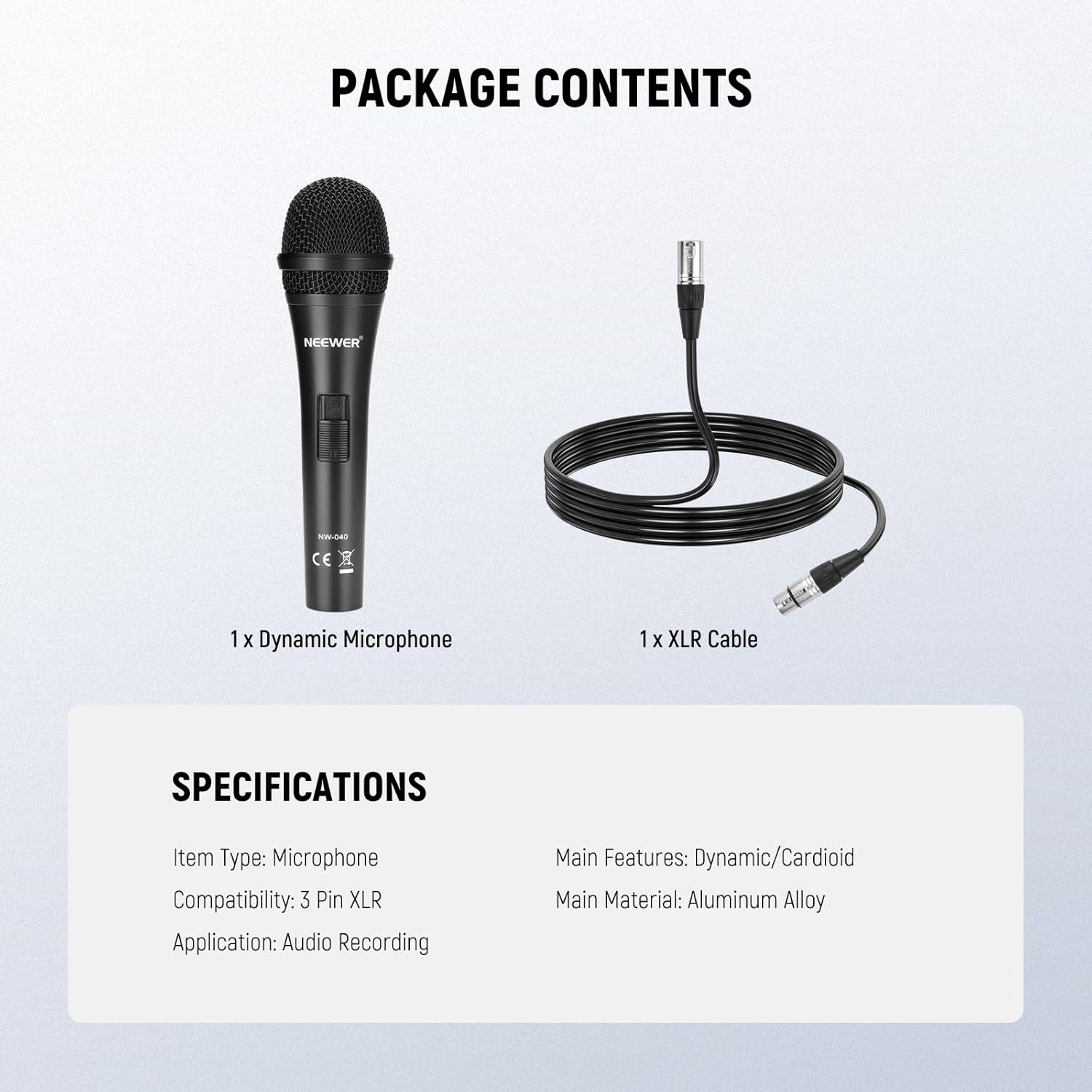
Image: A visual representation of the package contents, showing the NW-040 microphone and its included XLR cable.
Impostare
- Collegare il cavo XLR: Insert the male end of the provided XLR cable into the XLR port at the base of the NW-040 microphone. Ensure a secure connection.
- Collegamento all'apparecchiatura audio: Connect the female end of the XLR cable to a compatible audio input on your mixer, audio interface, or DMX console.
- Fissare il microfono: If using a microphone stand, attach the microphone securely to the stand using an appropriate microphone clip (not included unless specified in a bundle).
- Accensione: Ensure your audio equipment is powered on and ready to receive input from the microphone.
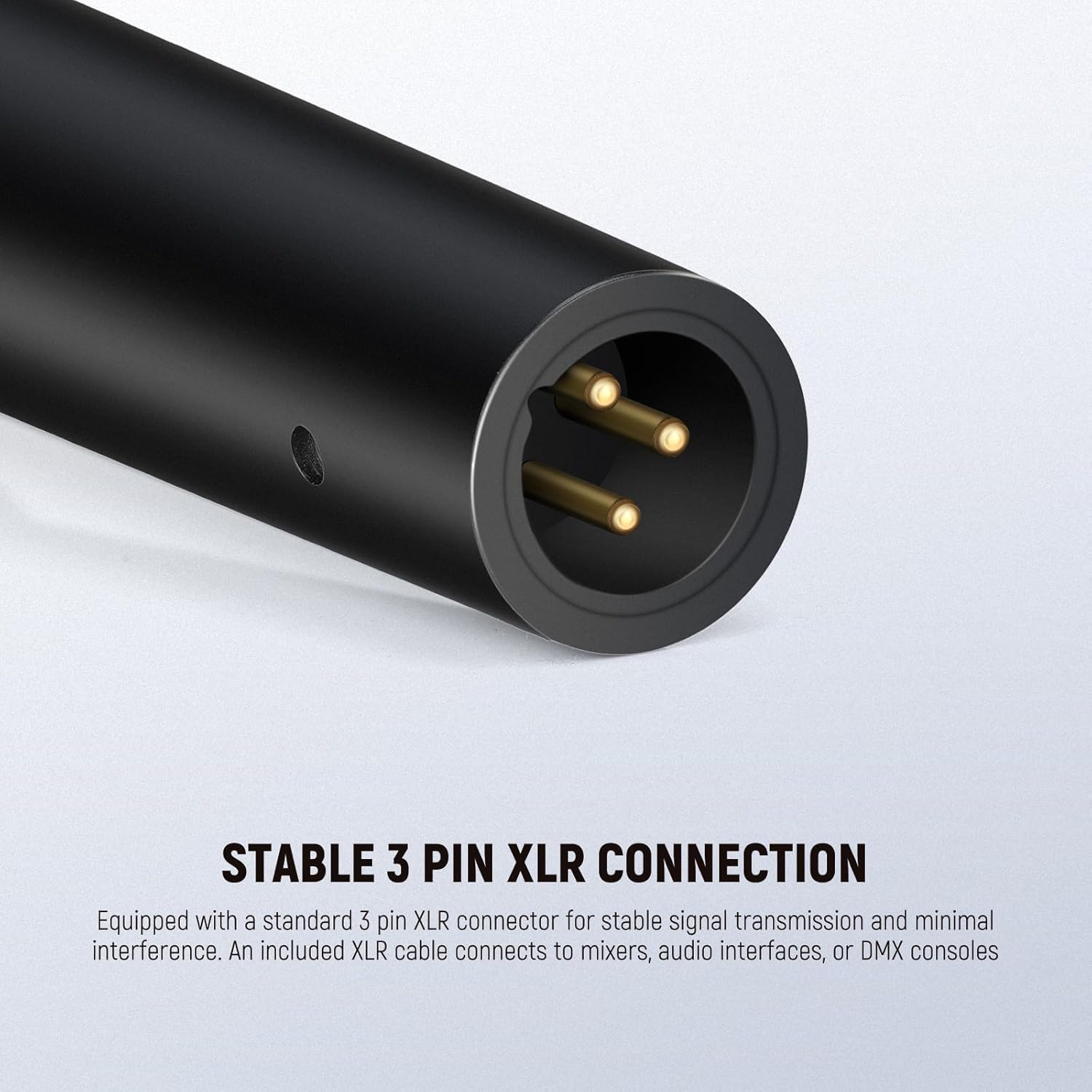
Immagine: Un dettaglio view of the 3-pin XLR connector at the base of the microphone, illustrating the connection point.
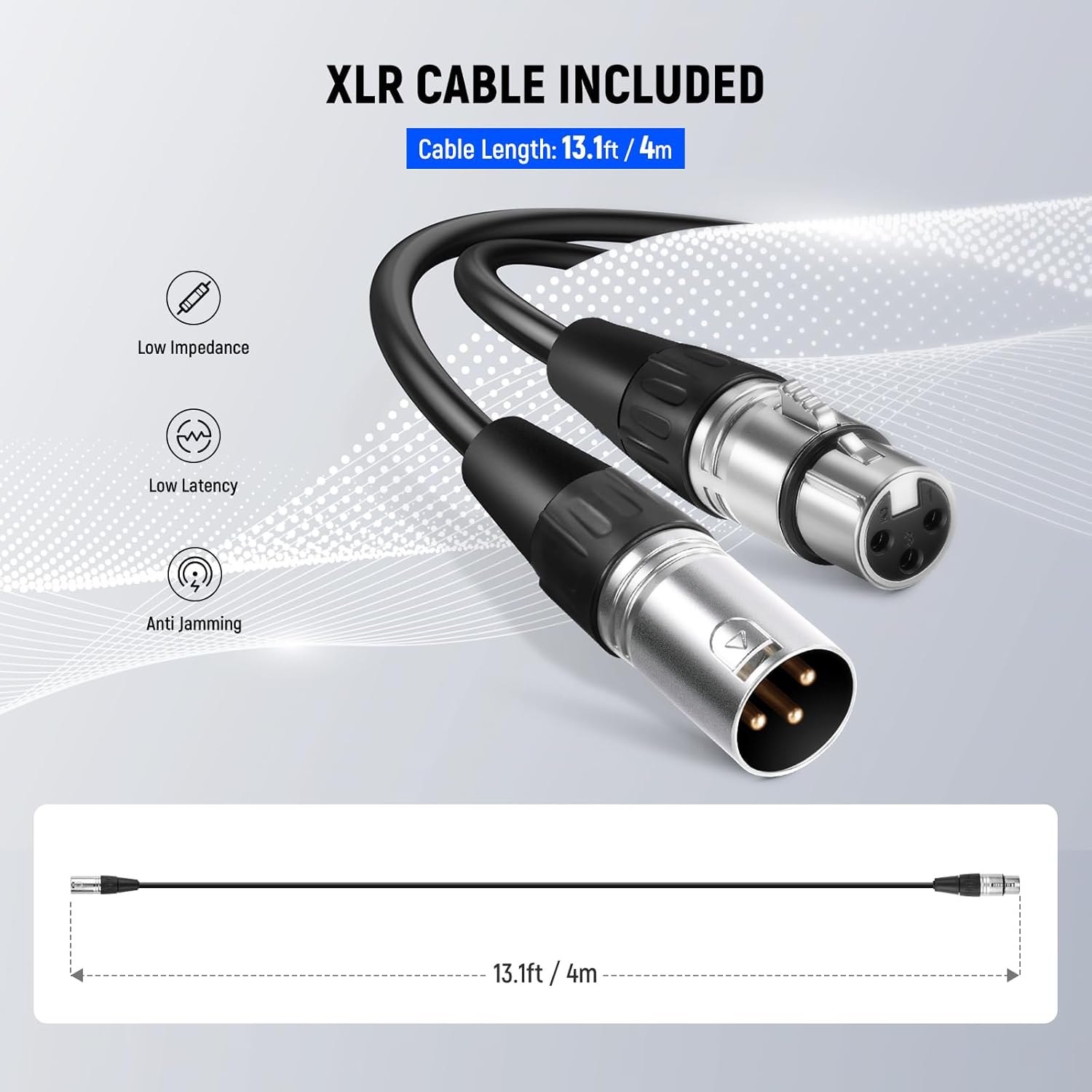
Image: The included 13.1ft (4m) XLR male to XLR female cable, used for connecting the microphone to audio devices.
Istruzioni per l'uso
- Posizionamento del microfono: Position the microphone with the grille facing the sound source. The NW-040 features a cardioid polar pattern, which means it is most sensitive to sounds coming from directly in front of it and less sensitive to sounds from the sides and rear.
- Distanza ottimale: For vocals and speech, maintain a consistent distance from the microphone, typically 2-6 inches (5-15 cm), to achieve balanced sound. Experiment with distance to find the best sound for your specific application.
- Regolazione del guadagno: Adjust the input gain on your mixer or audio interface to an appropriate level. Avoid setting the gain too high, which can lead to distortion, or too low, which can result in a weak signal.
- Applicazioni: The NW-040 is suitable for various uses including vocal recordings, musical instrument amplification, public speaking, podcasting, and live streaming.
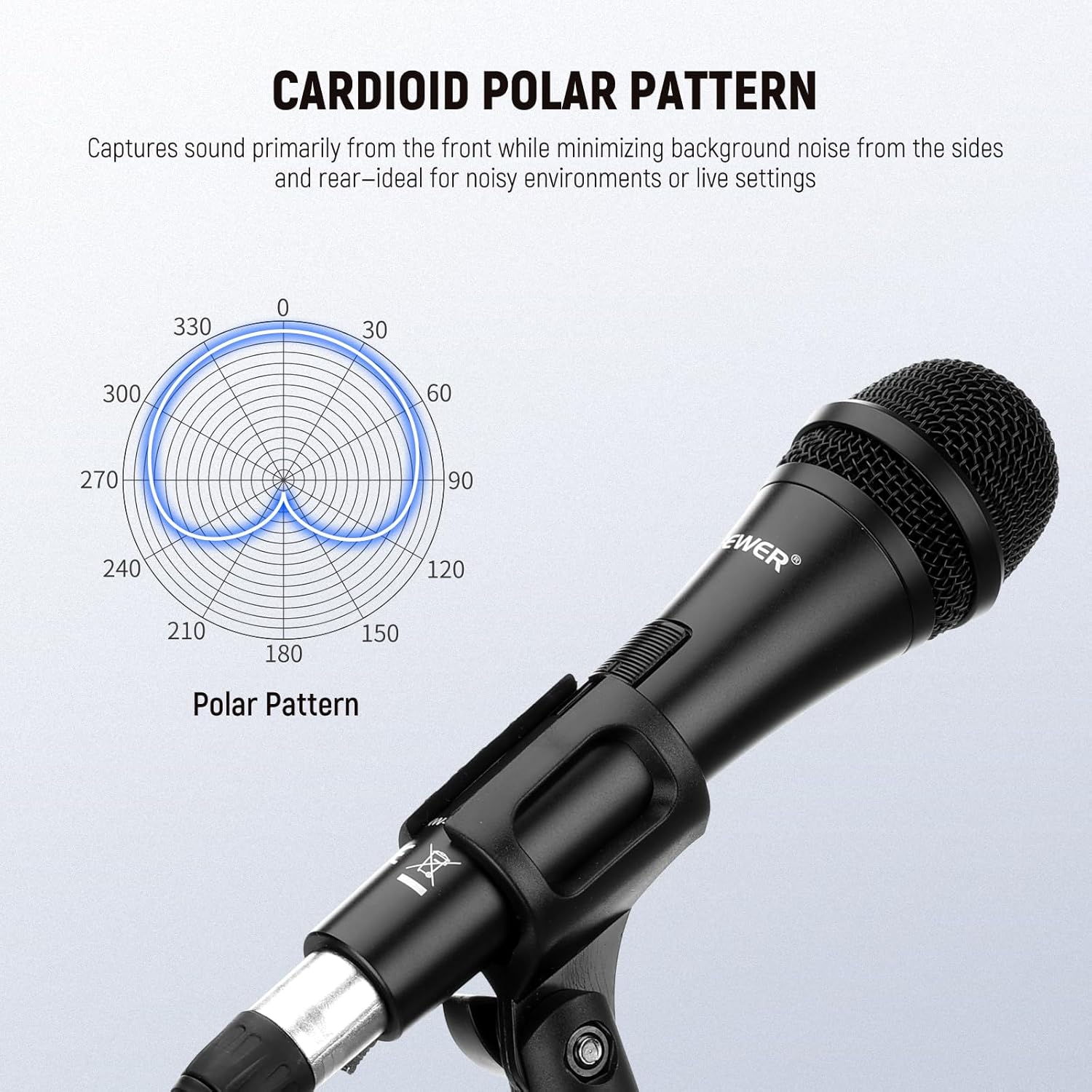
Image: A diagram illustrating the cardioid polar pattern, showing sound pickup primarily from the front.

Image: A person using the NW-040 microphone in a studio setting, demonstrating its use for professional audio recording.

Image: A collage showing the microphone being used in different scenarios, including singing, instrument recording, public speaking, and gaming/streaming.
Manutenzione
- Pulizia: To maintain microphone performance, keep it clean. Use a soft, dry cloth to wipe the exterior. Do not use liquid cleaners directly on the microphone grille or body.
- Magazzinaggio: Store the microphone in a dry environment, away from extreme temperatures and humidity. When not in use, consider storing it in a protective case to prevent dust accumulation and physical damage.
- Gestione: Avoid dropping the microphone or subjecting it to harsh impacts, as this can damage internal components.
Risoluzione dei problemi
- Nessuna uscita audio:
- Controllare tutti i collegamenti dei cavi XLR sia sul microfono che sull'apparecchiatura audio.
- Ensure the connected audio device (mixer, interface) is powered on and the correct input channel is selected.
- Verify that the input gain and volume levels on your audio equipment are not set to zero.
- Suono distorto:
- Reduce the input gain on your audio equipment. High gain settings can cause signal clipping and distortion.
- Ensure you are not speaking or singing too loudly directly into the microphone, which can overload the capsule.
- Rumore di fondo eccessivo:
- Adjust microphone placement to minimize pickup of unwanted ambient sounds, utilizing its cardioid pattern.
- Check for any electrical interference from nearby devices or cables.
- Ensure the gain setting is not excessively high, which can ampattenuare il rumore di fondo.
Specifiche
| Caratteristica | Specificazione |
|---|---|
| Nome del modello | NO-040 |
| Fattore di forma del microfono | Portatile |
| Modello polare | Unidirezionale (cardioide) |
| Tecnologia di connettività | XLR |
| Tipo di connettore | XLR |
| Impedenza | 600 Ohm |
| Signal-to-Noise Ratio | 70 dB |
| Materiale | Metallo (lega di alluminio) |
| Colore | Nero |
| Dimensioni articolo (L x P x A) | 8.86 x 4.92 x 0.79 pollici |
| Peso dell'articolo | 1.32 libbre |
| Usi consigliati | Singing, Public Speaking, Podcast, Gaming, Streaming, Musical Instruments |
| Dispositivi compatibili | Personal Computer, Laptop, Speaker, Amplifier, Karaoke Machine, Mixer, Audio Interface, Digital Recorder |
Garanzia e supporto
For detailed warranty information and customer support, please visit the official NEEWER webo contattare il servizio clienti. Si consiglia di conservare la ricevuta d'acquisto come prova d'acquisto per eventuali reclami in garanzia.
Puoi trovare maggiori informazioni e supporto su Negozio NEEWER su Amazon.


