Grazie per l'acquistoasing the PROSCAN 37-Inch Bluetooth Sound Bar. This ultra-slim sound bar is designed to enhance your audio experience with your Smart TV, offering versatile connectivity options including Bluetooth, Optical Digital Audio Input, and Aux-In. This manual provides detailed instructions for setup, operation, maintenance, and troubleshooting to ensure optimal performance and longevity of your device.
Informazioni importanti sulla sicurezza
AVVERTENZA: questo prodotto contiene sostanze chimiche note allo Stato della California come causa di cancro e difetti alla nascita o altri danni riproduttivi.
Leggere tutte le istruzioni prima di utilizzare il dispositivo.
Conservare questo manuale per riferimento futuro.
Non esporre l'unità alla pioggia o all'umidità.
Non ostruire le aperture di ventilazione.
Garantire una corretta alimentazione voltage come indicato sull'unità.
Scollegare l'unità durante i temporali o quando non viene utilizzata per lunghi periodi.
Affidare tutti gli interventi di assistenza a personale qualificato.
Cosa c'è nella scatola
Image: Contents of the PROSCAN Sound Bar box, showing the sound bar, remote control, AC power adapter, stereo audio connection cable, RCA audio cable, and mount screws.
Si prega di verificare che tutti i seguenti articoli siano inclusi nel pacchetto:
PROSCAN 37-Inch Bluetooth Sound Bar
Telecomando
Adattatore di alimentazione CA.
Stereo Audio Connection Cable
Cavo audio RCA
Mount Screws (for wall mounting)
Manuale dell'utente (questo documento)
Prodotto finitoview
Image: The PROSCAN 37-Inch Bluetooth Sound Bar positioned in front of a curved television screen, with its remote control placed nearby. The sound bar is sleek and black.
The PROSCAN 37-Inch Bluetooth Sound Bar is designed for optimal audio performance and ease of use. It features a sleek, ultra-slim design that complements any home entertainment setup.
Pannello frontale
Immagine: Un fronte diretto view of the PROSCAN 37-Inch Bluetooth Sound Bar, showcasinil suo design minimalista e la griglia dell'altoparlante.
The front panel features the speaker grille and an LED indicator that shows the current input mode and status.
Pannello posteriore (connessioni)
The rear panel houses all the necessary input ports for connecting to your audio sources.
Optical Digital Audio Input: For high-quality digital audio connection from your TV or other devices.
Ingresso AUX (3.5 mm): For connecting analog audio devices.
DC IN: Porta di ingresso alimentazione.
Telecomando
The included remote control allows you to manage all functions of the sound bar conveniently.
The sound bar can be placed on a table stand or wall-mounted.
Image: The PROSCAN Sound Bar wall-mounted directly above a flat-screen television, demonstrating a clean and space-saving installation.
Supporto da tavolo: Place the sound bar on a stable, flat surface in front of your TV. Ensure it does not block the TV's remote sensor.
Wall Mount: Use the included mount screws to securely attach the sound bar to a wall. Refer to the wall mounting template (if provided separately) for precise drilling locations. Ensure the wall can support the weight of the sound bar.
2. Collegamento delle sorgenti audio
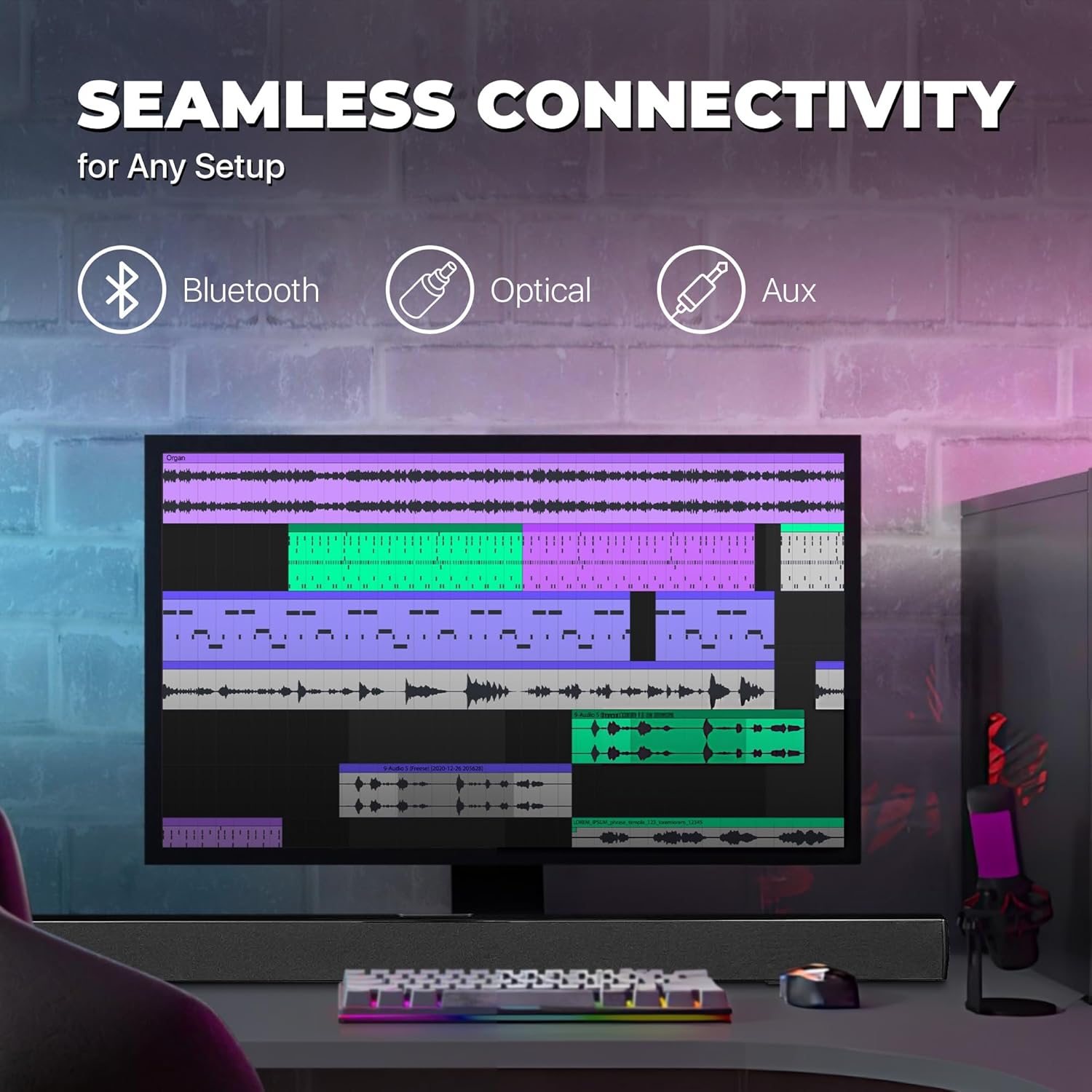
Image: A graphic illustrating the seamless connectivity options of the sound bar, including icons for Bluetooth, Optical, and Aux connections, with a sound bar placed below a computer monitor.
Scegli uno dei seguenti metodi per collegare la tua sorgente audio:
Connessione audio digitale ottica:
Connect an optical cable (not included) from the OPTICAL OUT port on your TV or audio device to the OPTICAL IN port on the sound bar. This provides high-quality digital audio.
Connessione AUX (3.5 mm):
Use the included 3.5mm audio cable to connect the AUX IN port on the sound bar to the headphone jack or audio output port on your device (e.g., TV, smartphone, MP3 player).
Connessione Bluetooth:
For wireless audio streaming from Bluetooth-enabled devices like smartphones, tablets, or laptops. (Detailed pairing instructions in the Operating section).
3. Collegamento elettrico
Connect the included AC power adapter to the DC IN port on the sound bar, then plug the adapter into a standard wall outlet.
Istruzioni per l'uso
Accensione/spegnimento
Premere il tasto ENERGIA button on the remote control or on the sound bar to turn the unit on or off.
Selezione della sorgente di ingresso
Premere il tasto INGRESSO button on the remote control repeatedly to cycle through the available input sources: Bluetooth, Optical, AUX, FM. The LED indicator on the front panel will change to reflect the selected input.
Controllo del volume
Utilizzare il Volume+ E vol- buttons on the remote control to adjust the volume. Press the MUTE pulsante per disattivare temporaneamente l'audio.
Accoppiamento Bluetooth
Accendi la soundbar e seleziona la modalità Bluetooth utilizzando INGRESSO button. The LED indicator will flash, indicating it's in pairing mode.
Abilita il Bluetooth sul tuo dispositivo (smartphone, tablet, ecc.) e cerca i dispositivi disponibili.
Select "PSB3713-OP" from the list of found devices.
Once paired, the LED indicator will stop flashing and remain solid. You can now play audio from your device through the sound bar.
Funzionamento della radio FM
Per utilizzare la radio FM integrata:
Selezionare la modalità FM utilizzando il INGRESSO pulsante.
Premere il tasto SCANSIONE button on the remote control to automatically scan and save available FM stations.
Utilizzare il PRECEDENTE E PROSSIMO pulsanti per navigare tra le stazioni salvate.
Manutenzione
Pulizia: Use a soft, dry cloth to clean the surface of the sound bar. Do not use liquid cleaners or aerosol sprays.
Magazzinaggio: Se si conserva l'unità per un periodo prolungato, scollegarla dalla presa di corrente e conservarla in un luogo fresco e asciutto.
Ventilazione: Ensure the sound bar has adequate ventilation and is not covered by cloths or other materials that could block airflow.
Risoluzione dei problemi
Problema
Possibile causa
Soluzione
Nessun potere
Adattatore di alimentazione non collegato o presa non funzionante.
Ensure the power adapter is securely connected to the sound bar and a working power outlet.
Nessun suono
Incorrect input source selected; volume too low; audio cable not connected properly.
Select the correct input source (Bluetooth, Optical, AUX). Increase the volume. Check all audio cable connections. Ensure TV audio output is set correctly (e.g., PCM for Optical).
L'associazione Bluetooth non riesce
Soundbar non in modalità di associazione; dispositivo troppo lontano; interferenza.
Ensure the sound bar is in Bluetooth pairing mode (flashing LED). Move your device closer to the sound bar. Turn off other Bluetooth devices to reduce interference.
Il telecomando non funziona
Batteries are dead or inserted incorrectly; obstacle between remote and sound bar.
Replace the remote control batteries. Ensure there is no obstruction between the remote and the sound bar's sensor.
Scarsa ricezione FM
Segnale debole.
Adjust the position of the sound bar or try rescanning for stations.
Specifiche
Caratteristica
Dettaglio
Nome del modello
Codice PSB3713-OP
Tipo di altoparlante
Barra audio
Dimensioni dell'altoparlante
37 pollici
Tecnologia di connettività
Bluetooth, Auxiliary (3.5mm), Optical
Comunicazione senza fili
Bluetooth, radio FM
Modalità di uscita audio
Stereo, suono surround
Potenza massima in uscita dell'altoparlante
40 Watt
Impedenza
4 Ohm
Dimensioni del prodotto (P x L x A)
3.25"P x 3.25"L x 41.5"A
Peso dell'articolo
4.55 libbre
Colore
Nero
Fonte di alimentazione
Elettrico con cavo
Tipo di controllore
Telecomando
Tipo di montaggio
Supporto per barra
Garanzia e supporto
This PROSCAN product comes with a Limited Warranty. For specific warranty terms and conditions, please refer to the warranty card included in your product packaging or contact PROSCAN customer support.
For technical support, troubleshooting assistance, or service inquiries, please contact the manufacturer, Curtis International LTD, or visit the PROSCAN official websito per le informazioni di contatto.
Manuale utente dell'altoparlante soundbar PROSCAN da 37" | Modello PSB3713-B Manuale utente completo per l'altoparlante soundbar PROSCAN da 37" (modello PSB3713-B). Scopri le istruzioni di sicurezza, il montaggio, il prodottoview, telecomando, alimentazione, impostazione dell'ora, radio FM, ingresso AUX, connettività Bluetooth e specifiche.
ProScan PSB3713-OP Bluetooth 37" Soundbar User Manual Official user manual for the ProScan PSB3713-OP Bluetooth 37" Soundbar. Provides detailed instructions on safety, installation, operation, connectivity (Bluetooth, AUX, Optical), troubleshooting, and specifications.
Manuale dell'utente del sistema soundbar Bluetooth PROSCAN PSB377W Manuale utente completo per il sistema soundbar Bluetooth PROSCAN PSB377W, con istruzioni di sicurezza, descrizioni del pannello e del telecomando, guide all'installazione, suggerimenti per la risoluzione dei problemi, caratteristiche e specifiche.
Manuale utente del lettore DVD portatile con schermo girevole Proscan Elite da 13.3" Questo manuale utente fornisce istruzioni complete per il lettore DVD portatile con schermo girevole da 13.3" Proscan Elite (modello n.: PEDVD1332), che riguardano la configurazione, il funzionamento, le caratteristiche, la risoluzione dei problemi e le informazioni sulla garanzia.
Manuale utente del tablet PROSCAN PLT7777G Manuale utente completo per il tablet PROSCAN PLT7777G, che comprende configurazione, funzionalità, impostazioni di sistema, specifiche e punti di attenzione importanti.