Prodotto finitoview
This PROSCAN SRCD243 Portable CD Player with AM/FM Radio Boombox offers versatile audio playback. It features an AM/FM radio, a CD player compatible with CD-R discs, skip and search functions, and a 20-track programmable memory. The unit can be powered by AC or batteries.
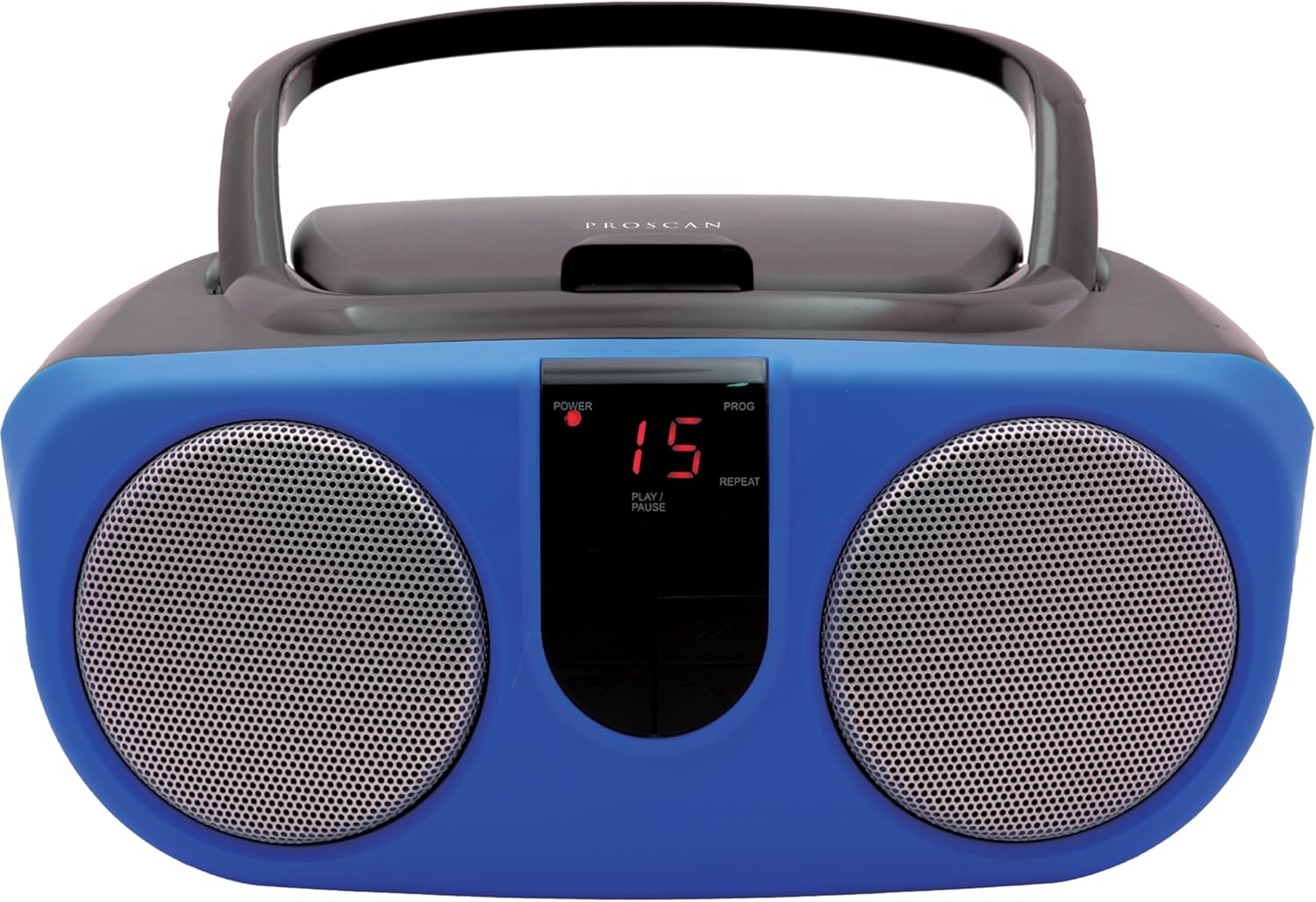
Description: Front view of the PROSCAN SRCD243 Portable CD Player with AM/FM Radio Boombox in blue, showcasing its dual speakers and central control panel.
Cosa c'è nella scatola
- Sylvania SRCD243 Portable CD Player with AM/FM Radio, Boombox (Blue)
Impostare
Alimentazione dell'unità
The SRCD243 can be powered in two ways:
- Alimentazione CA: Connect the included AC adapter to the AC IN jack on the back of the unit and plug it into a standard 120V/60Hz wall outlet.
- Potenza della batteria: For portable use, insert 8 'C' (UM-2) size batteries into the battery compartment located on the bottom of the unit. Ensure correct polarity.
Description: This image displays the rear of the boombox, highlighting the AC power input and the battery compartment area. It also shows the product's manufacturing details and a Proposition 65 warning.
Istruzioni per l'uso
Riproduzione CD
Per riprodurre un CD:
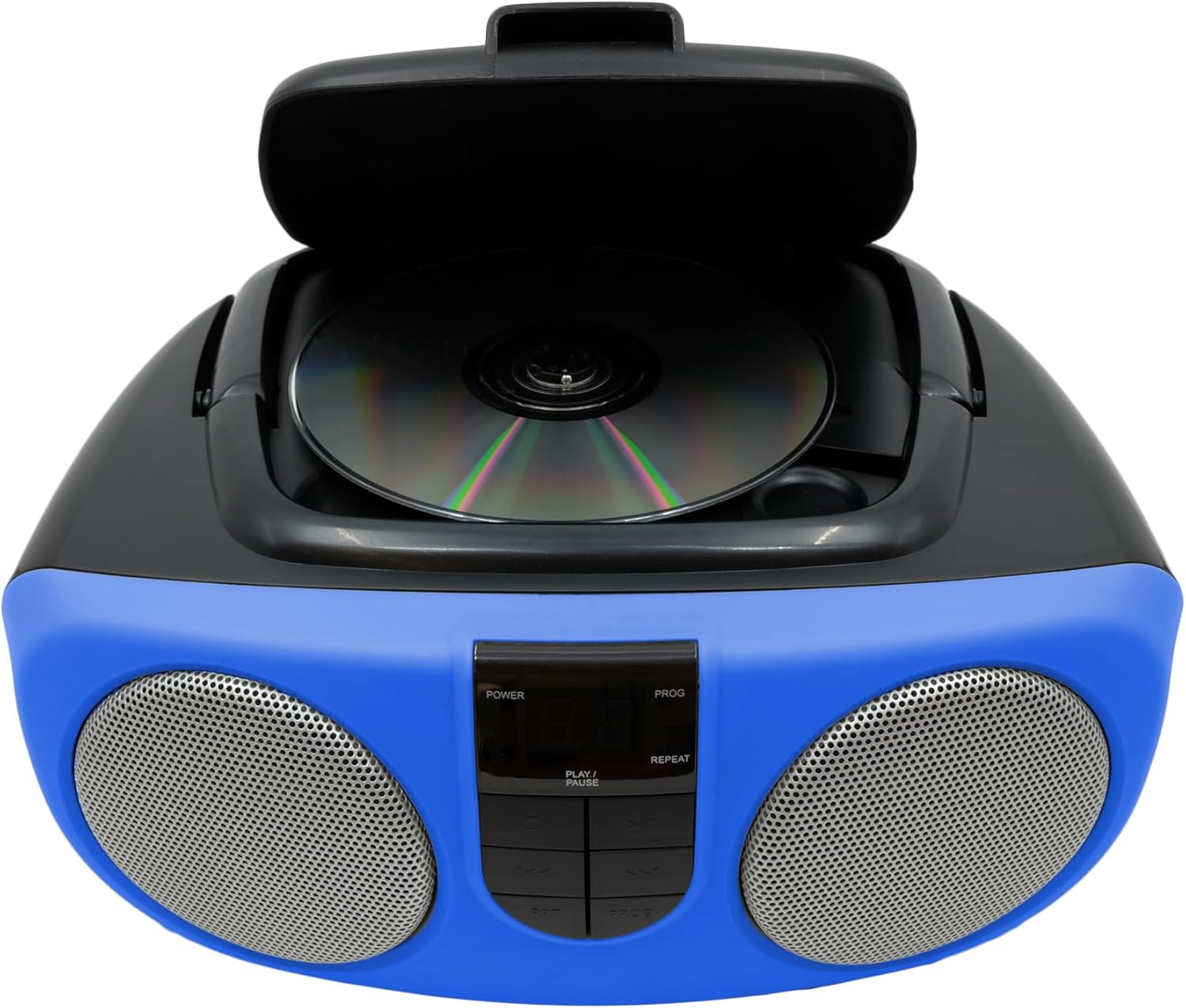
- Sollevare il coperchio del vano CD situato nella parte superiore dell'unità.
- Place a CD or CD-R disc onto the spindle, label side up.
- Chiudere bene il coperchio del vano CD.
- Slide the FUNCTION switch (located on the side) to the "CD" position.
- Premere il pulsante PLAY/PAUSE per iniziare la riproduzione.
- Use the SKIP/SEARCH buttons to navigate between tracks or fast-forward/rewind within a track.
- Press the STOP button to halt playback.
- The unit features a 20-track programmable memory and Repeat 1/All functions.

Description: This image shows the top of the boombox with the CD lid open, illustrating how to insert a compact disc for playback. The central control panel is also visible.
Radio AM/FM
Ascoltare la radio:
- Slide the FUNCTION switch (located on the side) to the "RADIO" position.
- Extend the telescopic antenna for optimal FM reception.
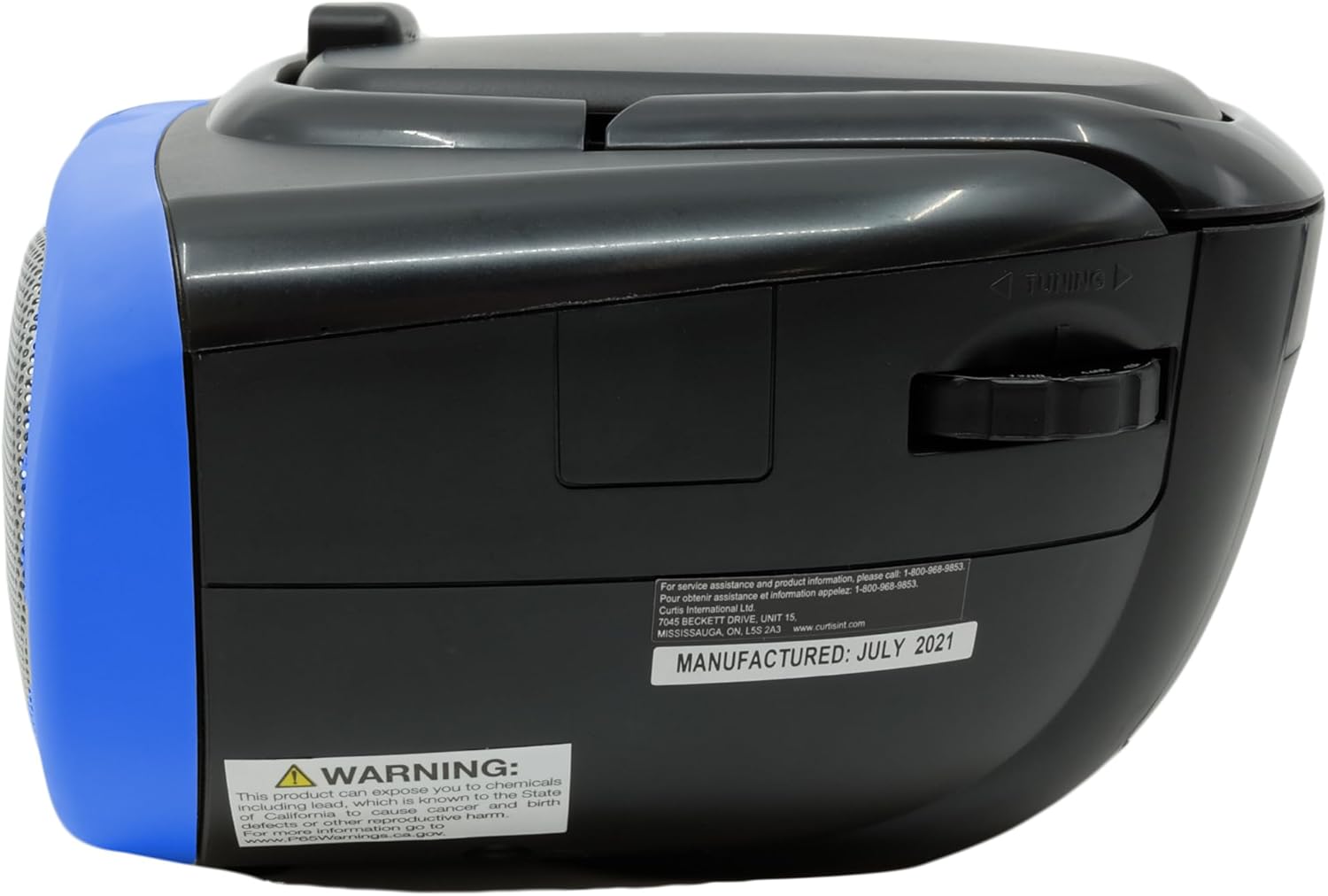
- Use the TUNING dial (located on the side) to select your desired AM or FM station.
Description: This image provides a side view of the boombox, clearly showing the manual tuning dial used for selecting AM/FM radio frequencies.
Ingresso ausiliario
The Aux In jack allows you to connect external audio devices (e.g., MP3 players, smartphones) to play music through the boombox speakers.
- Connect one end of a 3.5mm audio cable (not included) to the Aux In jack on the side of the boombox.
- Collegare l'altra estremità del cavo alla presa delle cuffie o all'uscita audio del dispositivo esterno.
- Slide the FUNCTION switch to the "AUX IN" position (if available, otherwise ensure it's not on CD or Radio).
- Adjust the volume using the VOLUME control on the boombox and your external device.

Description: This image displays the side of the boombox, featuring the auxiliary input jack and the function switch for selecting different audio sources.
Controlli finitiview
The front panel features an LED display and various control buttons:
- ENERGIA: Accende/spegne l'unità.
- FERMARE: Interrompe la riproduzione del CD.
- PROG (Programma): Utilizzato per programmare le tracce del CD.
- RIPRODUCI/PAUSA: Avvia o mette in pausa la riproduzione del CD.
- SKIP/SEARCH (<< / >>): Salta le tracce o avanza/riavvolge rapidamente.
- REP (Ripetizione): Ripete la traccia corrente o tutte le tracce.
- VOLUME (Side Dial): Regola il livello sonoro complessivo.
- FUNCTION (Side Switch): Selects between CD, OFF, and RADIO modes.

Description: This image provides a detailed front view of the boombox, highlighting the central control panel with its buttons for playback, programming, and the LED display.
Manutenzione
Pulizia
Pulire l'unità con un panno morbido, damp cloth. Do not use abrasive cleaners or solvents. For the CD lens, use a specialized CD lens cleaner.
Magazzinaggio
If storing the unit for an extended period, remove batteries to prevent leakage and damage.
Risoluzione dei problemi
| Problema | Possibile causa | Soluzione |
|---|---|---|
| Nessun potere | AC adapter not connected or batteries depleted/incorrectly inserted. | Check AC connection or replace/reinsert batteries. |
| Il CD non viene riprodotto o salta | CD is dirty, scratched, or inserted incorrectly. Unit is on an unstable surface. | Clean CD, reinsert correctly. Place unit on a stable, flat surface. |
| Scarsa ricezione radio | Antenna not extended or unit is in an area with weak signal. | Extend and adjust the telescopic antenna. Try relocating the unit. |
| Nessun suono | Volume too low or incorrect function selected. | Increase volume. Ensure FUNCTION switch is set to CD, RADIO, or AUX IN as desired. |
Specifiche
| Caratteristica | Dettaglio |
|---|---|
| Marca | PROSCANO |
| Numero di modello | SRCD243M-BLUE |
| Dimensioni del prodotto | 10 x 9 x 5.7 pollici |
| Peso dell'articolo | 2.64 libbre |
| Fonte di alimentazione | AC 120V/60Hz or 8 x 'C' (UM-2) batteries |
| Compatibilità CD | CD, CD-R |
| Bande radiofoniche | AM/FM |
| Connettività | Ingresso ausiliario (3.5 mm) |
Informazioni importanti sulla sicurezza
Questo prodotto contiene sostanze chimiche note allo Stato della California come causa di cancro e malformazioni congenite o altri danni riproduttivi. Per maggiori informazioni visita www.P65Warnings.ca.gov.


