Inngangur
Thank you for choosing the Philips Snow Edition 64GB USB 3.0 Flash Drive. This manual provides essential information for the proper setup, operation, and maintenance of your device. This high-speed flash drive offers reliable data storage and transfer capabilities, compatible with various operating systems and devices.
Uppsetning og fyrsta notkun
The Philips Snow Edition USB 3.0 Flash Drive is designed for plug-and-play functionality. No special drivers are typically required for most modern operating systems.
Connecting the Flash Drive
- Locate an available USB port on your computer or compatible device. The drive supports USB 2.0, USB 3.0, and USB 3.1 ports. For optimal performance, use a USB 3.0 or 3.1 port.
- Fjarlægðu hlífðarlokið af glampadrifinu.
- Insert the flash drive firmly into the USB port.
- The LED indicator on the drive will illuminate, indicating a proper connection and activity.
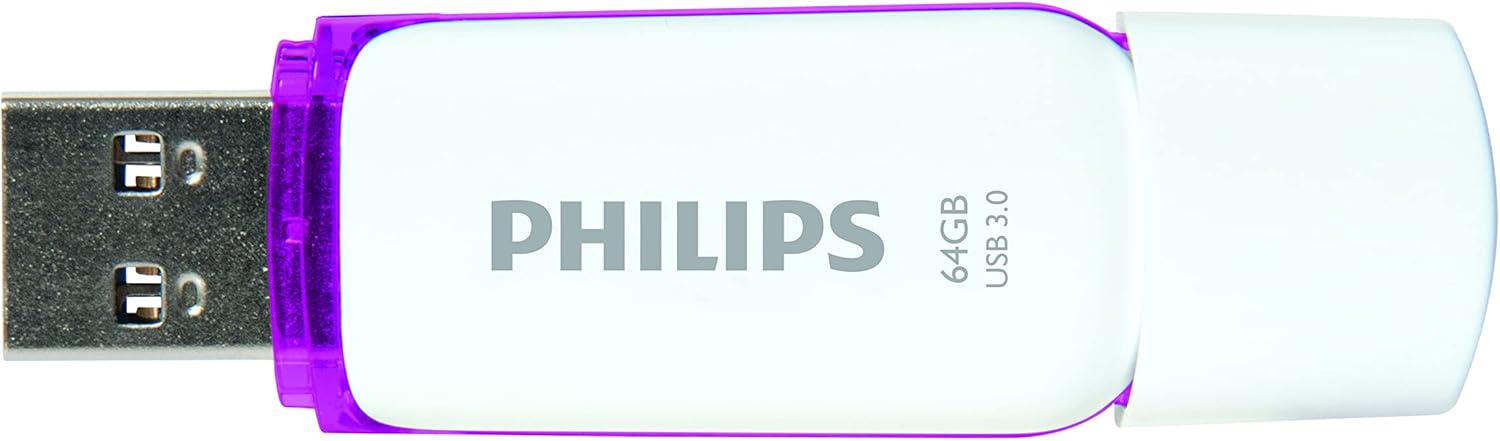
Image: Philips USB 3.0 Flash Drive with its protective cap removed, revealing the USB Type-A connector. The drive is white with purple accents.
Kerfissamhæfi
The flash drive is compatible with the following operating systems:
- Windows XP and higher
- Mac OS 9.0 eða nýrri
- Linux 2.4.0 eða nýrri
Notkunarleiðbeiningar
Accessing the Drive
Once connected, your computer's operating system should automatically detect the flash drive and assign it a drive letter (e.g., "Removable Disk (E:)"). You can access the drive through "My Computer" or "This PC" on Windows, or through the Finder on Mac OS.
Flytur Files
Til að flytja files to or from the flash drive, simply drag and drop files or folders between your computer's storage and the flash drive's window. The LED indicator will pulsate faster during file flutningsaðgerðir.

Image: The Philips USB 3.0 Flash Drive shown in a diagram connecting to various devices such as a laptop, desktop computer, car audio system, television, and printer, illustrating its versatility.

Image: The Philips USB 3.0 Flash Drive displayed alongside icons for documents, images, music, and video, indicating its use for storing various types of digital media.
Að fjarlægja drifið á öruggan hátt
Fjarlægðu alltaf USB-lykilinn á öruggan hátt áður en þú fjarlægir hann úr tölvunni. Þetta kemur í veg fyrir gagnaskemmdir.
- Windows: Smelltu á táknið „Fjarlægja vélbúnað á öruggan hátt og losa miðla“ í kerfisbakkanum og veldu síðan glampadrifið.
- MacOS: Drag the flash drive icon from the desktop to the Trash, or right-click (Control-click) the drive icon and select "Eject."
Umhirða og viðhald
To ensure the longevity and optimal performance of your Philips flash drive, follow these guidelines:
- Keep the protective cap on the USB connector when not in use to prevent dust and debris from entering.
- Forðist að láta drifið verða fyrir miklum hita, beinu sólarljósi eða miklum raka.
- Do not drop the drive or subject it to strong impacts. While designed to be shock-proof, excessive force can cause damage.
- Clean the exterior of the drive with a soft, dry cloth. Do not use liquid cleaners or solvents.
- Always safely eject the drive before removal to prevent data loss or corruption.
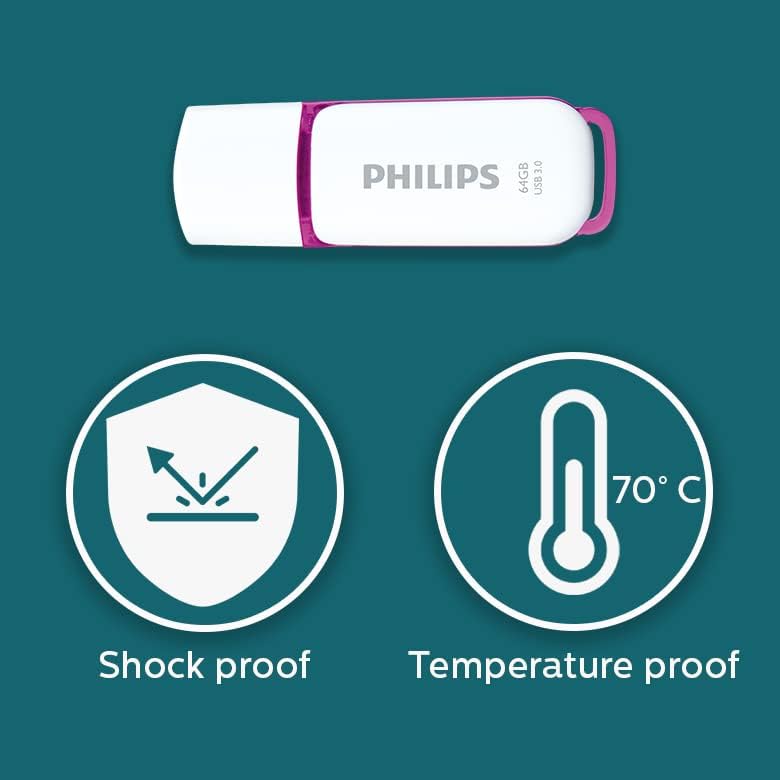
Image: Graphic illustrating the shock-proof and temperature-proof features of the Philips USB flash drive, indicating its durability.
Úrræðaleit
If you encounter issues with your Philips flash drive, refer to the following common problems and solutions:
Drif ekki greint
- Gakktu úr skugga um að drifið sé alveg sett í USB tengið.
- Prófaðu annað USB tengi á tölvunni þinni.
- Prófaðu diskinn á annarri tölvu til að útiloka vandamál sem tengist tölvunni.
- Athugaðu hvort drifið sé á listanum í Tækjastjórnun (Windows) eða Kerfisupplýsingum (Mac).
- Endurræstu tölvuna þína.
Hægur flutningshraði
- Ensure you are using a USB 3.0 or USB 3.1 port on your computer. Connecting to a USB 2.0 port will result in slower speeds.
- The actual performance can depend on the host device and the type of fileverið er að flytja (margir smáir files flutningur hægari en einn stór file).
- Lokaðu öðrum forritum sem gætu verið að nota kerfisauðlindir.
- Gakktu úr skugga um að USB-reklar tölvunnar séu uppfærðir.
Data Corruption or Errors
- Always safely eject the drive before removing it. Unplugging the drive directly can lead to data corruption.
- Run a disk check utility on the drive (e.g., Error Checking on Windows, Disk Utility on Mac) to scan for and repair errors.
- If the drive continues to show errors, it may indicate a hardware issue.
Tæknilýsing
| Nafn líkans | SNOW USB3.0 |
| Gerðarnúmer | FM64FD75B/10 |
| Geymslugeta minni | 64 GB |
| Vélbúnaðarviðmót | USB 3.0 |
| Tengitækni | USB Type-A |
| Lestu hraða | Allt að 100 MB/s |
| Skrifa hraði | ≥60 MB/s |
| Litur | Hvítt / fjólublátt |
| Vörumál | 0.79 x 0.28 x 2.36 tommur (20 x 7 x 59 mm) |
| Þyngd hlutar | 0.261 aura |
| Sérstakur eiginleiki | Lightweight, Shock-proof, Temperature-proof |
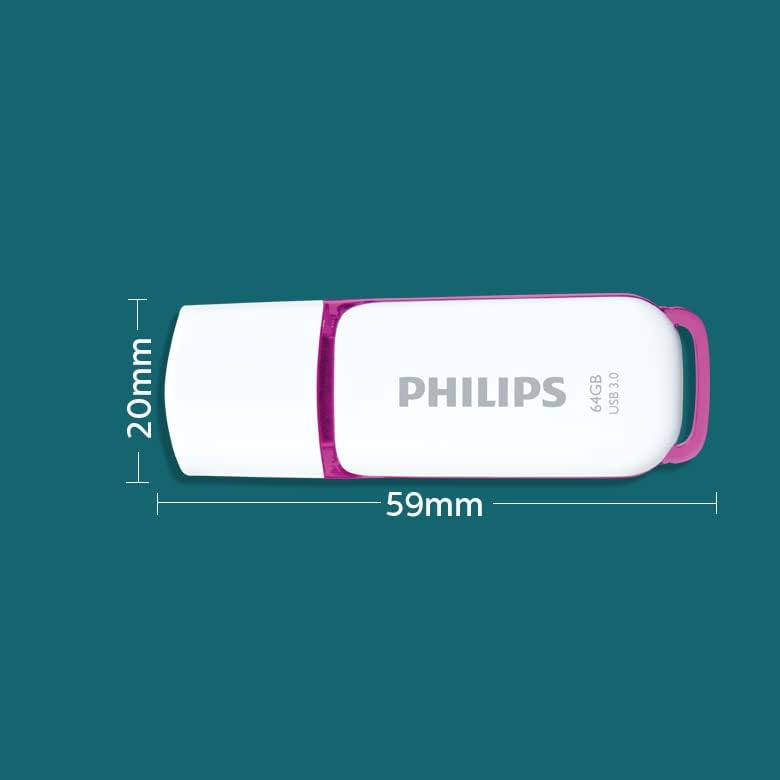
Image: A diagram illustrating the physical dimensions of the Philips USB flash drive, showing a width of 20mm and a length of 59mm.
Upplýsingar um ábyrgð
This Philips USB Flash Drive comes with a 1 árs ábyrgð covering parts and labor from the date of purchase. Please retain your proof of purchase for warranty claims. The warranty does not cover damage caused by misuse, accidents, unauthorized modifications, or normal wear and tear.
Stuðningur og samband
Fyrir frekari aðstoð, tæknilega aðstoð eða fyrirspurnir um ábyrgð, vinsamlegast farðu á opinbera þjónustusíðu Philips websíðuna eða hafðu samband við þjónustuver þeirra.
Þú getur fundið frekari upplýsingar og stuðningsúrræði með því að fara á Philips verslun á Amazon.