

iRobot Coding App

How to Upload Projects
Follow these steps to share iRobot Coding projects.
Step 1: Visit code.irobot.com or the iRobot Coding App.
Step 2: Select the project you want to share and click to open the project menu.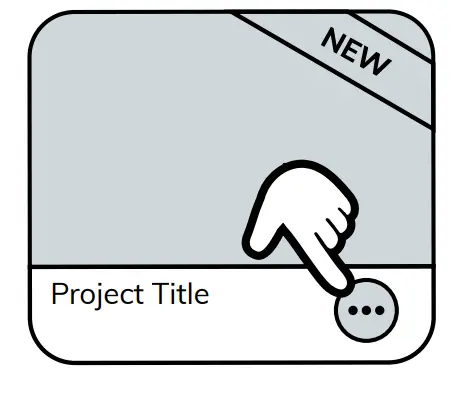
Step 3: Click on the Upload Icon. 
Step 4: Copy the project code to share with your friends! 
© 2021 iRobot Corporation. All rights reserved. iRobot Education and Root are trademarks of iRobot Corporation
Documents / Resources
 | Coding App |
References
- iRobot Codingcode.irobot.com
- User Manualmanual.tools
Published: August 28, 2022