1. Okwu mmalite
The NEDIS SmartLife Outdoor Pan-Tilt Spotlight Camera (WIFICO22CWT) is designed to enhance your home security with advanced features and seamless integration. This manual provides essential information for the proper installation, operation, and maintenance of your camera.
Key features include a 3MP (1296p) sensor for clear images, remote pan and tilt control, automatic tracking, color and infrared night vision, two-way audio, motion and sound detection with instant notifications, and an IP65 weatherproof rating for outdoor reliability.
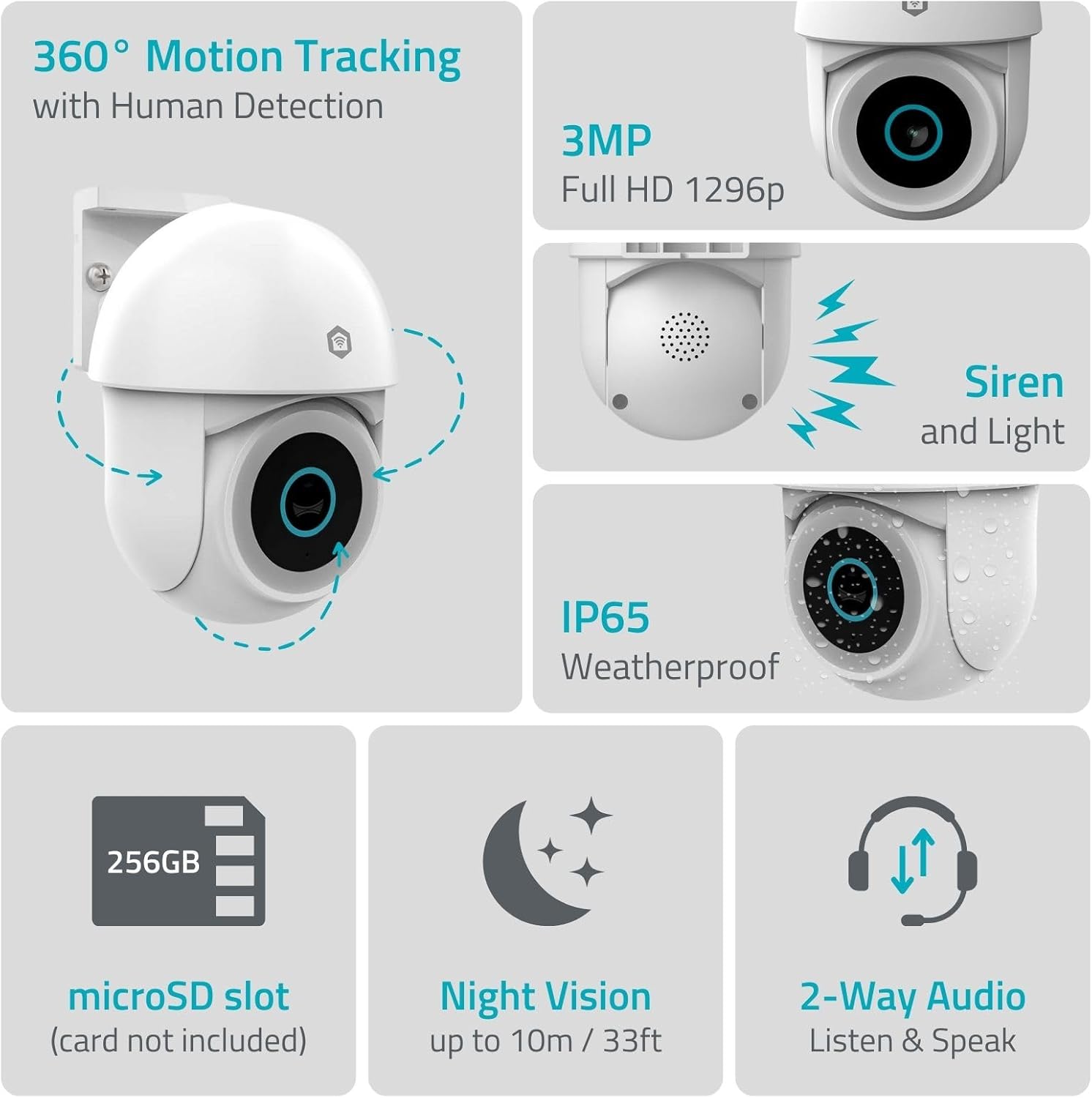
Foto 1.1: Ofeview of NEDIS SmartLife Outdoor Camera features, including 360-degree motion tracking, 3MP resolution, siren and light, IP65 weatherproofing, microSD slot, night vision, and two-way audio.
2. Ihe ngwugwu
Biko lelee ngwungwu maka ihe ndị a:
- NEDIS SmartLife Outdoor Pan-Tilt Spotlight Camera (WIFICO22CWT)
- Ihe nkwụnye ọkụ (5V DC)
- Nkwado mgbakwasa na kposara
- Ntuziaka mmalite ngwa ngwa (akwụkwọ ntuziaka a)
3. Nhazi
3.1. Ngwa nwụnye
- Budata ya Nedis SmartLife ngwa sitere na App Store (iOS) ma ọ bụ Google Play Store (Android).
- Debanye aha maka akaụntụ ọhụrụ ma ọ bụ banye ma ọ bụrụ na ị nwere otu.
3.2. Ịgba ọkụ na njikọ mbụ
- Jikọọ igwefoto na nkwụnye ọkụ wee tinye ya na ntinye ọkụ eletrik.
- Wait for the camera's indicator light to flash, indicating it is ready for pairing.
- Open the Nedis SmartLife app, tap '+' to add a new device, and follow the on-screen instructions to connect the camera to your 2.4 GHz Wi-Fi network.
3.3. MicroSD Card Installation (Optional)
For local storage of recordings, install a microSD card (up to 256GB, not included).
- Locate the microSD card slot on the camera (refer to the camera diagram in the quick start guide).
- Carefully insert the microSD card into the slot until it clicks into place.
- Format the microSD card via the camera settings in the Nedis SmartLife app.
3.4. Ịtinye igwefoto
The camera comes with a wall/ceiling mount. Choose a suitable location with a clear view na n'ime oke Wi-Fi.

Image 3.1: Camera dimensions for mounting reference.
- Mark the drilling positions using the mounting bracket as a template.
- Gwuo oghere ma tinye plọg mgbidi ma ọ bụrụ na ọ dị mkpa.
- Secure the mounting bracket to the wall or ceiling with screws.
- Attach the camera to the mounting bracket and adjust its initial angle.
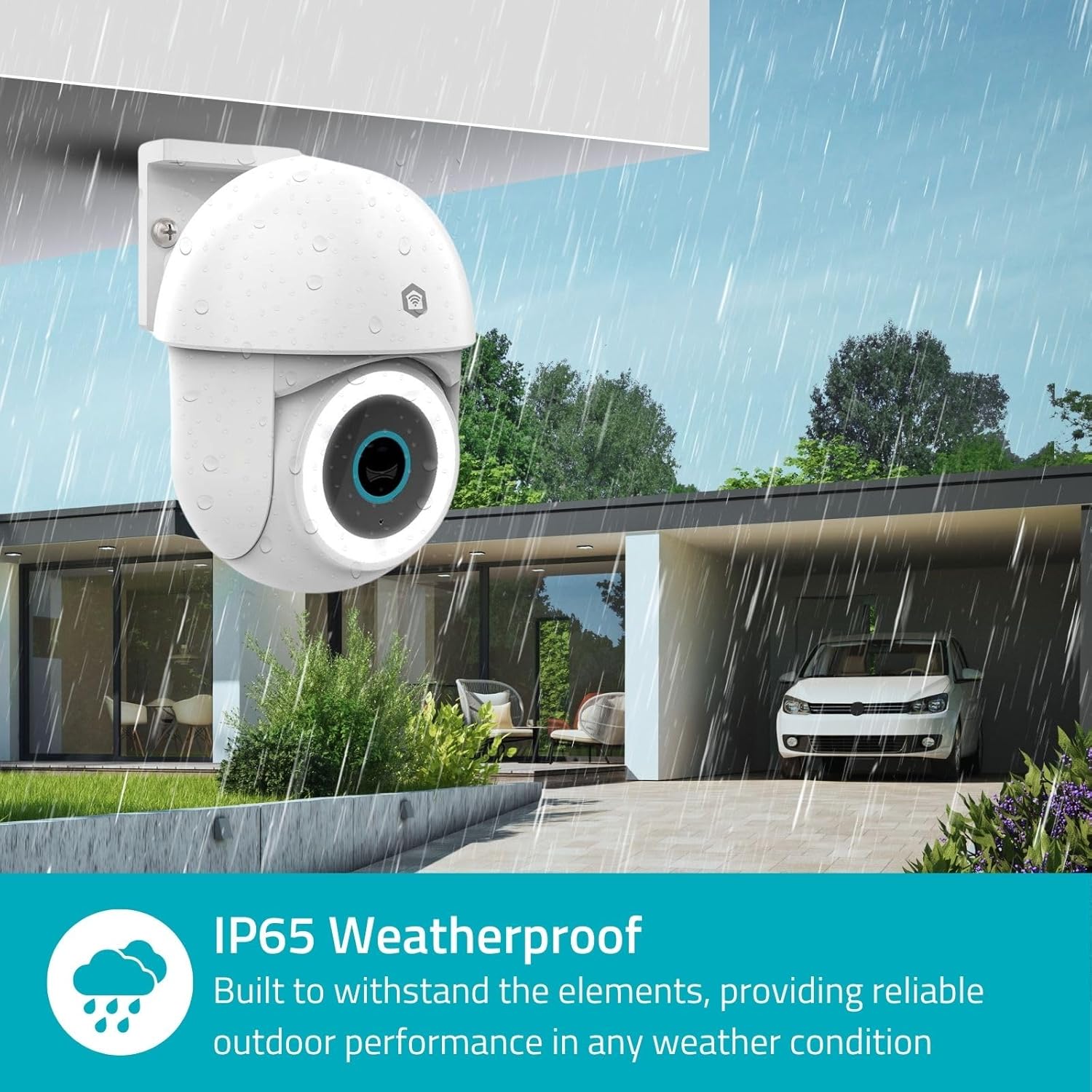
Image 3.2: The IP65 weatherproof design ensures reliable outdoor performance in various weather conditions.
4. Ntuziaka ọrụ
4.1. Ndụ View na Pan/Tilt Control
Access the live feed from your camera through the Nedis SmartLife app. Use the on-screen controls to remotely pan (horizontal) and tilt (vertical) the camera to monitor a wide area.
4.2. Nchọpụta ngagharị na nsochi
The camera features advanced motion detection, including human detection, to minimize false alarms. You can customize detection zones within the app.
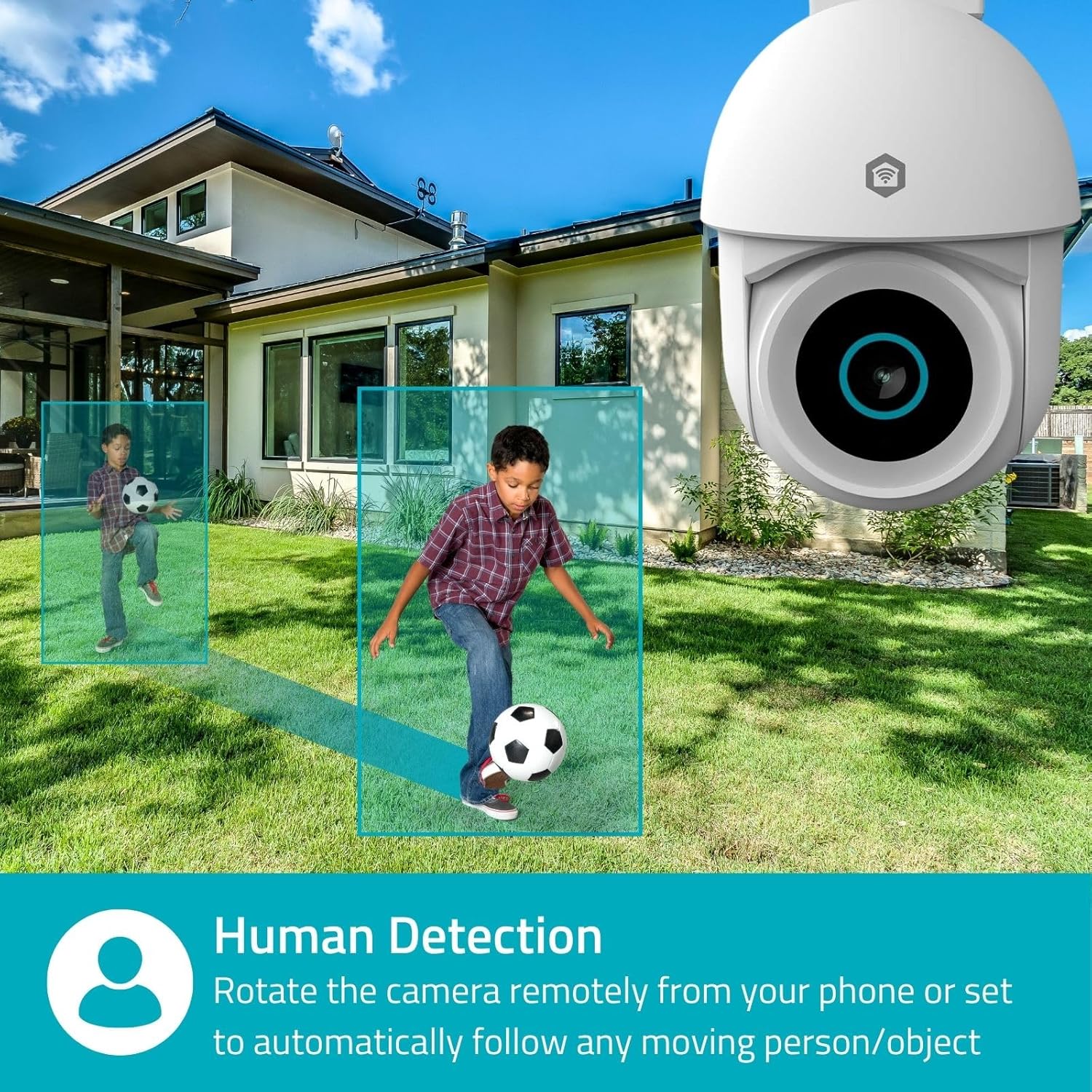
Image 4.1: Human Detection allows the camera to automatically follow moving persons or objects.
Kwado Nchekwa onwe in the app settings to have the camera automatically follow detected movement.
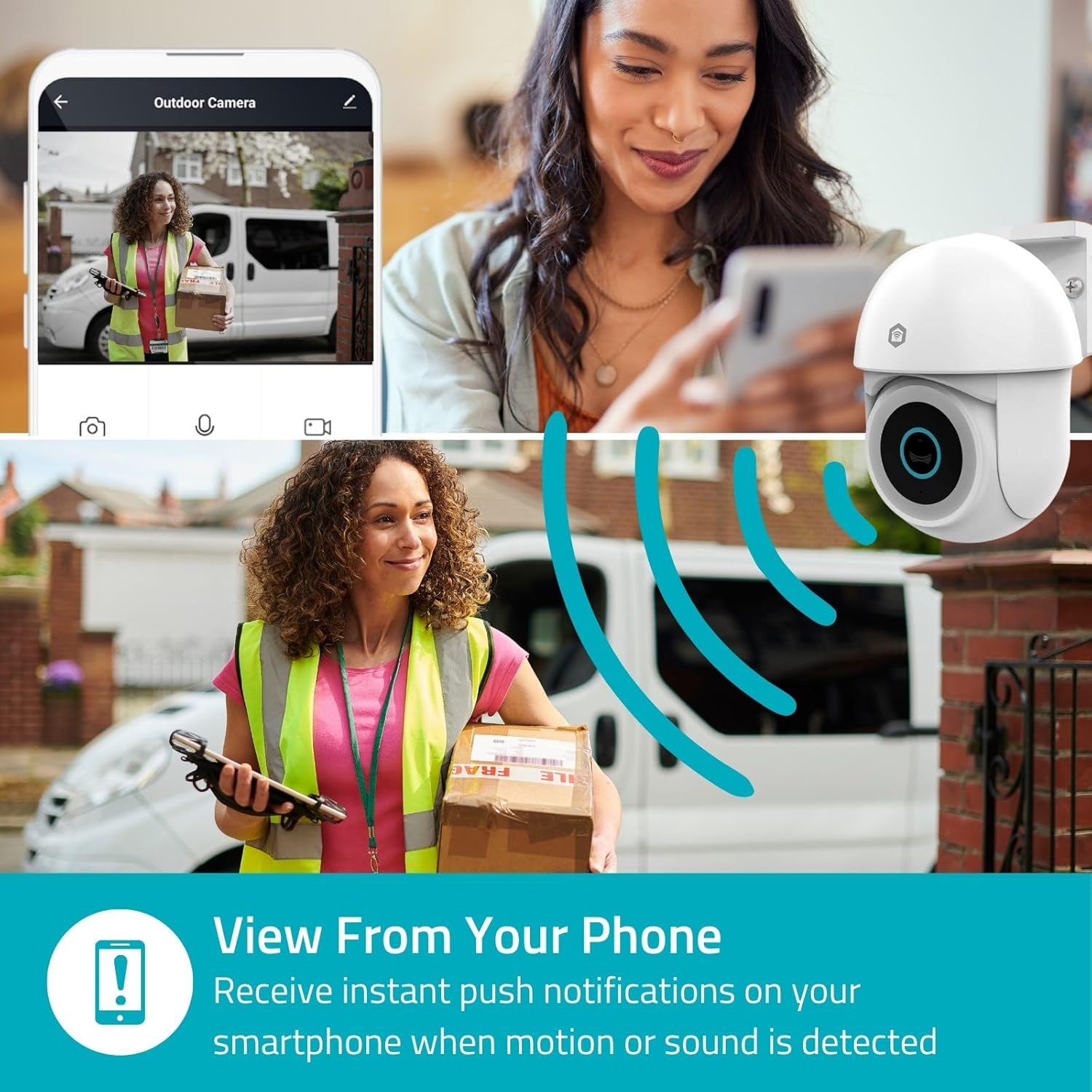
Image 4.2: Receive instant push notifications on your smartphone when motion or sound is detected.
4.3. Audio Ụzọ Abụọ
Utilize the built-in microphone and speaker for two-way communication. You can listen to the environment and speak through the camera via the app.
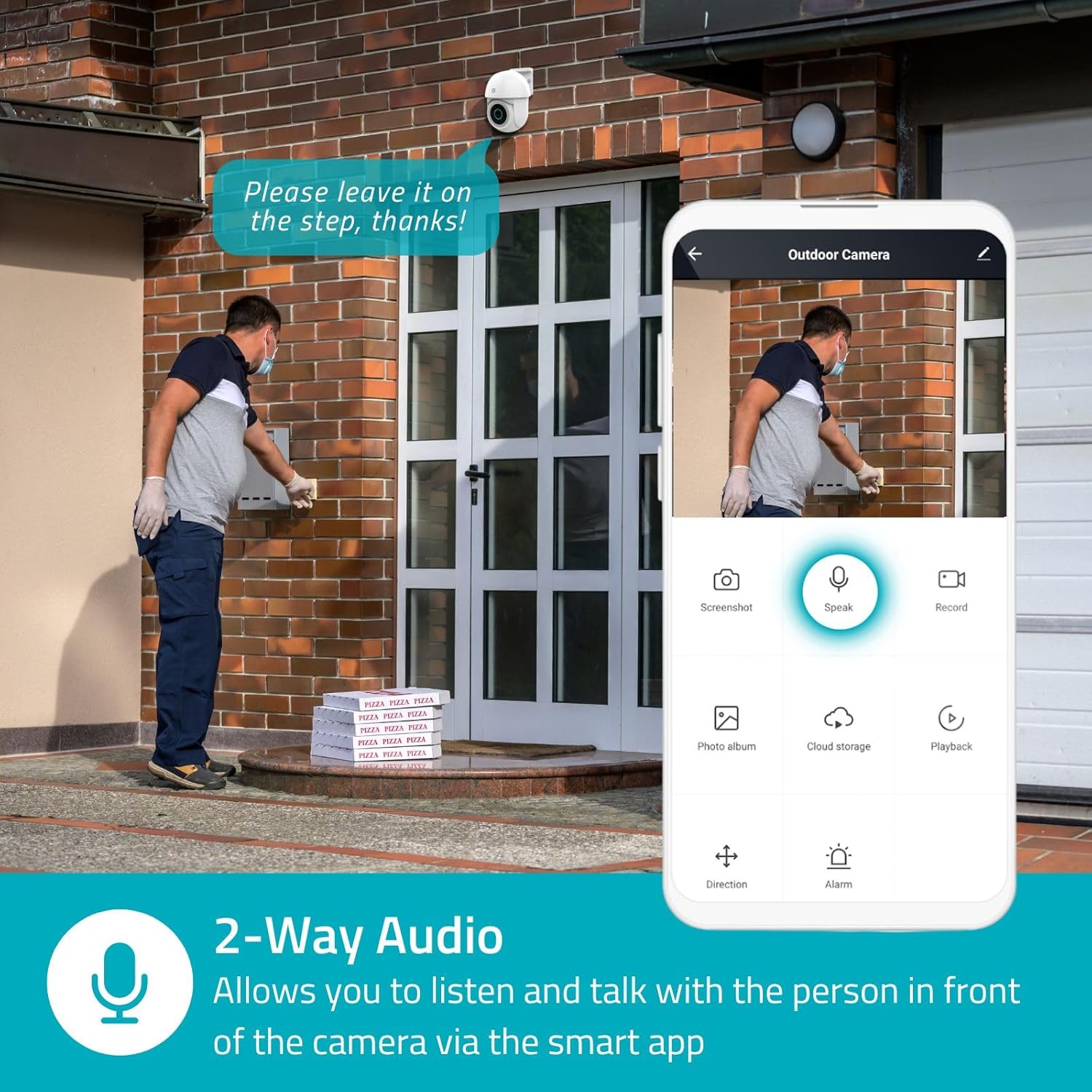
Image 4.3: Two-Way Audio allows you to listen and talk with individuals in front of the camera.
4.4. Ọhụụ abalị
The camera supports two night vision modes:
- Agba Ọhụụ abalị: Achieved using dimmable white LEDs, providing full-color images in low light.
- Ọhụụ abalị infrared: Standard black and white night vision using infrared LEDs, effective up to 10 meters (33 feet).

Image 4.4: Comparison of Day Mode and Night Mode, illustrating the camera's 3MP resolution and 10m night vision capability.
4.5. Spotlight and Siren
When motion is detected, you can configure the camera to activate its white LEDs (spotlight) and/or a siren. This can deter intruders or provide illumination.

Image 4.5: The camera's light and siren can be activated upon motion detection to deter unwanted visitors.
4.6. Ndekọ na ịkpọghachi
Recordings can be stored on a microSD card (up to 256GB) or via optional cloud storage. Access and playback recorded footage through the Nedis SmartLife app.
4.7. Ọnọdụ nzuzo
Activate Privacy Mode in the app to temporarily disable recording and live view when you are home, ensuring your privacy.
4.8. Smart Home Integration
The camera is compatible with Google Home and Amazon Alexa, allowing for voice control and integration into your smart home ecosystem.
5. Nlekọta
- Nhicha: Jiri nwayọ hichaa oghere igwefoto na ahụ ya jiri nwayọ, damp akwa . Ejila kemịkalụ siri ike ma ọ bụ ihe mkpocha abrasive.
- Mmelite femụwe: Regularly check the Nedis SmartLife app for available firmware updates to ensure optimal performance and security.
- Ịnye ọkụ: Ensure the power adapter and cable are free from damage.
6. Nchọpụta nsogbu
6.1. Igwefoto anaghị ejikọta na Wi-Fi
- Hụ na netwọk Wi-Fi gị dị 2.4 GHz. Igwefoto anaghị akwado Wi-Fi 5 GHz.
- Check that the Wi-Fi password is entered correctly.
- Place the camera closer to your Wi-Fi router during setup.
- Malitegharịa ekwentị gị na igwefoto.
6.2. Ogo vidiyo na-adịghị mma
- Lelee ike nke mgbaama Wi-Fi gị. Mgbaama adịghị ike nwere ike imetụta ogo vidiyo.
- Gbaa mbọ hụ na oghere igwefoto dị ọcha na enweghị ihe mgbochi.
- Adjust the video resolution settings in the app if your network bandwidth is limited.
6.3. Nchọpụta ngagharị anaghị arụ ọrụ
- Hụ na achọpụtara mmegharị ahụ na ntọala ngwa ahụ.
- Check the sensitivity settings and detection zones.
- Ensure there are no physical obstructions blocking the camera's view.
6.4. No Audio or Two-Way Audio Issues
- Check the microphone and speaker volume settings in the app.
- Ensure your smartphone's microphone is not muted when speaking through the app.
- Verify network connectivity for real-time audio transmission.
7. Nkọwapụta
| Njirimara | Nkọwapụta |
|---|---|
| Nọmba nlereanya | WIFICO22CWT |
| Mkpebi | 3 MP (1296p) |
| Njikọta | Wi-Fi (2.4GHz) |
| Pan/Tilt Function | Ee |
| Ntụle ihu igwe anaghị egbochi ya | IP65 |
| Ọhụụ abalị | Color (white LEDs) & IR (up to 10m) |
| Audio Ụzọ Abụọ | Ee |
| Nhọrọ nchekwa | MicroSD (up to 256GB, not included), Cloud Storage (optional) |
| Ntinye ike | 5V DC |
| Akụkụ (L x W x H) | 10 x 8.3 x 11 cm |
| Ibu | 292 grams |
| Atụmatụ pụrụ iche | Human Detection, Auto-Tracking, Spotlight, Siren, Privacy Mode, Onvif support |
| Ndakọrịta | Ụlọ Google, Amazon Alexa |
8. Akwụkwọ ikike na nkwado
This product comes with a standard manufacturer's warranty. For detailed warranty information, please refer to the warranty card included in your package or visit the official NEDIS websaịtị.
For technical support, troubleshooting assistance, or further inquiries, please contact NEDIS customer service through their official website or the contact information provided in the product packaging.
Akụrụngwa dị n'ịntanetị:
- Gaa leta NEDIS websaịtị for product updates and support.
- Check the Nedis SmartLife app for FAQs and in-app support options.


