1. Okwu mmalite
Thank you for choosing amazon basics True Wireless Earbuds. These earbuds are designed to provide an immersive audio experience with comfort and convenience. Featuring advanced Bluetooth 5.3 technology, smart touch controls, and IPX5 water resistance, they are ideal for daily use, whether for music, calls, or workouts. This manual provides detailed instructions to help you get the most out of your earbuds.

Image: amazon basics True Wireless Earbuds in their charging case, showcasing the blue color and compact design.
2. Atụmatụ igodo
- Nghaghachi agbatịgoro: Enjoy up to 55 hours of music playback with the charging case.
- Nchaji ngwa ngwa: Get 100 minutes of playtime with just 10 minutes of charging.
- Audio emelitere: Dual 10 mm dynamic drivers deliver immersive sound and clearer calls.
- IPX5 Mgbochi mmiri: Protection against water splashes and perspiration, suitable for workouts.
- Njikwa Smart Touch: Manage music, calls, and voice assistant with intuitive touch gestures.
- Njikọ Bluetooth 5.3: Na-eme ka njikọ ikuku kwụsiri ike ma dị irè.
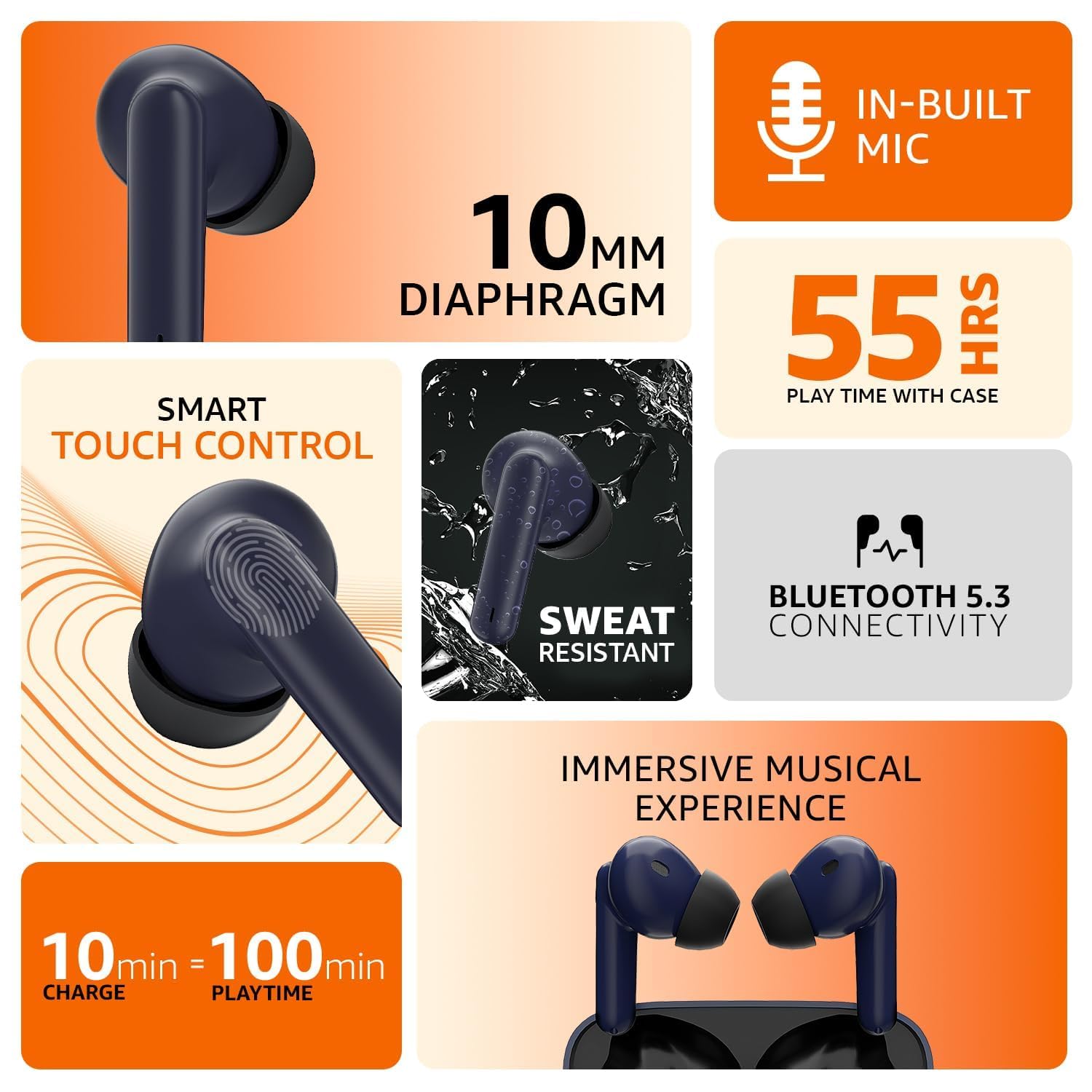
Image: An infographic illustrating the key features including in-built mic, 10mm diaphragm, 55 hours play time, smart touch control, sweat resistance, Bluetooth 5.3, and fast charging.
3. Ntuziaka Nhazi
3.1 Ịchaji ntị na akpa
Before first use, fully charge the earbuds and the charging case. Connect the provided USB cable to the charging port on the case and a compatible USB power source. The indicator light on the case will show the charging status. A full charge provides up to 55 hours of combined playtime with the case.
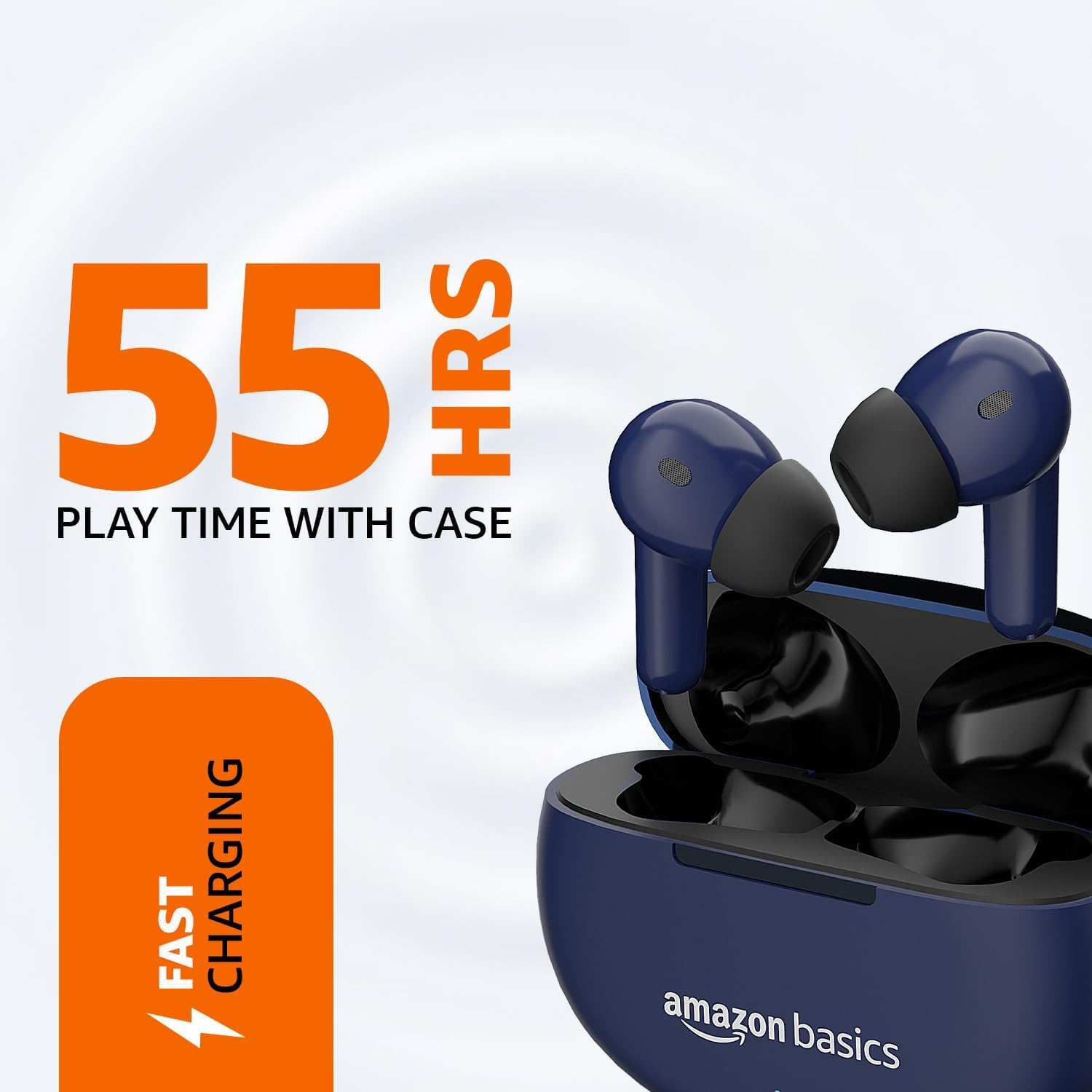
Image: The earbuds resting in their charging case, with visual cues indicating 55 hours of play time and fast charging capability.
3.2 Jikọọ na ngwaọrụ gị
- Gbaa mbọ hụ na ebubo na ekwe ntị.
- Mepee igbe nchaji. Igwe ntị ga-abanye na ọnọdụ njikọta na-akpaghị aka, nke ọkụ na-enwu na ntị na-egosi.
- Na ngwaọrụ gị (ama, mbadamba, wdg), gaa na ntọala Bluetooth.
- Chọọ maka available devices and select "amazon basics Earbuds" from the list.
- Once connected, the indicator light on the earbuds will stop flashing, and you will hear a confirmation tone.
- For subsequent uses, the earbuds will automatically connect to the last paired device when taken out of the case.
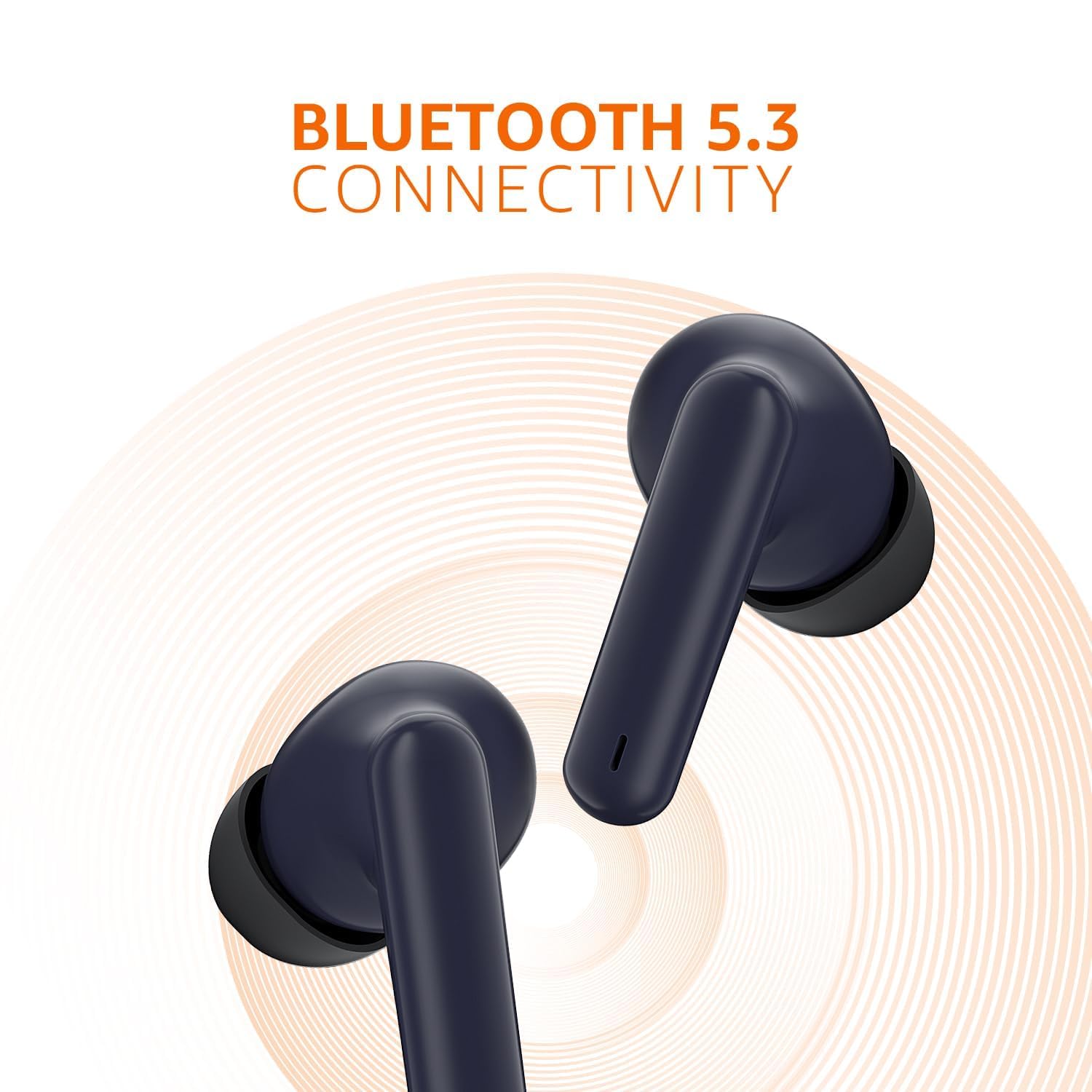
Image: A close-up of the earbuds, emphasizing their Bluetooth 5.3 connectivity feature with a radiating signal graphic.
4. Ntuziaka ọrụ
4.1 Njikwa Smart Touch
The earbuds feature intuitive touch controls on their outer surface. Refer to the table below for common functions:
| Omume | Ọrụ |
|---|---|
| Otu mgbata (mbọchị ntị akaekpe/aka nri) | Kpọọ/Kwụsị Egwu, Zaa/Kwụsị Oku |
| Pịa ugboro abụọ (mbọchị ntị aka nri) | Track na-esote |
| Pịa ugboro abụọ (mkpọ ntị aka ekpe) | Egwu gara aga |
| Hold (Right Earbud) | Welie olu |
| Hold (Left Earbud) | Wedata olu |
| Kpatụ ugboro atọ (mkpu ntị aka ekpe/aka nri) | Mee ka onye enyemaka olu rụọ ọrụ |
| Hold (during incoming call) | Jụ oku |

Foto: nkọwa zuru ezu view of an earbud highlighting the smart touch control area and its IPX5 sweat resistant capability, along with quick tap voice assistant function.
4.2 Onye enyemaka olu
To activate your device's voice assistant (e.g., Siri, Google Assistant), simply triple tap either earbud. This allows you to control your device hands-free.
5. Nlekọta
5.1 Nhicha
Regular cleaning helps maintain optimal performance and hygiene. Use a soft, dry, lint-free cloth to wipe the earbuds and charging case. For ear tips, you may gently remove them and clean with a damp cloth, ensuring they are completely dry before reattaching. Do not use harsh chemicals or abrasive materials.
5.2 Mgbochi mmiri (IPX5)
The earbuds are rated IPX5, meaning they are resistant to water splashes from any direction. This makes them suitable for workouts and light rain. However, they are not designed for submersion in water. Avoid exposing them to high-pressure water jets or prolonged immersion.
6. Nchọpụta nsogbu
If you encounter issues with your earbuds, please refer to the following common solutions:
- Igwe ntị anaghị ejikọta:
- Ensure both earbuds are in the charging case and have sufficient charge.
- Gbanyụọ Bluetooth na ngwaọrụ gị, wee gbanye ya ọzọ.
- Forget the device from your Bluetooth settings and attempt to pair again.
- Nwaa ijikọ ya na ngwaọrụ dị iche iji wepụ nsogbu ndị metụtara ngwaọrụ.
- Enweghị ụda sitere na otu ntị ntị:
- Tinyeghachi ntị ntị abụọ ahụ n'ime akpa chaja, mechie mkpuchi ahụ, chere sekọnd ole na ole, wee wepụ ha ọzọ.
- Gbaa mbọ hụ na akwụgoro ekwe ntị abụọ ahụ.
- Hichaa kọntaktị ịchaji na ntị ntị na n'ime akpa ahụ.
- Okwu ịchaji:
- Gbaa mbọ hụ na ejikọrọ eriri chajị na echekwabara na ikpe ahụ yana isi iyi ike.
- Gbalịa eriri USB dị iche na nkwụnye ọkụ.
- Clean the charging port on the case to remove any debris.
- Ogo ụda adịghị mma:
- Gbaa mbọ hụ na ekwe ntị na-anọdụ ala nke ọma na ntị gị maka akara dị mma.
- Hichaa ihe ọ bụla dị n'ime ihe mkpuchi ntị ma ọ bụ ihe ndị dị n'ime ihe mkpuchi ntị.
- Gaa nso na ngwaọrụ ejikọrọ ka ịzenarị nnyonye anya.
7. Nkọwapụta
| Njirimara | Nkọwa |
|---|---|
| Aha Nlereanya | Ihe ntị ntị |
| Nọmba nlereanya | AB-TWS-J68-BLU-CT |
| Teknụzụ Njikọta | Ikuku (Bluetooth 5.3) |
| Ụdị ntị | N'ime ntị |
| Usoro njikwa | Njikwa aka |
| Ogo IP | IPX5 (Water and Perspiration Resistant) |
| Ndụ batrị | Ruo elekere 55 (ya na igbe nchaji) |
| Nchaji ngwa ngwa | 10 mins charge = 100 mins playtime |
| Nha ọkwọ ụgbọ ala | Ndị ọkwọ ụgbọ ala dị 10 mm |
| Ihe onwunwe | Plastic |
| Ibu Ibu | 35 grams |
| Akụkụ ngwaahịa | 4.7 x 6 x 2.3 cm |
| Ngwa gụnyere | USB |
| Onye nrụpụta | DONGGUAN ARCHER TECHNOLOGY LIMITED |
| Mba onye si | China |
8. Akwụkwọ ikike na nkwado
amazon basics products are designed for reliability and performance. For information regarding warranty coverage and customer support, please refer to the warranty card included with your product or visit the official amazon basics support page. You may also contact the manufacturer directly:
Onye nrụpụta: DONGGUAN ARCHER TECHNOLOGY LIMITED
Onye mbubata: IRIS TECH G-1/G-2, DHARAM COMPLEX, PHASE-1, ANJUR MANKOLI ROAD, BHIWANDI, MAHARASHTRA - 421302
Maka enyemaka ọzọ, biko gaa na amazon basics Store on Amazon.in.


