Okwu mmalite
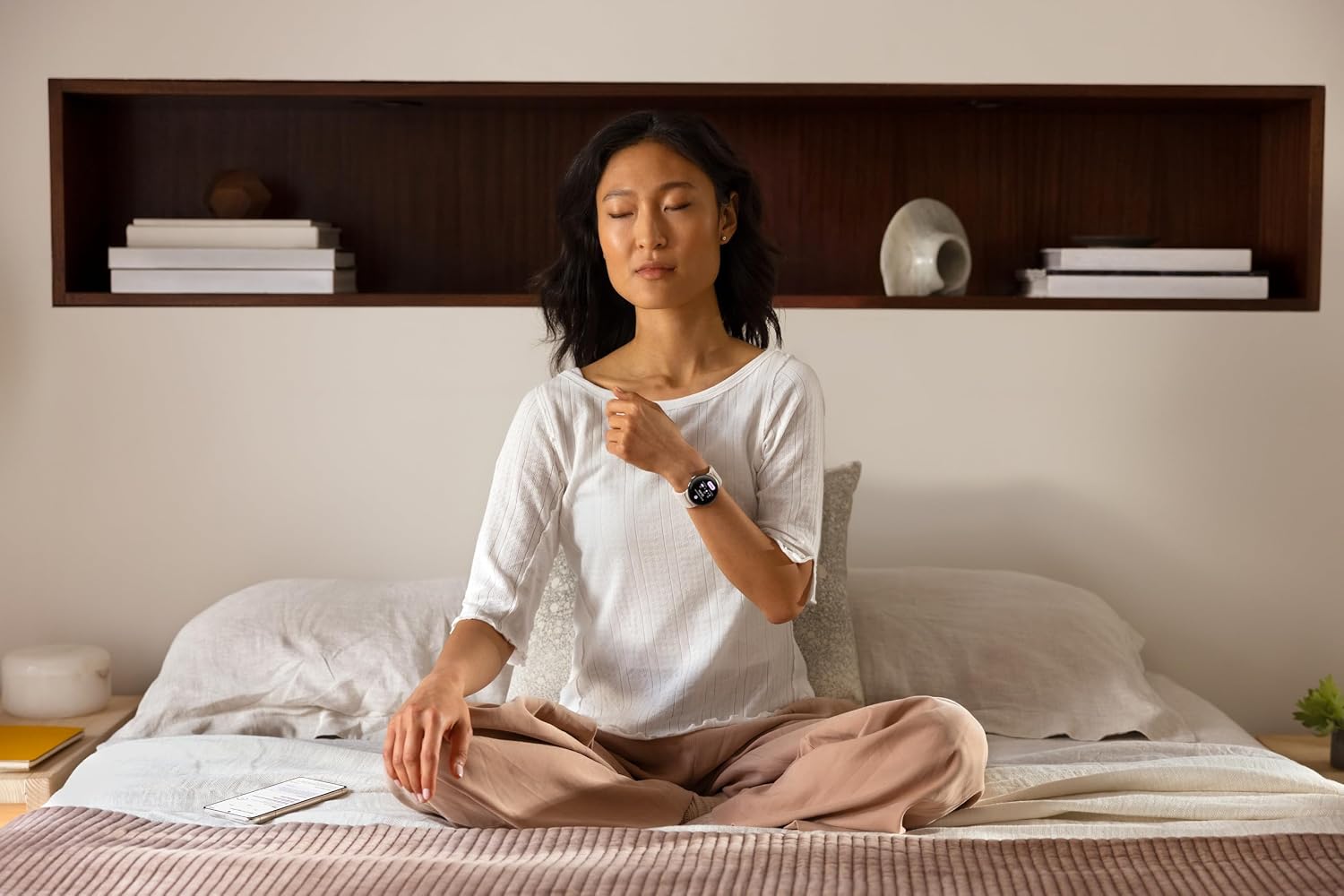
This manual provides essential information for the setup, operation, maintenance, and troubleshooting of your Google Pixel Watch 2. The Google Pixel Watch 2 is a smartwatch designed to integrate smart features, health tracking, and daily convenience into a lightweight and comfortable device. It tracks heart rate, sleep, stress, and workouts with Fitbit integration, offering insights to improve fitness and wellness.
Kedu ihe dị na Igbe ahụ
- Google Pixel Watch 2
- Active Band
- USB-C Igwe Nchaji Igwe Ọdụdọ
- Ntuziaka mmalite ngwa ngwa
Melite
To begin using your Google Pixel Watch 2, follow these steps:
- Ebube mbụ: Connect the USB-C Magnetic Charging Cable to your Pixel Watch 2 and a power source. Allow the watch to charge until it reaches a sufficient battery level for setup. A full charge takes approximately 75 minutes and provides up to 24 hours of battery life.
- Ike Na: Pịa ma jide bọtịnụ okpueze dị n'akụkụ elekere ahụ ruo mgbe akara ngosi Google pụtara.
- Na-ejikọta: Ensure your Android phone is nearby and has Bluetooth enabled. Follow the on-screen instructions on your watch and phone to pair the devices. You may need to download the Google Pixel Watch app and the Fitbit app from the Google Play Store.
- Fitbit Integration: The watch integrates with Fitbit for comprehensive health and fitness tracking. Complete the setup within the Fitbit app to enable features like heart rate, sleep, and stress management.

Video: Smart Health on Your Wrist
Vidiyo nke 1: Mwepuview of the Google Pixel Watch 2's smart health features and daily integration.
Ntuziaka ọrụ
The Google Pixel Watch 2 offers various functionalities accessible through its touchscreen and physical crown.
- Ntugharị: Swipe across the screen to access different tiles (e.g., weather, heart rate, activity). Press the crown to return to the watch face or access the app launcher. Rotate the crown to scroll through lists or adjust settings.
- Nyocha ahụike: The watch features advanced sensors for heart rate, skin temperature, and body response tracking. Data is synchronized with the Fitbit app, providing detailed insights into your health and wellness.
- Nkwukọrịta Take calls, send messages, and check notifications directly from your wrist when connected to your phone via LTE or Bluetooth.
- Music Control & Navigation: Control music playback and receive turn-by-turn navigation instructions.
- Ụgwọ: Utilize Google Pay for contactless payments directly from your watch.
- Atụmatụ nchekwa: Access Emergency SOS and Fall Detection for assistance in unsafe situations or after a hard fall. Safety Check can alert contacts if you don't respond to a set check-in timer.

Nlekọta
- Ịchaji: Charge your watch daily using the provided USB-C Magnetic Charging Cable. Ensure the magnetic connector is properly aligned with the charging pins on the watch.
- Nhicha: Na-ehicha elekere na eriri gị mgbe niile site na iji ihe dị nro, damp cloth. Avoid harsh chemicals or abrasive materials. Ensure the sensors on the back of the watch are clean for accurate readings.
- Nguzogide mmiri: The Google Pixel Watch 2 has a 5 ATM water resistance rating, making it suitable for shallow-water activities like swimming. Avoid exposure to high-velocity water or submersion in deep water.
- Nlekọta Band: The active band can be cleaned with water and mild soap. Ensure it is completely dry before reattaching to the watch.
Nchọpụta nsogbu
If you encounter issues with your Google Pixel Watch 2, consider the following:
- Watch Not Responding: Try restarting the watch by pressing and holding the crown and side button simultaneously until the Google logo appears.
- Okwu ịchaji: Ensure the charging cable is securely connected to both the watch and the power adapter. Verify the power adapter is functioning correctly. Some users have reported issues with non-official charging cables; using the original cable is recommended.
- Nsogbu Njikọta: Check that Bluetooth is enabled on your phone and the watch is within range. If using LTE, ensure your service plan is active and you have network coverage.
- Data ahụike ezighi ezi: Ensure the watch is worn snugly on your wrist and the sensors are clean. Check the Fitbit app for any synchronization issues or required updates.
- Ọrụ ngwa: Ensure both the Google Pixel Watch app and the Fitbit app on your phone are updated to their latest versions.
Nkọwapụta
| Njirimara | Nkọwa |
|---|---|
| Akụkụ ngwaahịa | 1.77 x 1.5 x 0.55 sentimita asatọ |
| Ibu Ibu | 6.7 ounces |
| Nọmba Nlereanya ihe | Google Pixel Watch 2 |
| Batrị | 1 Lithium ion batrị achọrọ |
| Ngosipụta ihuenyo guzoro ọtọ | 41 millimeters |
| Sistemụ nrụọrụ | Android |
| Atụmatụ pụrụ iche | Accelerometer, Activity Tracker, Always On Display, Body Temperature Monitor, Calorie Tracker, Contactless Payments, ECG, Email, Fall Detection, Heart Rate Monitor, Sleep Monitor, Stress Tracking |
| Ike batrị | 306 ndeamp Oge awa |
| Teknụzụ Njikọta | Cellular |
| Ikuku Communication Standard | Infrared |
| Ngwakọta cell batrị | Lithium ion |
| GPS | GPS |
| Ụdị | Gburugburu |
| Nha ihuenyo | 41 millimeters |
| Ụdị | |
| Onye nrụpụta | |
| Asụsụ | Bekee |

Akwụkwọ ikike na nkwado
Your Google Pixel Watch 2 is manufactured by Google. For warranty information, please refer to the documentation included with your product or visit the official Google support website. For technical assistance, troubleshooting, or service inquiries, please contact Google Support directly.
Nkwado n'ịntanetị: Gaa leta support.google.com/pixelwatch for comprehensive guides, FAQs, and contact options.


