Okwu mmalite
This manual provides detailed instructions for the setup, operation, maintenance, and troubleshooting of your Amazon Basics Pro Series Wireless Noise Cancelling ANC Over Ear Headphones. Please read this manual thoroughly before using the product to ensure proper function and longevity.

Image: The Amazon Basics Pro Series Wireless Noise Cancelling ANC Over Ear Headphone in black, showcasing ya sleek imewe.
Ihe ngwugwu
Chọpụta na ihe niile dị na ngwugwu:
- Amazon Basics Pro Series Wireless Noise Cancelling ANC Over Ear Headphone
- USB Type-C Nchaji USB
- 3.5mm AUX USB
- Akwụkwọ ntuziaka (akwụkwọ a)
Melite
1. Nchaji mbụ
Before first use, fully charge the headphones. Connect the supplied USB Type-C charging cable to the headphone's charging port and the other end to a USB power source (e.g., computer USB port or wall adapter). The LED indicator will show charging status and turn off or change color when fully charged.
A full charge provides up to 74 hours of playback at 50% volume with ANC off, or 34 hours with ANC on.
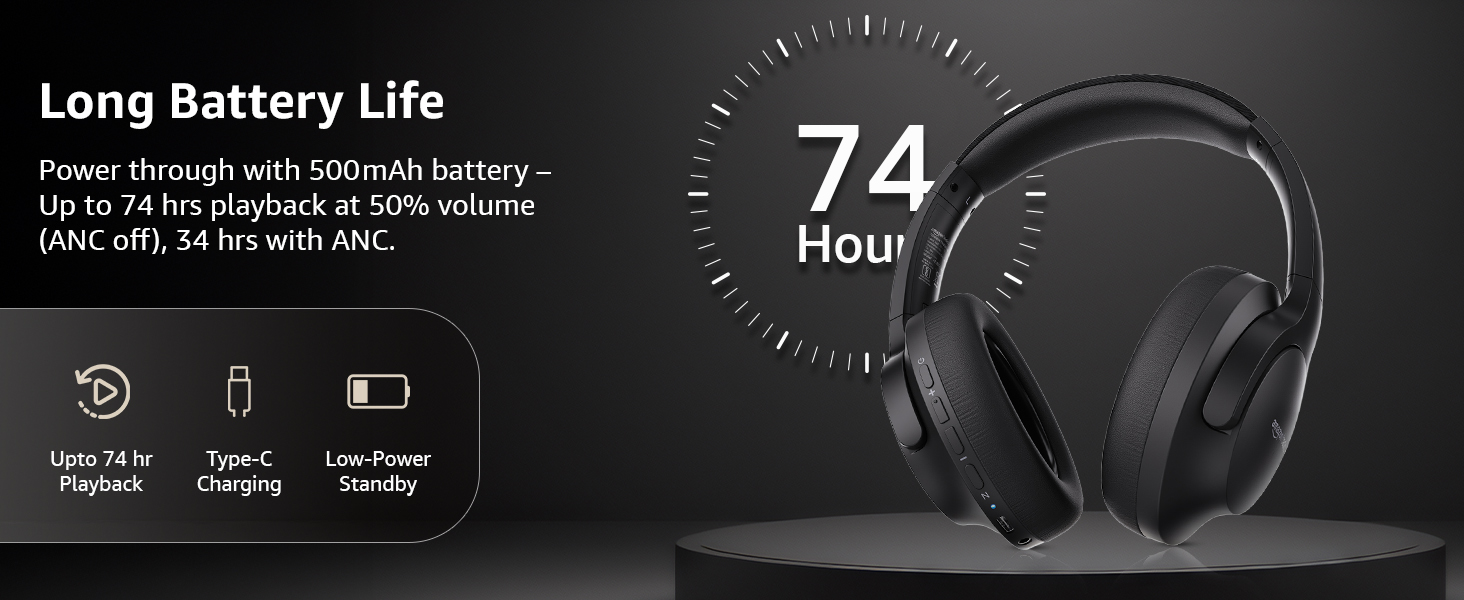
Image: An illustration highlighting the long battery life of the headphones, indicating up to 74 hours of playback.
2. Njikọ Bluetooth
- Hụ na ekweisi ndị ahụ agbanyụrụ ma gbanyụọ ha.
- Pịa ma jide bọtịnụ ike ruo mgbe ihe ngosi LED na-egbukepụ egbukepụ na-acha anụnụ anụnụ na ọbara ọbara, na-egosi ụdị njikọta.
- Na ngwaọrụ gị (smartphone, tabletị, laptọọpụ), gbanye Bluetooth wee chọọ ngwaọrụ dị.
- Select "AB-IBT-82ANC" from the list of found devices.
- Once connected, the LED indicator will turn solid blue or flash slowly.
The headphones support dual pairing, allowing connection to two devices simultaneously for seamless switching.

Image: The headphones shown connected to both a smartphone and a laptop, illustrating the multi-pairing capability.
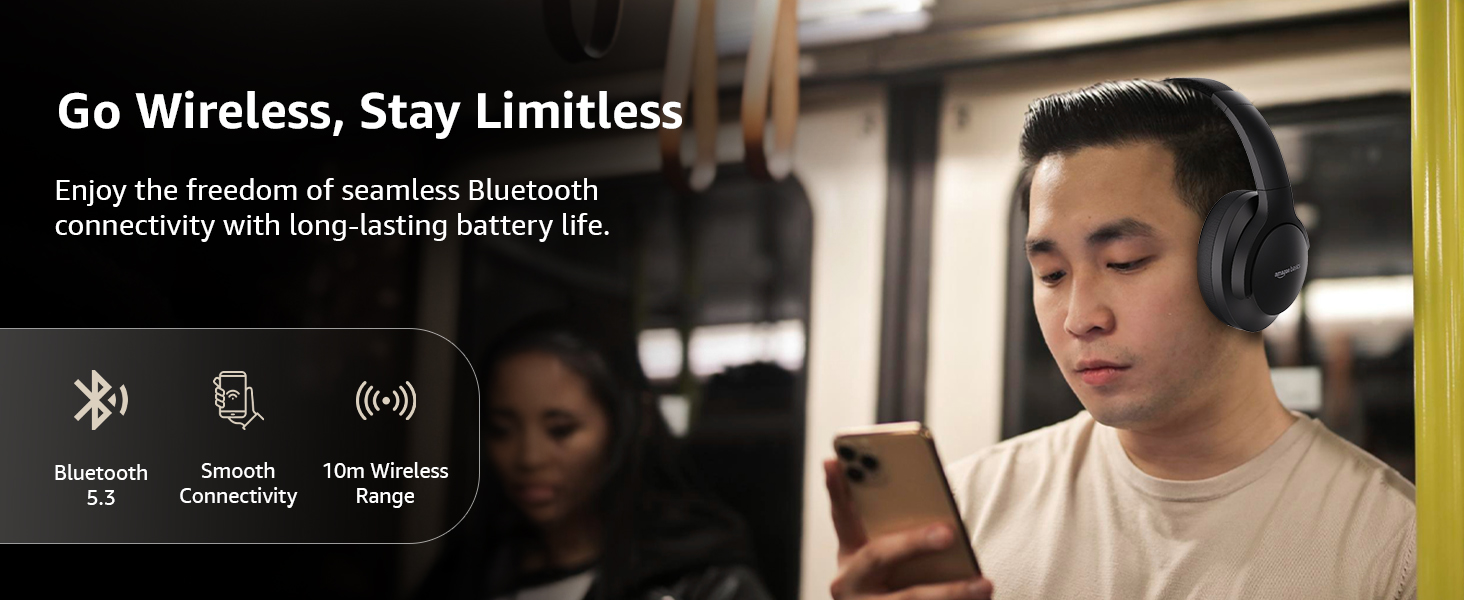
Image: A visual representation of the wireless capabilities, including Bluetooth 5.3 and a 10-meter wireless range.
3. Njikọ waya (Ụdị AUX)
For a wired connection, plug the 3.5mm AUX cable into the headphone's AUX port and the other end into your audio device's 3.5mm jack. This mode does not require battery power.
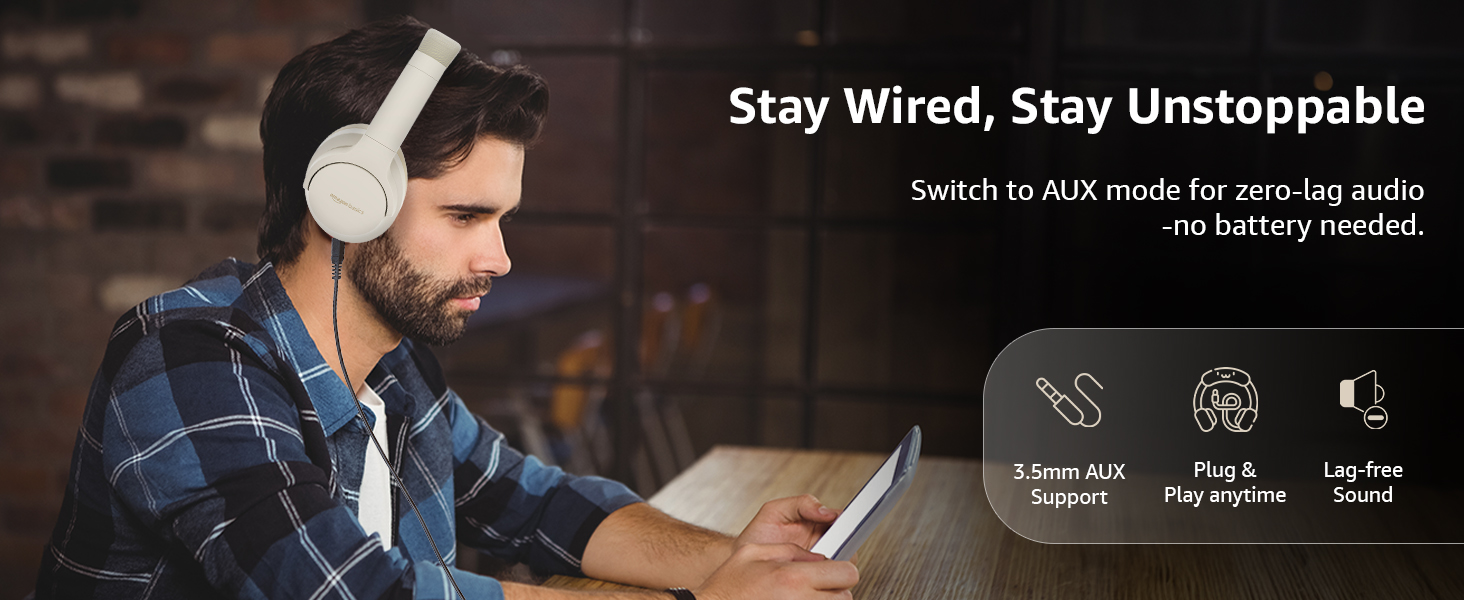
Image: A user demonstrating the wired AUX connection, emphasizing lag-free audio without needing battery power.
Ntuziaka ọrụ
1. Gbanyụọ / gbanyụọ
- Ike Na: Pịa ma jide bọtịnụ ike maka ihe dịka 3 sekọnd.
- Gbanyụọ: Pịa ma jide bọtịnụ ike maka ihe dịka 5 sekọnd.
2. Accessible Controls
The headphones feature intuitive controls located on the earcups:
- Elu elu/Egwu na-esote: Pịa mkpirisi maka ibuli olu, ogologo pịa maka egwu ọzọ.
- Egwu ala/Oge gara aga: Pịa obere oge maka mbelata olu, pịa ogologo oge maka egwu gara aga.
- Gwuo/Kwụsị/zaa oku: Naanị pịa bọtịnụ ọrụ ọtụtụ.
- Oku ngwụcha: Single press the multi-function button during a call.
- Jụ oku: Long press the multi-function button during an incoming call.
- Mee ka onye enyemaka olu rụọ ọrụ (Siri/onye enyemaka Google): Pịa bọtịnụ ọtụtụ ọrụ ugboro abụọ.
- Gbanyụọ/ gbanyụọ ANC: Dedicated ANC button to toggle Active Noise Cancellation.
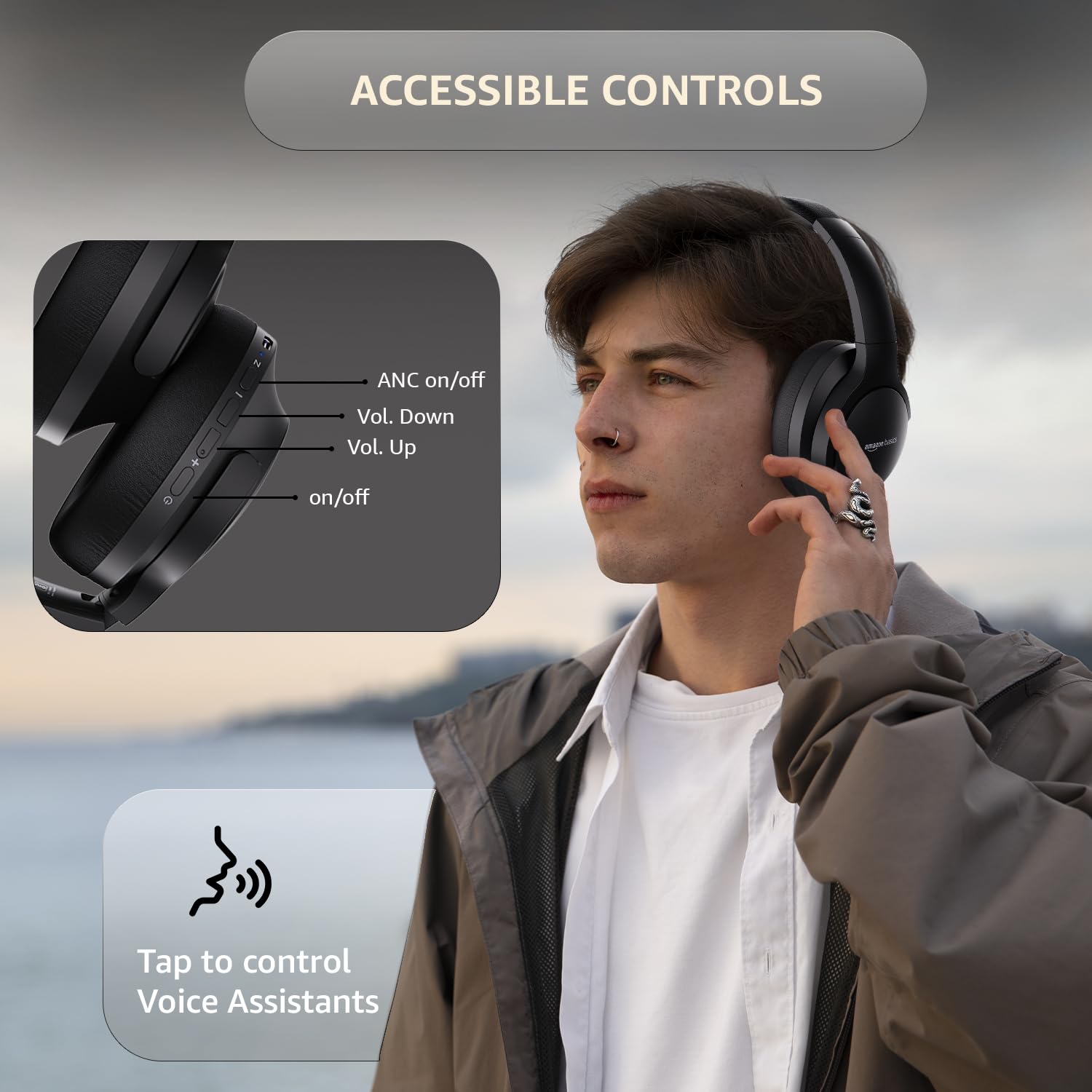
Image: A detailed diagram illustrating the location and function of the accessible controls on the headphone earcup.
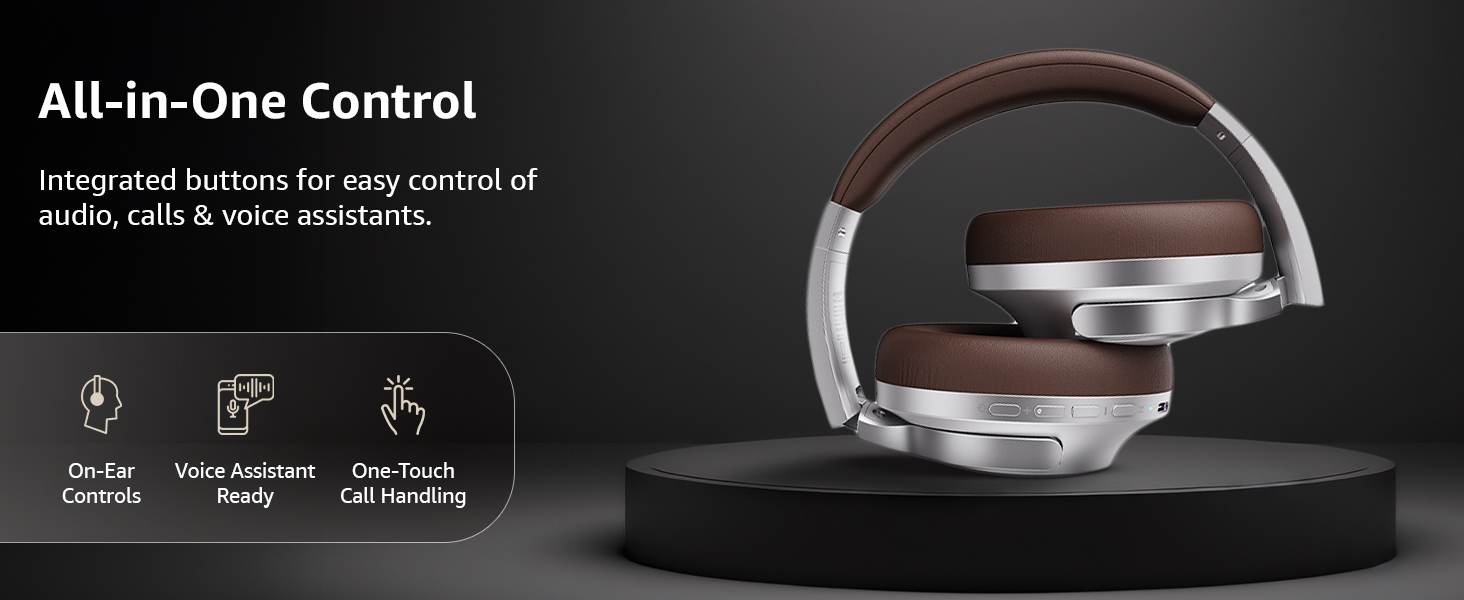
Foto: Ofeview of the integrated controls, highlighting ease of use for audio, calls, and voice assistants.
3. Nkagbu mkpọtụ mkpọtụ (ANC)
The Active Noise Cancellation feature reduces ambient noise, providing a more immersive listening experience. Press the dedicated ANC button to activate or deactivate this feature. Note that ANC functionality may slightly reduce overall battery life.

Image: A person wearing the headphones in a public setting, illustrating the effectiveness of Active Noise Cancellation in reducing distractions.
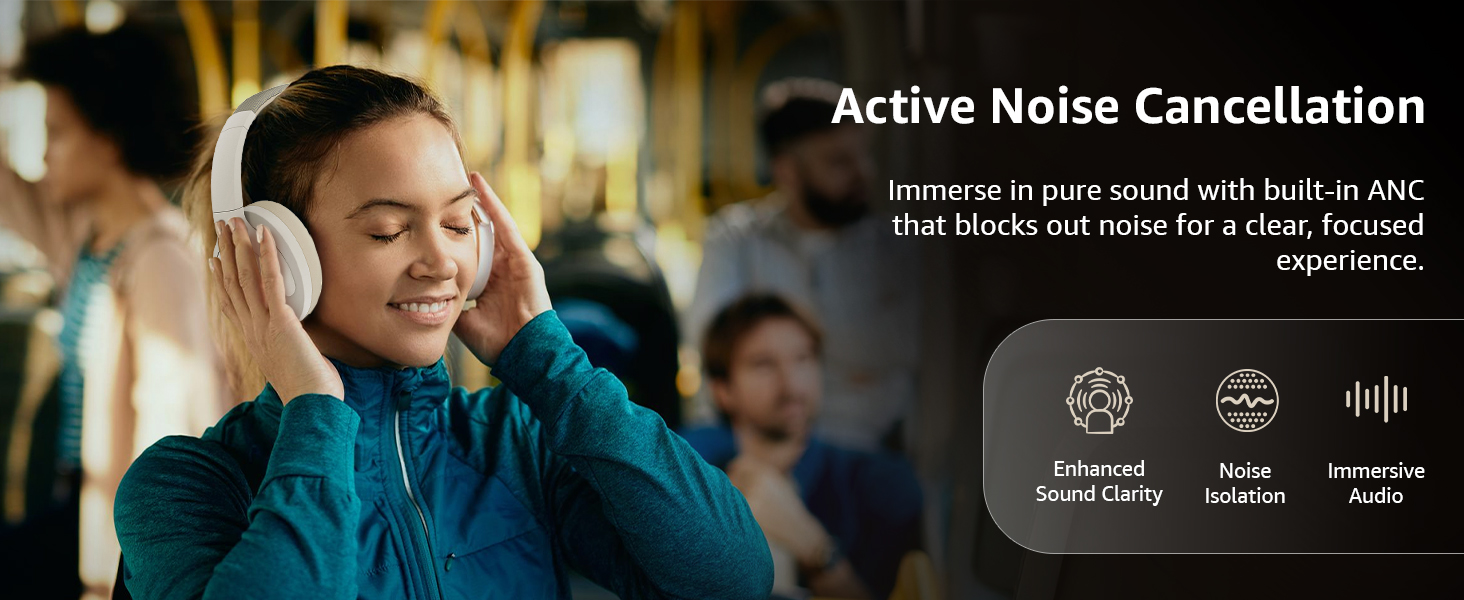
Image: A graphic emphasizing the benefits of Active Noise Cancellation, including enhanced sound clarity and immersive audio.
4. Audio Quality and Drivers
The headphones are equipped with 40mm drivers, designed to deliver rich bass, clear mids, and precise highs for a balanced audio experience.
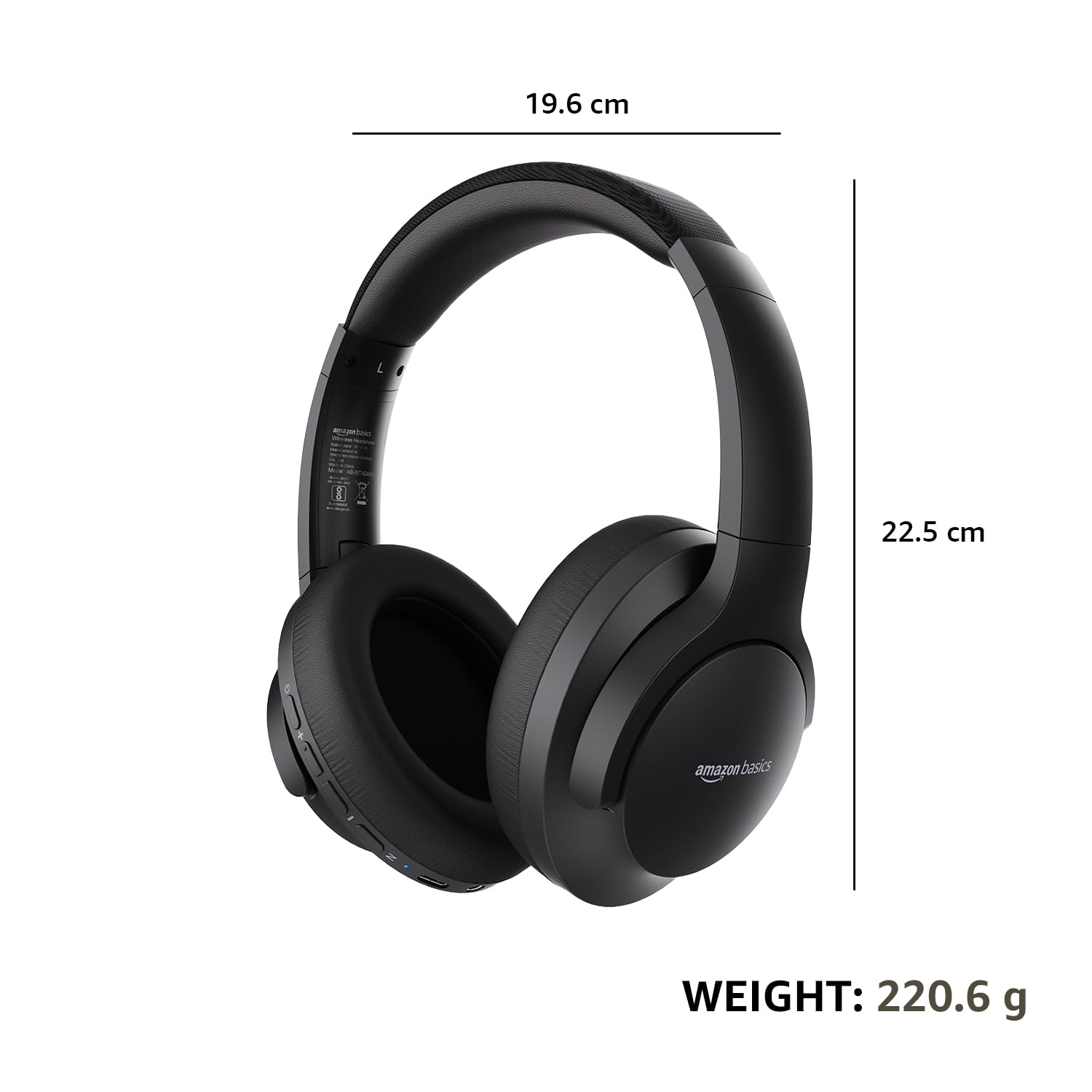
Foto: Ihe gbawara view diagram illustrating the 40mm drivers, which are responsible for the headphone's sound output.
Nlekọta
1. Nhicha
- Jiri akwa dị nro, kpọrọ nkụ, hichaa ekweisi.
- Do not use abrasive cleaners, solvents, or spray cleaners directly on the headphones.
- Clean the ear cushions gently with a damp akwa ma ọ bụrụ na ọ dị mkpa, ma kwe ka ha kpoo kpamkpam tupu ejiri ya.
2. Nchekwa
When not in use, store the headphones in a cool, dry place, away from direct sunlight and extreme temperatures. The headphones feature a sleek and foldable design for convenient storage and portability.
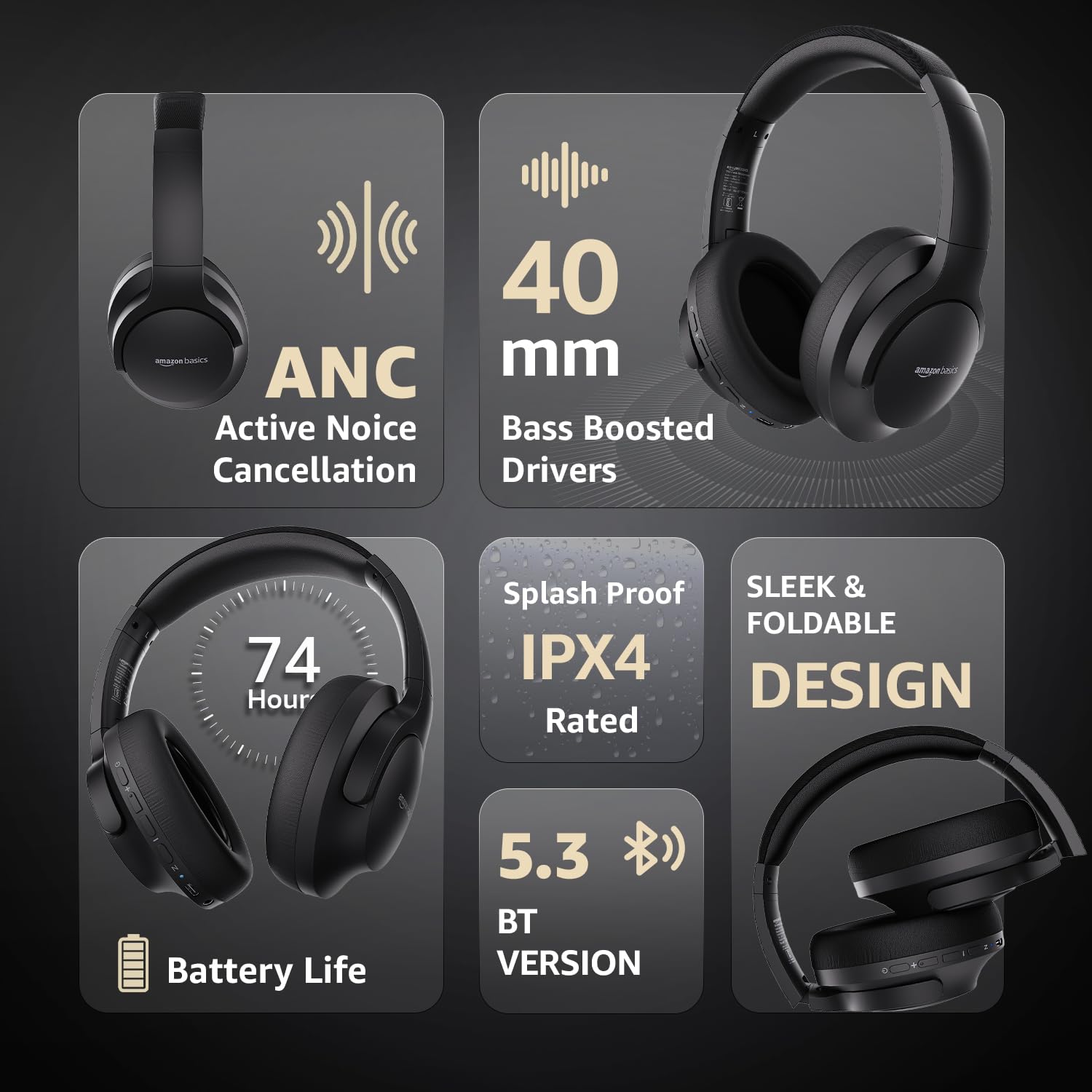
Image: An infographic highlighting key features, including the sleek and foldable design of the headphones for easy storage.
3. Nlekọta batrị
- Zere ịchaji batrị ugboro ugboro.
- Charge the headphones regularly, even if not used for extended periods, to maintain battery health.
- Ewepụla batrị ahụ na okpomọkụ dị elu.
Nchọpụta nsogbu
| Nsogbu | Ihe nwere ike ime | Ngwọta |
|---|---|---|
| Igwe ekweisi anaghị agba ọkụ. | Batrị dị ala. | Charge the headphones fully using the supplied USB Type-C cable. |
| Enweghị ike ijikọ site na Bluetooth. | Igwe ekweisi adịghị na ọnọdụ njikọta; gbanyụọ ngwaọrụ Bluetooth; tere aka site na ngwaọrụ. | Ensure headphones are in pairing mode (flashing blue/red). Turn Bluetooth on your device. Move headphones closer to the device (within 10m). |
| Enweghị ụda. | Olu dị oke ala; isi iyi ọdịyo ezighi ezi; ejikọrọ ekweisi. | Increase volume on headphones and device. Verify correct audio output on device. Re-pair Bluetooth or check AUX cable connection. |
| ANC anaghị arụ ọrụ nke ọma. | ANC anaghị arụ ọrụ; mkpọtụ gburugburu ebe obibi dị oke elu. | Pịa bọtịnụ ANC iji mee ka ọ rụọ ọrụ. ANC kacha arụ ọrụ megide obere mkpọtụ na-adịghị agbanwe agbanwe. |
Nkọwapụta
| Njirimara | Nkọwa |
|---|---|
| Nọmba nlereanya | AB-IBT-82ANC |
| Teknụzụ Njikọta | Wireless (Bluetooth 5.3), Wired (3.5mm AUX) |
| Nha ọkwọ ụgbọ ala | 40 mm |
| Ike batrị | 500mAh Lithium Polymer |
| Ndụ Batrị (ANC gbanyụrụ) | Ruo awa 74 (na olu 50%) |
| Ndụ Batrị (ANC Gbanyere) | Up to 34 hours (at 100% volume), 62 hours (at 50% volume) |
| Nchaji ọdụ ụgbọ mmiri | USB Ụdị-C |
| Ikuku iche | Ruo mita 10 |
| Ogo Nguzogide Mmiri | IPX4 (Ngosipụta Mgbasa) |
| Dimensions (Headphone) | 19.61 x 22.5 x 8.72 cm |
| Ibu (ekweisi) | 220.6 g |
| Ihe onwunwe | Plastic, Polyurethane (PU) |
| Ngwa dakọtara | Cellphones, Gaming Consoles, Laptops, Tablets |

Image: A visual representation of the headphone's dimensions and weight for reference.
Nkasi obi na Nhazi
The headphones are designed for extended wear with an over-ear fit, soft ear cushions, and an adjustable headband, ensuring comfort during long listening sessions.

Image: A person wearing the headphones, demonstrating the comfortable over-ear fit.
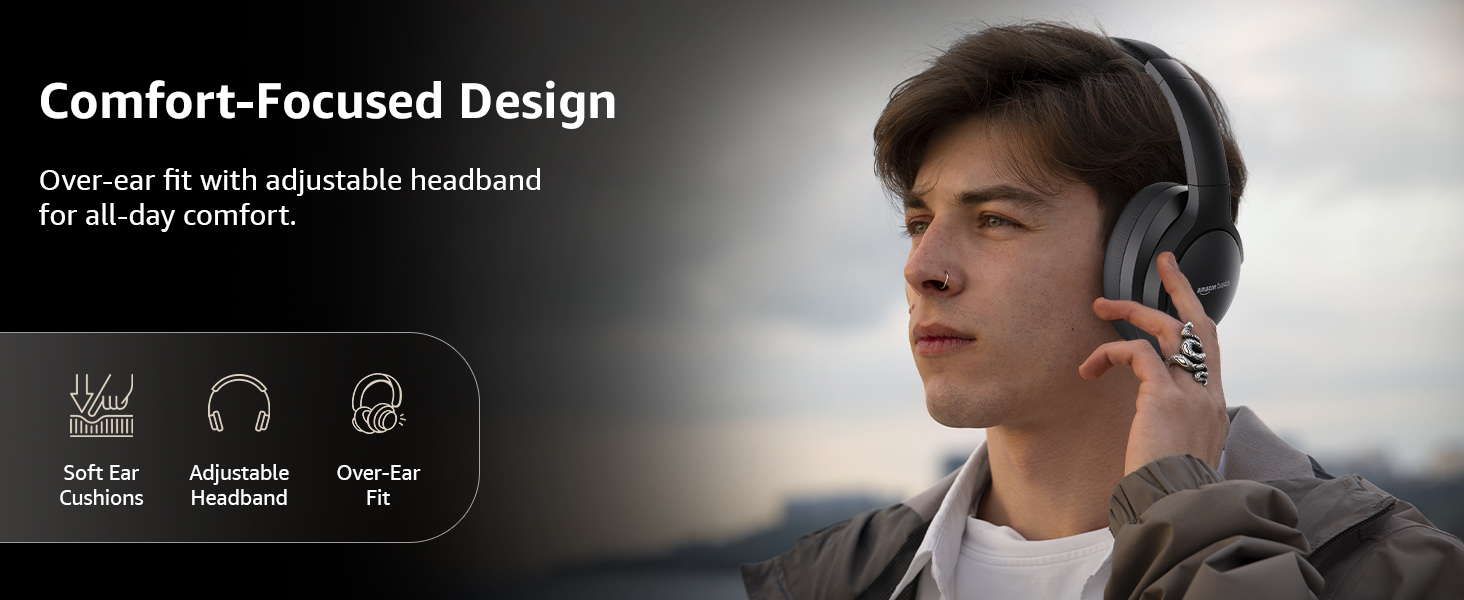
Image: A graphic detailing the comfort-focused design elements, including soft ear cushions and an adjustable headband.
Akwụkwọ ikike na nkwado
Warranty information for your Amazon Basics Pro Series Wireless Noise Cancelling ANC Over Ear Headphones is typically provided with the product packaging or can be found on the Amazon Basics official website. For technical support or warranty claims, please refer to the contact information provided with your purchase or visit the Amazon Basics support page.
Biko dowe ihe akaebe nke ịzụrụ ihe maka ajụjụ ọ bụla metụtara akwụkwọ ikike.


