Okwu mmalite
The Logitech Signature M550 L Wireless Mouse is designed for enhanced comfort and productivity, especially for users with larger hands. It features an adaptive SmartWheel for precise or hyper-fast scrolling, SilentTouch technology for quiet clicks, and versatile connectivity options. This manual provides detailed instructions for setup, operation, and maintenance of your device.
Ihe ngwugwu
- Logitech Signature M550 L Wireless Mouse
- Batrị AA 1 (etinyere ya ma ọ bụ tinye ya)
- Logi Bolt USB Receiver (may be stored inside the mouse battery compartment)
- Akwụkwọ Ndị Ọrụ (akwụkwọ ntuziaka a)
Ngwaahịa gafereview
Familiarize yourself with the key components of your Logitech Signature M550 L mouse.

Image: Top and side view of the Logitech Signature M550 L mouse, highlighting its features including the SmartWheel, silent clicking buttons, Bluetooth connectivity, ergonomic shape, and 24-month battery life.
- Pịa bọtịnụ aka ekpe/aka nri: Feature SilentTouch technology for reduced clicking noise.
- Okporo ụzọ Smart: Adaptive scroll wheel for line-by-line precision or super-fast free-spin scrolling.
- Ihe ngosi LED: Shows battery status and connection mode.
- Mgbanwu ma ọ bụ gbanyụọ: Located on the bottom of the mouse.
- Akụkụ batrị: Houses the AA battery and Logi Bolt USB receiver.
- Nhazi Ergonomic: Contoured shape with soft thumb area and rubber side grips for comfort.
Melite
1. Wụnye batrị
- Mepee mkpuchi nke batrị dị n'okpuru òké ahụ.
- Tinye batrị AA dị na ya, hụ na polarity ziri ezi (+/-).
- Close the battery compartment cover. The LED indicator on the mouse may flash briefly.
2. Jikọọ na ngwaọrụ gị
Mbinye aka M550 L na-enye ụzọ njikọ abụọ: Logi Bolt USB Receiver ma ọ bụ Bluetooth Low Energy.
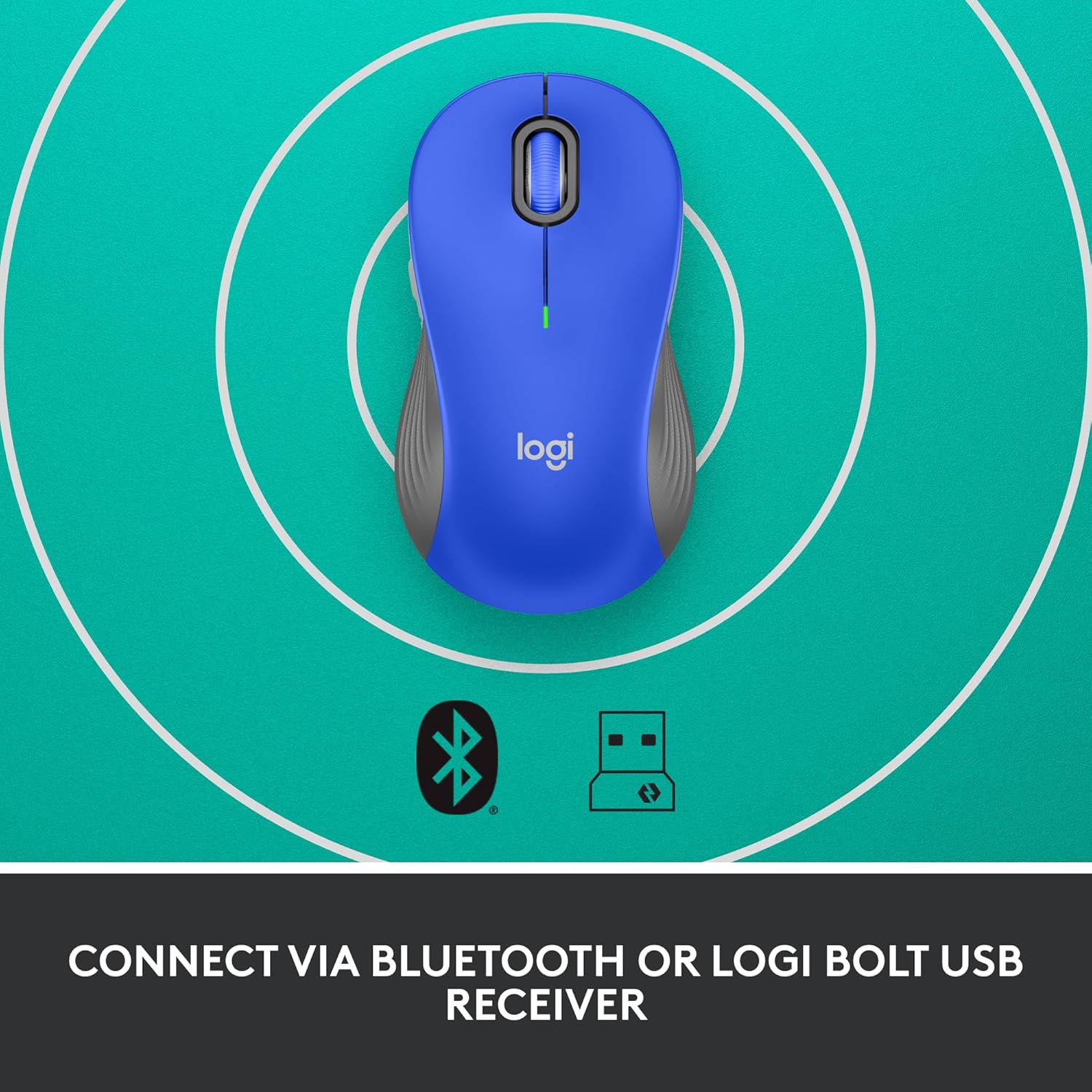
Image: The Logitech Signature M550 L mouse shown with icons representing Bluetooth and Logi Bolt USB receiver connectivity options.
Nhọrọ A: Logi Bolt USB Receiver
- Locate the Logi Bolt USB receiver, typically stored inside the mouse's battery compartment.
- Tinye ihe nnata USB Logi Bolt n'ime ọdụ USB dị na kọmputa gị.
- Turn on the mouse using the On/Off switch on the bottom. Your computer should automatically detect the mouse.
Nhọrọ B: Bluetooth Ike Dị Ala
- Turn on the mouse using the On/Off switch on the bottom.
- Press and hold the Easy-Switch button (usually on the bottom or side, refer to product diagram if available) for 3 seconds until the LED indicator starts blinking rapidly. This indicates pairing mode.
- Na kọmputa ma ọ bụ ngwaọrụ gị, mepee ntọala Bluetooth.
- Select "Logitech M550 L" from the list of available devices and follow any on-screen prompts to complete pairing.
The mouse is compatible with Windows, macOS, Linux, Chrome OS, iPadOS, and Android operating systems.
Ntuziaka ọrụ
Mkpọgharị SmartWheel
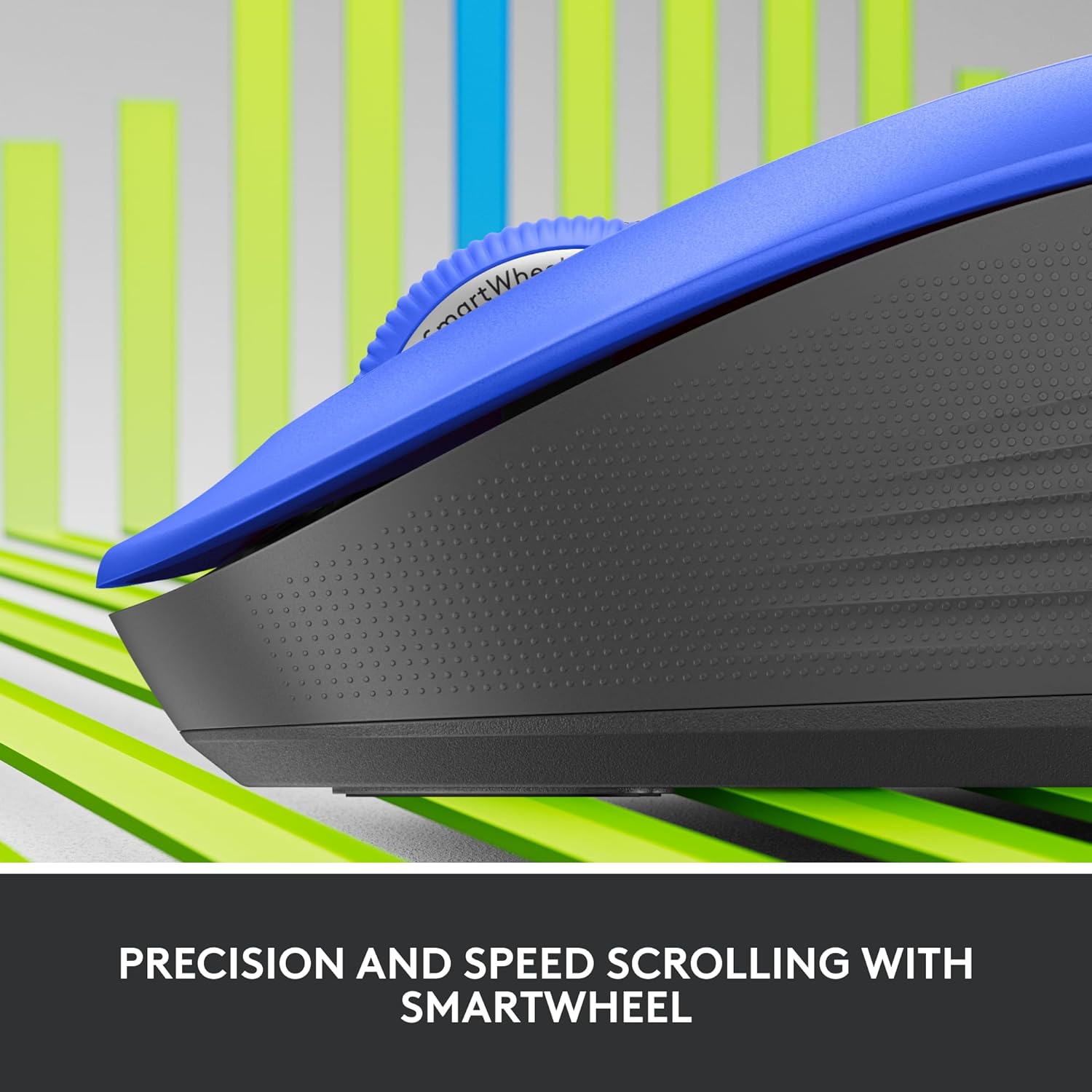
Foto: A nso nso view of the Logitech SmartWheel, demonstrating its precision and speed scrolling capabilities.
SmartWheel na-agbanwe n'etiti ụdịdị abụọ na akpaghị aka:
- Nhazi Ahịrị-site-Ahịrị: Ideal for detailed work and navigating documents. Scroll slowly for precise control.
- Super-Fast Free-Spin: For quickly navigating long web pages or documents. Flick the wheel to activate.
Pịa jụụ

Image: A person using the Logitech Signature M550 L mouse at a desk, illustrating the benefit of 90% less clicking noise for a focused work environment.
The mouse features Logitech's SilentTouch technology, reducing click noise by over 90% compared to traditional mice. This allows for a quieter work environment without compromising click feel.
Ndakọrịta ọtụtụ ngwaọrụ
The Signature M550 L can be paired with multiple devices and switched between them using the Easy-Switch button. This feature is ideal for users who work across several computers or tablets.
Nlekọta
Ngbanwe batrị
The mouse operates on a single AA battery, offering up to 24 months of battery life depending on usage. When the battery is low, the LED indicator will turn red. To replace:
- Gbanyụọ òké.
- Open the battery compartment cover on the underside.
- Remove the old AA battery and insert a new one, observing correct polarity.
- Close the cover and turn the mouse back on.
Nhicha
To clean your mouse, use a soft, lint-free cloth lightly dampened with water or a mild cleaning solution. Avoid harsh chemicals or abrasive materials. Ensure no liquid enters the mouse's openings.
Nchọpụta nsogbu
- Òké anaghị aza:
- Gbaa mbọ hụ na agbanyere òké ahụ.
- Lelee ọkwa batrị ma dochie ọ bụrụ na ọ dị mkpa.
- If using the Logi Bolt receiver, try plugging it into a different USB port or a different computer to rule out port issues.
- If using Bluetooth, ensure Bluetooth is enabled on your device and the mouse is properly paired. Try re-pairing the mouse.
- Move the mouse closer to the receiver or Bluetooth-enabled device to ensure it's within range.
- Mmegharị kọsọ na-ezighi ezi:
- Hichaa ihe mmetụta anya na ala nke òké ahụ.
- Gbaa mbọ hụ na ị na-eji òké n'elu ala dabara adaba. Zenarị elu na-egosipụta nke ukwuu ma ọ bụ na-apụta ìhè.
- Connectivity issues after system update:
- Malitegharịa ekwentị gị na kọmputa.
- Check for updated drivers for your mouse or Bluetooth adapter.
Nkọwapụta
| Ụdị | Logitech |
| Nọmba nlereanya | 910-006794 |
| Teknụzụ Njikọta | Bluetooth Low Energy, Logi Bolt USB Receiver |
| Nchọpụta mmegharị | Ngwa anya |
| Atụmatụ pụrụ iche | Lightweight, Portable, Silent Clicks (SilentTouch), SmartWheel, Wireless |
| Ụdị batrị | 1 AA batrị |
| Ndụ batrị | Ruo ọnwa 24 (nwere ike ịdị iche dabere na ojiji) |
| Ndakọrịta sistemụ arụmọrụ | Windows, macOS, Linux, Chrome OS, iPadOS, gam akporo |
| Ibu Ibu | 3.92 ounces |
| Agba | Blue (for this variant) |
Ozi akwụkwọ ikike
Logitech products are manufactured to high quality standards and are covered by a limited hardware warranty. For specific warranty terms and conditions applicable to your region and product, please refer to the official Logitech website or the warranty card included with your purchase.
Nkwado
For further assistance, technical support, or to download the latest software and drivers for your Logitech Signature M550 L Wireless Mouse, please visit the official Logitech support websaịtị:
You can also find FAQs and community forums on the support site.


