1. Ngwaahịa gafereview
The Weiser Prescott/Katella Handleset in Satin Nickel offers a blend of modern design and reliable functionality for exterior doors. This handleset is designed for keyed entry and security, but it does not include a deadbolt. It is intended to be paired with a separate Weiser deadbolt, which can be electronic or mechanical, allowing for personalized security solutions.
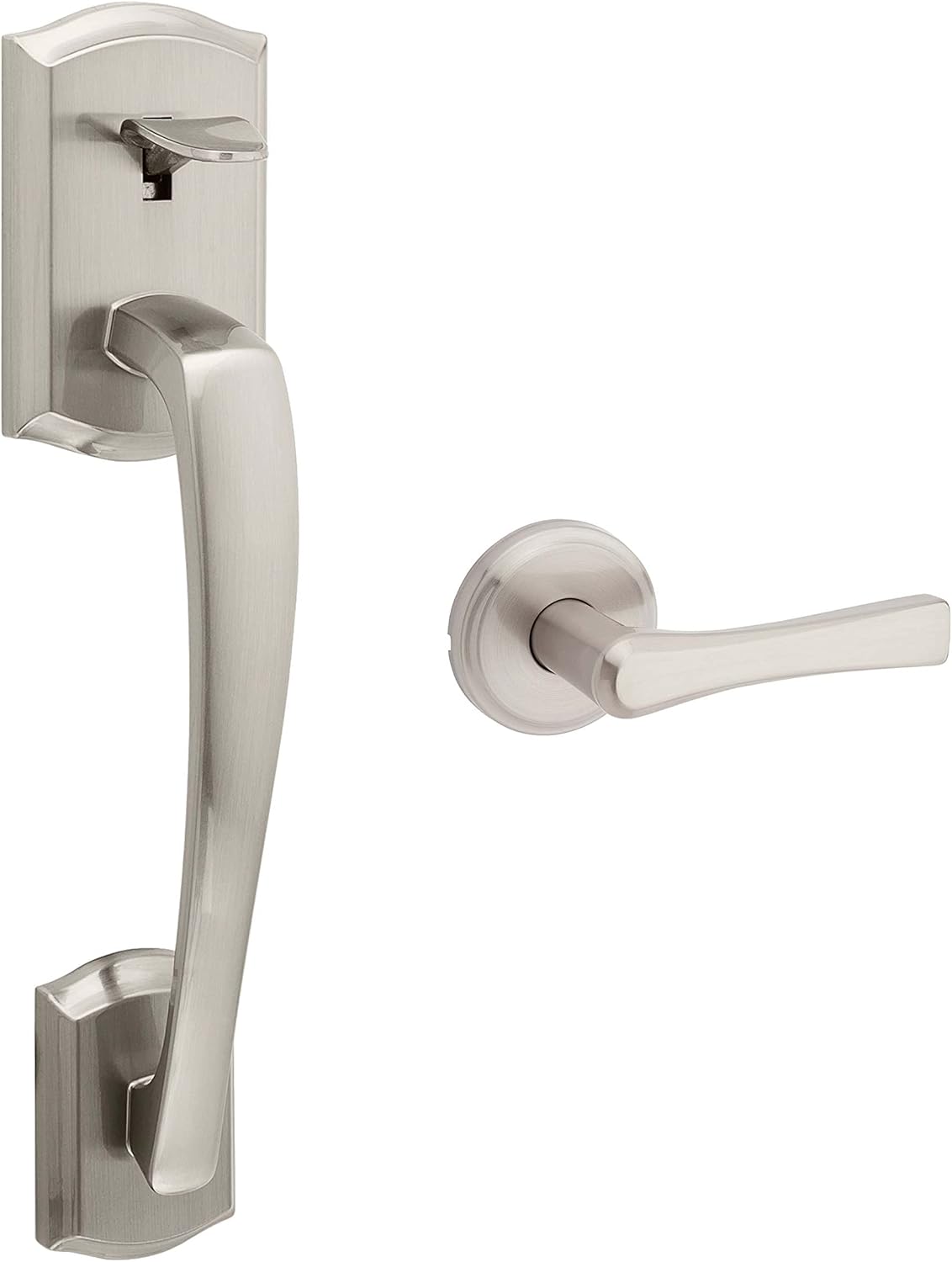
Foto 1: Mpụga view of the Weiser Prescott/Katella Satin Nickel Handleset.
The handleset is reversible, accommodating both left-handed and right-handed door configurations. Its satin nickel finish provides a clean and contemporary aesthetic, complementing various home decors.
2. Kedu ihe dị na Igbe ahụ
Gbaa mbọ hụ na akụrụngwa niile dị tupu ịmalite nrụnye:
- Door Handle (Exterior)
- Lever (Interior)
- Mkpọchi
- Tigbuo
- Hardware (screws, pins, etc.)
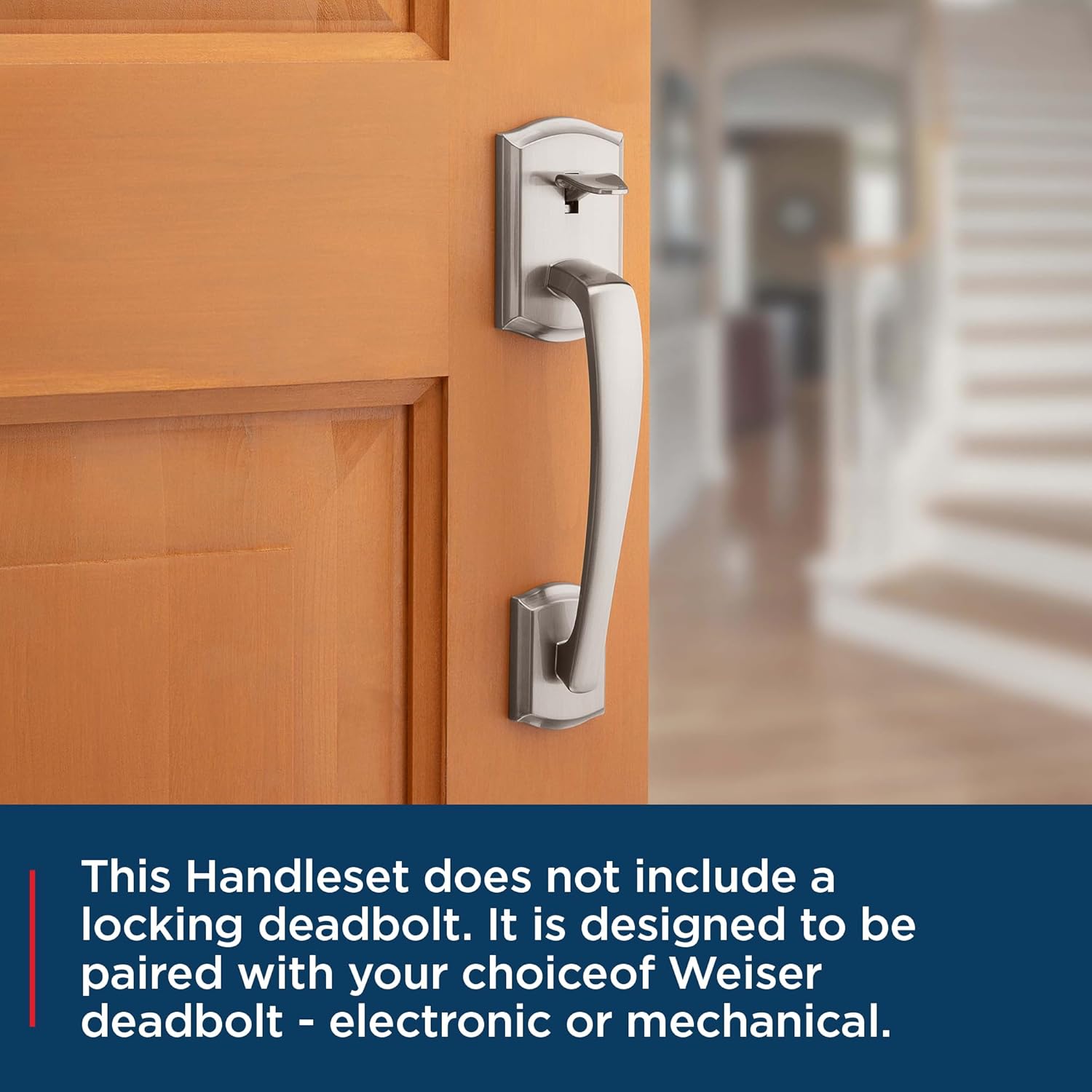
Figure 2: Weiser Prescott/Katella Handleset on a door, ready for a separate deadbolt installation.
3. Nwụnye
3.1. Door Specifications & Preparation
Before installation, verify your door meets the following specifications:
- Ọkpụrụkpụ ọnụ ụzọ: 1-3/8" to 1-3/4"
- Latch Backset: 2-3/8" to 2-3/4"
- Cross Bore: 2-1/8"
This handleset is designed for easy installation with basic tools, typically a screwdriver. No additional holes are required if your door is pre-drilled to standard specifications.

Figure 3: Illustrative image of door handle installation using a screwdriver.
3.2. Nzọụkwụ Nwụnye
Follow these general steps for installing your handleset. Refer to the detailed video for visual guidance.
- Wụnye eriri n'ime ọnụ ụzọ.
- Install the exterior handle assembly, ensuring the spindle aligns with the latch.
- Install the interior lever, aligning it with the exterior assembly.
- Chekwaa akụrụngwa niile na kposara enyere.
- Wụnye efere iku n'elu ọnụ ụzọ.
Video 1: General Handleset Installation Guide (Tinewa Brand). This video demonstrates the typical steps for installing a handleset, which are applicable to the Weiser Prescott/Katella model.

Ọgụgụ 4: Ime view of the handleset lever.
4. Ọrụ
The Weiser Prescott/Katella Handleset provides secure entry for your exterior door. To operate:
- Imeghe site na Mpụta: Insert your key into the keyhole and turn to unlock. Depress the thumb latch to retract the bolt and open the door.
- Imepe site n'ime ụlọ: Simply depress the interior lever to retract the bolt and open the door.
- Iji kpọchie site na Mpụta: Close the door. Ensure the latch is fully extended. If paired with a deadbolt, engage the deadbolt.
- Iji kpọchie site n'ime ụlọ: Close the door. Depress the interior lever to ensure the latch is fully extended. If paired with a deadbolt, engage the deadbolt.
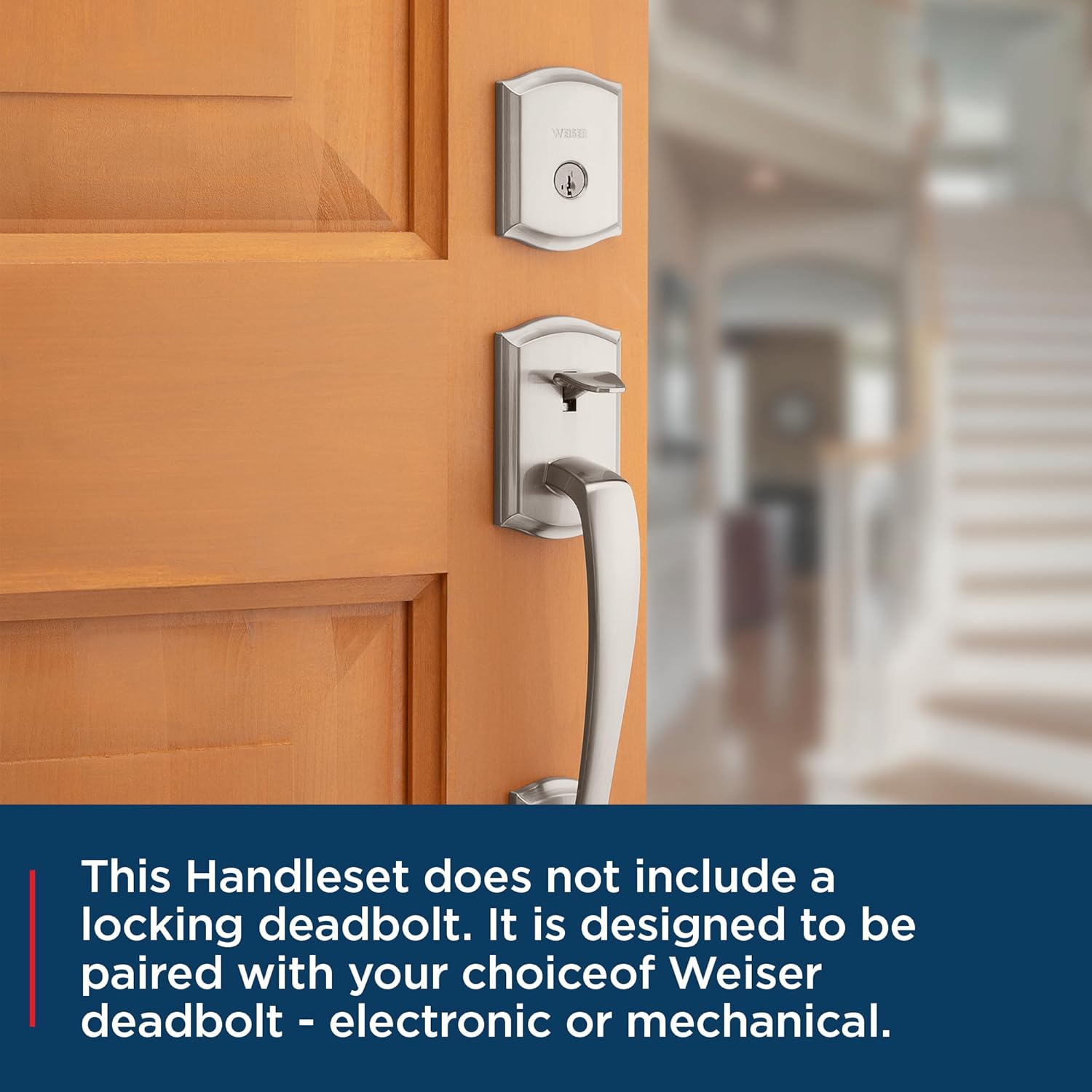
Figure 5: Handleset shown with a separate deadbolt (not included with this product).
5. SmartKey Security Feature
This Weiser handleset is compatible with SmartKey Security technology, allowing you to re-key your lock yourself in seconds. This feature provides convenience and enhanced security, enabling you to match your handleset key to other Weiser SmartKey locks you may own.
5.1. Re-Keying Your Lock
To re-key your lock using SmartKey technology:
- Insert your functioning key and turn it 1/4 turn clockwise.
- Insert the SmartKey Learn Tool fully and firmly into the SmartKey hole. Remove the SmartKey Learn Tool.
- Wepu igodo arụ ọrụ gị.
- Insert your new key fully and firmly into the keyhole. Turn it 1/2 turn counter-clockwise.
- Your lock is now re-keyed. Test the new key to ensure proper operation.
Video 2: Weiser SmartKey Tutorial - Re-Key Your Lock In Seconds. This official Weiser video demonstrates the quick and easy process of re-keying your SmartKey compatible lock.

Figure 6: Weiser SmartKey Security features.

Figure 7: Visual steps for re-keying your SmartKey lock.
6. Nlekọta
To ensure the longevity and optimal performance of your Weiser handleset, follow these maintenance guidelines:
- Nhicha: Jiri ihe dị nro hichaa aka aka mgbe niile, damp ákwà. Zere ihe nhicha, ihe mgbaze, ma ọ bụ kemịkalụ siri ike, n'ihi na ihe ndị a nwere ike imebi njedebe.
- mmanu mmanu: Periodically apply a silicone-based lubricant to the latch mechanism and key cylinder to ensure smooth operation. Do not use oil-based lubricants.
- Ihe nkedo na-agbatị: Check all mounting screws periodically and tighten them if necessary to prevent looseness.
7. Nchọpụta nsogbu
Ọ bụrụ na ị na-enwe nsogbu na aka gị, tụlee ihe ngwọta ndị a na-emekarị:
- Aka ya dị nro: Check and tighten all visible screws on both the interior and exterior components.
- Latch Not Retracting Smoothly: Apply a silicone-based lubricant to the latch mechanism. Ensure no debris is obstructing the latch.
- Igodo Anaghị Agbagharị: Ensure the key is fully inserted. Check for any obstructions in the keyway. If using SmartKey, ensure the re-keying process was completed correctly.
- Ọnụ ụzọ anaghị agbachi: Verify the strike plate on the door frame is properly aligned with the latch. Adjust the strike plate if needed.
For persistent issues, contact Weiser customer support.
8. Nkọwapụta
| Njirimara | Nkọwapụta |
|---|---|
| Onye nrụpụta | Weiser |
| Nọmba akụkụ | 9GLA77710-010 |
| Akụkụ ngwaahịa | 7.78 x 6.83 x 6.83 cm |
| Ibu Ibu | 1.83 n'arọ |
| Nha | Prescott/Katella |
| Agba | Nickel Nickel |
| Ụdị | Handleset Minus Deadbolt |
| Mechaa | Achachapụrụ |
| Ihe onwunwe | Ọla |
| Usoro ntinye | Edokwasara elu |
| Ọnụ ngwungwu ihe | 1 |
| Ọnụọgụ nke Iberibe | 2 |
| Ejikwa ihe | Ọla |
| Atụmatụ pụrụ iche | Ọ dị mfe ịwụnye |
| Ojiji | Exterior doors |
| Ngwa gụnyere | Hardware, Latch, Strike, Passage Door Handle (Deadbolt not included) |
| Achọrọ batrị? | Mba |
| Mba onye si | China |
9. Akwụkwọ ikike & Nkwado
Your Weiser Prescott/Katella Handleset is backed by a Nrụ ọrụ na akwụkwọ ikike imecha ndụ nwere oke. This warranty covers defects in material and workmanship for the lifetime of the original residential user.
For warranty claims, technical assistance, or further inquiries, please contact Weiser customer support. Refer to the official Weiser websaịtị maka ozi kọntaktị kachasị ọhụrụ na usoro nkwa zuru ezu.


