1. Okwu mmalite
This manual provides essential information for the safe and efficient operation of your Amazon Basics Microwave. This compact, 0.7 cubic foot, 700-watt microwave oven is designed for convenient food preparation and reheating. It features integration with Alexa, allowing for voice-controlled cooking and simplified operation when paired with a compatible Echo device (sold separately).
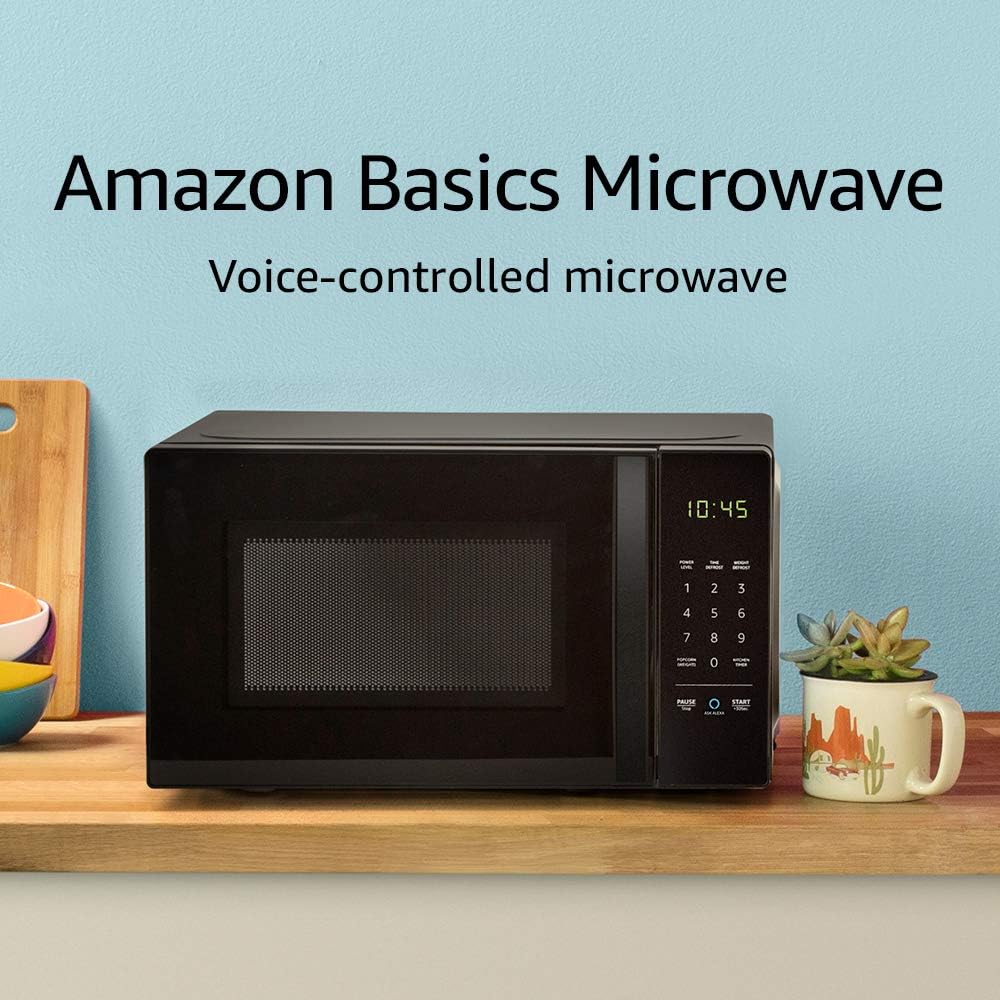
Image: The Amazon Basics Microwave, highlighting its voice-controlled capabilities.
2. Ozi nchekwa dị mkpa
Iji belata ihe egwu nke ọkụ, ujo eletriki, mmerụ ahụ nye mmadụ, ma ọ bụ ikpughe ike microwave gabigara ókè mgbe ị na-eji ngwa gị, gbasoo ihe ndị bụ isi, gụnyere ihe ndị a:
- Gụọ ntuziaka niile tupu i jiri ngwa.
- Anwala iji ọkụ ọkụ a meghere ụzọ n'ihi na nke a nwere ike ịkpata mmerụ ahụ na ike microwave.
- Edokwala ihe ọ bụla n'etiti ihu oven na ọnụ ụzọ ma ọ bụ kwe ka ala ma ọ bụ ihe fọdụrụ dị ọcha kwakọba n'elu ebe mkpuchi.
- Ejila mmiri ọkụ ma ọ bụ ihe oriri ndị ọzọ ọkụ n'ime arịa ejiri mechiri emechi ebe ọ bụ na ha nwere ike ịgbawa.
- Ejila nri gabiga ókè.
- Ejila kemịkalụ ma ọ bụ vapors na-emebi emebi na ngwa a.
- Gbaa mbọ hụ na ikuku ikuku dị na gburugburu microwave.
- Ezubere ngwa a maka iji naanị ụlọ.
3. Ntọala na nwụnye
Follow these steps to set up your Amazon Basics Microwave:
- Iwepu: Carefully remove the microwave from its packaging. Retain packaging materials for future transport or storage if needed.
- Nkwanye: Place the microwave on a flat, stable surface, such as a kitchen counter. Ensure there is adequate space around the unit for ventilation (at least 4 inches on all sides and top). Do not block ventilation openings.
- Njikọ ike: Plug the microwave into a grounded electrical outlet. The power cord is approximately 3-4 feet long.
- Alexa Pairing: To enable voice control, you will need a compatible Echo device (e.g., Echo Dot, Echo Plus). Ensure your Echo device is set up and connected to your Wi-Fi network. The microwave should automatically connect to your Alexa account once powered on and within range of your Echo device. Follow the instructions in the Alexa app for any additional setup.
4. Ntuziaka ọrụ
Your Amazon Basics Microwave offers both manual keypad operation and convenient Alexa voice control.
4.1 Manual Keypad Operation
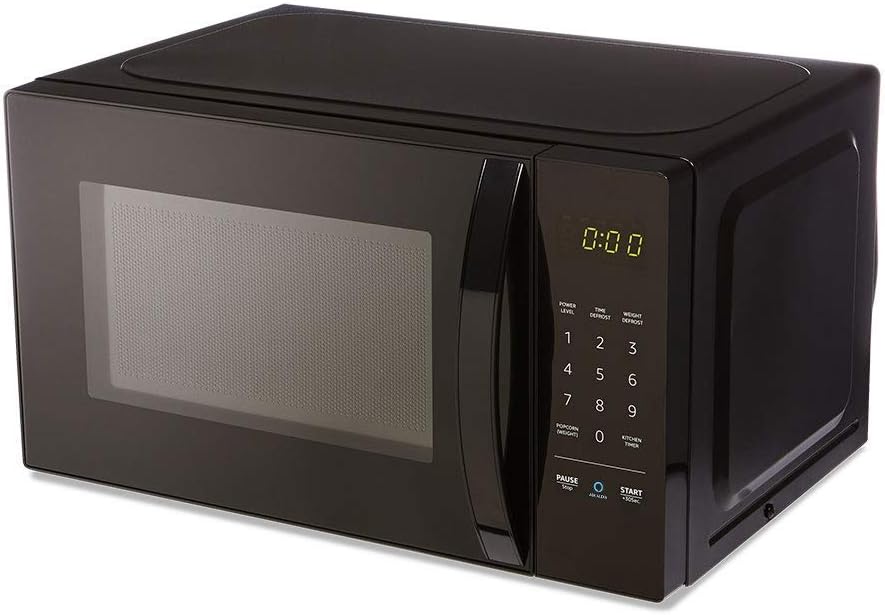
Foto: N'ihu view of the Amazon Basics Microwave, displaying the control panel and digital clock.
- Ịtọ oge esi nri: Use the number pad (1-9, 0) to enter the desired cooking time.
- Ọkwa ike: The microwave features 10 power levels. Press the "POWER LEVEL" button and then a number to select the desired power level (e.g., 5 for 50% power).
- Malite: Press the "START +30 SEC." button to begin cooking. Each press of this button adds 30 seconds to the cooking time.
- Kwụsị/ Kwụsị: Press the "PAUSE/STOP" button once to pause cooking, or twice to cancel the current cooking cycle.
- Kitchen ngụ oge: Use the "KITCHEN TIMER" button to set a countdown timer without activating the microwave function.
4.2 Alexa olu njikwa
With an Echo device, you can use voice commands for quick and convenient cooking. Ensure your Echo device is active and connected.
- Iwu izugbe:
- "Alexa, start microwaving."
- "Alexa, microwave for [X] minutes [Y] seconds."
- "Alexa, set microwave power to [level 1-10]."
- "Alexa, STOP Microwave." (Note: Use "STOP Microwave" specifically to end a cycle.)
- Quick-Cook Presets: Alexa offers various presets for common foods.
- "Alexa, microwave a potato." (Alexa will ask for quantity.)
- "Alexa, reheat one cup of coffee."
- "Alexa, microwave 1.5 ounces of popcorn."
- "Alexa, defrost [X] ounces of frozen vegetables."

Image: Demonstrating voice command for reheating coffee.
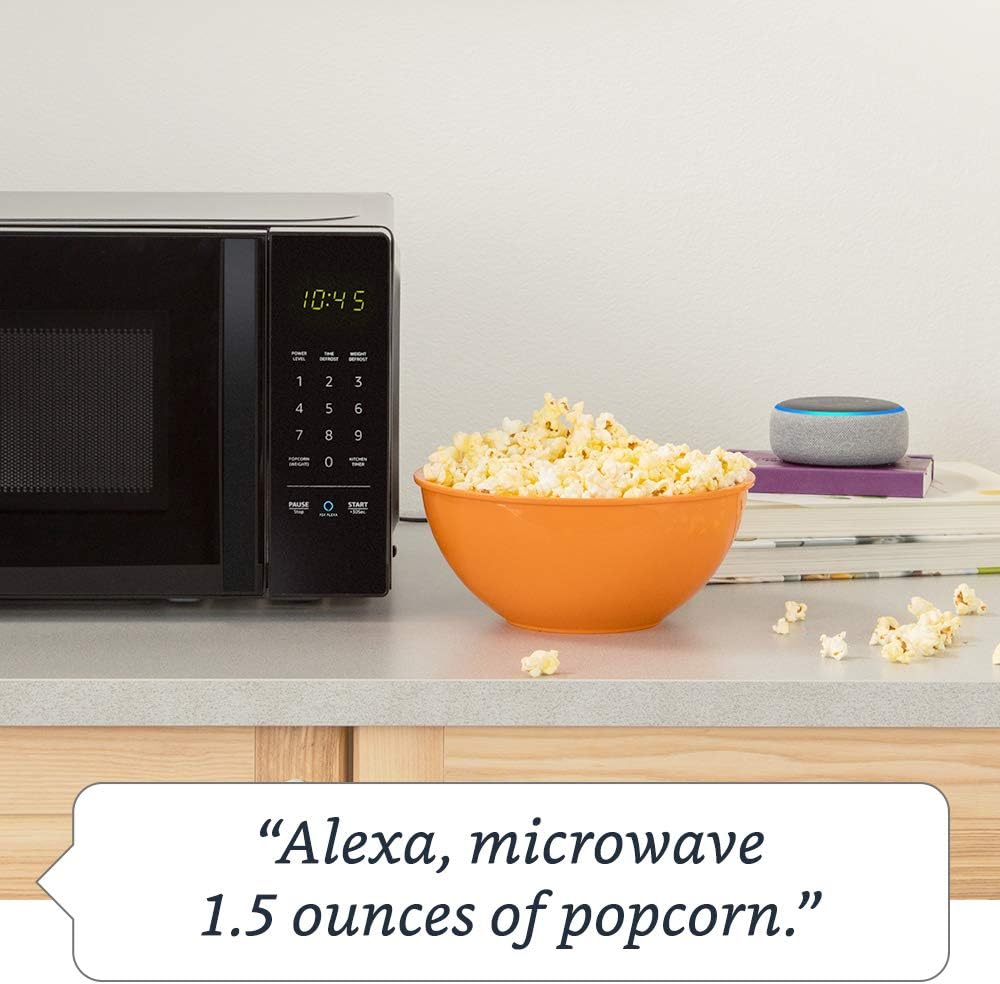
Image: Demonstrating voice command for microwaving popcorn.
4.3 Using the Ask Alexa Button
The "Ask Alexa" button on the microwave's control panel allows you to initiate voice commands without saying the wake word "Alexa".

Image: Detail of the control panel, showing the "Ask Alexa" button for direct voice input.
- Pịa Jụọ Alexa button (blue circle icon).
- Once the microwave indicates it's listening, state your command (e.g., "2 minutes," "reheat coffee," "popcorn").
4.4 Ọrụ mkpọchi ụmụaka
To prevent unintended operation, especially by children, you can activate the child lock:
- Rụọ ọrụ: Press the "PAUSE/STOP" button once, then press the "0" button twice. The Wi-Fi indicator on the display will turn off, indicating the lock is active.
- Iji gbanyụọ: Repeat the same process: Press the "PAUSE/STOP" button once, then press the "0" button twice. The Wi-Fi indicator will reappear, and the microwave will be operational.
5. Nlekọta na nhicha
Regular cleaning helps maintain the performance and longevity of your microwave.
- Ime: Hichaa oghere oven mgbe ejiri ya mee ihe ọ bụla site na iji mgbasa ozi hichaa yaamp ákwà na ihe nhicha dị nro. Maka ntụpọ siri ike, tinye otu efere mmiri na mpekere lemon n'ime ma tinye ya na microwave maka nkeji ole na ole iji mee ka ihe fọdụrụ dị nro, wee hichaa ya nke ọma.
- Mputa: Jiri nwayọ hichaa elu mpụta, damp akwa . Zere ihe nhicha ma ọ bụ ihe mgbaze.
- Ntughari: The glass turntable and turntable support can be removed for cleaning. Wash them in warm, soapy water or in the dishwasher. Ensure they are completely dry before placing them back in the oven.
- Akara ọnụ ụzọ: Keep the door seal and adjacent parts clean. Wipe with a damp akwa .
6. Nchọpụta nsogbu
If you encounter issues with your Amazon Basics Microwave, refer to the following common problems and solutions:
| Nsogbu | Ihe kpatara/ Ngwọta nwere ike ime |
|---|---|
| Microwave anaghị ebido. |
|
| Nri anaghị esi nri ma ọ bụ kpoo ọkụ nke ọma. |
|
| Alexa voice commands are not working. |
|
| Mkpọtụ na-adịghị ahụkebe n'oge arụ ọrụ. |
|
If the problem persists after attempting these solutions, please contact Amazon customer support.
7. Nkọwapụta
Detailed specifications for the Amazon Basics Microwave:
| Njirimara | Nkọwapụta |
|---|---|
| Nọmba nlereanya | B07894S727 |
| Ike | 0.7 Cu. Dị |
| Ike nri | 700 Watt |
| Ọkwa ike | 10 |
| Akụkụ Mpụga (W x H x D) | 17.3 inch x 10.1 inch x 14.1 inch. |
| Internal Dimensions (W x H x D) | 10 7/8 inch x 6 7/8 inch x 10 inch. |
| Dayameta ntụgharị | 10 na. |
| Max Popcorn Bag Size | 3 oz |
| Njikọta | Works with Alexa (Echo device required) |
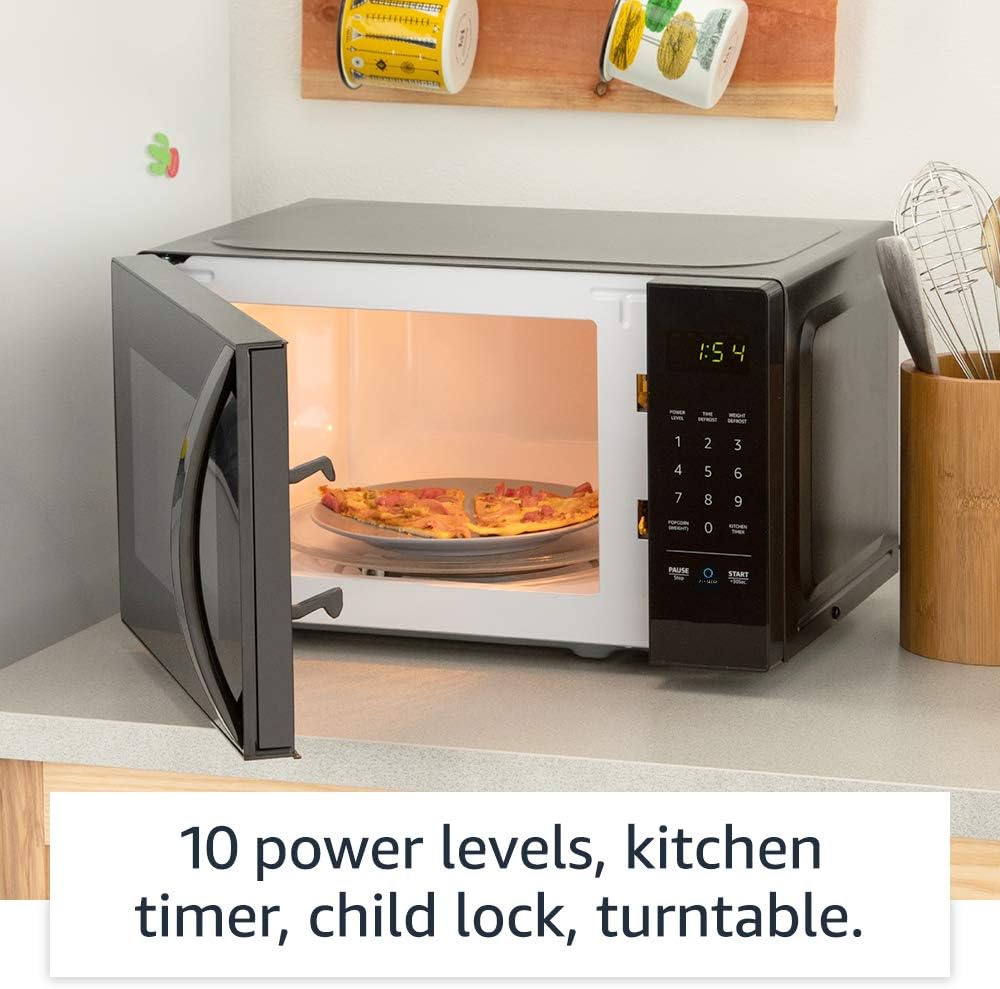
Foto: Ime view of the microwave, highlighting its features like the turntable.
8. Akwụkwọ ikike na nkwado
For information regarding your product's warranty, please refer to the warranty card included with your purchase or visit the Amazon Basics official website. For technical support, troubleshooting assistance beyond this manual, or to inquire about replacement parts, please contact Amazon customer support directly.
You can typically find support contact information on the Amazon website under "Help & Customer Service" or by searching for "Amazon Basics Microwave support".


