1. Okwu mmalite
The Zolo Liberty+ Total-Wireless Earphones offer a cable-free audio experience with advanced features. These earphones are designed with revolutionary graphene-augmented drivers for superior sound clarity and extended battery life. They incorporate adjustable ambient sound levels and smart AI integration for enhanced user interaction. The robust design ensures a secure fit and sweatproof performance, making them suitable for various activities.
2. Kedu ihe dị na Igbe ahụ
Biko lelee ọdịnaya nke ngwugwu ahụ ka ị hụ na ihe niile dị:
- Zolo Liberty+ Total-Wireless Earphones
- Zolo Liberty+ Charging Case
- 4 x GripFit Jackets (various sizes)
- 3 x Ntụaka ntị (nha dị iche iche)
- Micro USB USB
- Akwụkwọ ntuziaka onye ọrụ
- Akpa njem
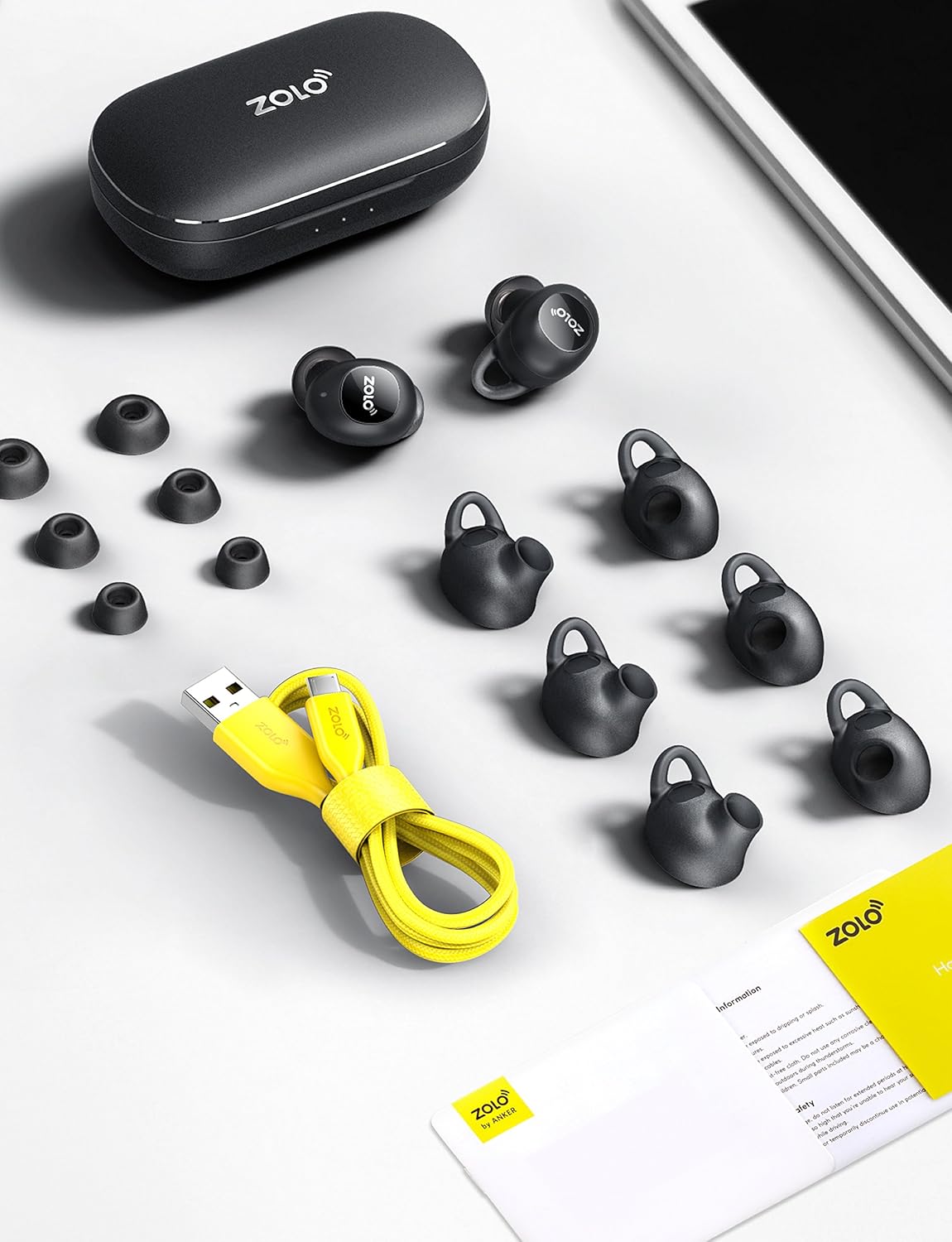
Image: All accessories included with the Zolo Liberty+ earphones, neatly arranged.
3. Nhazi
3.1. Ịchaji ekwe ntị na akpa
Before first use, fully charge the Zolo Liberty+ earphones and their charging case. Place the earphones into the charging case. The LED indicators on the case will show the charging status. A full charge provides approximately 3.5 hours of playtime, which can be extended to an impressive 48 hours with multiple recharges from the fully charged case.

Image: Zolo Liberty+ earphones in their charging case, illustrating the charging process.
3.2. Pairing with Your Device (PUSH AND GO™ Technology)
The Zolo Liberty+ features PUSH AND GO™ technology for quick and easy pairing:
- Mmakọ izizi: Remove both earphones from the charging case. They will automatically enter pairing mode.
- On your device (smartphone, tablet, etc.), open the Bluetooth settings.
- Select "Zolo Liberty+" from the list of available devices.
- Ozugbo ejikọrọ, ị ga-anụ nkwenye ọdịyo.
- Njikọta akpaaka: After the initial setup, the earphones will automatically connect to your last paired device when removed from the case. They will disconnect when returned to the case.
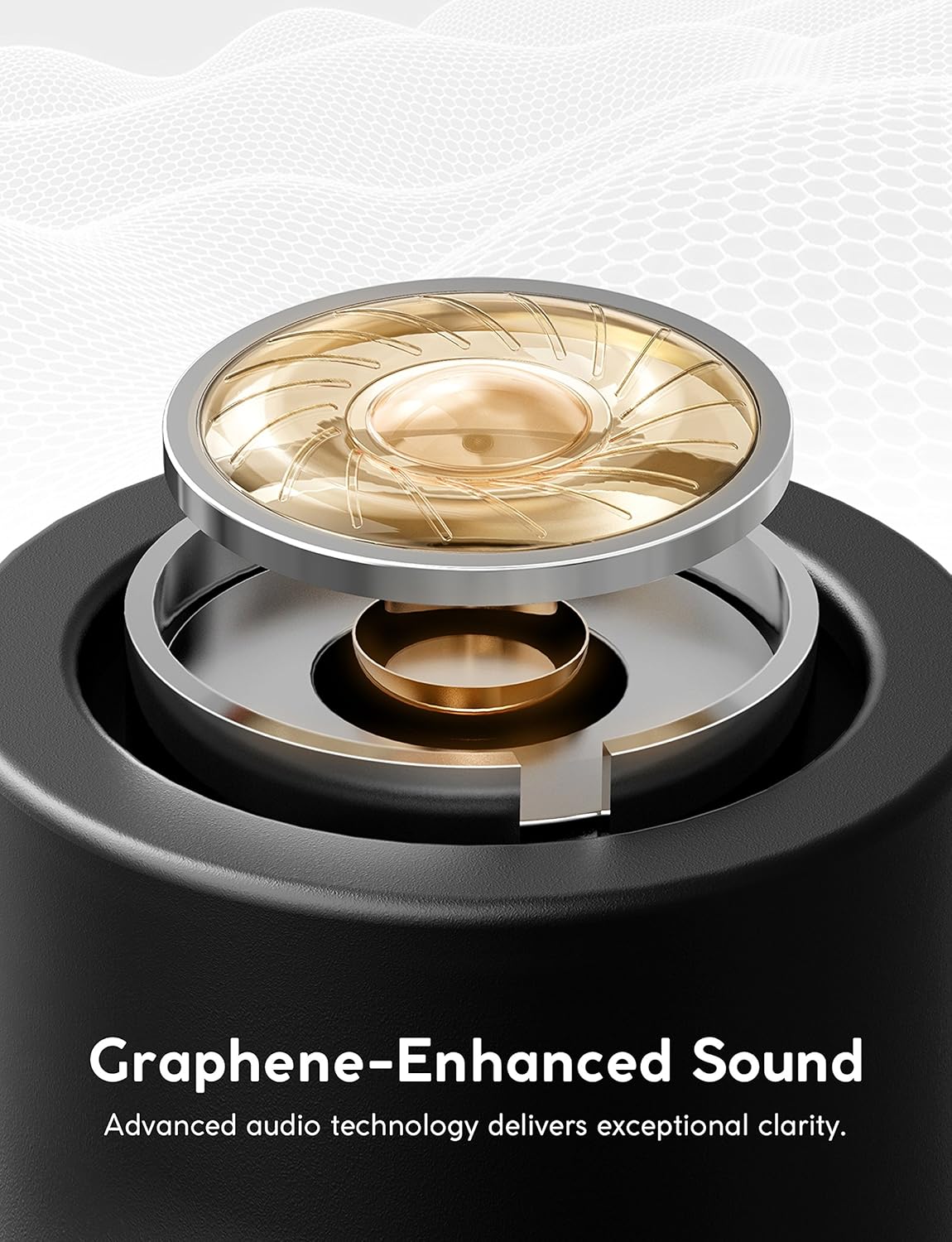
Image: A user interacting with the Zolo Liberty+ charging case and earphones, demonstrating the PUSH AND GO™ pairing process.
4. Ntuziaka ọrụ
4.1. Graphene-Enhanced Sound
The Zolo Liberty+ earphones feature graphene-coated drivers. This advanced material allows for precision oscillation, delivering superior sound clarity and boosted treble. The rigid yet lightweight construction of the drivers contributes to breathtaking audio quality with deep bass and exceptional sound isolation.

Image: A close-up diagram of the graphene-enhanced driver, highlighting its advanced audio technology.
4.2. GripFit™ Technology for Secure Fit
GripFit™ technology ensures that the Liberty+ earphones fit comfortably and securely in your ear. To achieve the best fit, simply slide the earphone into your ear and gently turn to lock it into place. The included silky smooth liquid silicon Ear Tips and Grip Jackets in multiple sizes allow for personalized comfort and stability.
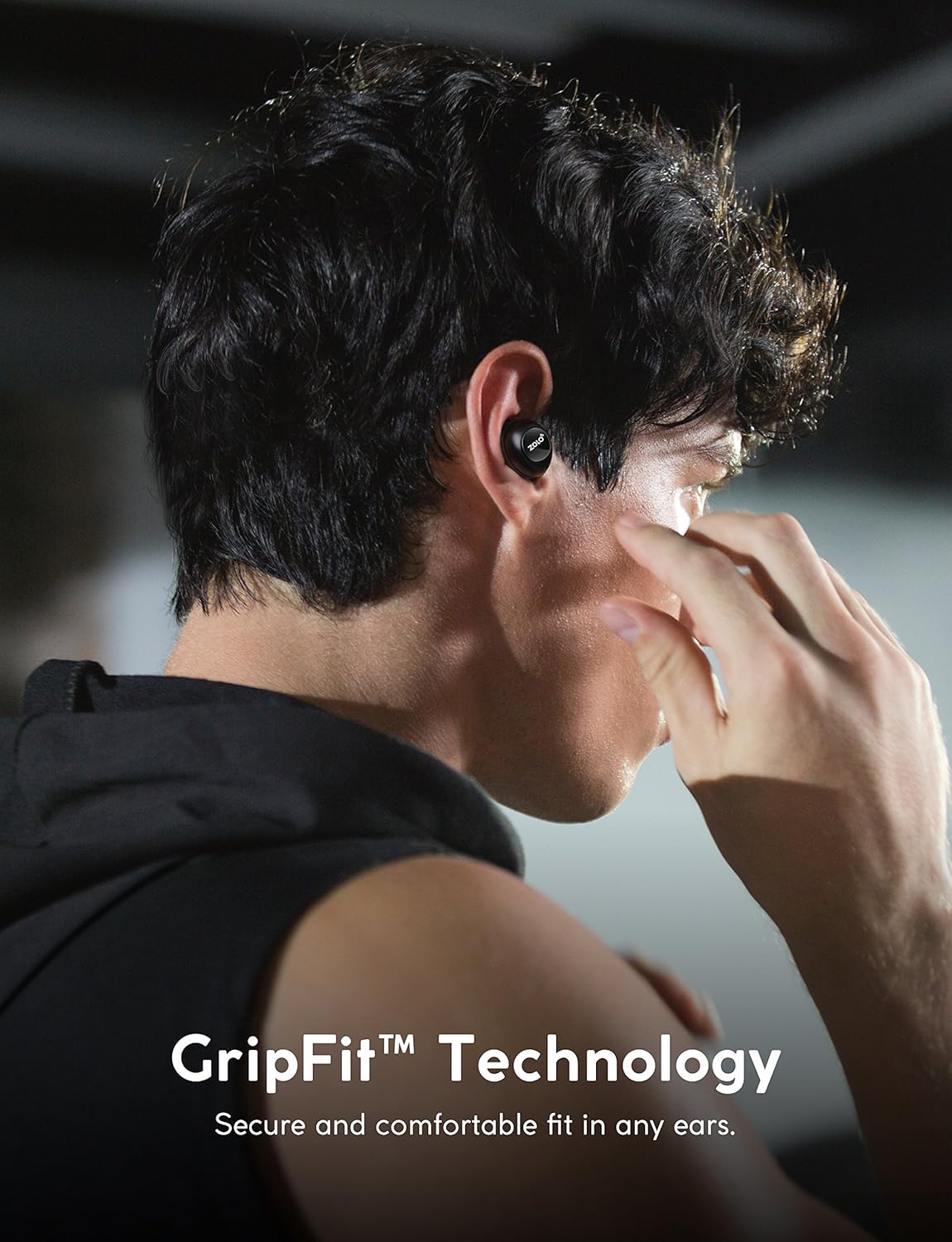
Image: A person wearing the Zolo Liberty+ earphones, illustrating the secure and comfortable fit provided by GripFit™ technology.
4.3. Toggle Audio Isolation / Smart AI Activation
With a single tap on the earphone, you can toggle sound isolation to either immerse yourself in your audio or allow ambient sounds to pass through for better awareness of your surroundings. This one-tap activation also allows you to activate your favorite AI Assistant (e.g., Siri, Google Assistant). The microphones are optimized for voice recognition, ensuring clear commands and quick responses.

Image: A user toggling the audio isolation feature, indicating the ability to switch between immersive sound and environmental awareness.
4.4. Sweatproof Design (IPX5 Rating)
The Zolo Liberty+ earphones feature an IPX5 water resistance rating. This means they are protected against low-pressure water jets from any direction, making them ideal for workouts and outdoor activities where sweat or light rain might be a factor. Ensure the earphones are dry before placing them back into the charging case.
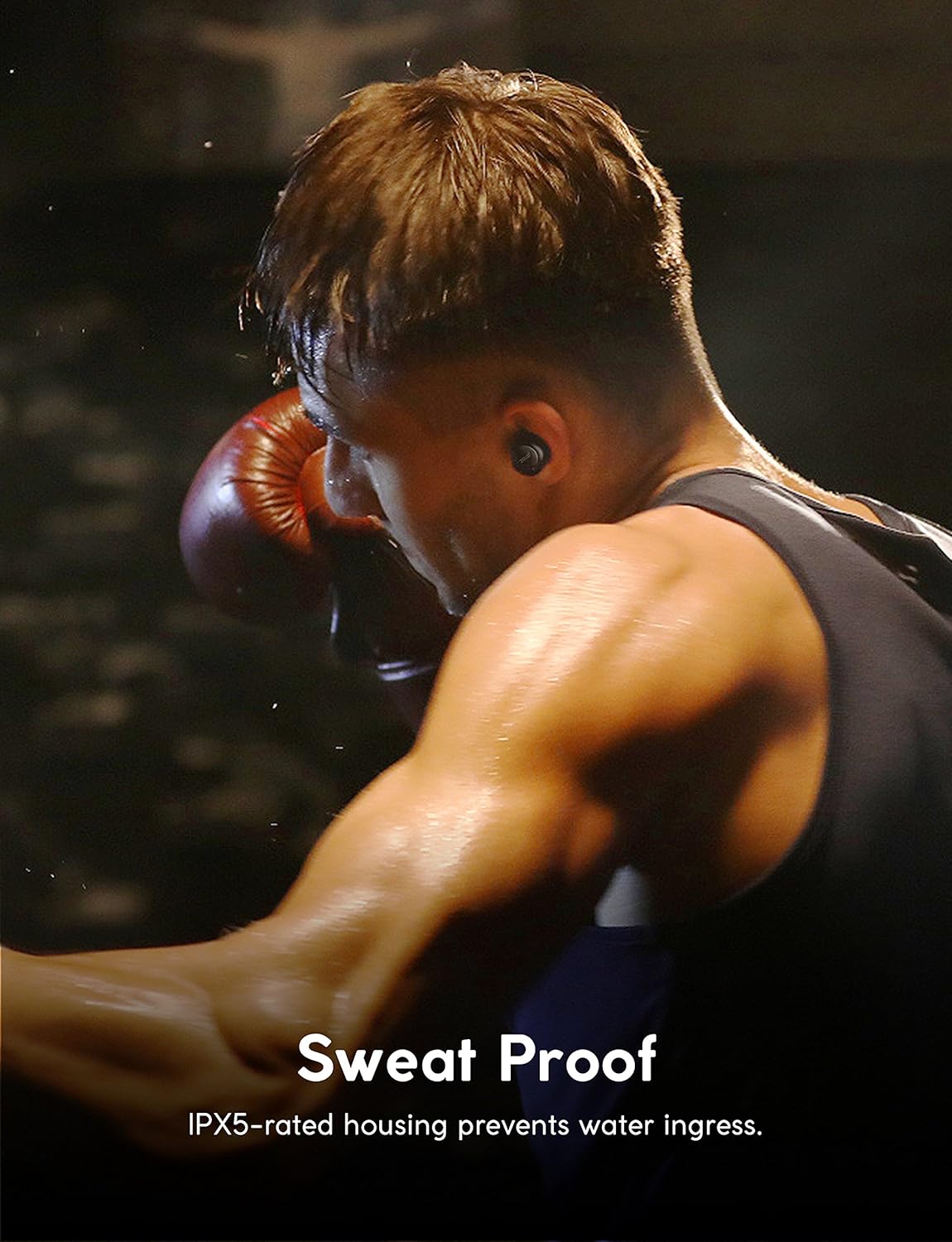
Image: A person engaged in a strenuous activity, demonstrating the sweatproof nature of the Zolo Liberty+ earphones.
5. Nlekọta
- Nhicha: Jiri akwa dị nro, kpọrọ nkụ na-adịghị na-ehicha ntị ntị na akpa chaja mgbe niile. Ejila kemịkalụ siri ike ma ọ bụ ihe abrasive.
- Ndụmọdụ ntị: Remove and clean the ear tips periodically with water and mild soap. Ensure they are completely dry before reattaching.
- Nchekwa: Mgbe ị naghị eji ya, debe ekweisi ndị ahụ n'ime akpa chaja ha iji chebe ha ma mee ka ha nwee ike chaja.
- Mkpughe mmiri: While sweatproof, avoid prolonged exposure to water. If they get wet, dry them thoroughly before charging or storing.
6. Nchọpụta nsogbu
| Nsogbu | Ngwọta |
|---|---|
| Earphones do not turn on. | Ensure the earphones are charged. Place them in the charging case and check the LED indicators. |
| Earphones do not pair with my device. |
|
| Only one earphone is playing audio. |
|
| Ọdịmma ụda adịghị mma ma ọ bụ njikọ na-adịghị agafe agafe. |
|
7. Nkọwapụta
| Njirimara | Nkọwa |
|---|---|
| Aha Nlereanya | AK-Z2010011 |
| Teknụzụ Njikọta | Ikuku (Bluetooth) |
| Ụdị Bluetooth | 5.0 |
| Ụdị ọkwọ ụgbọ ala ọdịyo | Dynamic Driver (Graphene-coated) |
| Nha ọkwọ ụgbọ ala ọdịyo | 6 millimeters |
| Ndụ Batrị (Ekwe ntị) | Ruo awa 3.5 |
| Ngụkọta oge egwuregwu (ya na igbe nchaji) | Ruo awa 48 |
| Oge Njikere (Ikpe) | Awa 3.5 |
| Ọkwa Nguzogide mmiri | IPX5 (nke na-adịghị ekpuchi mmiri) |
| Usoro njikwa | Metụ aka |
| Atụmatụ pụrụ iche | Microphone Included, Voice Activated, Sound Isolation |
| Ibu Ibu | 9.6 ounces (ngwugwu niile) |
| UPC | 848061057294 |
8. Akwụkwọ ikike na nkwado
For warranty information, technical support, or customer service inquiries, please refer to the official Anker (Zolo) websaịtị ma ọ bụ kpọtụrụ nkwado ndị ahịa ha ozugbo. Debe ihe akaebe nke ịzụrụ ihe maka akwụkwọ ikike.
You can often find additional resources, FAQs, and contact details on the manufacturer's official support pages.


