1. Okwu mmalite
This manual provides comprehensive instructions for the Sony Cyber-shot DSC-W810 Digital Camera. It covers essential information for setting up, operating, maintaining, and troubleshooting your camera to ensure optimal performance and longevity. Please read this manual thoroughly before using your camera.
2. Ngwaahịa gafereview
Familiarize yourself with the components and controls of your Sony Cyber-shot DSC-W810 camera.
2.1 Ngwa igwefoto
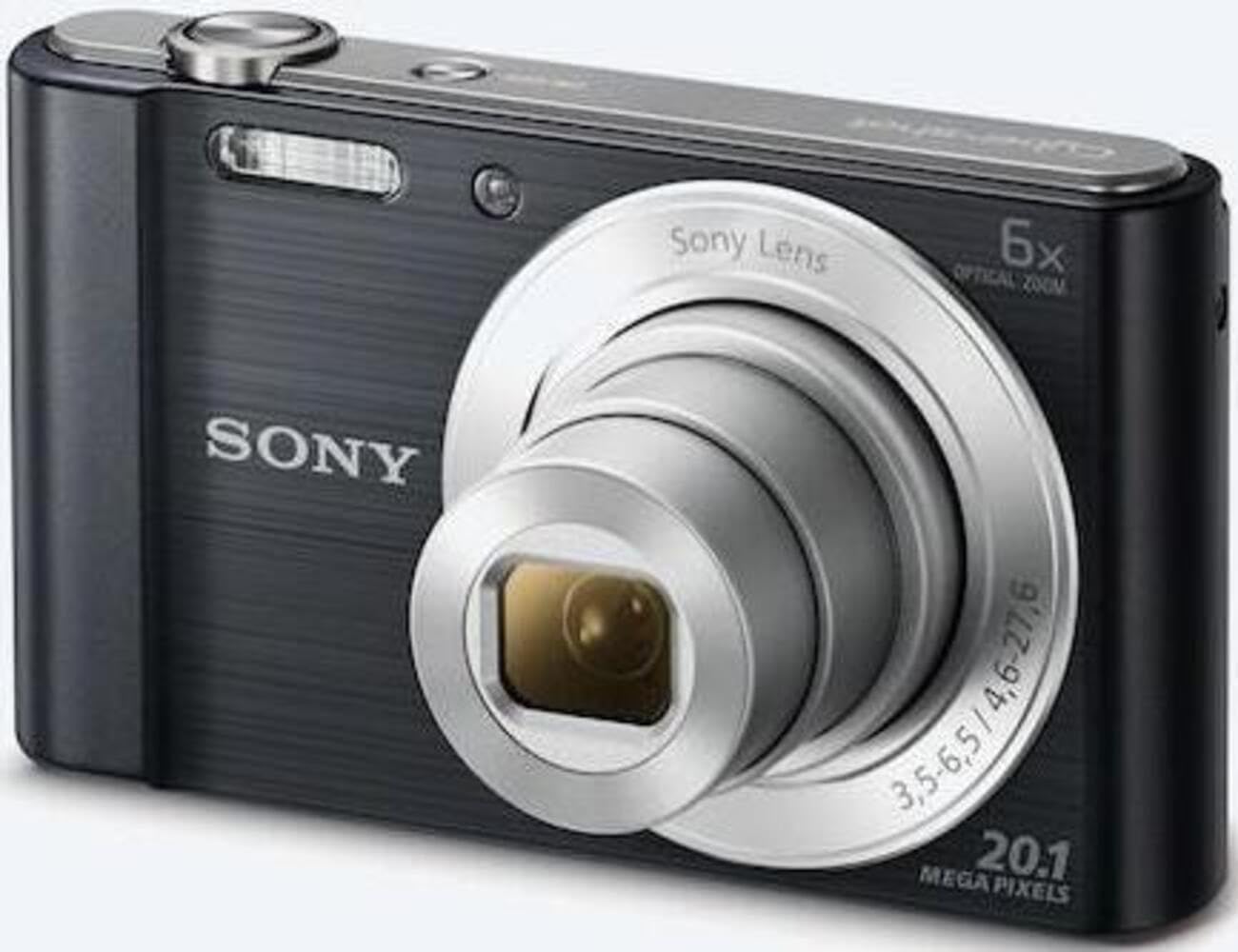
Foto 1: N'ihu view of the camera with the lens retracted. This shows the lens, flash, and shutter button.
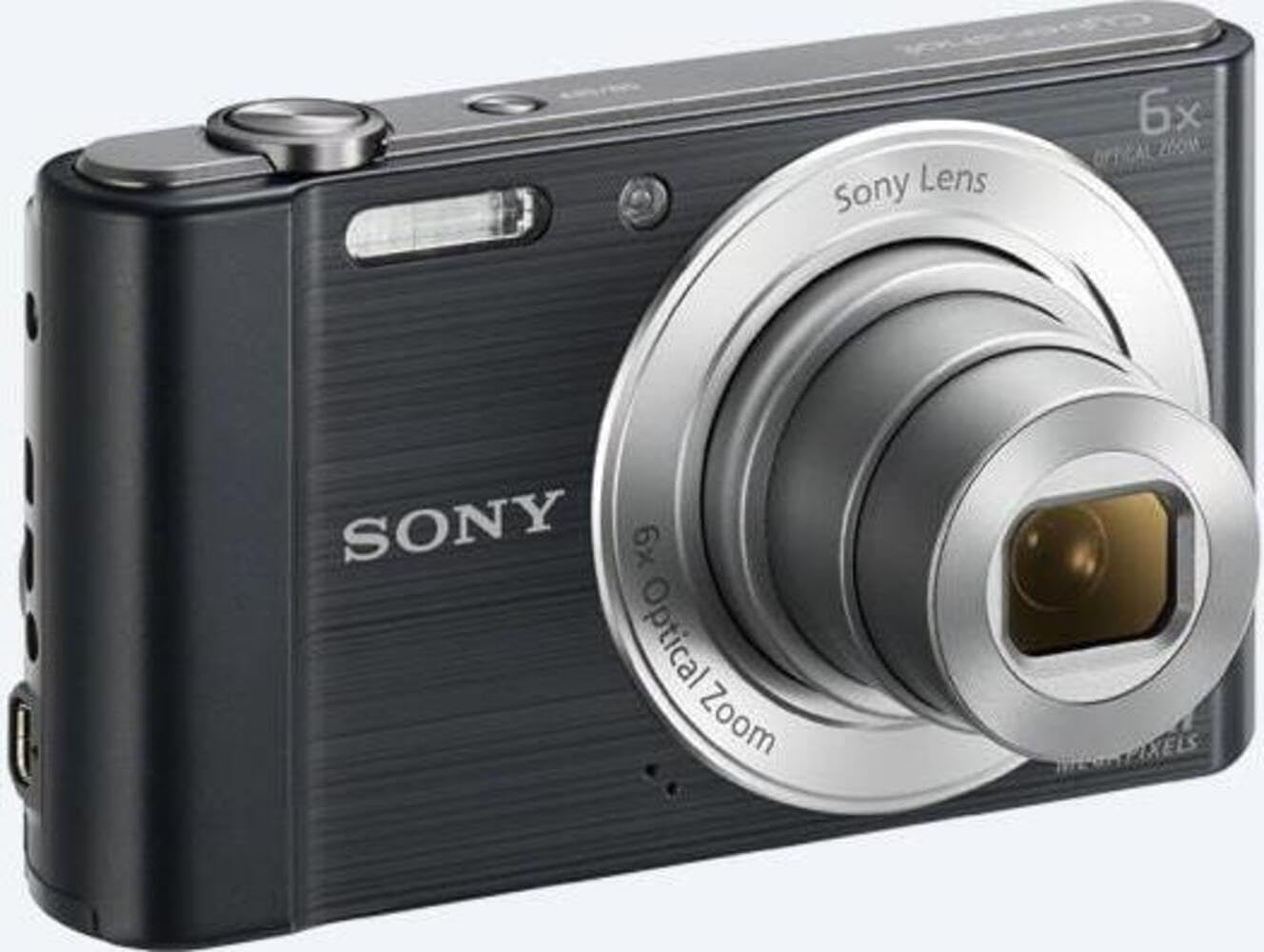
Foto 2: N'ihu view of the camera with the lens extended, ready for shooting. This illustrates the camera's compact design when in use.

Ọgụgụ 3: N'azụ view of the camera, highlighting the 2.7-inch LCD screen, navigation buttons, movie record button, and menu button.

Foto 4: Top view of the camera, showing the power button, shutter button, and zoom lever.
2.2 Control Buttons and Functions
- Bọtịnụ mkpuchi: Press halfway to focus, fully to capture an image.
- Ọkụ mbugharị (W/T): Adjusts optical and digital zoom. "W" for wide-angle, "T" for telephoto.
- Bọtịnụ ike: Gbanyụọ ma ọ bụ gbanyụọ igwefoto.
- Bọtịnụ ihe nkiri: Na-amalite ma kwụsị ịdekọ vidiyo.
- Bọtịnụ mkpọghachi: Enters playback mode to view foto na vidiyo.
- Bọtịnụ menu: Accesses camera settings and options.
- Bọtịnụ ntụzịaka: Navigate menus and select options. Also used for flash settings, self-timer, and display options.
- Flash: Ọkụ ọkụ arụnyere n'ime ya maka ọnọdụ obere ìhè.
- Ihuenyo LCD: 2.7-inch display for framing shots, viewihe onyonyo, na menus ịnyagharị.
3. Nhazi
Follow these steps to prepare your camera for first use.
3.1 Ịtinye batrị
- Mepee mkpuchi batrị/kaadị ebe nchekwa dị n'okpuru igwefoto ahụ.
- Insert the battery with the correct orientation, ensuring the terminals align. Push until it clicks into place.
- Mechie mkpuchi ahụ nke ọma.
Note: The camera does not include batteries. Please use compatible Sony NP-BN or NP-BN1 batteries.
3.2 Ịtinye kaadị ebe nchekwa
The camera supports SDXC or SDHC memory cards.
- Mepee mkpuchi batrị / kaadị ebe nchekwa.
- Tinye kaadị ebe nchekwa ahụ n'ime oghere ahụ site na nhazi ziri ezi ruo mgbe ọ pịrị.
- Mechie mkpuchi ahụ nke ọma.
Note: A memory card is not included with the camera. Purchase a compatible SDXC or SDHC card separately.
3.3 Ike mbido na ntọala
- Pịa bọtịnụ ike ka ịgbanwuo igwefoto.
- The initial setup screen will appear. Follow the on-screen prompts to set the language, date, and time.
- Ensure the date and time are accurate for proper photo organization.
4. Na-arụ ọrụ igwefoto
Learn how to capture photos and videos with your DSC-W810.
4.1 Ịse foto
- Gbanwuo igwefoto.
- Mepụta ihe onyonyo gị site na iji ihuenyo LCD.
- Use the zoom lever (W/T) to adjust the 6x optical zoom.
- Press the Shutter button halfway down to focus. The focus frame will turn green when focus is achieved.
- Press the Shutter button fully to take the picture.
4.2 Using Flash Modes
The camera features a built-in flash with various modes. Press the right directional button (flash icon) to cycle through modes:
- Flash akpaaka: Camera automatically determines if flash is needed.
- Fill-flash: Flash fires for every shot.
- Slow Sync: Flash fires, and shutter speed is slowed to capture background light.
- No Flash: Flash is disabled.
Tip: For low-light environments, the "Party Mode" (accessible via the menu) can optimize settings for clearer images without harsh flash.
4.3 Ndekọ vidiyo
- Gbanwuo igwefoto.
- Press the dedicated Movie button to start recording.
- Press the Movie button again to stop recording.
Note: Videos are recorded in 720p resolution in MP4 format.
4.4 Ọnọdụ ọkpụkpọ
- Pịa bọtịnụ ịkpọghachi ka ịbanye ọnọdụ ọkpụkpọ.
- Use the left/right directional buttons to browse through your photos and videos.
- Pịa bọtịnụ etiti iji kpọọ vidiyo.
- Press the Playback button again to return to shooting mode.
5. Nlekọta
Proper care ensures the longevity and performance of your camera.
5.1 Ihicha igwefoto
- Igwe igwefoto: Jiri ákwà dị nro ma kpọọ nkụ hichaa ya. Maka unyi siri ike, jiri ákwà dị nro.ampjiri mmiri kpuchie ya.
- oghere: Jiri ahịhịa lensi wepụ uzuzu, wee jiri ákwà nhicha lensi hichaa ya nwayọ. Zere imetụ elu lensi ahụ aka na mkpịsị aka gị.
- Ihuenyo LCD: Use a soft, dry cloth specifically designed for LCD screens.
Caution: Do not use organic solvents such as alcohol or thinner to clean the camera.
5.2 Nlekọta batrị
- Chajịa batrị zuru oke tupu ojiji mbụ.
- Wepu batrị ma ọ bụrụ na agaghị eji igwefoto ogologo oge.
- Chekwaa batrị n'ebe dị jụụ, kpọrọ nkụ.
5.3 Nchekwa
When not in use, store the camera in a dry, well-ventilated area, away from direct sunlight, high temperatures, and humidity. Use a camera case for protection during transport.
6. Nchọpụta nsogbu
Rụtụ aka na ngalaba a maka azịza maka okwu nkịtị.
| Nsogbu | Ngwọta |
|---|---|
| Igwefoto anaghị agbanwu. |
|
| Onyonyo na-agba agba. |
|
| Flash is too bright or too dim. |
|
| Njehie kaadị ebe nchekwa. |
|
7. Nkọwapụta
Key technical specifications for the Sony Cyber-shot DSC-W810 Digital Camera.
| Njirimara | Nkọwa |
|---|---|
| Aha Nlereanya | DSCW810B.CE3 |
| Mkpebi ka dị irè | 20.1 MP |
| Teknụzụ ihe mmetụta foto | CCD |
| Mbugharị anya | 6x |
| Dijitalụ mbugharị | 48x |
| Ogologo Focal kacha | 27.6 mm |
| Ogologo Fokalụ kacha nta | 4.6 mm |
| Ndozi onyonyo | Dijitalụ, ngwa anya |
| Nha ihuenyo | 2.7 inch LCD |
| Mkpebi vidiyo | 720p |
| Akwadoro File Ụdị | JPEG, RAW (Still), MP4 (Video) |
| Ụdị ebe nchekwa Flash | SDXC or SDHC |
| Njikọta | USB, HDMI |
| Ibu Ibu | 111 grams |
| Agba | Nwa |
8. Akwụkwọ ikike na nkwado
8.1 Ozi akwụkwọ ikike
This product comes with a 90-day Limited Hardware Warranty. For full details, please refer to the official warranty document:
View Akwụkwọ ikike ngwaike dị oke ọnụ nke ụbọchị iri itoolu
Note: This is an international version of the camera and may have warranty limitations in certain regions.
8.2 Nkwado ndị ahịa
Maka enyemaka ndị ọzọ, nkwado teknụzụ, ma ọ bụ ajụjụ ọrụ, biko gaa na nkwado Sony gọọmentị websaịtị ma ọ bụ kpọtụrụ ndị ahịa ha ọrụ.