
HUAWEI Mobile Services
Get the Tips You’re Searching for
How to find Apps

Select a Country
- Malaysia / English
- Philippines / English
- Thailand / ไทย
- Cambodia / English
- Indonesia / Indonesian
- Myanmar / Burmese
- New Zealand / English
- Sri Lanka / English
- Singapore / English
- Vietnam / Tiếng Việt
- Australia / English
- Spain / Español
- Italy / Italiano
- Germany / Deutsch
- France / Français
- United Kingdom / English
- Portugal / Português
- Netherlands / Nederlands
- Ireland / English
- Belgium / Français
- Belgium / Nederlands
- Switzerland / Français
- Switzerland / Deutsch
App unexpectedly quits
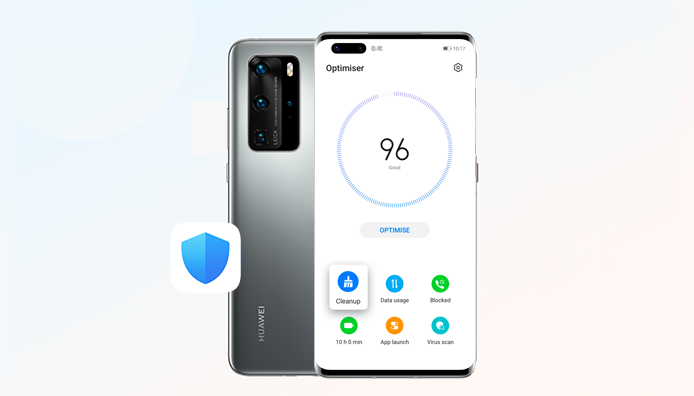
What to Do if an App Unexpectedly Quits?
App crashes, closes unexpectedly or doesn’t respond. If such situations sound familiar to you, try the methods below.
Whenever your app isn’t working normally, you can go to Settings > Apps > Apps, locate and tap the app to enter its info page, and press FORCE STOP. Then reopen the app to check whether it has been fixed.
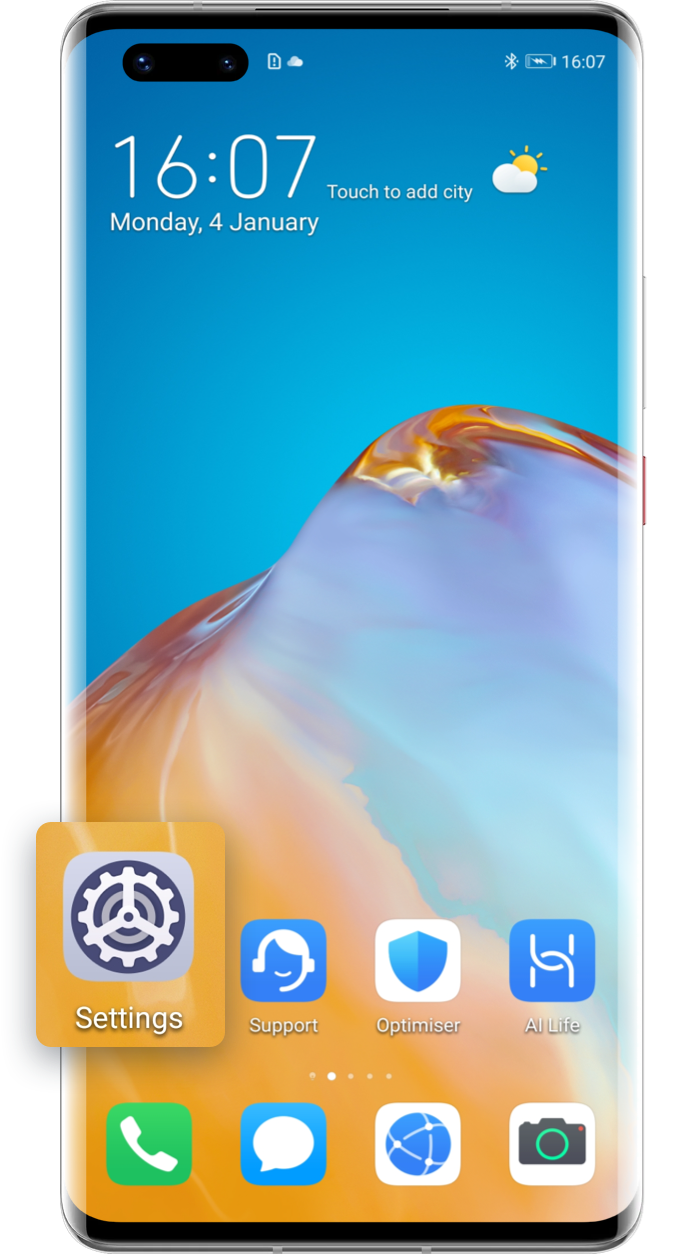
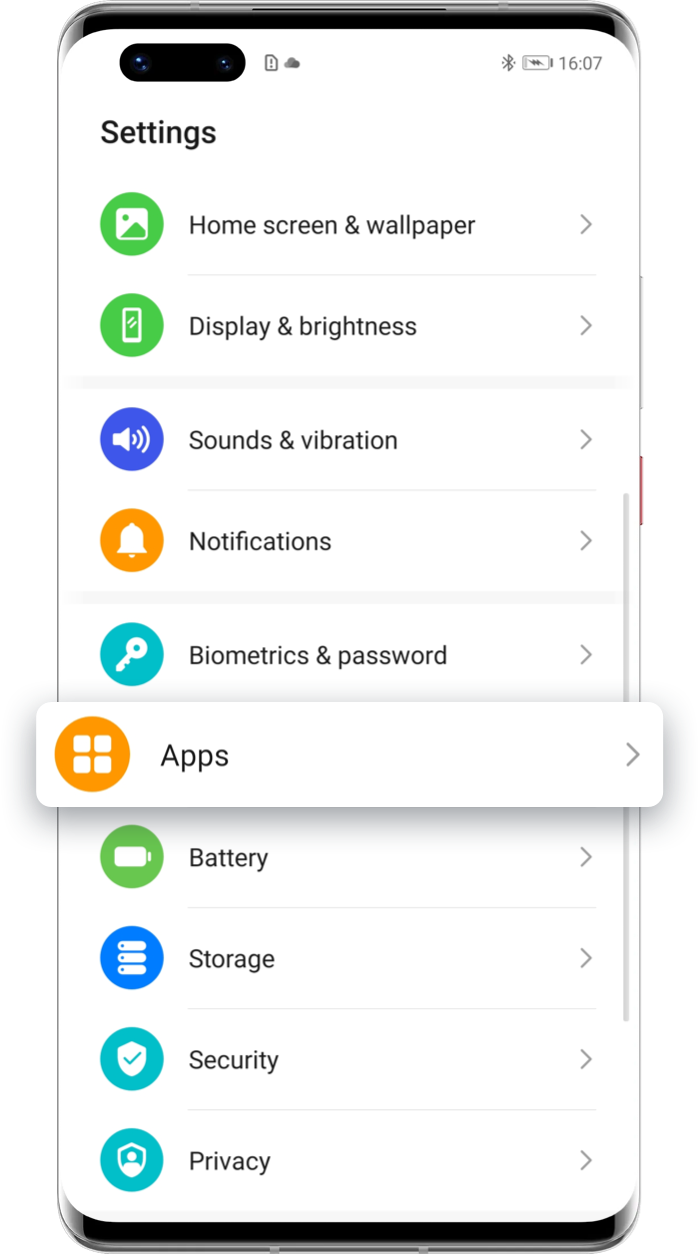

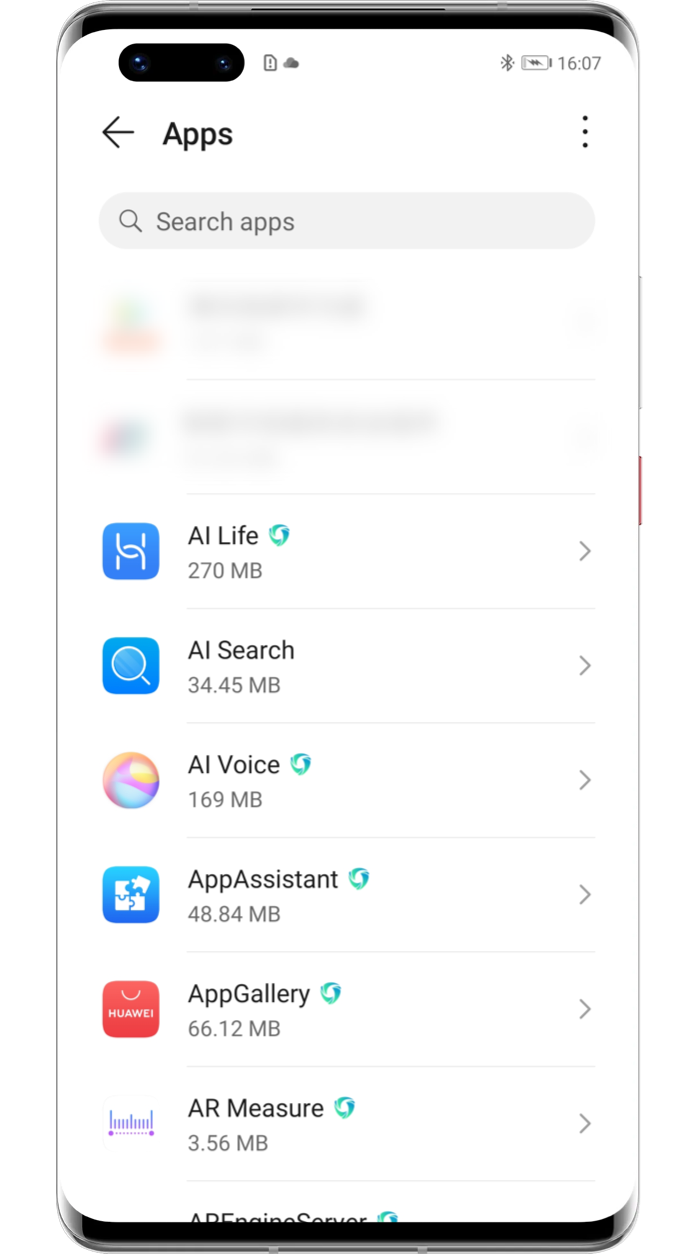
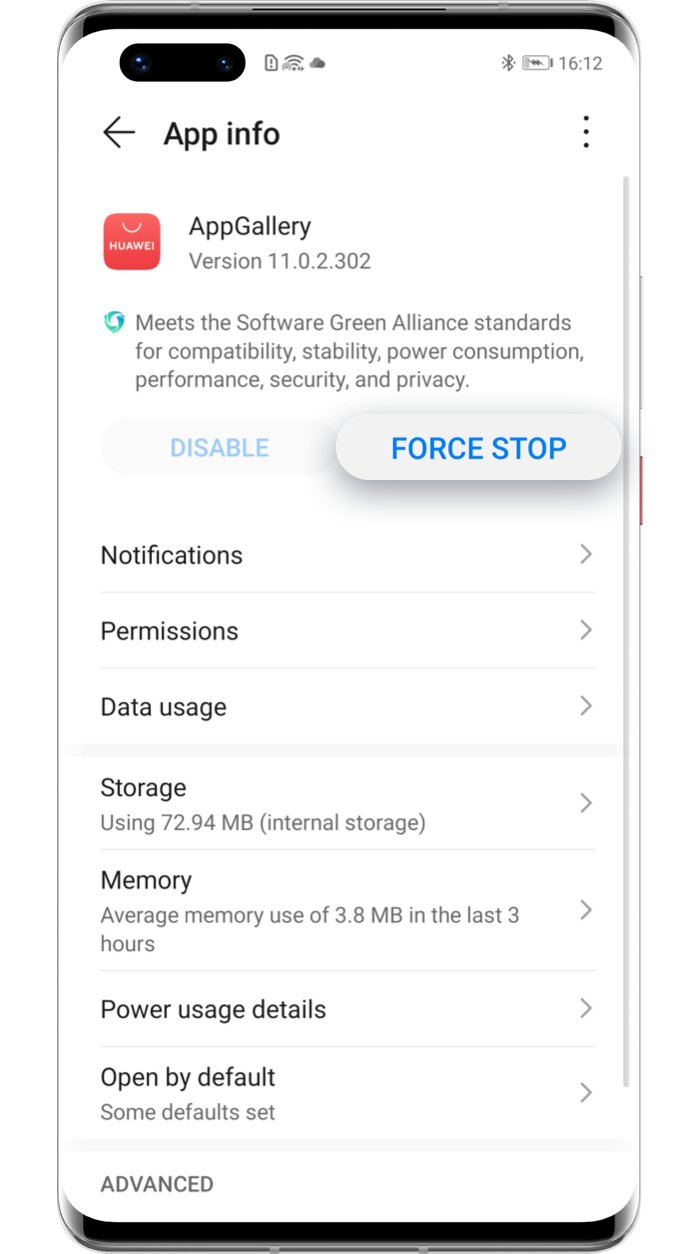
Tap the arrow to see the next step
Older app versions may be incompatible with the system, resulting in app errors. You can open HUAWEI AppGallery oor the app’s official website to update it to the latest version.

Some apps are only compatible with certain versions of the device system. Go to Settings > System & updates > Software update, the phone will automatically check for updates. If a new version promp appears, you are recommended to upgrade soon.


Click the arrow to check the next step
HUAWEI ID
What does a HUAWEI ID do?
Your HUAWEI ID allows you to access all HUAWEI Mobile Services.
How to register a HUAWEI ID?
Instructions for registering a HUAWEI ID and related notes.
If you forget your HUAWEI ID password?
You can reset your HUAWEI ID password if you forget it.


References
- User Manualmanual.tools