1. Entwodiksyon
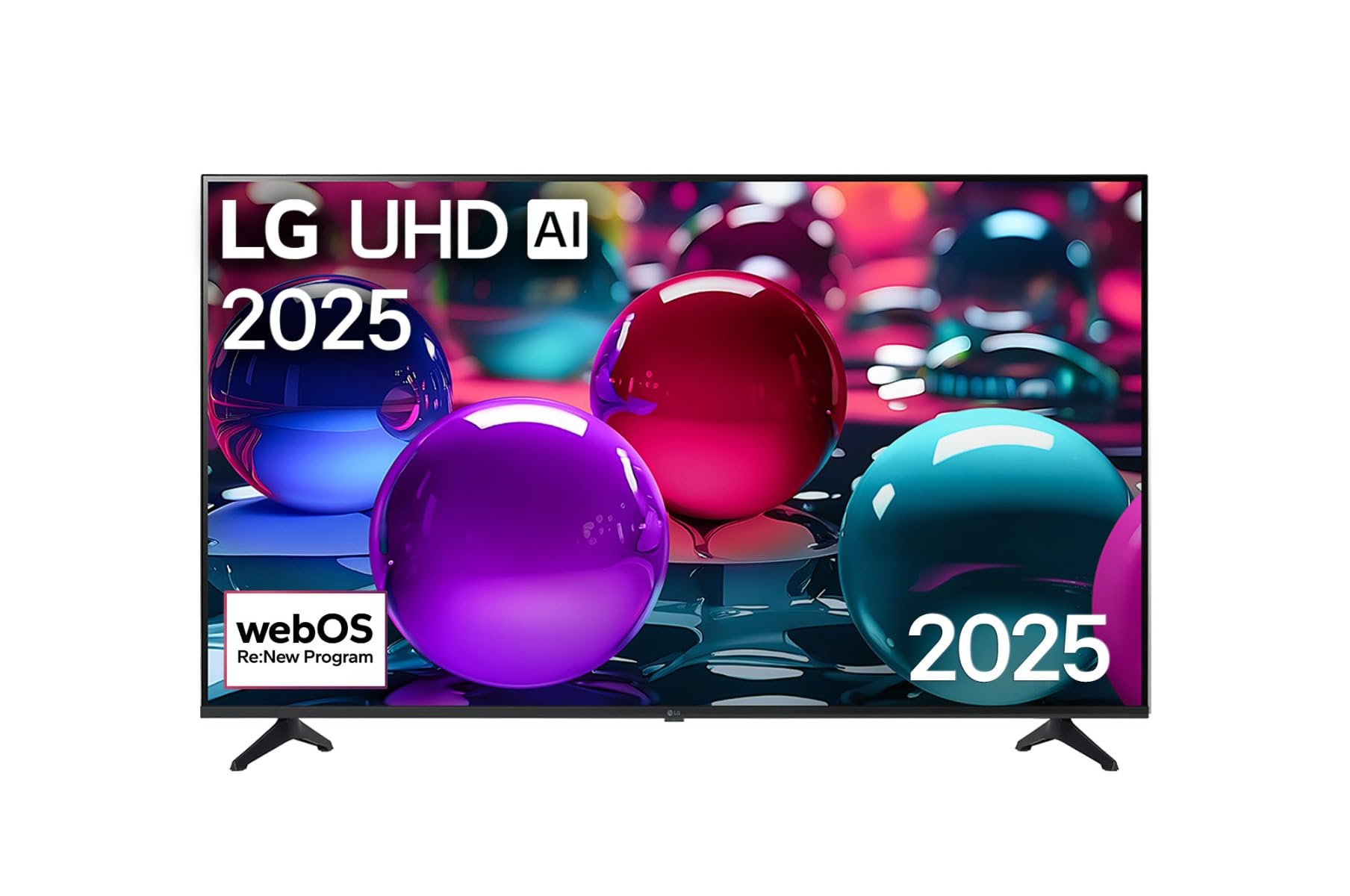
Mèsi pou acha aasing the LG 43 inch UHD AI UA73 4K Smart TV. This television combines stunning 4K Ultra High Definition visuals with advanced Artificial Intelligence features and the intuitive webOS25 platform. Enjoy vibrant colors, sharp details, and smart functionalities including AI-powered search and voice control. This manual provides essential information for setting up, operating, and maintaining your new television.
2. Enfòmasyon sou Sekirite
Tanpri li tout enstriksyon sekirite yo ak anpil atansyon anvan ou itilize televizyon ou an. Kenbe manyèl sa a pou referans pita.
2.1 Sekirite elektrik
- Pa twò chaje priz miray oswa kòd ekstansyon.
- Asire w ke kòd kouran an byen branche nan televizyon an ak nan priz miray la.
- Pa manyen priz kouran an ak men mouye.
2.2 Plasman
- Place the TV on a stable, level surface or mount it securely to a wall using a compatible VESA mount.
- Asire w ke gen ase vantilasyon toutotou televizyon an pou anpeche l chofe twòp.
- Kenbe televizyon an lwen limyè solèy dirèk, sous chalè, ak imidite.
2.3 Netwayaj
- Deploge televizyon an anvan w netwaye.
- Use a soft, dry cloth to clean the screen and exterior. Do not use liquid cleaners or sprays directly on the TV.
3. Pake kontni
Verifye ke tout atik yo prezan nan bwat la:
- LG 43 inch UHD AI 4K Smart TV (Model 43UA73006LA)
- AI Magic Remote Control
- Kòd pouvwa
- Sipò televizyon (2 moso) ak vis
- User Manual and Regulatory Information
- Batteries for Remote Control (AA x 2)
4. Enstalasyon
4.1 Debalaj ak Enstalasyon Sipò a
- Retire televizyon an nan anbalaj li avèk prekosyon. Li rekòmande pou gen de moun pou etap sa a.
- Mete ekran televizyon an anba sou yon sifas ki plat e mou pou evite li domaje.
- Attach the stand pieces to the TV using the provided screws, ensuring they are securely fastened. Refer to the diagram in the quick setup guide for specific screw locations.
- Alternatively, if wall-mounting, follow the instructions provided with your VESA-compatible wall mount kit.
4.2 Konekte periferik
Connect external devices such as Blu-ray players, game consoles, or soundbars to the appropriate ports on the back of the TV.
- Pò HDMI: Pou videyo ak odyo an wo definisyon.
- Pò USB: Pou konekte aparèy depo USB yo.
- Antre Antèn/Kab: Pou konekte yon antèn oswa yon kab televizyon.
- Sòti odyo dijital optik: Pou konekte ak yon ba son oswa yon reseptè odyo.
4.3 Premye Limen ak Koneksyon Rezo a
- Branche kòd kouran an nan televizyon an epi answit nan yon priz miray.
- Peze bouton pouvwa a sou kontwòl remote la oswa sou televizyon an.
- Follow the on-screen instructions for the initial setup wizard. This will guide you through language selection, time zone, and network connection.
- Select your Wi-Fi network and enter the password, or connect an Ethernet cable for a wired connection.
5. Operasyon
5.1 AI Magic Remote Control
The AI Magic Remote allows for intuitive control of your TV, including point-and-click navigation and voice commands.
This image displays the LG 43 inch UHD AI 4K Smart TV, highlighting its webOS Re:New Program and Artificial Intelligence features. The accompanying AI Magic Remote is shown with a speech bubble indicating 'Just speak!', emphasizing its voice control capabilities.
- Bouton pouvwa: Limen oswa etenn televizyon an.
- Scroll Wheel/OK Button: Navige nan meni yo epi konfime seleksyon yo.
- Voice Command Button: Press and hold to activate AI Search, AI Chatbot, or AI Concierge. Speak your command into the remote.
- Bouton Kay: Aksè a webEkran lakay sistèm operasyon an.
- Bouton tounen: Retounen nan ekran anvan an.
- Volim monte/desann: Ajiste volim nan.
- Chèn monte/desann: Chanjman chanèl yo.
5.2 webOS Interface
La webOS Home screen provides quick access to apps, inputs, and settings. Use the Magic Remote to point and click on desired options or navigate with the directional buttons.
- Lansè Aplikasyon: Customize and access your favorite streaming services and applications.
- Seleksyon Antre: Switch between HDMI inputs, USB, or live TV.
- Anviwònman: Adjust picture, sound, network, and general TV settings.
5.3 Karakteristik IA
Leverage the power of AI for enhanced TV experience:
- Rechèch AI: Use voice commands to find content, information, or apps quickly.
- Chatbot ak entèlijans atifisyèl: Interact with the TV for assistance or information.
- Konsyèj IA: Receive personalized content recommendations and smart home integration.
6. Antretyen
6.1 Netwaye televizyon ou
Pou kenbe aparans ak pèfòmans televizyon an an bon eta:
- Toujou debranche televizyon an anvan ou netwaye li.
- Sèvi ak yon twal mou ki pa gen pousyè pou siye ekran an dousman. Pou mak ki difisil pou retire, siye yon ti kras.ampRense twal la avèk dlo, apresa siye l sèk imedyatman.
- Netwaye ankadreman televizyon an ak sipò a avèk yon twal mou epi sèk.
- Do not use abrasive cleaners, alcohol, benzene, or thinners, as these can damage the screen or finish.
6.2 Mizajou lojisyèl
Your LG Smart TV periodically receives software updates to improve performance and add new features. Ensure your TV is connected to the internet to receive these updates automatically. You can also manually check for updates in the TV's settings menu.
NAN. Depanaj
Si w rankontre pwoblèm ak televizyon w lan, gade solisyon komen sa yo:
| Pwoblèm | Solisyon posib |
|---|---|
| Pa gen pouvwa | Check if the power cord is securely plugged in. Try a different power outlet. |
| Pa gen imaj, men gen son | Asire w ou chwazi bon sous done a. Tcheke koneksyon kab yo ak aparèy ekstèn yo. |
| Pa gen son, men imaj la la | Tcheke nivo volim yo ak paramèt silans yo. Verifye paramèt pwodiksyon odyo yo nan meni televizyon an. |
| Remote kontwòl pa travay | Replace batteries. Ensure there are no obstructions between the remote and the TV. Re-pair the Magic Remote if necessary (refer to TV settings). |
| Pa ka konekte ak Wi-Fi | Restart your router and modem. Check Wi-Fi password. Ensure the TV is within range of the router. |
| Pwoblèm kalite imaj (pa egzanp, imaj twoub, defòme) | Check the resolution of the input source. Adjust picture settings in the TV menu. |
If the problem persists, please contact LG customer support.
8. Espesifikasyon
| Karakteristik | Detay |
|---|---|
| Mak | LG |
| Non modèl | 43UA73006LA |
| Gwosè ekran | 43 pous |
| Teknoloji ekspozisyon | dirije |
| Rezolisyon | 4K UHD (3840 x 2160) |
| Aspè rapò | 16:9 |
| Sistèm operasyon | webOS25 |
| Karakteristik espesyal | AI Processor, AI Magic Remote, HDR10, Sleep Timer |
| Koulè | Nwa |
| Pwa atik | 6.8 kilogram (14.96 liv) |
| Dimansyon pwodwi | 37.68 x 37.68 x 21.97 pous |
| Dat Premye Disponib | 28 novanm 2025 |
9. Garanti & Sipò
9.1 Pwodwi Garanti
Your LG 43 inch UHD AI UA73 4K Smart TV is covered by a limited manufacturer's warranty. Please refer to the warranty card included in your package for specific terms, conditions, and duration of coverage. Keep your proof of purchase for warranty claims.
9.2 Sipò pou Kliyan
Pou asistans teknik, depanaj ki depase manyèl sa a, oswa sèvis garanti, tanpri kontakte Sèvis Kliyan LG:
- Websit: Vizite sipò ofisyèl LG a websit pou kesyon yo poze souvan, telechajman, ak demann sèvis.
- Telefòn: Refer to your warranty card or LG's official websit pou nimewo kontak rejyonal yo.