Ro-ràdh
This manual provides essential information for the proper installation, operation, and maintenance of your Philips 278E1A 27" 4K UHD IPS Monitor. Please read this guide thoroughly before using the product to ensure optimal performance and safety. Keep this manual for future reference.
Fiosrachadh Sàbhailteachd
- Dèan cinnteach gu bheil am monitor air uachdar seasmhach, còmhnard gus casg a chur air tuiteam gun fhiosta.
- Use only the power adapter and cables supplied by Philips.
- Na cuir am monitor fo uisge no taiseachd gus clisgeadh dealain no teine a sheachnadh.
- Seachain a bhith a’ bacadh fosglaidhean fionnarachaidh gus casg a chuir air cus teasachadh.
- Na feuch ri seirbheis a thoirt don sgrìn thu fhèin. Thoir aire do luchd-obrach teisteanasach airson a h-uile seirbheis.
Suidhich
1. Unpacking agus Seanadh
Carefully remove the monitor and all components from the packaging. The box should contain the monitor, stand, HDMI cable, power cable, and user documentation.
- Ceangail bonn an t-seasamh ri amhach an t-seasamh, ga dhaingneachadh leis an sgriubha a tha air a thoirt seachad.
- Cuir an seasamh cruinnichte ris na tuill-shreap air cùl a’ mhonatair agus ceangail gu daingeann e.
2. Ceangal Càbaill
Ceangail na càbaill riatanach ris an monitor agus do choimpiutair.
- Càball cumhachd: Ceangail aon cheann den chàball cumhachd ri cuir a-steach cumhachd an monitor agus an ceann eile ri socaid cumhachd.
- Input Video: Connect either an HDMI cable (2 ports available) or a DisplayPort cable (1 port available) from your computer's video output to the corresponding input on the monitor.
- Cur a-steach / toradh claisneachd: If desired, connect an audio cable from your computer's audio output to the monitor's audio input, or connect external speakers/headphones to the monitor's audio output.

Figear 1: Cùl view of the Philips 278E1A monitor, highlighting the HDMI, DisplayPort, and audio input/output ports for connectivity.
3. A’ chiad chumhachd air
Brùth am putan cumhachd a tha suidhichte aig bonn deas an sgrìn gus a thionndadh air. Lorgaidh an sgrìn gu fèin-ghluasadach an stòr cuir-a-steach gnìomhach.
Stiùireadh Obrachaidh
1. Seòladh Clàr OSD
The On-Screen Display (OSD) menu allows you to adjust various monitor settings. Use the control buttons located on the bottom bezel of the monitor to navigate the menu.
- Press a button to activate the OSD menu.
- Cleachd na putanan stiùiridh gus gluasad tro roghainnean a’ chlàir-taice.
- Brùth air a’ phutan ‘Ceart gu leòr’ no ‘Cuir a-steach’ gus roghainn a thaghadh no suidheachadh a dhearbhadh.
- Brùth air a’ phutan ‘Fàg’ no ‘Air ais’ gus tilleadh chun chlàr-taice roimhe no an OSD fhàgail.
2. Roghainnean Dealbhan
Atharraich feartan an taisbeanaidh airson an fheum as fheàrr viewing.
- Gile & coimeas: Adjust these settings to control the overall luminance and the difference between light and dark areas.
- Roghainnean dath: Fine-tune color temperature, gamma, and saturation. The monitor supports 109% sRGB color gamut for accurate color reproduction.
- Contrast Glic: This feature dynamically analyzes content and automatically adjusts backlight intensity to enhance contrast for optimal digital images and videos.
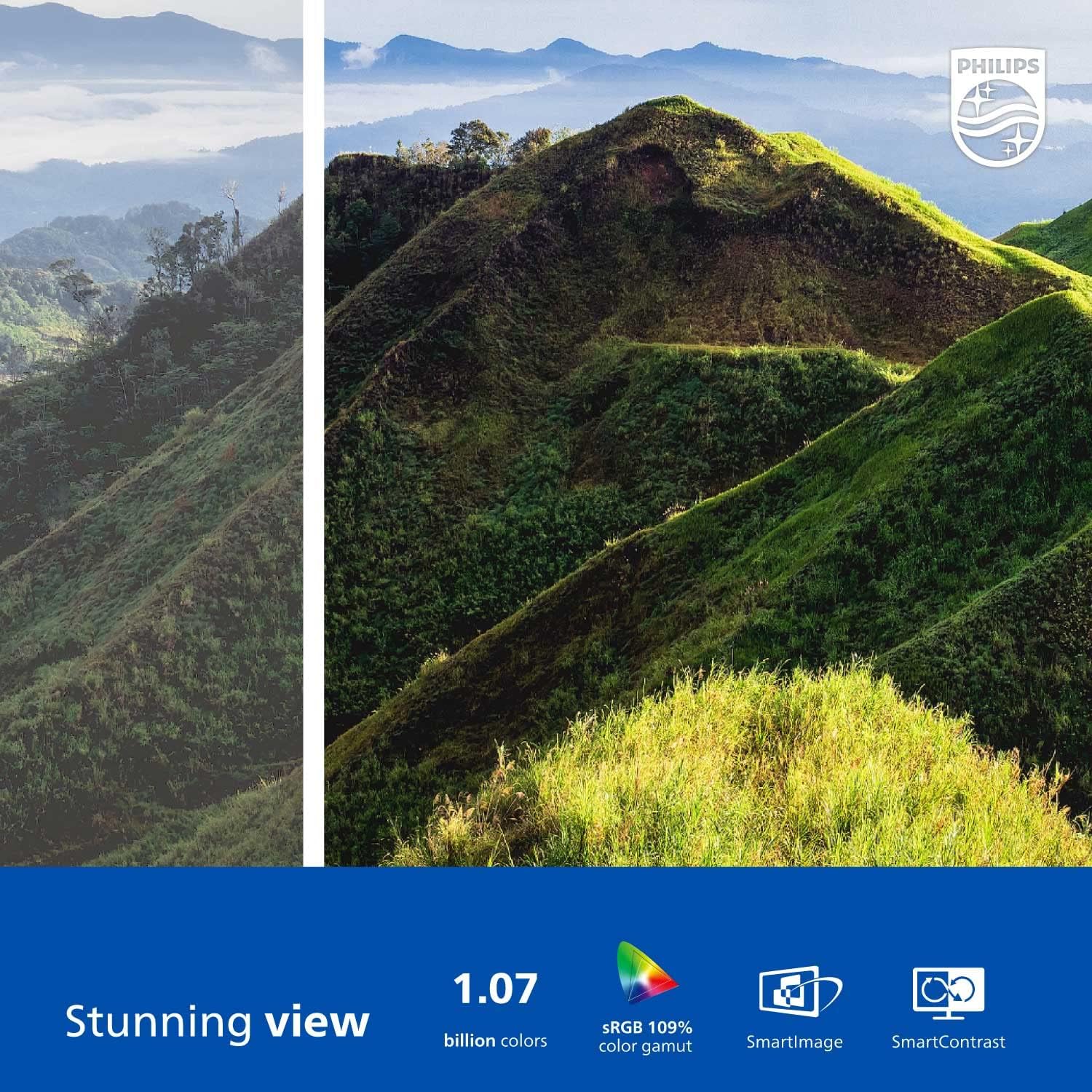
Figure 2: The Philips 278E1A monitor displaying a detailed and colorful mountain scene, illustrating its 4K UHD resolution and wide color gamut.
3. Taghadh a-steach
Manually select the desired video input source if the automatic detection does not work or if you have multiple devices connected.
4. Suidhich claisneachd
Control the volume of the built-in speakers or connected audio devices.
5. Feartan Cùram Sùla
The Philips 278E1A includes features designed to reduce eye strain during prolonged use.
- Teicneòlas gun Flicker: Regulates brightness and reduces screen flicker for more comfortable viewing.
- Modh Gorm Ìosal: A software solution that reduces harmful shortwave blue light emissions from the screen.

Figure 3: A split image demonstrating the visual difference when LowBlue Mode and Flicker-free technologies are active, reducing eye strain.
6. Frameless Design and Viewing Angles
The monitor features a 3-sided frameless design, ideal for multi-monitor setups, and an IPS panel providing wide 178/178-degree viewing angles for consistent image quality from various perspectives.

Figure 4: A multi-monitor arrangement of Philips 278E1A displays, showcasing the minimal bezels and wide viewing angles suitable for extended desktop environments.
Cumail suas
1. Glanadh an Sgrion
Gus an sgrion a ghlanadh, sguab gu socair e le clò bog, gun lint. Airson comharran stòlda, dampen the cloth with a mild, non-abrasive screen cleaner. Never spray cleaner directly onto the screen.
2. Cùram Coitcheann
Keep the monitor away from direct sunlight, excessive heat, and humidity. Avoid placing heavy objects on the monitor or its cables.
Fuasgladh thrioblaidean
Ma thachras tu ri duilgheadasan leis an sgrìn agad, thoir sùil air na fuasglaidhean cumanta a leanas:
- Gun chumhachd: Dèan cinnteach gu bheil an càball cumhachd ceangailte gu tèarainte ris an sgrìn agus ris an t-socaid cumhachd. Thoir sùil a bheil an socaid cumhachd ag obair.
- Gun chomharradh: Verify that the video cable (HDMI or DisplayPort) is correctly connected to both the monitor and your computer. Ensure the correct input source is selected via the OSD menu.
- Image Problems (e.g., flickering, distorted colors): Check cable connections. Adjust picture settings in the OSD menu. If using a DisplayPort connection, ensure your graphics card supports 4K resolution at 60Hz.
- Gun fhuaim: Check the monitor's volume settings and your computer's audio output settings. Ensure external speakers or headphones are properly connected if used.
For further assistance, please contact Philips customer support.
Sònrachaidhean
| Feart | Mion-fhiosrachadh |
|---|---|
| Meud sgrion | 27 òirlich |
| Fuasgladh | 3840 x 2160 (4K UHD) |
| Seòrsa pannal | IPS |
| Gamut dath | 109% sRGB |
| Ceangalachd | 2x HDMI, 1x DisplayPort, Audio In & Out |
| Luchd-labhairt | Built-in (3W stereo) |
| Meudan (le seasamh) | 18.1 x 24.1 x 7.6 òirleach |
| Cuideam (le seasamh) | 13.57 not |
| Feartan Cùram Sùla | Flicker-Free, LowBlue Mode |
Barantas agus Taic
Fiosrachadh Barantais
Philips monitors sold in the United States come with a 4-Year Advance Replacement Warranty. This warranty minimizes downtime by providing a replacement unit in advance should your monitor require service.

Figure 5: Visual representation of the Philips 4-Year Warranty and Advance Replacement program, ensuring peace of mind for users.
Taic Luchd-cleachdaidh
For technical support, warranty claims, or service inquiries, please visit the official Philips support website or contact their customer service hotline. Refer to the documentation included with your product for specific contact details in your region.
Bhideothan toraidh
Philips Frameless Monitor Overview
Tha am bhidio seo a’ toirt seachad seachadview of the Philips 27-inch frameless monitor, highlighting its features and benefits for various work setups.
Why This Monitor is Top Rated
Learn about the key aspects that make this Philips monitor a top-rated choice, including its display quality and user-friendly features.