1. Introduction
This user manual provides essential information for the safe and efficient operation of your TCL 50T6C 50-inch QLED 4K HDR Fire TV. Please read this manual thoroughly before using your television and retain it for future reference.
2. Consignes de sécurité
Always follow basic safety precautions when using this product to reduce the risk of fire, electric shock, and injury. Keep the television away from moisture, direct sunlight, and heat sources. Ensure proper ventilation and do not block ventilation openings. Use only attachments/accessories specified by the manufacturer. Disconnect the power cord during lightning storms or when unused for long periods.
3. Contenu de la boîte
Vérifiez que tous les composants sont présents :
- Câble d'alimentation
- Télécommande
- Rester
- Manuel de l'utilisateur (ce document)
4. Produit terminéview et dimensions
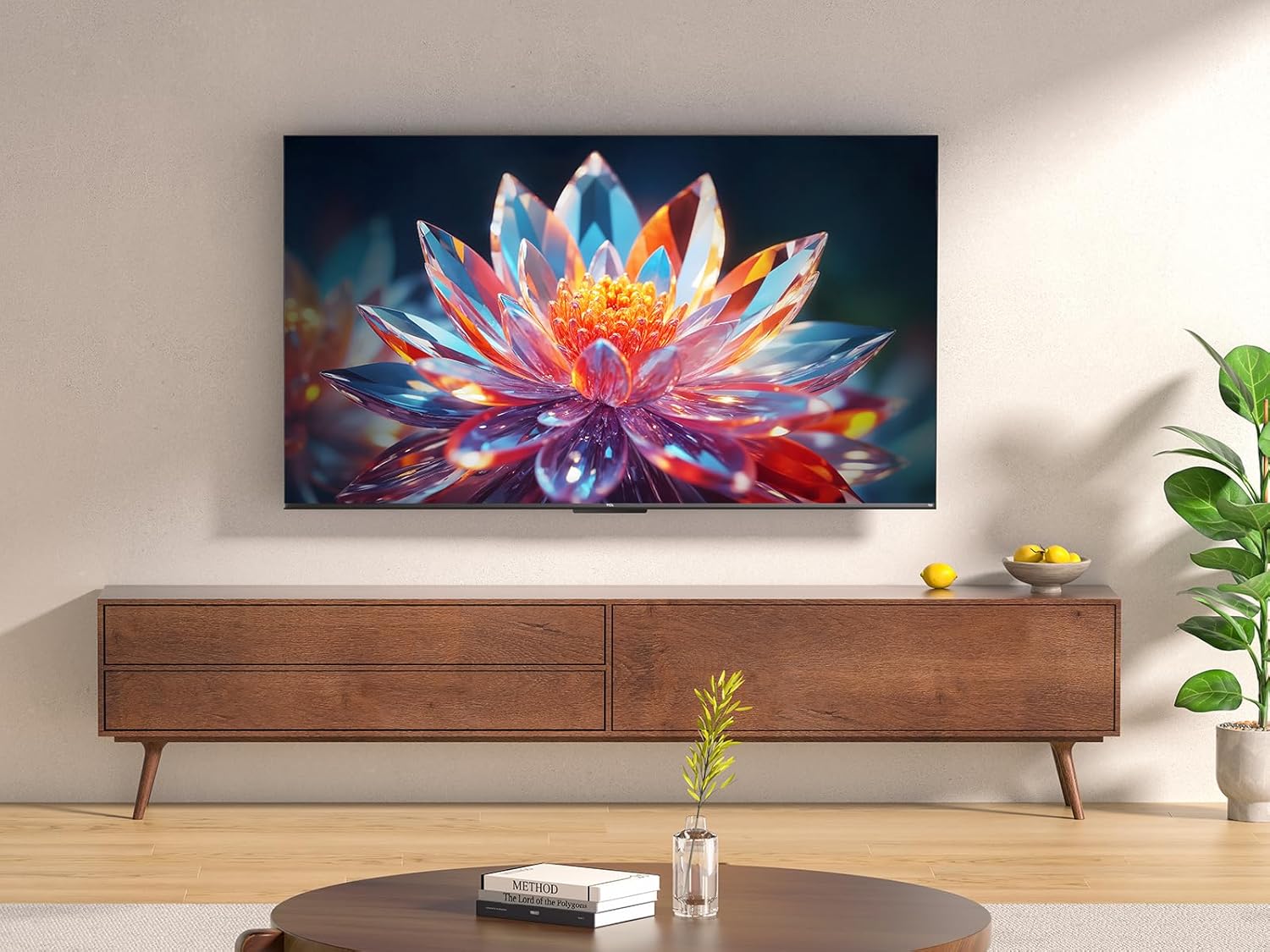
The TCL 50T6C is a 50-inch QLED 4K HDR Fire TV designed for an immersive viewing experience. Below are the key dimensions of the television.

5. Installation
5.1 Installation du support
Pour installer le support TV :
- Placez délicatement le téléviseur face contre une surface douce et plane afin d'éviter d'endommager l'écran.
- Alignez les pieds du support avec les fentes correspondantes situées sous le téléviseur.
- Fixez les pieds du support à l'aide des vis fournies. Assurez-vous qu'elles soient bien serrées.
5.2 Montage mural
For wall mounting, use a VESA-compatible mount (200x200mm for this model). Consult a professional for wall mounting to ensure safety and proper installation. Refer to the wall mount's instructions for specific details.
5.3 Connexion d'appareils
Votre téléviseur TCL 50T6C offre diverses options de connectivité :
- HDMI: Connect up to three HDMI devices (e.g., Blu-ray player, game console, soundbar) for high-definition audio and video.
- USB: Connect a USB drive for media playback.
- Câble/Satellite : Connect your antenna or satellite cable for broadcast TV.
- Ethernet : Branchez un câble Ethernet pour une connexion Internet filaire.
- Wifi: Connectez-vous sans fil à votre réseau domestique.
- Bluetooth : Connectez des appareils Bluetooth compatibles tels que des écouteurs ou des haut-parleurs.
5.4 Mise sous tension et configuration initiale
- Connectez le câble d'alimentation au téléviseur et à une prise de courant.
- Appuyez sur le bouton d'alimentation du téléviseur ou de la télécommande pour l'allumer.
- Follow the on-screen instructions to complete the initial Fire TV setup, including network connection, language selection, and Amazon account login.
6. Utilisation de votre téléviseur
Télécommande 6.1
The included remote control provides full functionality for navigating your Fire TV and controlling your television.

6.2 Interface Fire TV
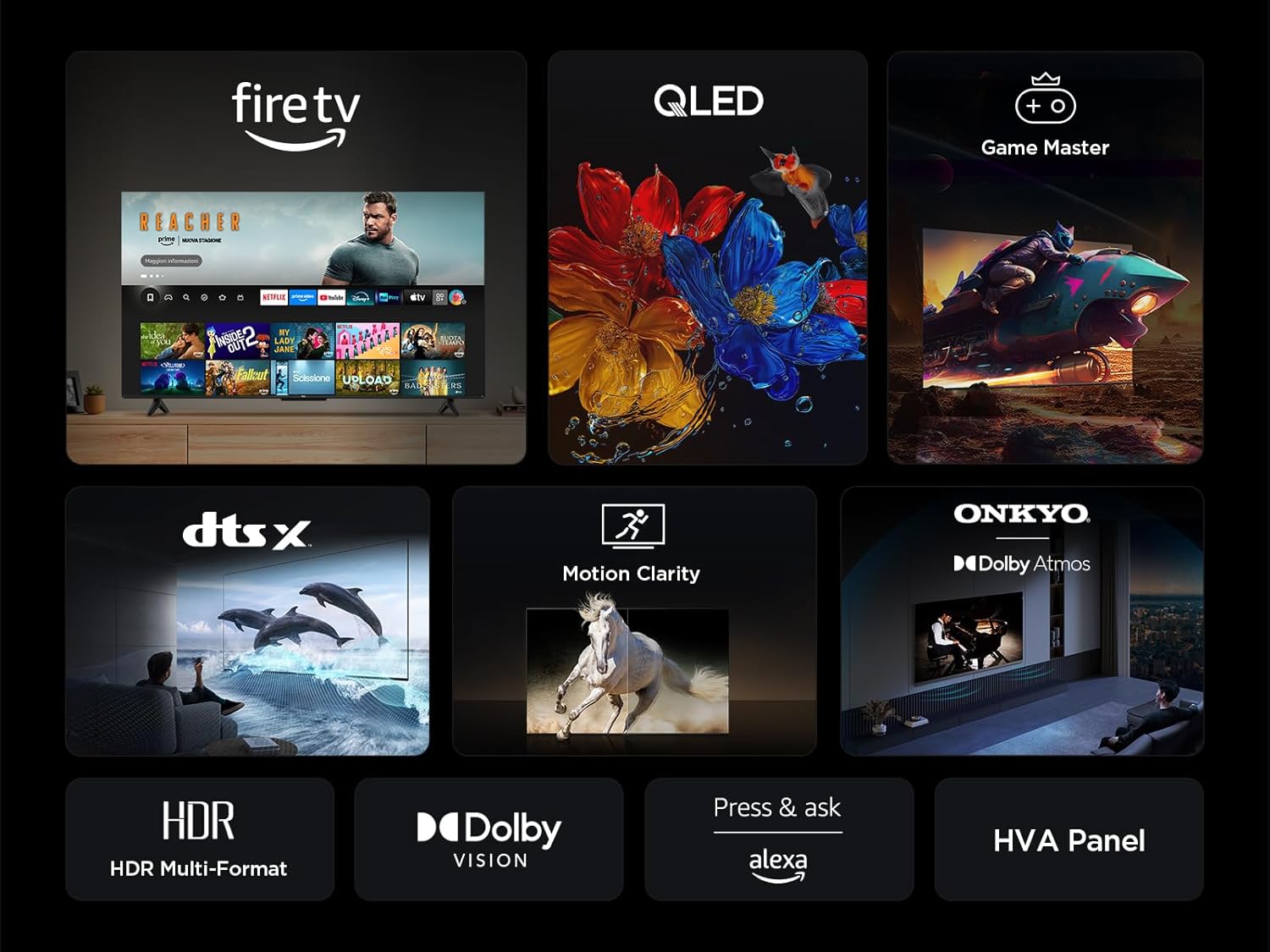
Your TV features an integrated Fire TV experience, providing access to a wide range of streaming content, live TV, and apps from a single home screen.

6.3 Technologie d'affichage QLED
Experience vibrant and accurate colors with QLED technology. This TV utilizes Quantum Dot technology to produce over a billion shades of color, offering a realistic and wide color gamut with striking contrast.

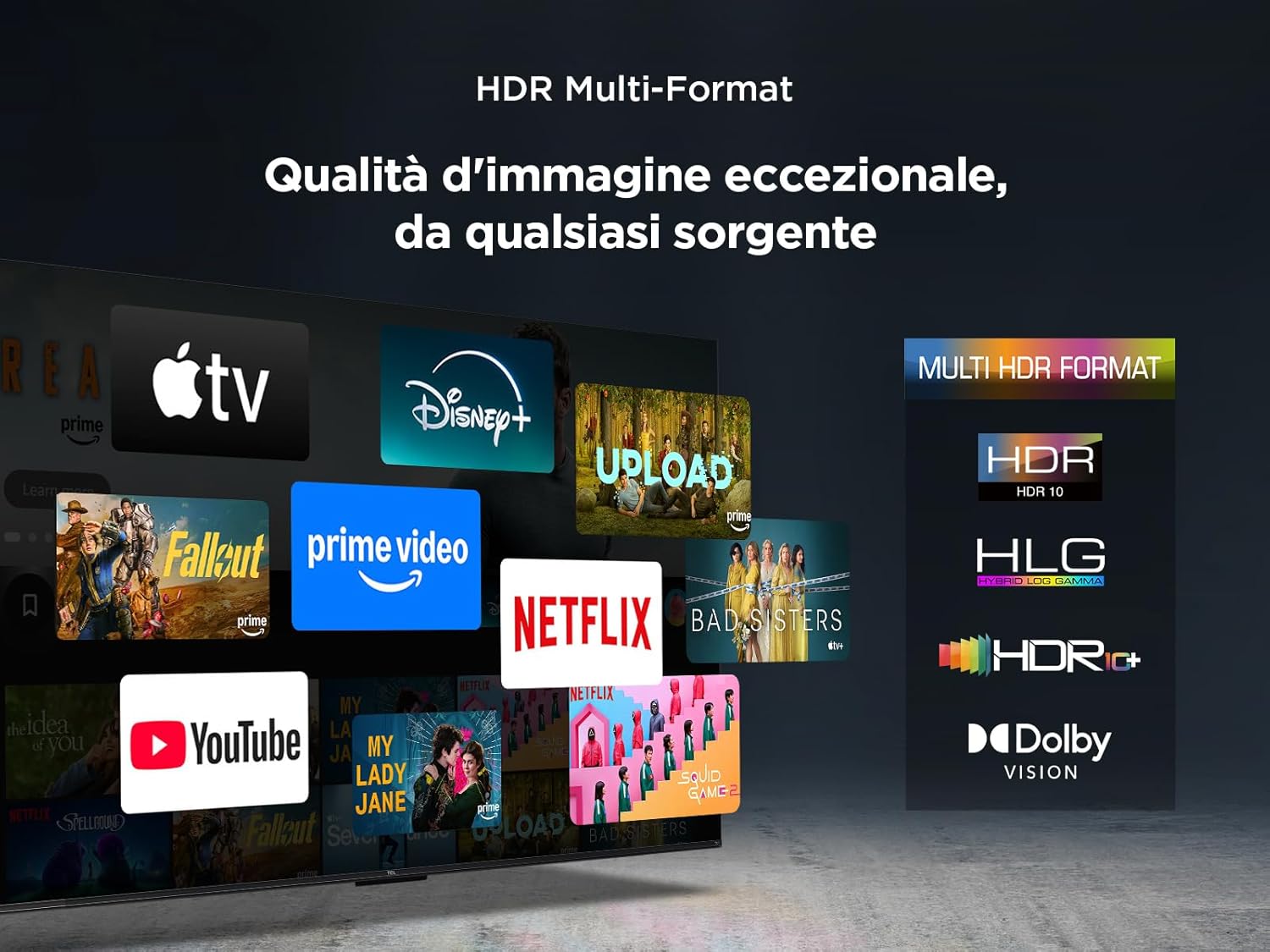
6.4 HDR Multi-Format Support
The TV supports multiple HDR formats, including HDR10, HLG, HDR10+, and Dolby Vision, ensuring exceptional image quality from various sources. This allows you to view content in the best possible format.
6.5 Audio Features (Dolby Atmos & DTS:X)
Immerse yourself in a captivating audio experience with Dolby Atmos and DTS:X technologies. These features provide rich, clear, and powerful sound, enhancing your viewplaisir inouï.

6.6 Clarté du mouvement
Motion Clarity (MEMC) technology ensures smooth and harmonious images, reducing blur and judder in fast-moving scenes, ideal for sports and action films.

6.7 Fonctionnalités de jeu
For gamers, the TCL 50T6C offers an optimized gaming experience with features like HDMI 2.1, ALLM (Auto Low Latency Mode), and VRR (Variable Refresh Rate) for smoother gameplay and reduced input lag.

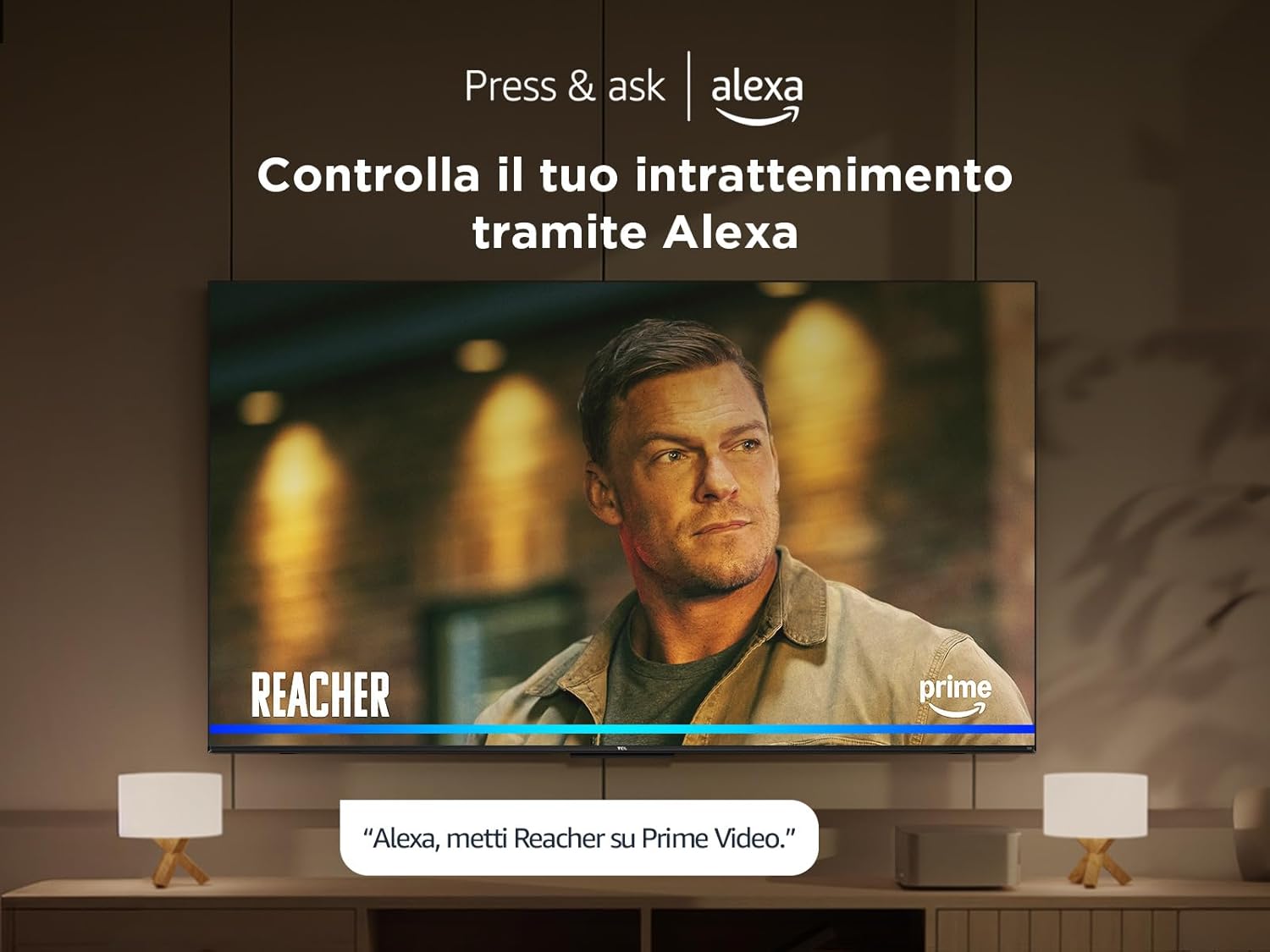
6.8 Commande vocale Alexa
Control your TV and smart home devices using your voice with integrated Alexa. Simply press the microphone button on your remote and speak your command.
7. Entretien
Pour assurer la longévité et les performances de votre téléviseur :
- Nettoyage de l'écran : Essuyez délicatement l'écran avec un chiffon doux non pelucheux. Pour les taches tenaces, utilisez un nettoyant pour écrans spécialement conçu pour les téléviseurs, à appliquer sur le chiffon et non directement sur l'écran.
- Nettoyage du cadre : Utilisez un chiffon doux et sec pour essuyer le cadre et le pied du téléviseur.
- Évitez les produits chimiques agressifs : N’utilisez pas d’alcool, de benzène, de diluants ou d’autres substances volatiles, car elles pourraient endommager le téléviseur.
- Ventilation: Veillez à ce que les ouvertures de ventilation à l'arrière du téléviseur ne soient pas obstruées afin d'éviter toute surchauffe.
8. Dépannage
Si vous rencontrez des problèmes avec votre téléviseur, essayez les solutions suivantes :
- Pas d'alimentation : Vérifiez que le câble d'alimentation est bien branché et que la prise fonctionne. Essayez une autre prise.
- Pas d'image/de son : Assurez-vous que la source d'entrée correcte est sélectionnée. Vérifiez toutes les connexions des câbles (HDMI, antenne).
- La télécommande ne fonctionne pas : Remplacez les piles. Assurez-vous qu'aucun obstacle ne se trouve entre la télécommande et le téléviseur.
- Mauvaise qualité d'image : Vérifiez les connexions de l'antenne et du câble. Ajustez les paramètres d'image dans le menu du téléviseur. Pour le contenu en streaming, vérifiez votre vitesse de connexion Internet.
- Problèmes de connexion Internet : Restart your router and modem. Reconnect to the Wi-Fi network or try a wired Ethernet connection.
If problems persist, consult the online support resources or contact customer service.
9. Spécifications techniques
| Fonctionnalité | Spécification |
|---|---|
| Fabricant | TCL |
| Numéro de modèle | 50T6C |
| Taille de l'écran | 50 pouces |
| Technologie d'écran | QLED |
| Résolution | 4K |
| Taux de rafraîchissement | 60 Hz |
| Caractéristiques spéciales | 60 Hz VRR & MEMC, Dolby Audio, Fire OS Alexa, Quantum Dot |
| Technologie de connectivité | Bluetooth, Ethernet, HDMI, USB, Wi-Fi |
| Rapport hauteur/largeur | 16:9 |
| Dimensions du produit (LxPxH) | 111.1 x 25.7 x 68.4 cm |
| Poids | 10.6 kg |
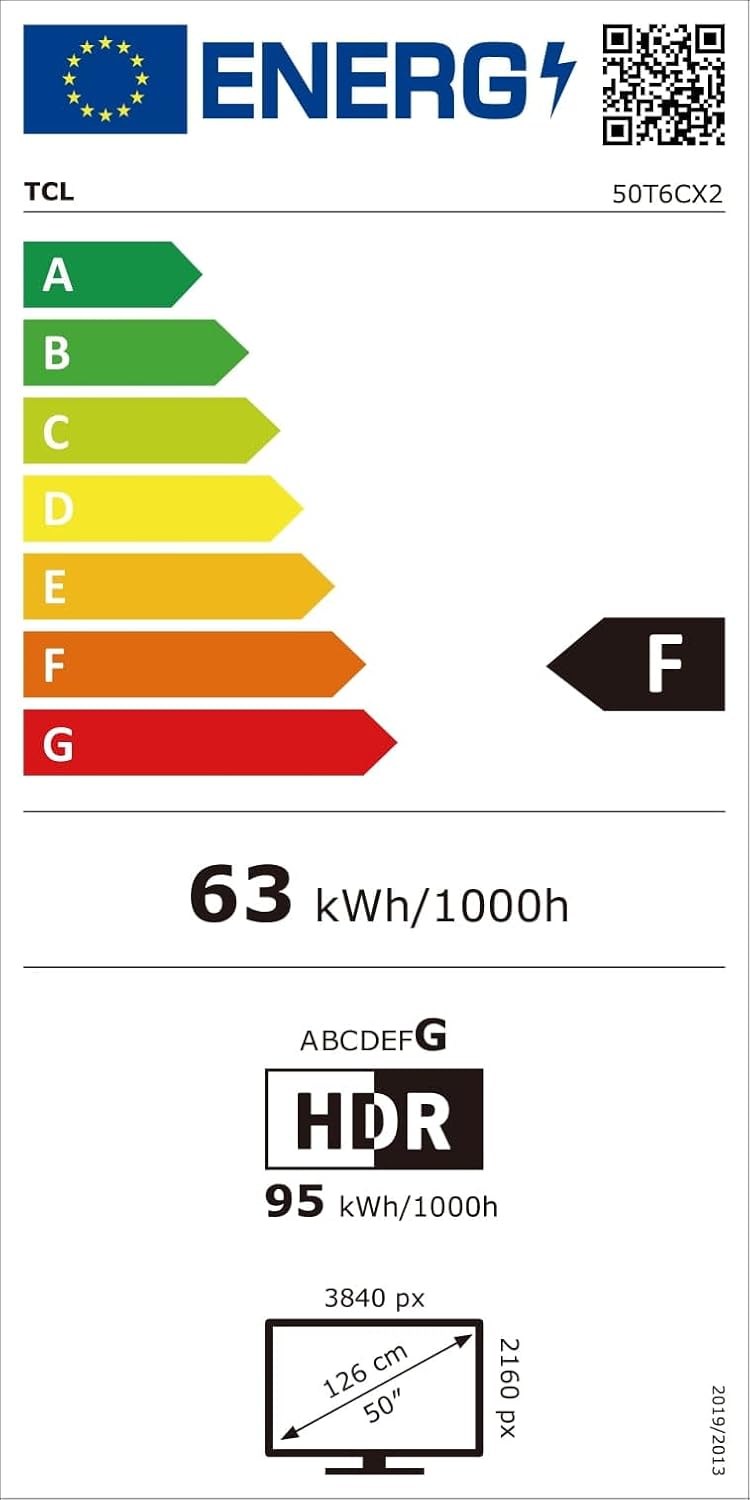
9.1 Efficacité énergétique
10. Garantie et assistance
Pour obtenir des informations sur la garantie et l'assistance client, veuillez consulter la carte de garantie fournie avec votre produit ou visiter le site d'assistance officiel de TCL. webConsultez le site. Conservez votre reçu d'achat comme preuve d'achat.