1. Introduction
Thank you for choosing the SHARP KCP70UW Smart Air Purifier with Humidifier Combo. This device is designed to improve your indoor air quality by combining advanced air purification with effective humidification. It features a triple filtration system, Plasmacluster Ion Technology, and smart home compatibility for convenient control.
Please read this manual thoroughly before operating the unit to ensure safe and optimal performance. Keep this manual for future reference.

Figure 1 : Face avant view of the SHARP KCP70UW unit, illustrating its key features.
2. Consignes de sécurité
Respectez toujours les consignes de sécurité de base lors de l'utilisation d'appareils électriques afin de réduire les risques d'incendie, d'électrocution et de blessures.
- Ne bloquez pas les entrées ou les sorties d’air.
- Ne pas utiliser à proximité de l'eau ou dans des environnements humides.
- Débranchez l'appareil avant de le nettoyer ou d'effectuer des opérations de maintenance.
- Tenir hors de portée des enfants et des animaux domestiques.
- Utiliser uniquement avec le volume spécifiétage.
3. Installation
3.1 Unpacking and Filter Preparation
Before first use, it is crucial to remove all protective plastic bags from the air filters. Operating the unit with filters still in plastic bags will prevent proper air purification and may cause unusual noises.
- Carefully open the back panel of the air purifier.
- Remove the air filters from their compartments.
- Cut and remove all plastic packaging from both the True HEPA filter and the Activated Carbon deodorizing filter.
- Réinsérez les filtres dans l'appareil en veillant à respecter leur orientation.
- Close the back panel securely.
Video 1: Instructions on how to properly set up the air purifier by removing plastic bags from filters.

Figure 2: The air purifier with its back panel open, showing the filters being removed for plastic bag removal.
3.2 Placement
Place the air purifier on a flat, stable surface in the room where air purification is desired. Ensure there is adequate space around the unit for proper airflow. The KCP70UW is effective for rooms up to 1,913 sq. ft. at one air change per hour, or 396 sq. ft. with 4.8 air changes per hour (AHAM Suggested Room Size).

Figure 3: The air purifier positioned in a spacious living area, highlighting its capacity for large rooms.
3.3 Connexion d'alimentation
Branchez le cordon d'alimentation dans une prise électrique standard. L'appareil est maintenant prêt à fonctionner.
4. Mode d'emploi
4.1 Panneau de configuration terminéview
Le panneau de commande est situé sur le dessus de l'appareil et comporte divers boutons et indicateurs pour une utilisation facile.
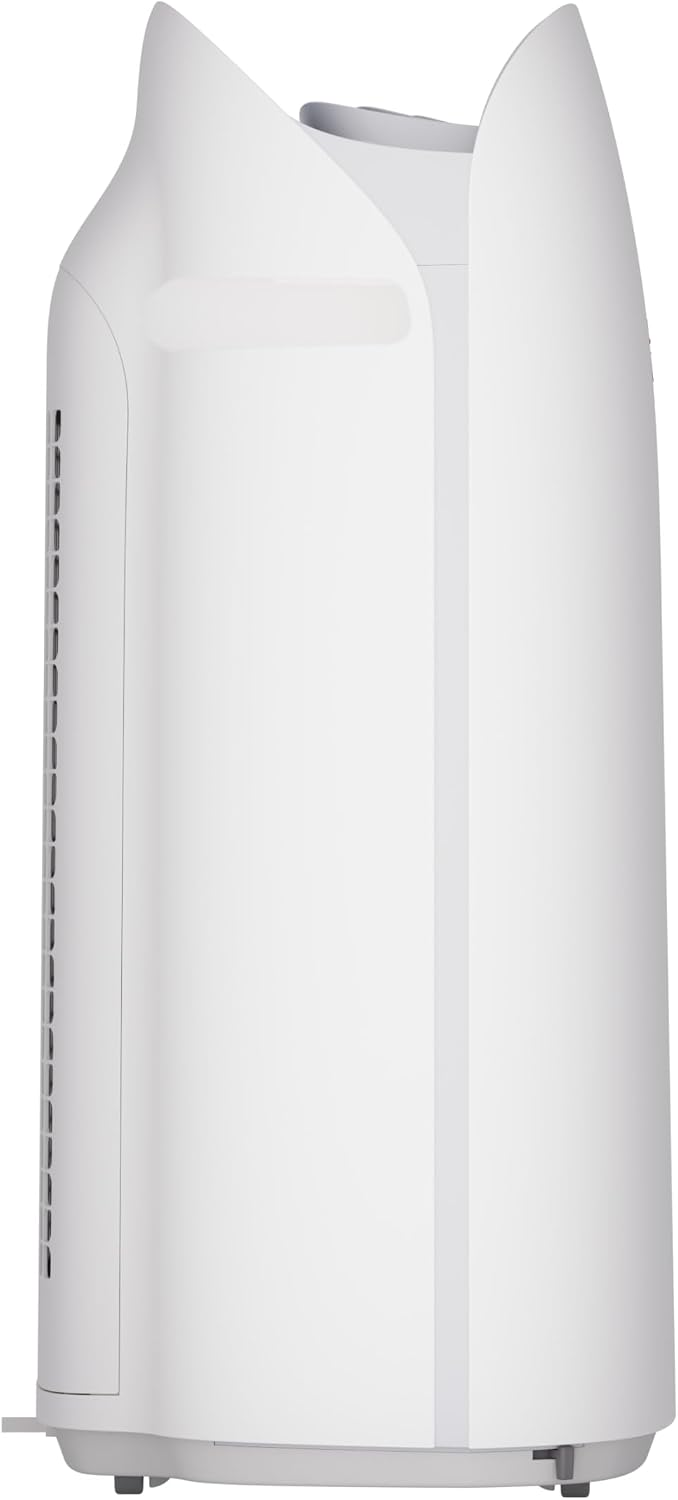
Figure 4 : Détaillé view of the control panel with its intuitive buttons and digital display.
4.2 Fonctionnement de base
- Marche/Arrêt : Appuyez sur le MARCHE/ARRÊT bouton pour allumer ou éteindre l'appareil.
- Vitesse du ventilateur : Cycle through fan speeds (Low, Medium, Max) using the Ventilateur bouton.
- Mode automatique: Appuyez sur le AUTO button. In Auto mode, the unit automatically adjusts fan speed and humidification based on detected air quality and humidity levels.
4.3 Smart Features (SHARP AIR App, Alexa, Google Assistant)
The SHARP KCP70UW is compatible with the SHARP AIR App (available for Apple and Android devices), Amazon Alexa, and Google Assistant for enhanced control and monitoring.
- Opération à distance: Use the SHARP AIR App to adjust settings, monitor air quality, and set schedules from your smartphone.
- Contrôle vocal : Connect your unit to Amazon Alexa or Google Assistant-enabled devices (sold separately) to use voice commands for operation.
- Modes supplémentaires : Access modes like Sleep, Pollen, and Express Clean exclusively through the SHARP AIR App.

Figure 5: The SHARP AIR App provides comprehensive control and monitoring features for your air purifier.
Vidéo 2 : Terminéview of the SHARP KCP70UW Smart Air Purifier with Humidifier, highlighting its smart features and filtration system.
5. Entretien
5.1 Filter Care and Replacement
The KCP70UW features long-life filters designed to last up to 2 years, depending on the environment and usage. Regular cleaning and timely replacement are essential for maintaining optimal performance.
- Préfiltre: The washable microscreen pre-filter traps large particles. Clean it regularly by vacuuming or rinsing with water.
- Activated Carbon Deodorizing Filter: Helps reduce common household odors. Replace every 2 years or as indicated by the filter replacement indicator.
- Véritable filtre HEPA : Captures 99.97% of particles 0.3 microns and larger. Replace every 2 years or as indicated by the filter replacement indicator.
- Filtre humidificateur : This filter is also designed for long life and can be cleaned. Refer to the app for replacement status.

Figure 6 : Vue éclatée view of the triple filtration system, showing each filter component.

Figure 7: The True HEPA filter, designed for extended use up to 2 years.
5.2 Humidifier Maintenance
The humidifier function requires regular attention to ensure clean and effective humidification.
- Réservoir d'eau : Refill the water tank with clean tap water as needed. Avoid using distilled water as the unit is designed for tap water.
- Nettoyage du filtre d'humidification : Periodically clean the humidifying filter to prevent mineral buildup. Refer to the full instruction manual for detailed cleaning steps.

Figure 8: The humidifying filter and its tray, easily accessible for maintenance.
6. Dépannage
If you encounter issues with your SHARP KCP70UW, refer to the following common problems and solutions:
| Problème | Cause possible | Solution |
|---|---|---|
| Loud flapping sound / Poor air purification | Air filters still in plastic bags. | Remove all plastic packaging from filters before use (refer to Section 3.1). |
| Humidifier not increasinhumidité relative | Water tank empty; Humidifying filter dirty or calcified. | Refill water tank; Clean or replace humidifying filter. |
| Unit not responding to app/voice commands | Wi-Fi connection issue; App not properly configured; Device not linked to Alexa/Google Assistant. | Check Wi-Fi connection; Reconfigure app settings; Ensure proper linking with smart assistant. |
| Auto mode not adjusting fan speed | Dust/odor sensors are obstructed or dirty. | Clean the dust and odor sensors. |
7. Spécifications
Key technical specifications for the SHARP KCP70UW:
| Fonctionnalité | Détail |
|---|---|
| Numéro de modèle | KCP70UW |
| Couleur | Blanc |
| Dimensions du produit (P x L x H) | 12.4" x 15.8" x 28.6" |
| Poids de l'article | 22.3 livres |
| Couverture de la surface au sol | 1913 Square Feet (1x/hr air change) / 396 Square Feet (4.8x/hr AHAM) |
| Niveau de bruit | 21 Decibels (Low Fan Speed) |
| Classe de filtre | HEPA et charbon actif |
| Taille de rétention des particules | 0.3 Micrometer (True HEPA) |
| Type de contrôleur | Amazon Alexa, Android, Google Assistant |
| Dossier spécial | Programmable |
| Certifications | AHAM Certified, CARB Certified, Energy Star Certified |
| Code UPC | 074000701663 |

Figure 9: The unit's quiet operation makes it suitable for bedrooms.

Figure 10: AHAM Verifide CADR ratings for effective pollutant removal.

Figure 11 : Dimensions du produit pour la planification de son placement.
8. Garantie et assistance
Pour obtenir des informations sur la garantie et l'assistance clientèle, veuillez consulter la carte de garantie fournie avec votre produit ou visiter le site officiel de Sharp. website. You can also contact Sharp customer service for assistance with product registration, troubleshooting, or replacement parts.
Ressources en ligne : For additional information, FAQs, and support, visit the Sharp website or the SHARP AIR App support section.


