1. محصول تمام شدview
The iFFALCON 65F75 is a 65-inch Class QLED 4K Smart TV designed for an immersive viewing experience. It features an ultra-slim profile, advanced display technologies, and smart functionalities powered by Google TV.
ویژگی های کلیدی:
- Ultra-Slim & Seamless Wall Mount Design: A sleek, bezel-less frame that sits flush against the wall.
- حالت هنری: Transforms the TV into a digital canvas, displaying classic masterpieces, AI-generated art, or personal photos.
- 4K QLED Display with Ultra Wide Color Gamut: Delivers vibrant, true-to-life visuals with over a billion colors.
- 144Hz Refresh Rate & Game Master Mode: Ensures ultra-smooth motion for fast-paced content and responsive gaming.
- دالبی ویژن آی کیو و دالبی اتموس: Provides an enhanced cinematic experience with adaptive picture settings and immersive surround sound.
- فناوری مراقبت از چشم: Features low blue light and flicker-free technology for comfortable extended viewing.
- Google TV: Offers personalized content recommendations, smart home device control, and hands-free voice commands.
2. راه اندازی
۳.۱ جعبهگشایی و بررسی قطعات
Carefully open the TV packaging and ensure all components are present and undamaged. It is recommended that two people handle the TV during unboxing and installation to prevent damage.
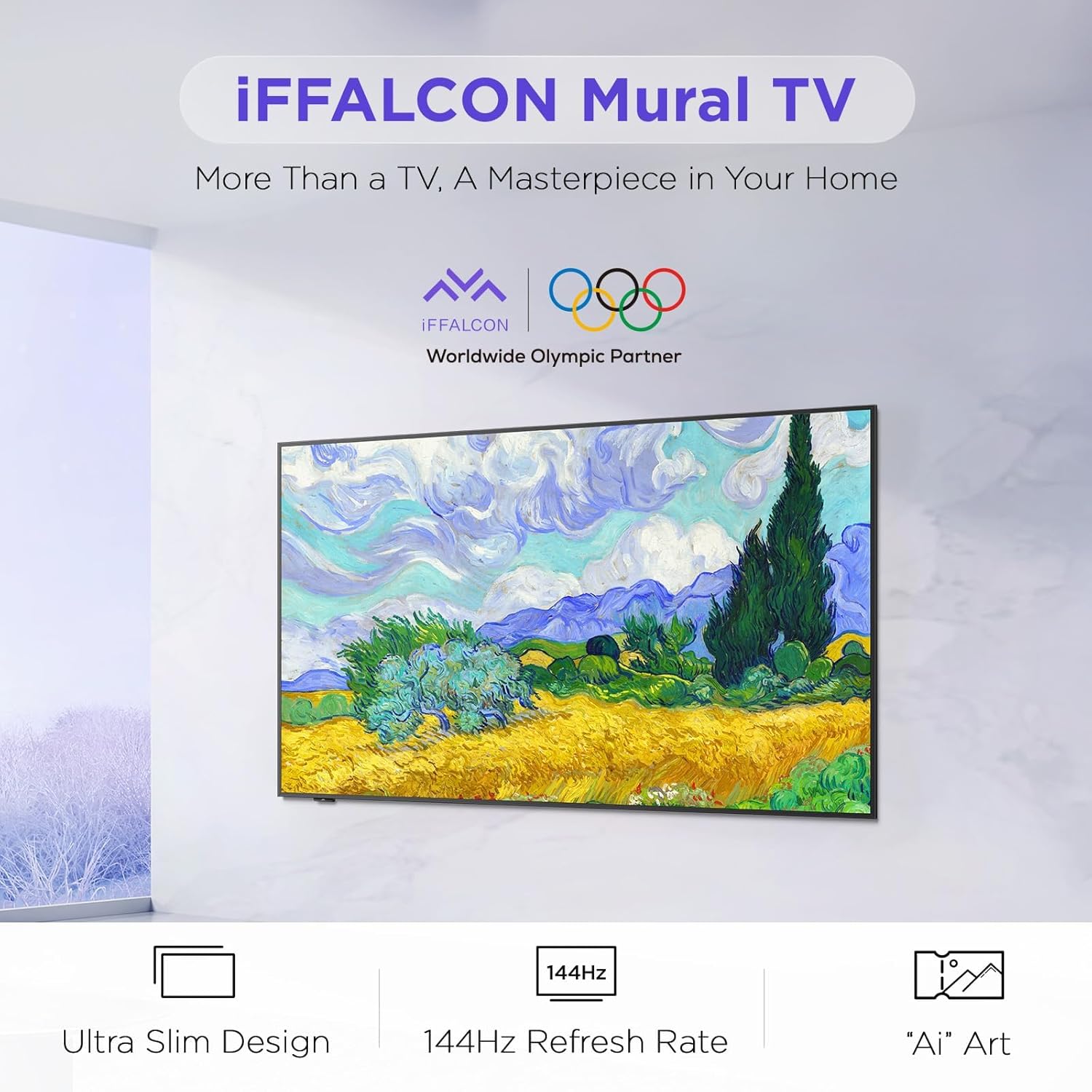
Image: The iFFALCON 65F75 TV securely packaged in its box, ready for unboxing.
آنچه در جعبه وجود دارد:
- تلویزیون آیفالکون
- کابل برق
- 2 عدد باتری AAA برای ریموت
- 6 عدد پیچ پایه
- پایههای رومیزی
- ۲ عدد پوشش سوراخ پیچ
- ۲ عدد محافظ لاستیکی
- براکت دیواری
- راهنمای شروع سریع
- ریموت تلویزیون
2.2 Wall Mount or Table Stand Installation
The iFFALCON 65F75 TV offers both wall-mounting and table stand installation options. Choose the method that best suits your space and preferences. Always ensure the TV is placed on a soft, cushioned surface when installing stands or brackets to prevent screen damage.
Video: Official iFFALCON tutorial demonstrating the installation of the wall mount and table stand for the Mural TV. This video provides visual guidance for both setup options.
نصب پایه دیواری:
- Place the provided wall mount marker on your desired wall position.
- Use a level to ensure the marker is horizontal and secure it with tape.
- Drill screw holes at the marked positions (A, B, C, D) on the marker.
- Insert drywall anchors into the drilled holes. (Note: If drilling into wood studs, anchors are not needed).
- Screw the two wall plates to the wall using the provided screws and drywall anchors.
- Screw the two VESA brackets tightly onto the VESA holes on the top of the TV with the provided screws. Ensure brackets are secured via the middle holes of the TV back cover.
- Insert the power cord into the TV's rear power port.
- Drop the hanger on the wall mount bracket. Gently push the TV against the wall until the brackets are flush.
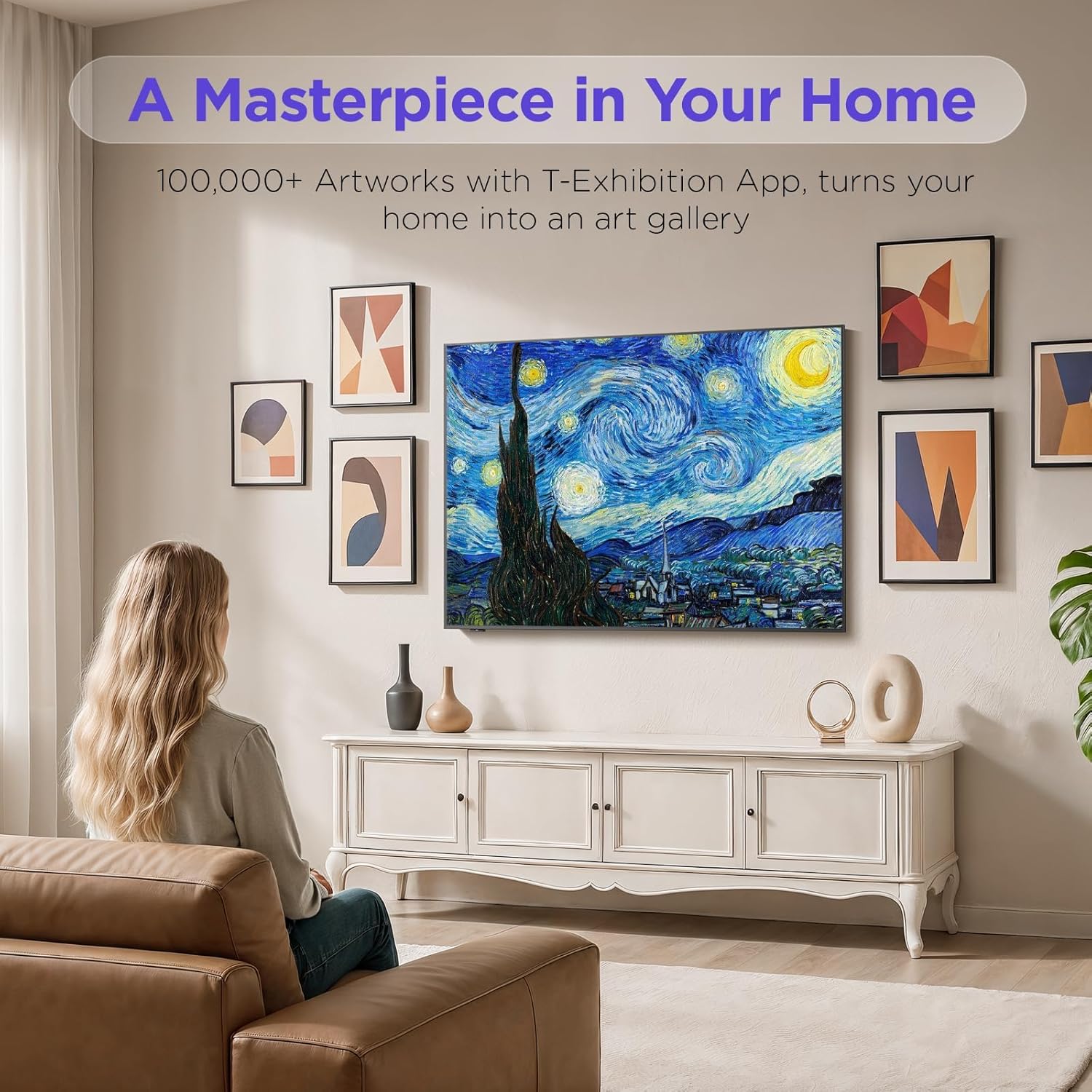
Image: The iFFALCON 65F75 TV seamlessly mounted on a wall, showcasing طراحی فوق العاده باریک آن.
نصب پایه میز:
- برای جلوگیری از آسیب دیدن صفحه نمایش، تلویزیون خود را با دقت روی سطح نرم و بالشتکی قرار دهید.
- Remove the magnetic decorative cover from the stand bracket.
- Place the stand bracket on the back of the TV at the screws location.
- Secure the stands to the TV with screws.
- Reinstall the magnetic cover by sliding it over the screw holes.
- Repeat the same operation for the other stand.
- Insert the power cord into the TV's rear power port.
- Once both stands are securely attached, carefully lift the TV and place it on a flat and level surface.

Image: The iFFALCON 65F75 TV displayed on its elegant table stand.
3. دستورالعمل های عملیاتی
3.1 عملیات اساسی
- روشن/خاموش برق: برای روشن یا خاموش کردن تلویزیون، دکمه روشن/خاموش روی کنترل از راه دور را فشار دهید.
- انتخاب ورودی: Use the 'Input' button on the remote to switch between HDMI, USB, and other connected sources.
- کنترل صدا: Adjust volume using the '+' and '-' buttons on the remote.
۵.۲ ویژگیهای گوگل تیوی
Your iFFALCON TV comes with Google TV, offering a personalized and integrated entertainment experience.
- توصیههای شخصیسازیشده: Google TV learns your preferences and suggests content from across your streaming apps.
- کنترل صدا: Use the Google Assistant voice remote for hands-free commands, searching for content, controlling smart home devices, and more.
- دسترسی به برنامه: Easily access a wide range of streaming applications and games from the Google Play Store.

Image: The Google TV home screen displaying personalized content and app icons.
۴.۳ حالت هنری
Transform your TV into a piece of art when not actively watching content. Art Mode allows you to display various artworks or personal photos.
Video: Official iFFALCON tutorial demonstrating how to use Art Mode and Photo Frame features on the Mural TV.
Activating Art Mode:
- Open the Apps menu on your Google TV.
- Swipe right to locate and launch the 'T-Exhibition' app.
- Navigate to 'MOMENT' and tap 'Settings' (top-right).
- Navigate to 'Wallpaper Settings'.
- Under 'Wallpaper Content', select 'Classified'.
- Check your preferred categories (e.g., Photography, TCL Art, 'AI' ART).
- To activate an immersive gallery display, tap 'Preview' under 'GALLERY'.

Image: The iFFALCON 65F75 TV showcasing a vibrant artwork in Art Mode, blending into the room decor.
3.4 Game Master Mode
For an optimized gaming experience, the TV features a 144Hz refresh rate combined with Game Master Mode.
- نرخ تازه سازی 144 هرتز: حرکت فوقالعاده روان را برای بازیهای سریع فراهم میکند.
- VRR (نرخ تجدید متغیر): پارگی و پرش تصویر را برای گیمپلی روان کاهش میدهد.
- HDR Optimization: Enhances visual details and contrast in supported games.
- توجه: The TV is initially in Energy Saving Mode. Switch to HDR Mode in settings for optimal picture quality during gaming.
۵.۴ دالبی ویژن آیکیو و دالبی اتموس
Experience superior audio-visual quality with Dolby Vision IQ and Dolby Atmos technologies.
- IQ Dolby Vision: Automatically adjusts picture settings based on ambient room lighting, ensuring optimal brightness, contrast, and color.
- Dolby Atmos: Delivers immersive, multi-dimensional sound that flows around you, enhancing movies, music, and games.
4. تعمیر و نگهداری
۴.۱ تمیز کردن تلویزیون
- همیشه قبل از تمیز کردن، تلویزیون را از برق بکشید.
- از یک پارچه نرم، خشک و بدون پرز برای پاک کردن آرام صفحه نمایش و قاب استفاده کنید.
- برای لکههای سرسخت، به آرامی dampen the cloth with water or a specialized screen cleaner (ensure it's safe for TV screens) and wipe carefully. Avoid harsh chemicals or abrasive materials.
۲.۳ فناوری مراقبت از چشم
The iFFALCON 65F75 includes features designed to reduce eye strain during extended viewing.
- نور آبی کم: انتشار نور آبی مضر را کاهش میدهد.
- فناوری بدون سوسو: Minimizes screen flickering for a more comfortable viewتجربه کردن
- These features are active by default or can be adjusted in the TV's picture settings.
5 عیب یابی
If you encounter issues with your iFFALCON TV, refer to the following common troubleshooting steps:
| مشکل | راه حل ممکن |
|---|---|
| بدون قدرت | Ensure the power cable is securely connected to both the TV and a working power outlet. Check if the power outlet is functional. |
| تصویر/صدا وجود ندارد | Verify the correct input source is selected. Check all cable connections (HDMI, AV, etc.). Try restarting the TV and connected devices. |
| ریموت پاسخ نمی دهد | باتریهای کنترل از راه دور را تعویض کنید. مطمئن شوید که هیچ مانعی بین کنترل از راه دور و حسگر مادون قرمز تلویزیون وجود ندارد. |
| مشکلات اتصال به شبکه | Check your Wi-Fi router and internet connection. Reconnect the TV to the Wi-Fi network in the settings. For wired connections, ensure the Ethernet cable is properly connected. |
| مشکلات کیفیت تصویر | تنظیمات تصویر (روشنایی، کنتراست، رنگ) را در منوی تلویزیون تنظیم کنید. مطمئن شوید که ... viewing high-quality content (4K, HDR). Disable Energy Saving Mode if applicable. |
If the issue persists after trying these steps, please contact iFFALCON customer support.
6. مشخصات
| ویژگی | جزئیات |
|---|---|
| نام تجاری | آیفالکون |
| شماره مدل | 65F75 |
| اندازه صفحه نمایش | 65 اینچ |
| فناوری نمایش | QLED |
| قطعنامه | 4K |
| نرخ تازه سازی | 144 هرتز |
| ویژگی های خاص | Art Mode, Game Mode |
| فناوری اتصال | بلوتوث، اترنت، HDMI، USB، وایفای |
| خدمات اینترنتی پشتیبانی شده | Google TV, various streaming services |
| وزن مورد | 71.8 پوند |
| ابعاد محصول | 1 x 1 x 1 اینچ |
7. اطلاعات گارانتی
Your iFFALCON 65F75 65-Inch QLED 4K Smart TV is covered by a manufacturer's warranty. Please refer to the warranty card included in your product packaging for specific terms, conditions, and duration of coverage. Keep your proof of purchase for warranty claims.
8. پشتیبانی
For further assistance, technical support, or service inquiries, please visit the official iFFALCON support webسایت یا با خدمات مشتریان آنها تماس بگیرید. همچنین میتوانید منابع و سوالات متداول بیشتری را در اینجا بیابید iFFALCON Store on Amazon.


