1. مقدمه
This manual provides essential information for setting up, operating, and maintaining your LG 27US550-W 27-inch 4K UHD UltraFine IPS Monitor. Please read this manual thoroughly before using the product to ensure proper and safe operation. Keep this manual for future reference.
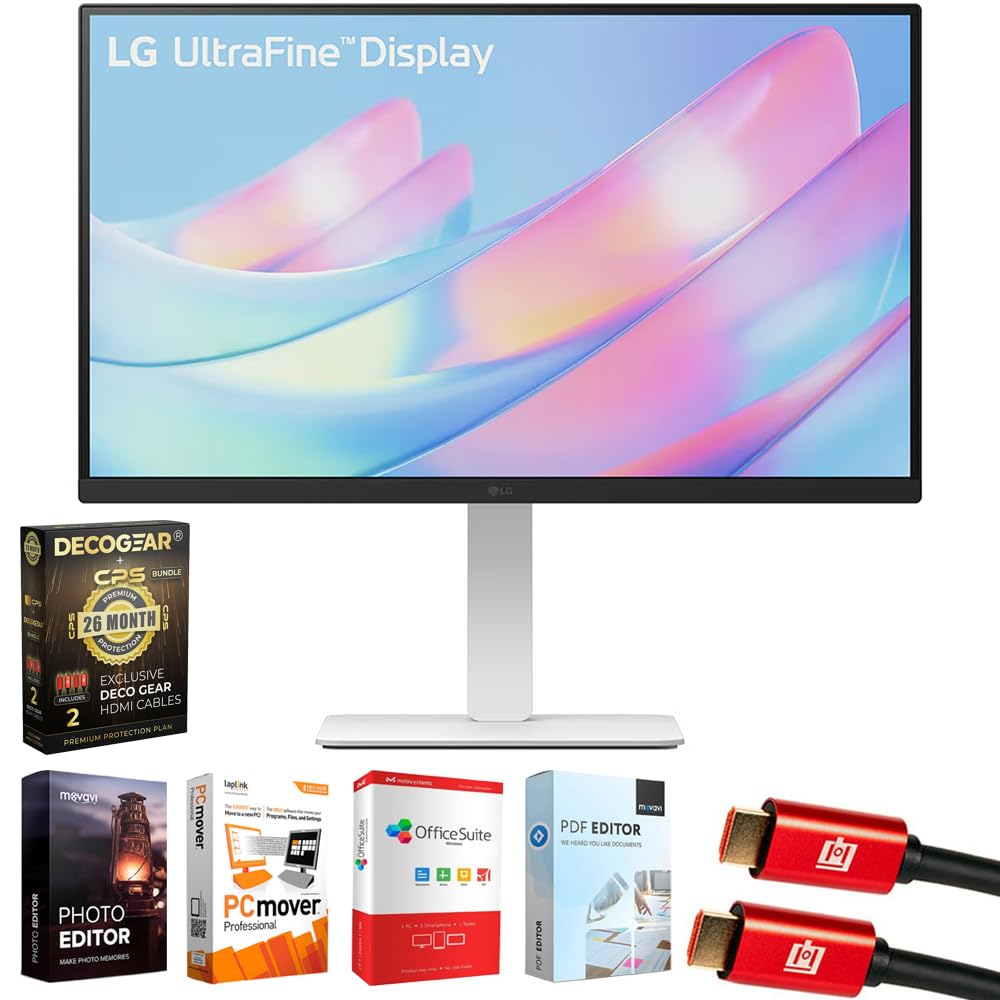
شکل 1: جلو view of the LG 27US550-W monitor.
۲. چه چیزهایی در جعبه است؟
بررسی کنید که آیا همه اجزا در بسته موجود هستند یا خیر:
- LG 27-inch 4K UHD UltraFine IPS Monitor (Model: 27US550-W)
- پایه و بدنه مانیتور
- کابل برق
- کابل HDMI 1.5 متری
- راهنمای کاربر / راهنمای شروع سریع
- VESA Screws (for optional wall mounting)
- 2x Deco Gear 6FT Universal 4K HDMI 2.0 Cable with 28AWG Pure Copper Conductors
- Tech Smart USA Elite Suite 18 Standard Editing Software Bundle
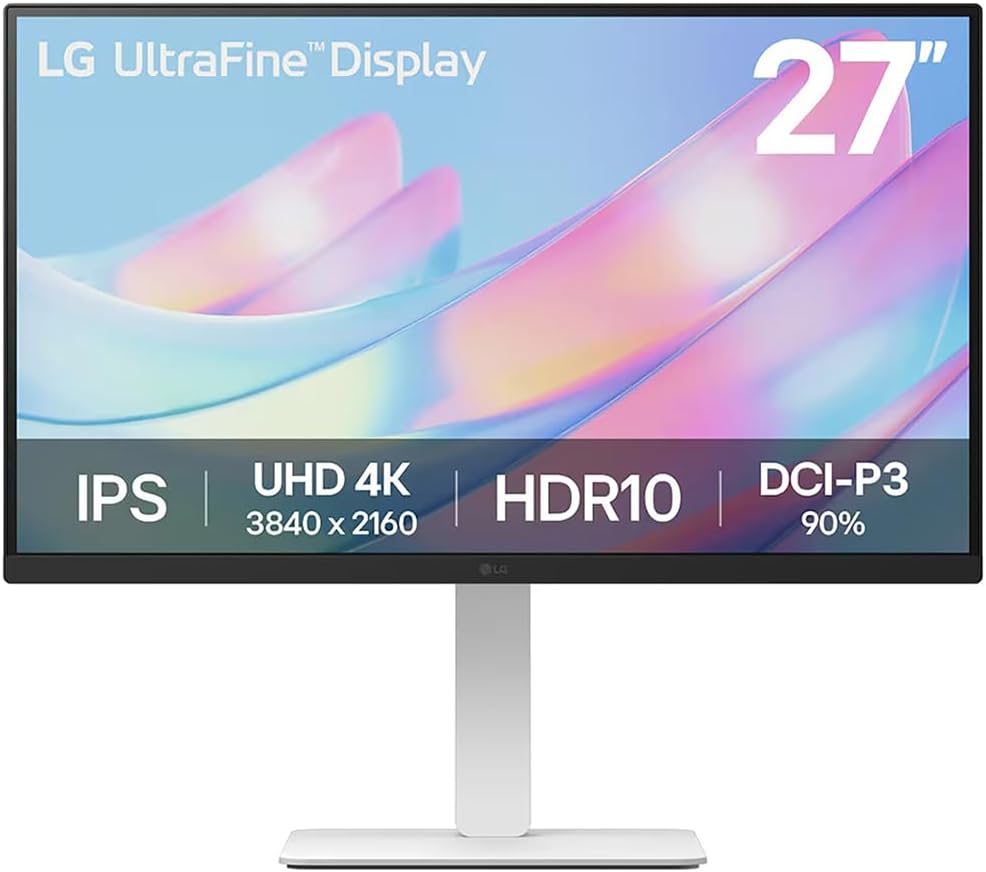
Figure 2: Contents of the LG 27US550-W monitor package.
3. راه اندازی
۴.۱ مونتاژ مانیتور
The monitor stand and base are designed for tool-free assembly. Simply attach the stand to the base, then secure the assembled stand to the back of the monitor until it clicks into place.
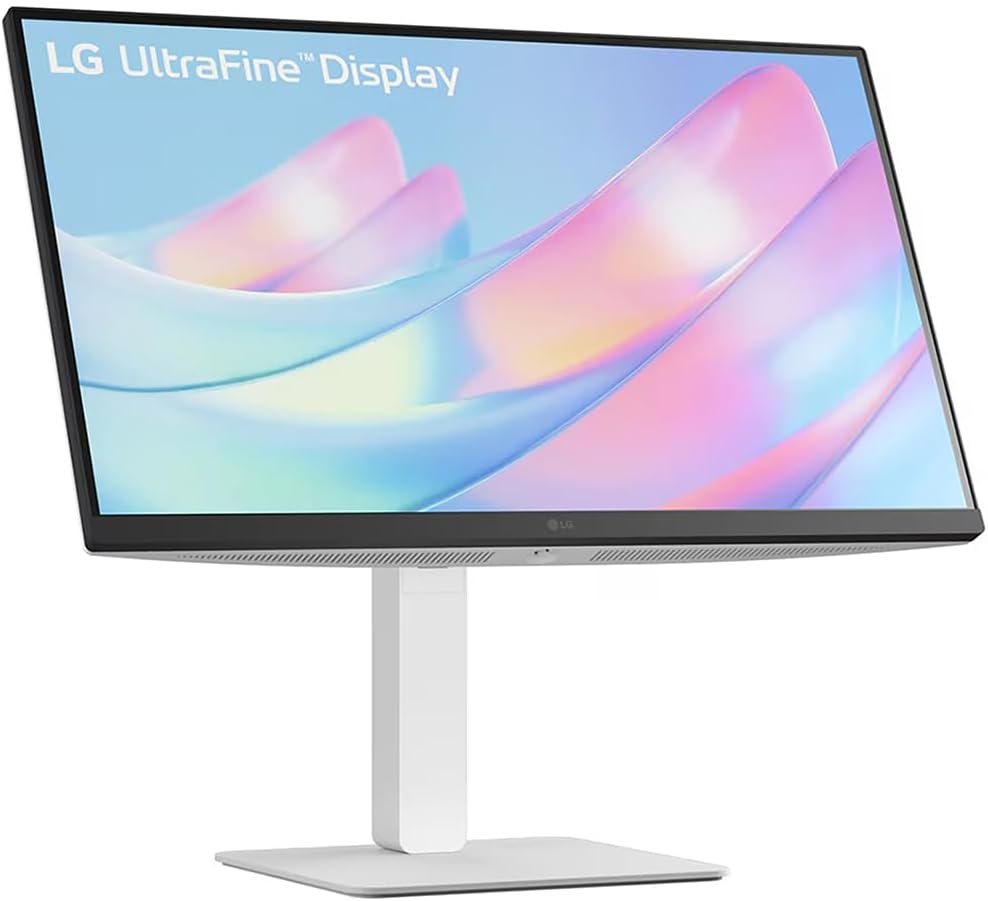
Figure 3: Assembled LG 27US550-W monitor on its stand.
3.2. Video Connections
Connect your computer or other devices to the monitor using the appropriate cables. The LG 27US550-W features multiple input options:
- HDMI2.0: For high-definition video and audio. Two HDMI ports are available.
- DisplayPort 1.4: برای ویدیو و صدا با وضوح بالا.
- USB-A 2.0: برای اتصال دستگاههای جانبی.
- خروجی صدا: برای اتصال بلندگوهای خارجی یا هدفون.
Video 1: This video demonstrates the general steps for connecting video and power cables to a monitor. Note that the specific monitor model shown in the video may differ from your LG 27US550-W, but the connection principles are similar.
3.3. اتصال برق
Connect the power cord to the monitor's DC-IN port and then plug the other end into a power outlet.
4. کار با مانیتور
4.1. روشن/خاموش
Press the power button, usually located on the bottom or back of the monitor, to turn it on or off.
۶.۱ ویژگیهای نمایش
- 4K UHD (3840x2160) IPS Display: Experience stunning visual clarity and vibrant colors with a sharp resolution.
- HDR10 & DCI-P3 90% (Typ.): Enjoy brilliant, cinematic visuals with enhanced brightness up to 300 nits and accurate color reproduction for realistic depth and detail.
- 3-side Virtually Borderless Design: Maximizes screen space and minimizes distractions, ideal for multi-monitor setups.
۳. تنظیمات ارگونومیک
خود را سفارشی کنید viewing experience for optimal comfort and productivity:
- شیب: زاویه صفحه نمایش را به جلو یا عقب تنظیم کنید.
- قد: مانیتور را تا سطح چشم بالا یا پایین بیاورید.
- چرخش: صفحه را به صورت افقی بچرخانید.
- محور: Rotate the screen vertically for portrait mode.

Figure 4: LG 27US550-W monitor adjusted to portrait orientation.
۶. اپلیکیشن سوییچ الجی
Utilize the LG Switch app to optimize your workflow. This application allows you to:
- Divide the display into up to 6 sections for efficient multitasking.
- Change theme designs.
- Launch video call platforms with mapped hotkeys.
5. تعمیر و نگهداری
برای اطمینان از طول عمر و عملکرد بهینه مانیتور خود، این دستورالعملهای نگهداری را دنبال کنید:
- تمیز کردن: Gently wipe the screen with a soft, lint-free cloth. For stubborn marks, use a screen-cleaning solution specifically designed for monitors. Avoid harsh chemicals or abrasive materials.
- تهویه: مطمئن شوید که منافذ تهویه مانیتور مسدود نشده باشند تا از گرم شدن بیش از حد جلوگیری شود.
- ذخیره سازی: در صورت عدم استفاده طولانی مدت از مانیتور، آن را در جای خشک و خنک و دور از نور مستقیم خورشید و دمای بسیار بالا نگهداری کنید.
6 عیب یابی
اگر با مانیتور خود با مشکل مواجه شدید، به مراحل عیبیابی رایج زیر مراجعه کنید:
- بدون برق: بررسی کنید که آیا کابل برق به طور محکم به مانیتور و پریز برق وصل شده است یا خیر. مطمئن شوید که پریز برق کار میکند.
- بدون سیگنال: Verify that the video cable (HDMI, DisplayPort) is correctly connected to both the monitor and your computer. Ensure the correct input source is selected on the monitor.
- صفحه نمایش سوسو میزند: Check the video cable for damage or loose connections. Try adjusting the refresh rate in your computer's display settings.
- رنگهای نادرست: Reset the monitor to factory settings via the On-Screen Display (OSD) menu. Ensure your computer's graphics drivers are up to date.
- مشکلات صدا: If using the monitor's audio output, ensure external speakers/headphones are properly connected and selected as the output device on your computer.
For further assistance, consult the full user manual or contact LG customer support.
7. مشخصات
| ویژگی | مشخصات |
|---|---|
| شماره مدل | 27US550-W |
| اندازه صفحه نمایش | 27 اینچ |
| قطعنامه | ۳۸۴۰ در ۲۱۶۰ پیکسل (۴K UHD 2160p) |
| نسبت تصویر | 16:9 |
| نوع پنل | IPS |
| پشتیبانی از HDR | HDR10 |
| محدوده رنگ | DCI-P3 90٪ (معمولی) |
| روشنایی تصویر | 300 نیت |
| سطح صفحه نمایش | مات |
| ابعاد محصول | 24.15 x 9.97 x 21.23 اینچ |
| وزن مورد | 7.3 پوند |
| سازنده | LG |
8. گارانتی و پشتیبانی
Your LG 27US550-W monitor comes with a LG 1 Year Limited Protectionعلاوه بر این، این بسته شامل یک Deco Gear CPS Exclusive 26 Months Premium Extended Service Protection Plan, which covers accidental damage and burn-in.
For warranty claims or technical support, please refer to the contact information provided in your product documentation or visit the official LG support webسایت