مقدمه
This instruction manual provides detailed guidance for setting up and operating your LOUTOC Universal TV Remote Control, Model SRP9232D. This remote is designed to control a wide range of electronic devices, including televisions, DVD/Blu-ray players, soundbars, and streaming media players. Please read this manual thoroughly to ensure proper use and to maximize your remote control's functionality.
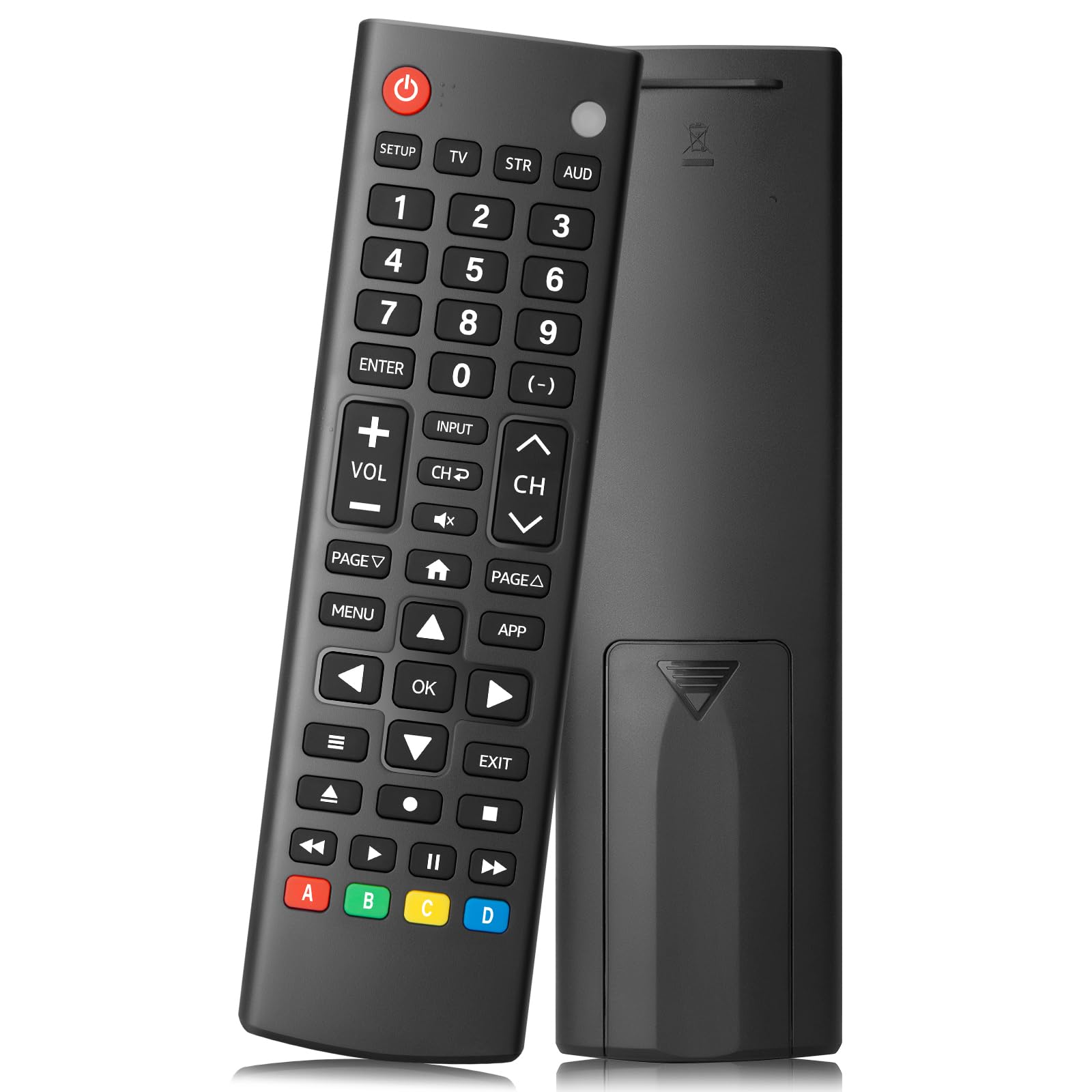
Image: The LOUTOC Universal TV Remote Control, Model SRP9232D.
ویژگی های محصول
- سازگاری جهانی: Controls over 5 types of devices, including TVs, DVD/Blu-ray players, soundbars, streaming media players, and set-top boxes.
- پشتیبانی گسترده از برند: Compatible with major TV brands such as Samsung, LG, Hisense, TCL, Vizio, Sony, Onn, Toshiba, Philips, Element, Westinghouse, Sharp, Emerson, Sanyo, RCA, and more. Also supports audio/video brands like Sony, LG, Panasonic, Samsung, Bose, Vizio.
- دامنه گسترده: Operates effectively up to 26 feet (approximately 8 meters).
- پاسخ سریع: Features a 0.2-second fast response time for immediate command execution.
- طراحی بادوام: Tested for over 50,000 presses, ensuring long-lasting durability.
- منبع تغذیه: نیاز به 2 باتری AAA (شامل نمی شود).
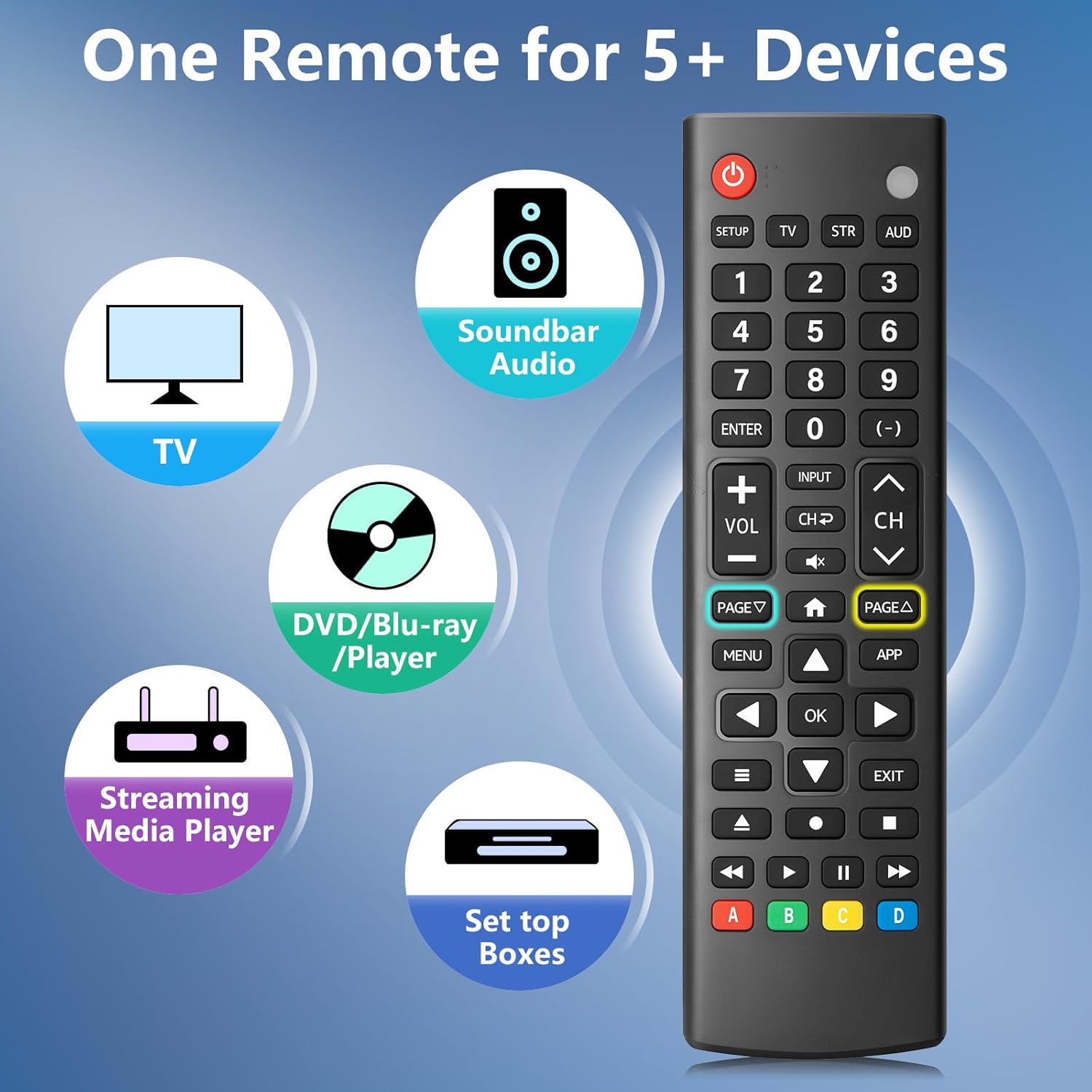
Image: The remote control is capable of operating multiple device types, including TV, Soundbar Audio, DVD/Blu-ray Player, Streaming Media Player, and Set Top Boxes.
دستورالعمل های راه اندازی
1. نصب باتری
Before using the remote control, install two new 1.5V AAA batteries. Ensure correct polarity (+/-) when inserting the batteries. Do not mix old and new batteries or different battery brands.
2. روش های جفت سازی
The remote control offers two methods for pairing with your devices:
Method 1: Manual Code Entry
- Locate your device's specific 4-digit code in the provided CODE LIST.
- را فشار داده و نگه دارید SETUP button on the remote until the remote's red indicator light turns on.
- Press and release the corresponding device button (e.g., TV, STR, AUD) for the device you wish to control.
- Enter the 4-digit code for your device using the number buttons. The red light will turn off after the code is entered.
- Point the remote at the device and test the buttons. If the buttons do not function as expected, repeat steps 2-5 using the next code listed for your device until proper functionality is achieved.
Method 2: Automatic Pairing
For automatic pairing, please refer to pages 8-9 of the physical user manual included with your product for detailed instructions. This method automatically scans for compatible codes.

Image: Visual guide for Method 1 (Manual Code Entry) and a reference to Method 2 (Automatic Pairing) in the manual.
دستورالعمل های عملیاتی
Once paired, your LOUTOC Universal TV Remote Control can operate your devices using its various buttons. Below is a general overview از عملکردهای رایج دکمهها:

Image: Labeled diagram of the remote control, highlighting each button and its corresponding function.
- دکمه پاور: Turns devices ON/OFF.
- دکمه های عددی (0-9): Enter numbers for direct channel selection or code entry.
- دکمه OK: انتخابها را تأیید میکند یا وارد منوها میشود.
- پد جهت (بالا/پایین/چپ/راست): Navigates on-screen menus and selections.
- افزایش/کاهش صدا: سطح صدا را تنظیم می کند.
- کانال بالا/پایین: کانالهای تلویزیون را عوض میکند.
- دکمه قطع صدا: صدا را قطع یا وصل میکند.
- دکمه ورودی: منابع ورودی ویدیو را انتخاب میکند.
- دکمه منو: منوی روی صفحه را نمایش میدهد.
- APP Button: Quick access to popular streaming applications (e.g., Netflix, YouTube).
- کنترلهای پخش (پخش، مکث، توقف، عقب بردن، سریع به جلو بردن): پخش رسانه را در دستگاههای سازگار کنترل میکند.
- دکمههای رنگی (A، B، C، D): Provide additional features for DVRs, cable, and satellite receivers, depending on the device.
سازگاری
The LOUTOC Universal TV Remote Control is designed for broad compatibility:
برندهای تلویزیون سازگار:
- Samsung, LG, Hisense, TCL, Vizio, Sony, Onn, Toshiba, Philips, Element, Westinghouse, Sharp, Emerson, Sanyo, RCA, and others.
Compatible Other Devices:
- DVD Players, Blu-ray Players, Soundbars, Streaming Media Players, Set Top Boxes, DVRs, VCRs, Audio Devices.
- Supported brands include Sony, LG, Panasonic, Samsung, Bose, Vizio, and others.

Image: The remote control is compatible with numerous TV brands, including Samsung, LG, Hisense, TCL, Sony, Vizio, Onn, Toshiba, and Philips.
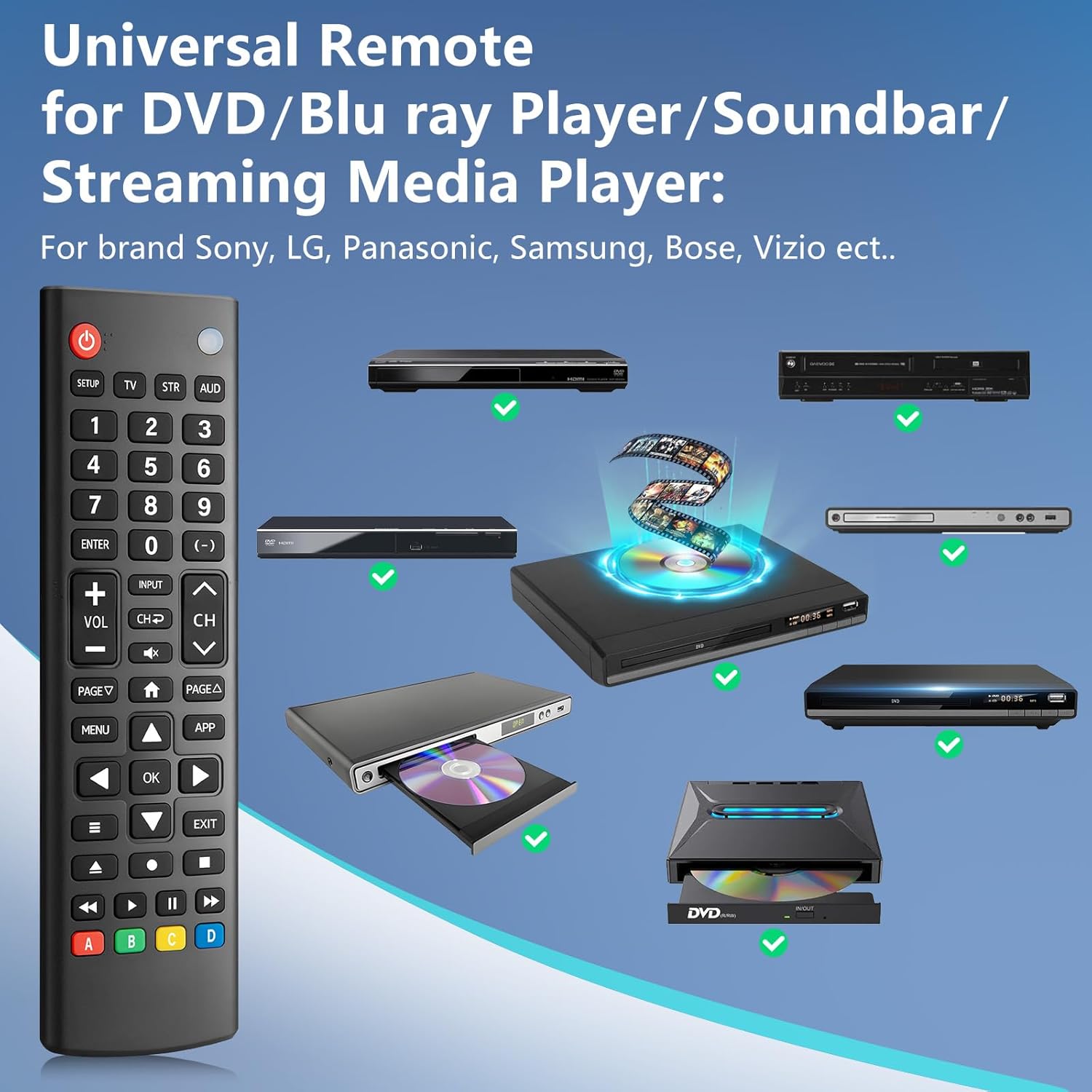
Image: The remote control is compatible with various DVD/Blu-ray players, soundbars, and streaming media players from brands like Sony, LG, Panasonic, Samsung, Bose, and Vizio.
عیب یابی
If you encounter issues with your LOUTOC Universal TV Remote Control, try the following steps:
- ریموت پاسخ نمی دهد: Ensure fresh AAA batteries are correctly installed. Check if the remote's red indicator light flashes when a button is pressed.
- دستگاه پاسخ نمی دهد: Verify that the remote is pointed directly at the device's IR receiver. Ensure there are no obstructions between the remote and the device.
- عملکرد نادرست: If buttons perform incorrect actions, re-attempt the pairing process (Method 1 or Method 2) using a different code from the CODE LIST for your specific device.
- عملکرد محدود: Some advanced or brand-specific functions may not be supported by a universal remote.
- تداخل: مطمئن شوید که هیچ دستگاه دیگری باعث تداخل IR نمیشود.
مشخصات
| ابعاد محصول | 6.7 x 1.8 x 0.7 اینچ |
| وزن مورد | 2.08 اونس |
| شماره مدل | SRP9232D |
| نام تجاری | LOUTOC |
| ویژگی خاص | Ergonomic, Lightweight, Universal |
| حداکثر تعداد دستگاه های پشتیبانی شده | 1 (at a time, configured for specific device type) |
| دستگاه های سازگار | DVD/Blu-ray Player, Set Top Box, Television |
ویدیوی رسمی محصول
ویدئو: تمام شدview of the LOUTOC Universal TV Remote Control, highlighting its compatibility with various brands like Samsung, LG, Hisense, and TCL.
گارانتی و پشتیبانی
For warranty information or technical support, please refer to the contact details provided with your product packaging or visit the official LOUTOC webسایت رسید خرید خود را برای ادعای گارانتی نگه دارید.


