1. مقدمه
Thank you for choosing the TCL 98C6K 98-inch 4K QD-MiniLED Smart TV. This manual provides essential information for setting up, operating, maintaining, and troubleshooting your new television. Please read this manual thoroughly before using the product to ensure safe and optimal performance. Keep this manual for future reference.
2. اطلاعات ایمنی
هنگام استفاده از این تلویزیون، همیشه اقدامات احتیاطی اولیه ایمنی را رعایت کنید تا خطر آتشسوزی، برقگرفتگی و آسیبدیدگی کاهش یابد.
- تلویزیون را در معرض باران یا رطوبت قرار ندهید.
- تلویزیون را باز نکنیدasinز؛ تمام خدمات را به پرسنل واجد شرایط ارجاع دهید.
- از تهویه مناسب اطراف تلویزیون اطمینان حاصل کنید.
- تلویزیون را از نور مستقیم خورشید، منابع گرما و شعلههای آتش دور نگه دارید.
- Use only the power cord and accessories provided by TCL.
- در هنگام رعد و برق یا زمانی که برای مدت طولانی از تلویزیون استفاده نمیشود، آن را از برق بکشید.
3. محتویات بسته
بررسی کنید که آیا همه اقلام در بسته موجود است یا خیر:
- TCL 98C6K 98-inch 4K QD-MiniLED Smart TV
- کنترل از راه دور
- راهنمای کاربر
- اجزای پایه تلویزیون
- کابل برق
- آداپتور برق
4. راه اندازی
4.1 باز کردن بسته بندی و قرار دادن
Carefully remove the TV from its packaging. It is recommended that two or more people handle the TV due to its size and weight. Place the TV on a stable, flat surface or mount it on a wall using a compatible VESA mount (sold separately).
4.2 نصب پایه
If using the included stand, attach the stand components to the bottom of the TV using the provided screws. Ensure the stand is securely fastened before placing the TV upright.
4.3 اتصال دستگاه ها
Connect your external devices (e.g., Blu-ray player, game console, soundbar) to the TV using the appropriate ports.
- HDMI: برای صدا و تصویر با کیفیت بالا.
- USB: برای اتصال دستگاههای ذخیرهسازی USB.
- قدرت: کابل برق را به تلویزیون و سپس به پریز برق وصل کنید.
The TV supports Bluetooth and Wi-Fi connectivity for wireless devices and internet access.

سمت view of the TCL 98C6K TV, illustrating the location of HDMI, USB, and other connectivity ports.

عقب view of the TCL 98C6K TV, detailing the back panel design and potential wall-mounting points.
4.4 روشن شدن اولیه
After connecting all necessary cables, plug the TV into a power outlet. Press the power button on the remote control or on the TV itself. Follow the on-screen instructions for initial setup, including language selection, network connection, and channel scanning.
5. عملکرد تلویزیون خود
5.1 کنترل از راه دورview
The remote control allows you to access all TV functions. Familiarize yourself with the buttons for power, volume, channel selection, smart TV navigation, and input source selection.
5.2 توابع اساسی
- روشن/خاموش برق: دکمه پاور را فشار دهید.
- کنترل صدا: از دکمههای افزایش/کاهش صدا استفاده کنید.
- انتخاب کانال: از دکمههای بالا/پایین کانال یا صفحه کلید اعداد استفاده کنید.
- منبع ورودی: Press the 'Source' button to switch between HDMI, USB, and other inputs.
۴.۲ ویژگیهای تلویزیون هوشمند
Your TCL 98C6K TV runs on a smart operating system, providing access to various applications and services. It includes features like Google Assistant for voice control and Chromecast for casting content from your mobile devices.
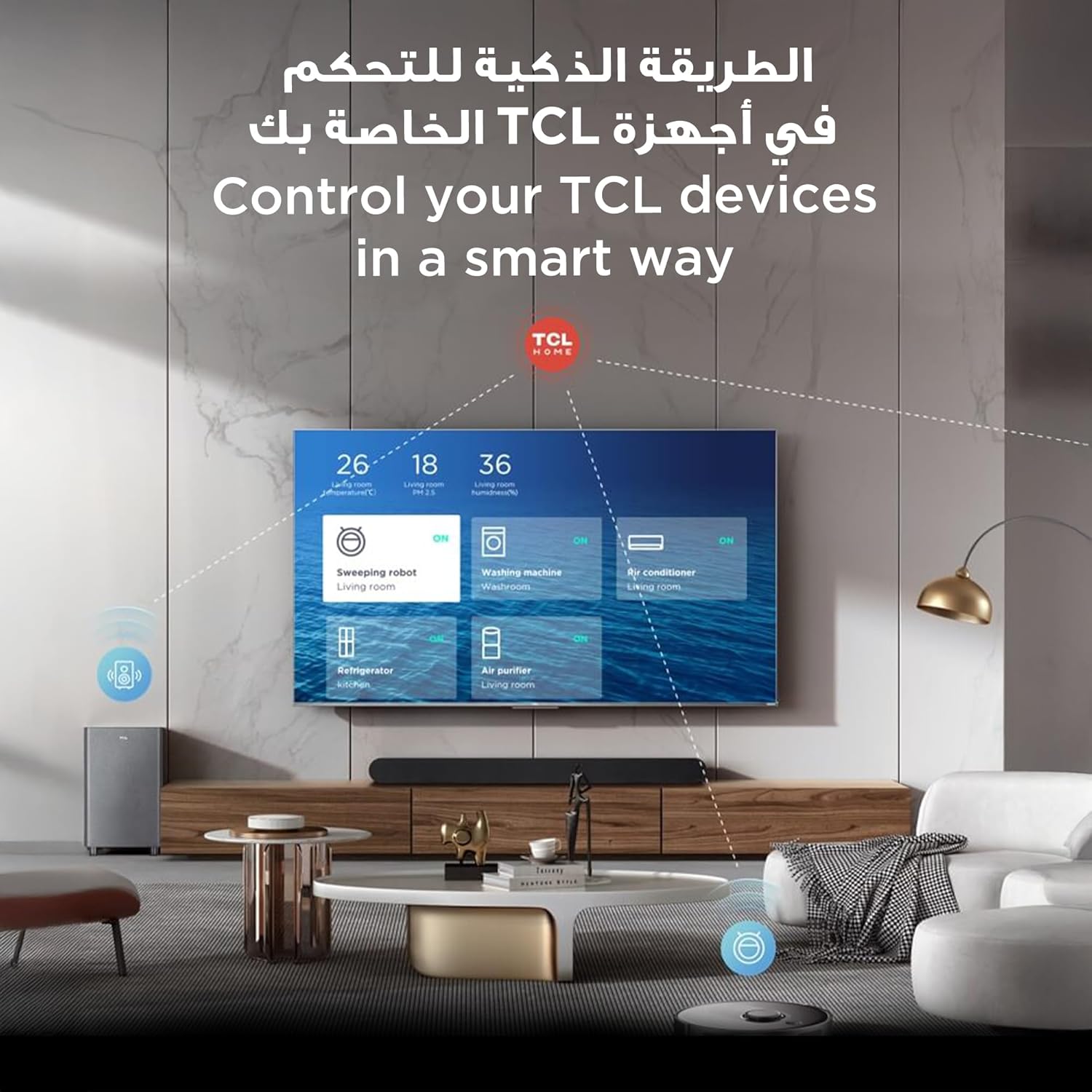
The TCL TV's smart interface allows for integrated control of other TCL smart home devices.
۴.۳ تنظیمات تصویر و صدا
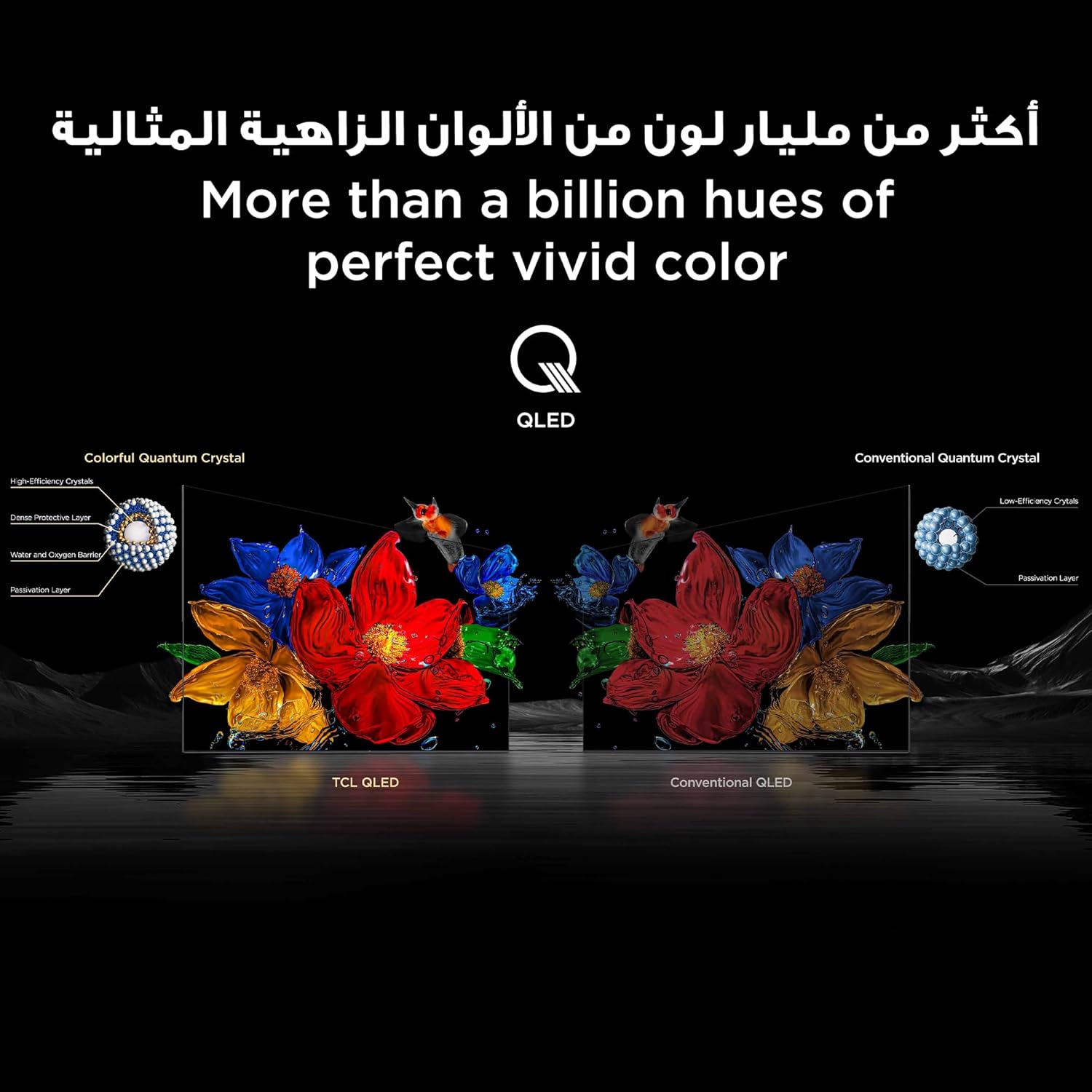
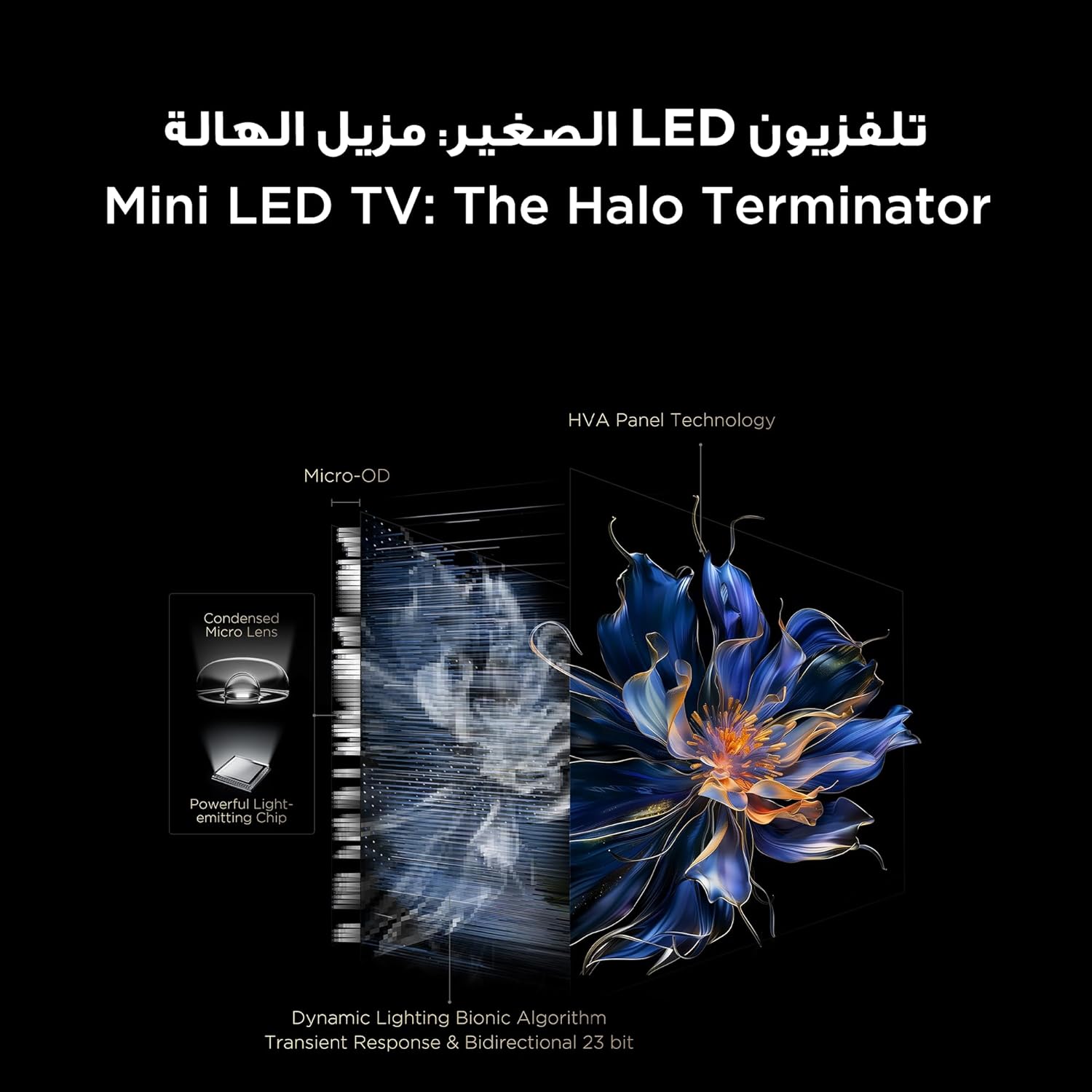
The TV features QD-MiniLED technology, offering precise dimming across up to 512 zones for enhanced contrast and brightness. With Quantum Dot technology, it delivers over a billion vibrant colors, covering 93% of the DCI-P3 color gamut. High Dynamic Range (HDR) support ensures stunning detail in both bright and dark scenes.
Visual representation of TCL QLED technology, showcasing its ability to produce over a billion vibrant colors.

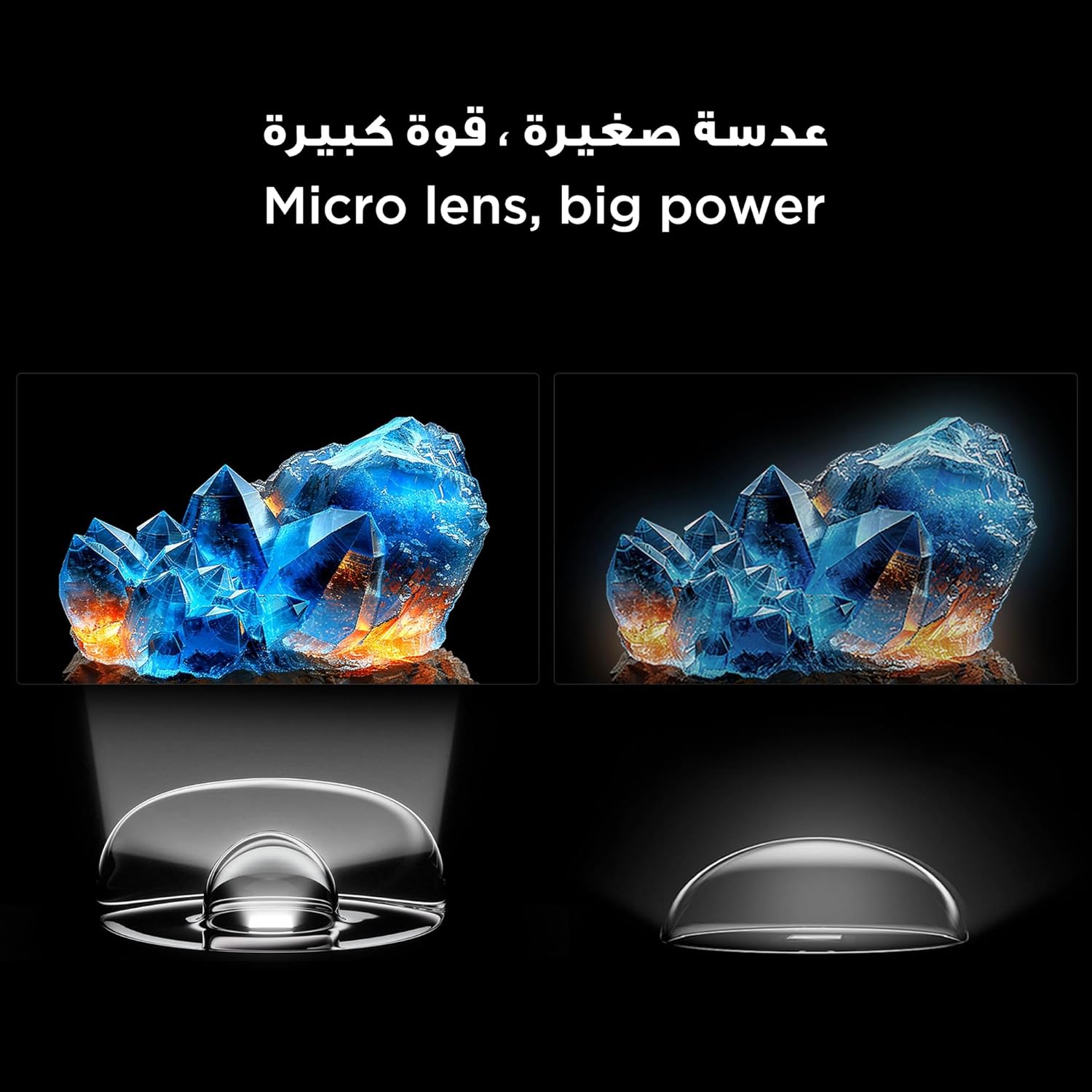
An illustration of the Mini LED TV technology, highlighting its advanced backlighting system for improved contrast and reduced halo effects.
Detail of the micro lens technology used in the Mini LED display, enhancing light control and picture quality.
The integrated AiPQ Pro Processor optimizes picture and sound in real-time, ensuring a superior viewing experience. For audio, the TV features an Onkyo 2.1 Hi-Fi sound system, delivering rich and immersive sound.

The AiPQ Pro Processor, responsible for intelligent picture and sound optimization.
The Onkyo 2.1 sound system provides a cinematic audio experience.
۵.۳ ویژگیهای بازی
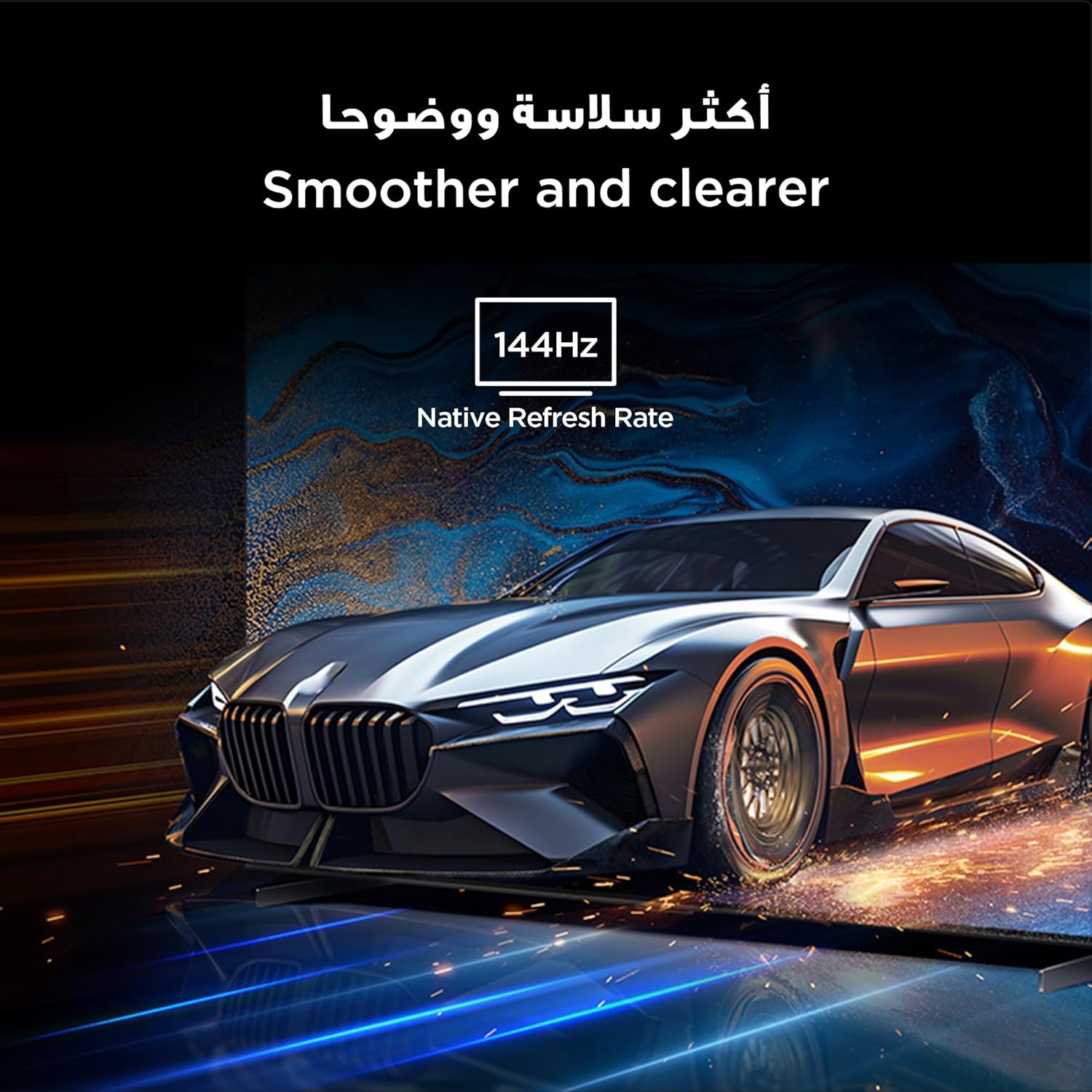
With a native 144Hz refresh rate, the TV provides ultra-smooth motion, ideal for fast-paced action and gaming. This ensures a clear and fluid visual experience without motion blur.
The 144Hz native refresh rate ensures smoother and clearer motion, especially beneficial for gaming and fast-action content.
6. تعمیر و نگهداری
۶.۱ تمیز کردن صفحه نمایش
صفحه نمایش را به آرامی با یک پارچه نرم و بدون پرز پاک کنید. برای لکههای سرسخت، به آرامی ...ampپارچه را با آب یا یک پاککننده مخصوص صفحه نمایش بپوشانید. از استفاده از مواد شیمیایی قوی یا مواد ساینده خودداری کنید.
6.2 مراقبت عمومی
با پاک کردن منظم تلویزیون، آن را از گرد و غبار پاک کنید.asing with a dry, soft cloth. Ensure ventilation openings are not blocked. Do not place heavy objects on the TV.
7 عیب یابی
اگر با تلویزیون خود با مشکلاتی مواجه شدید، به راهحلهای رایج زیر مراجعه کنید:
| مشکل | راه حل ممکن |
|---|---|
| بدون قدرت | بررسی کنید که آیا کابل برق محکم وصل شده است و پریز برق کار میکند. یک پریز برق دیگر را امتحان کنید. |
| تصویر ندارد، اما صدا دارد | مطمئن شوید که منبع ورودی صحیح انتخاب شده است. اتصالات کابل به دستگاههای خارجی را بررسی کنید. |
| صدا نداره ولی تصویر داره | تنظیمات صدا و بیصدا کردن را بررسی کنید. اتصالات کابل صدا را تأیید کنید. |
| کنترل از راه دور کار نمی کند | باتریها را تعویض کنید. مطمئن شوید که هیچ مانعی بین کنترل از راه دور و تلویزیون وجود ندارد. |
| کیفیت تصویر ضعیف | تنظیمات تصویر (روشنایی، کنتراست، وضوح) را تنظیم کنید. کیفیت سیگنال ورودی را بررسی کنید. |
| نمیتوان به وایفای وصل شد | Ensure your router is on and within range. Re-enter the Wi-Fi password. Restart the TV and router. |
If the problem persists, please contact TCL customer support.
8. مشخصات
Detailed technical specifications for the TCL 98C6K TV:
| ویژگی | جزئیات |
|---|---|
| سازنده | TCL |
| کشور مبدا | چین |
| شماره مدل | 98C6K |
| ابعاد محصول (L x W x H) | 218.4 × 10.2 × 127 سانتی متر |
| وزن محصول | 52 کیلوگرم |
| اندازه صفحه نمایش | 98 اینچ |
| فناوری نمایش | QD-MiniLED |
| قطعنامه | 4K |
| نرخ تازه سازی | ۱۴۴ هرتز (بومی) |
| ویژگی های خاص | Onkyo 2.1 Hi-Fi, IMAX Enhanced, Ultra-slim design, High HDR brightness, Multi-eye care, Chromecast, Google Assistant, AiPQ Pro Processor, AI mode |
| اجزای شامل | Remote control, User manual, Stand, Power cable, Power adapter |
| فناوری اتصال | HDMI، USB، بلوتوث، وای فای |
| نسبت تصویر | 16:9 |
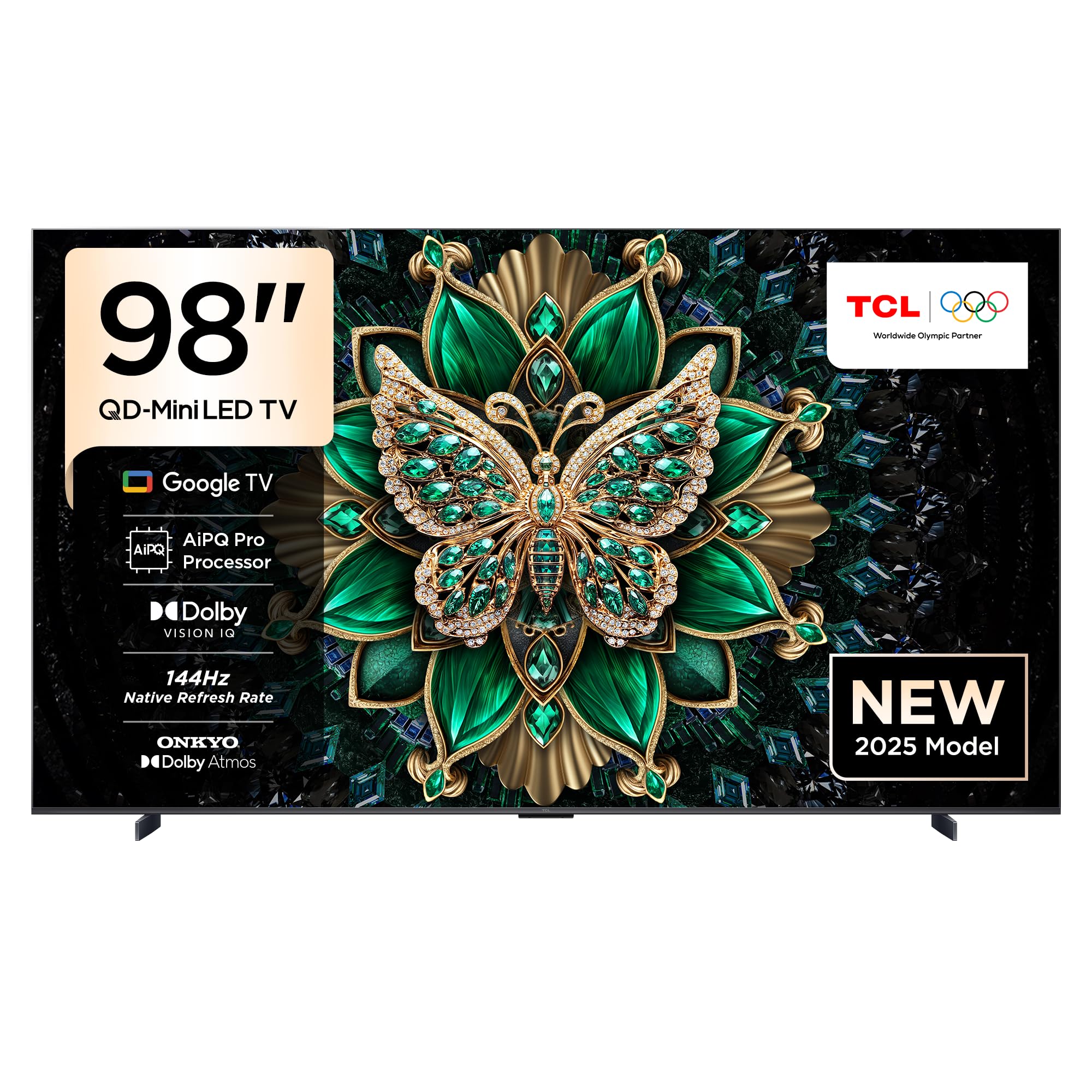
جلو view of the TCL 98C6K 98-inch 4K QD-MiniLED Smart TV.

نمای جلو زاویه دار view of the TCL 98C6K TV.
طرفدار طرفدارfile of the TCL 98C6K TV, showcasinطراحی باریک آن.
9. گارانتی و پشتیبانی
برای اطلاعات گارانتی، لطفاً به کارت گارانتی همراه محصول خود مراجعه کنید یا از وبسایت رسمی TCL دیدن کنید. website. For technical support, product registration, or service inquiries, please contact TCL customer service through their official channels.
میتوانید پشتیبانی و منابع بیشتری را در اینجا پیدا کنید فروشگاه برند TCL.


