مقدمه
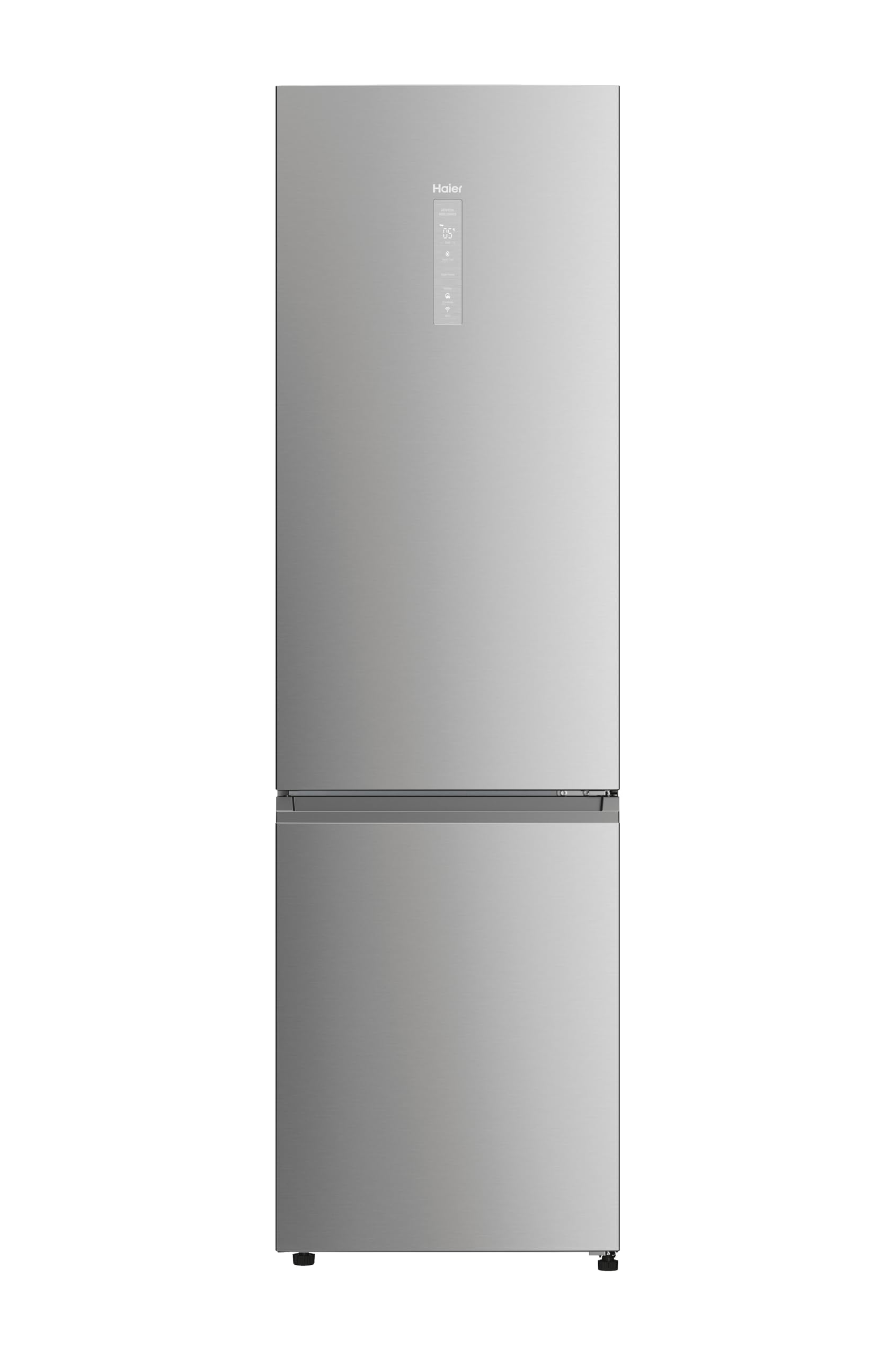
This manual provides essential information for the safe and efficient operation, installation, and maintenance of your Haier 2D 60 Series 5 Pro HDPW5620ANPK Refrigerator Freezer. Please read these instructions carefully before using the appliance and keep them for future reference.
اطلاعات ایمنی
Always follow basic safety precautions when using electrical appliances to reduce the risk of fire, electric shock, and injury. Ensure the appliance is properly grounded. Do not store explosive substances such as aerosol cans with a flammable propellant in this appliance. Do not use mechanical devices or other means to accelerate the defrosting process, other than those recommended by the manufacturer. Do not damage the refrigerant circuit. Do not use electrical appliances inside the food storage compartments of the appliance, unless they are of the type recommended by the manufacturer.
راه اندازی
1. باز کردن بسته بندی
تمام مواد بستهبندی را با دقت بردارید. دستگاه را از نظر هرگونه آسیبدیدگی بررسی کنید. هرگونه آسیبدیدگی را فوراً به فروشنده گزارش دهید. مواد بستهبندی را دور از دسترس کودکان نگه دارید.
2. تعیین سطح
Place the refrigerator on a firm, level surface away from direct sunlight and heat sources (e.g., oven, radiator). Ensure adequate ventilation around the appliance. Maintain a minimum clearance of 10 cm (4 inches) from the back and sides for proper air circulation. The dimensions of the product are 205 cm (Height) x 59.5 cm (Width) x 66.7 cm (Depth).
3 اتصال برق
قبل از اتصال دستگاه به برق، از میزان ولتاژ مطمئن شویدtage and frequency match the specifications on the rating plate. Connect the refrigerator to a dedicated, properly grounded electrical outlet. Do not use extension cords or multiple socket adapters.
4. عملیات اولیه
After placement and electrical connection, wait at least 4 hours before switching on the appliance. This allows the refrigerant to settle. Once plugged in, the refrigerator will begin cooling. Allow 24 hours for the appliance to reach its optimal operating temperature before storing food.
دستورالعمل های عملیاتی
۱. پنل کنترل و تنظیمات دما
The refrigerator features an intuitive control panel, typically located on the door or inside. Use it to adjust the temperature settings for both the refrigerator and freezer compartments. Refer to the on-screen display for current temperature readings and mode selections.
2. Smart WiFi Connectivity (hOn App)
Your Haier refrigerator is equipped with Smart WiFi Connectivity. Download the hOn app on your mobile device to control various functions remotely. This includes adjusting temperatures, receiving smart alerts, and managing inventory. Follow the in-app instructions for pairing your appliance.

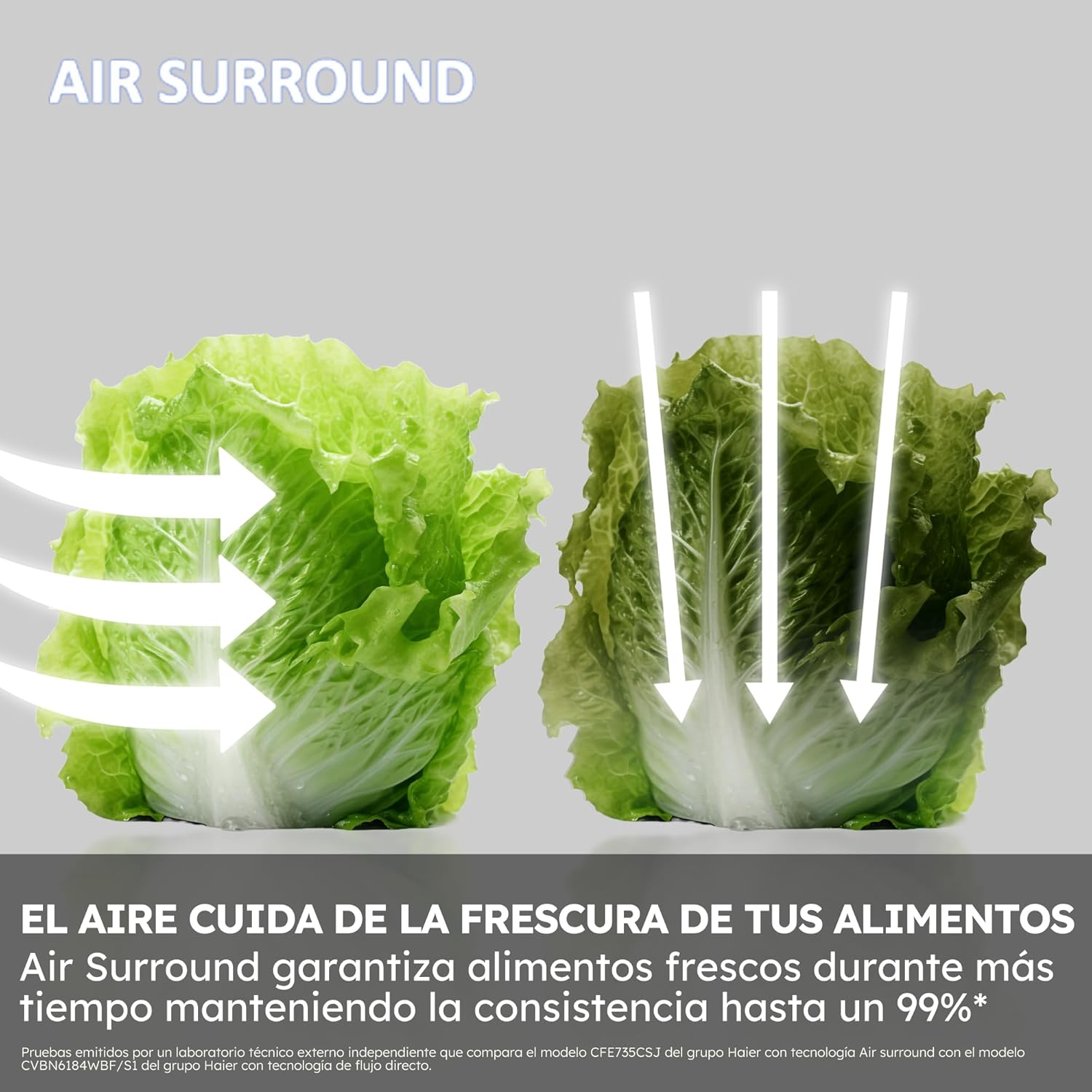
3. Total No Frost Air Surround Technology
This technology ensures homogeneous cooling throughout the compartment, preventing frost formation and maintaining a constant temperature. This eliminates the need for manual defrosting.

4. My Zone Pro Drawer
The adjustable My Zone Pro drawer allows you to independently configure its temperature. This feature is ideal for preserving different types of food or beverages, such as meat, fish, or dairy, at their optimal conditions, extending their freshness.

5. Humidity Zone Drawer (HCS System)
The Humidity Zone drawer, equipped with the HCS (Humidity Control System) and a plant fiber membrane, automatically maintains the humidity level at approximately 90%. This environment is optimal for keeping fruits and vegetables fresh for longer periods.

6. Inverter Motor
The refrigerator is powered by a long-lasting Inverter Motor, which significantly reduces vibrations. This results in fast, efficient, and durable operation, contributing to a quieter appliance.

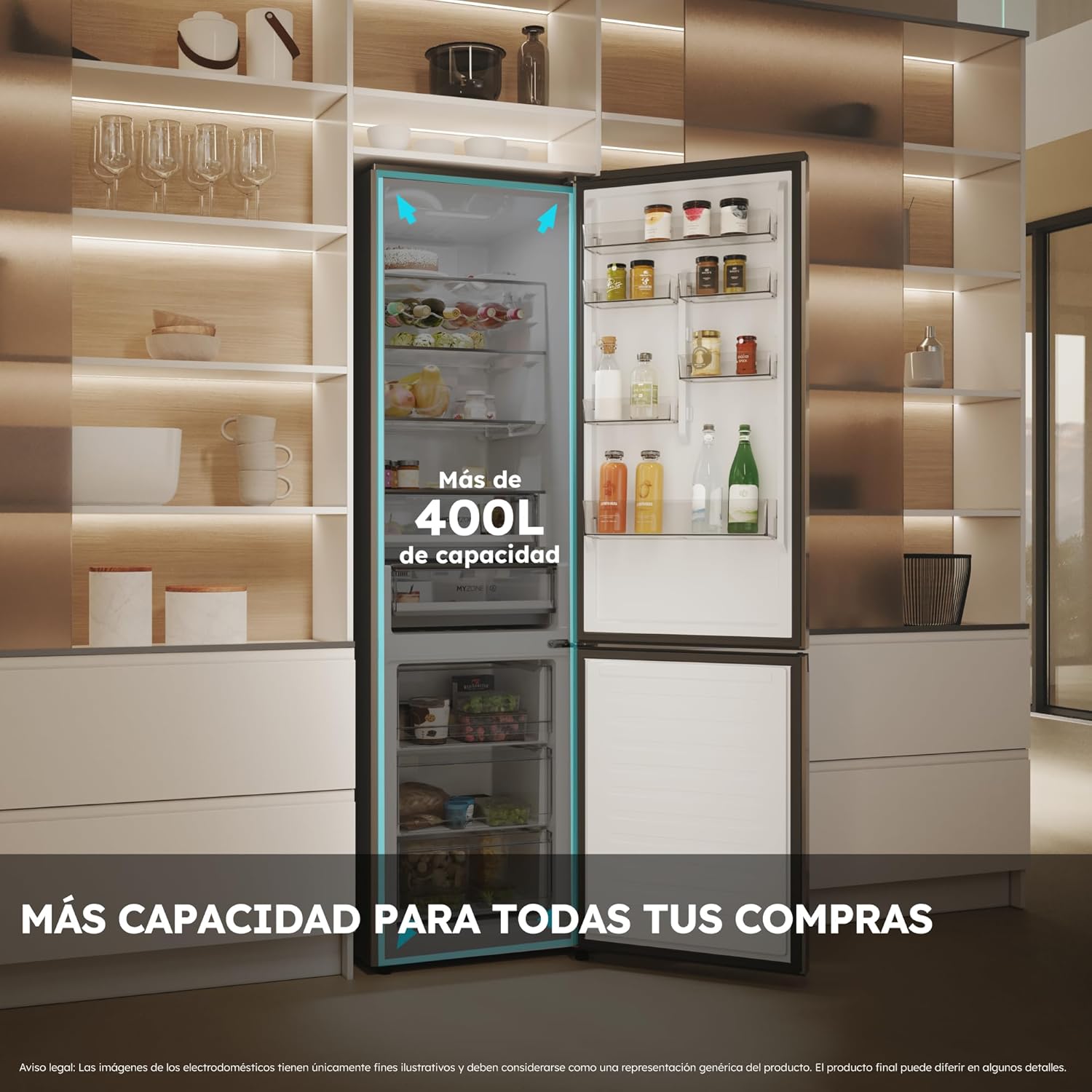
7. Internal Layout
The refrigerator includes a foldable bottle rack, an ice tray, an egg tray, and 3+1 glass shelves for organized storage. The total capacity is 409 liters.

تعمیر و نگهداری
1. تمیز کردن
Always unplug the appliance before cleaning. Clean the interior and exterior surfaces regularly with a soft cloth and a mild detergent. Avoid abrasive cleaners or solvents. Clean the door seals to ensure a tight closure. The Total No Frost system eliminates the need for manual defrosting of the freezer compartment.
2. Care of Specific Zones
Periodically clean the My Zone Pro and Humidity Zone drawers. For the Humidity Zone, ensure the plant fiber membrane is free from debris to maintain optimal humidity control.
عیب یابی
If you experience issues with your refrigerator, consult the following common problems before contacting service.
- دستگاه خنک نمیکند: Check if the power cord is properly plugged in. Ensure the circuit breaker has not tripped. Verify temperature settings are correct.
- صداهای غیرمعمول: Minor noises are normal during operation (e.g., refrigerant circulation, compressor). If noises are loud or persistent, ensure the appliance is level and not touching walls or other objects.
- آب روی زمین: Check if the drain hole is blocked. Ensure the water collection tray is correctly positioned.
- درست بسته نشدن درب: Check for obstructions, such as food packages or shelves. Ensure door seals are clean and undamaged.
- مشکلات اتصال وای فای: Ensure your home WiFi network is active and the refrigerator is within range. Follow the hOn app's troubleshooting guide for connection problems.
مشخصات
| نام تجاری | حایر |
| شماره مدل | HDPW5620ANPK (34005916) |
| ابعاد (H x W x D) | 205 × 59.5 × 66.7 سانتی متر |
| وزن | 109 کیلوگرم |
| ظرفیت کل | 409 لیتر |
| پیکربندی | فریزر پایین |
| رنگ | Inox (Stainless Steel Finish) |
| ویژگی های خاص | Foldable Bottle Rack, WiFi Connectivity, Humidity Control System (HCS), My Zone Pro Drawer, Total No Frost, Air Surround |
| نوع نصب | مستقل |
| تعداد درب | 2 |
| سیستم یخ زدایی | بدون فراست |
| جلدtage | 230 ولت |
| رتبه بندی بهره وری انرژی | A |
گارانتی و پشتیبانی
For warranty information, please refer to the warranty card included with your appliance or contact Haier customer service. Keep your purchase receipt as proof of purchase. For technical support, spare parts, or service requests, please visit the official Haier website or contact their authorized service centers. Ensure you have your model number (HDPW5620ANPK) and serial number ready when contacting support.


