مقدمه
This manual provides essential instructions for setting up, operating, maintaining, and troubleshooting your GOBOULT Dire Smartwatch. Please read this guide thoroughly to ensure optimal performance and longevity of your device.
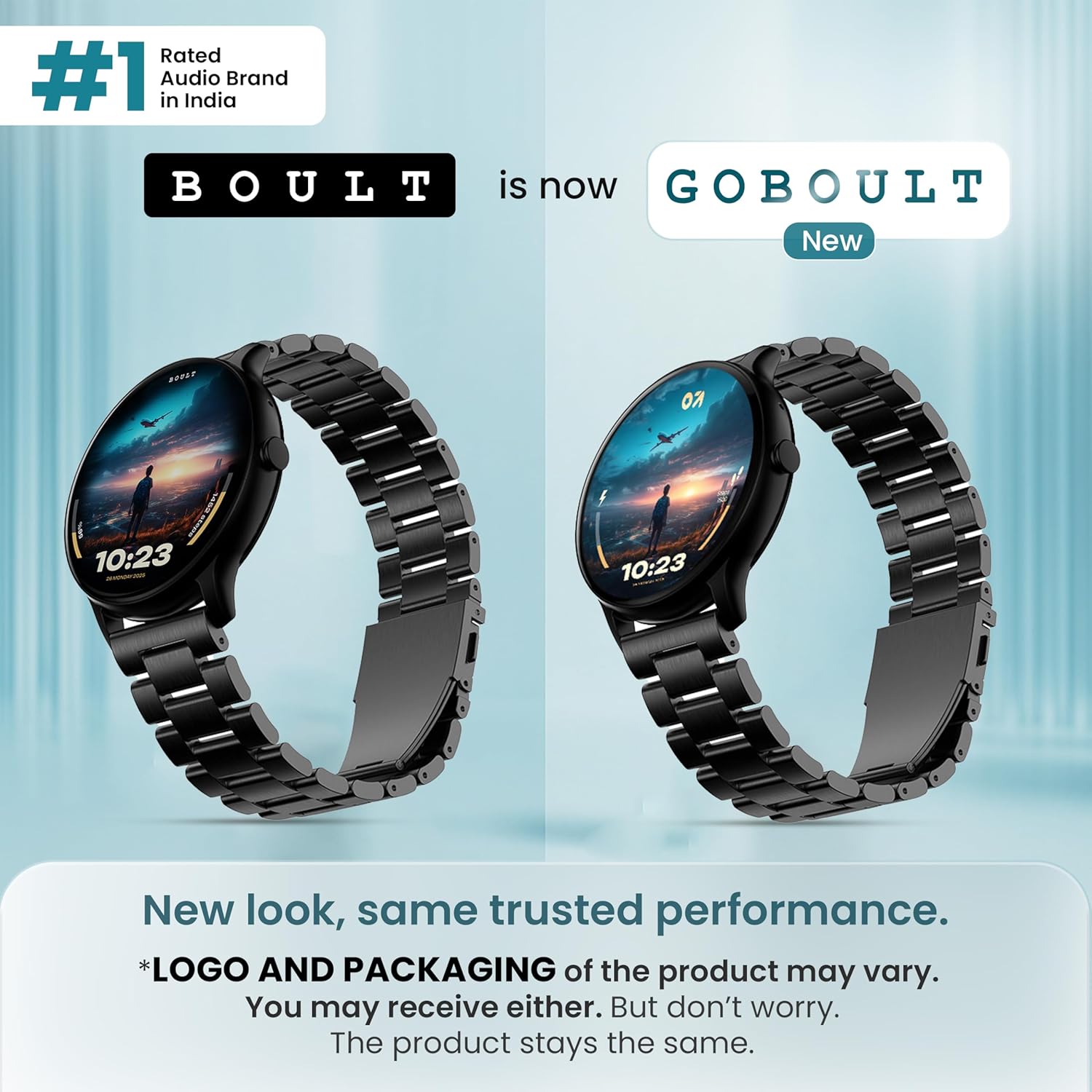
تصویر: جلو view of the GOBOULT Dire Smartwatch, showcasinصفحه نمایش و بند آن.
آنچه در جعبه است
مطمئن شوید که تمام موارد زیر در بستهبندی محصول شما موجود است:
- GOBOULT Dire Smartwatch (Jet Black)
- کابل شارژ
- راهنمای کاربر (این سند)
- کارت گارانتی
راه اندازی
۱. شارژ اولیه
Before first use, fully charge your smartwatch. Connect the provided charging cable to the magnetic charging points on the back of the watch and to a standard USB power adapter (not included). A full charge typically takes approximately 150 minutes.
2. روشن/خاموش کردن
- روشن کردن: Press and hold the side button until the GOBOULT logo appears on the screen.
- برای خاموش کردن: دکمه کناری را فشار داده و نگه دارید، سپس گزینه «خاموش کردن» را روی صفحه انتخاب کنید.
۲. نصب و جفتسازی برنامه
- Download the companion application (e.g., 'Boult Fit' or similar as indicated in the packaging) from your smartphone's app store (compatible with iOS and Android).
- اطمینان حاصل کنید که بلوتوث در گوشی هوشمند شما فعال است.
- برنامه را باز کنید و دستورالعمل های روی صفحه را دنبال کنید تا حساب کاربری ایجاد کنید یا وارد شوید.
- Select 'Add Device' or 'Pair Device' within the app and choose 'Boult Dire' from the list of available devices.
- درخواست جفتسازی را هم در گوشی هوشمند و هم در ساعت هوشمند خود تأیید کنید.
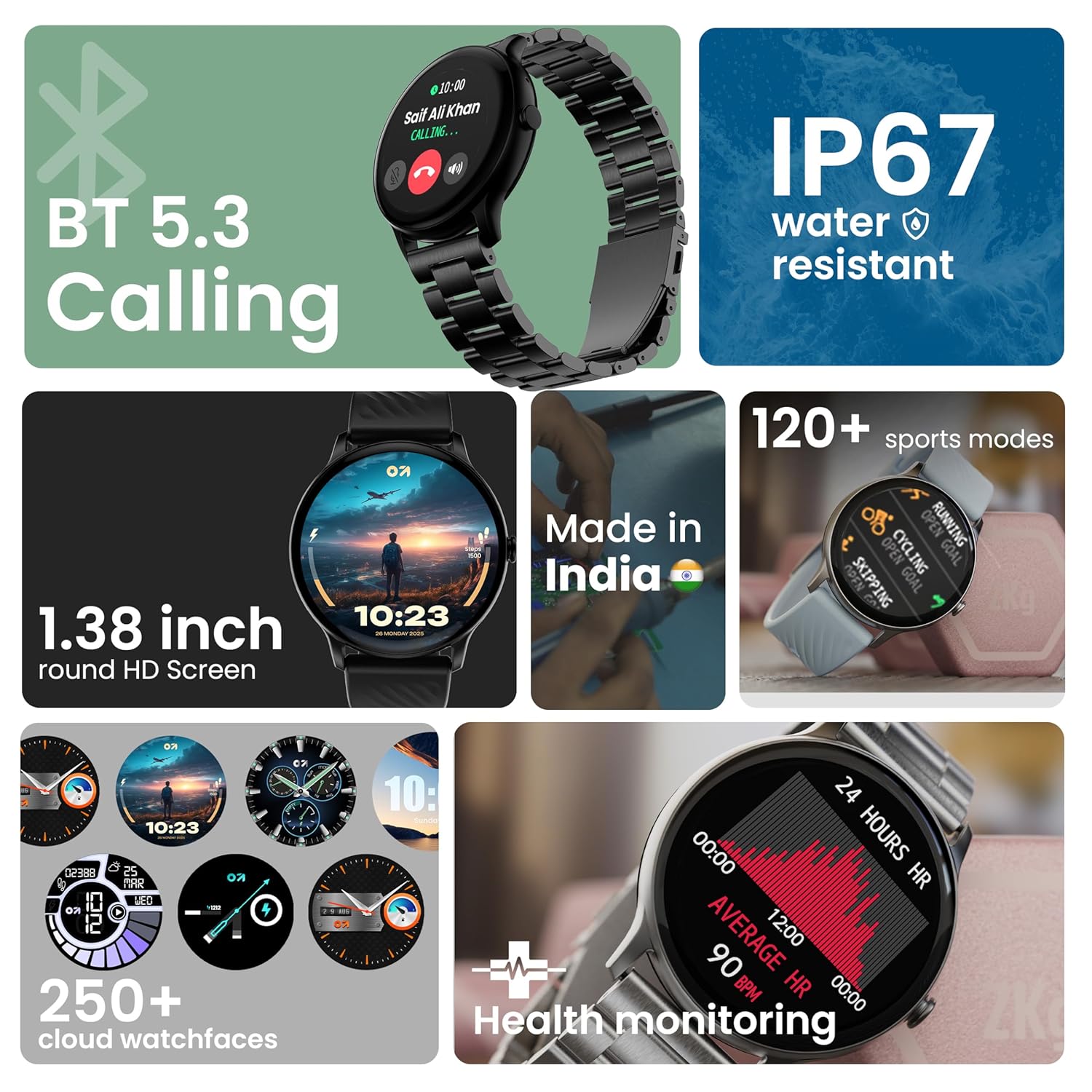
تصویر: تمام شدview of key smartwatch features including Bluetooth 5.3 Calling, IP67 water resistance, 1.38-inch HD screen, 250+ watchfaces, 120+ sports modes, and health monitoring.
دستورالعمل های عملیاتی
۵. نمایش ناوبری
The 1.38-inch 2.5D curved HD display is fully touch-sensitive. Swipe left, right, up, or down to navigate through menus, notifications, and widgets. Tap to select items.
۵.۲. شخصیسازی واچ فیسها
Your smartwatch supports over 250 cloud watch faces. To change the watch face, long-press on the current watch face on the home screen, then swipe left or right to browse and tap to select. More options are available through the companion app.
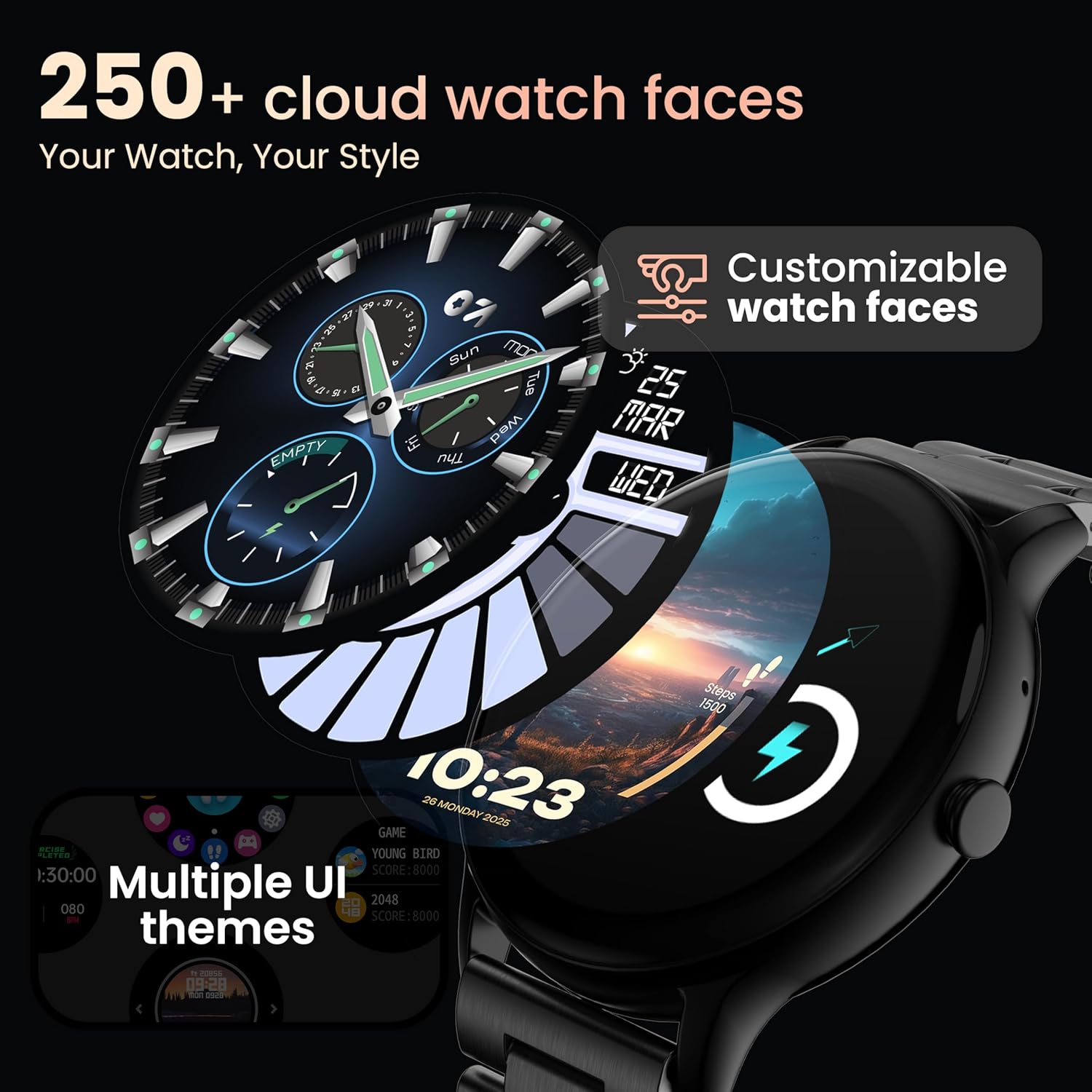
Image: A visual representation of various customizable watch faces and UI themes available on the smartwatch.
۱. تماس بلوتوثی
With Bluetooth 5.2 technology, you can make and receive calls directly from your wrist. The smartwatch features a dedicated speaker and microphone. Access the call function from the main menu to dial, answer, or reject calls. Contact synchronization is available via the companion app.
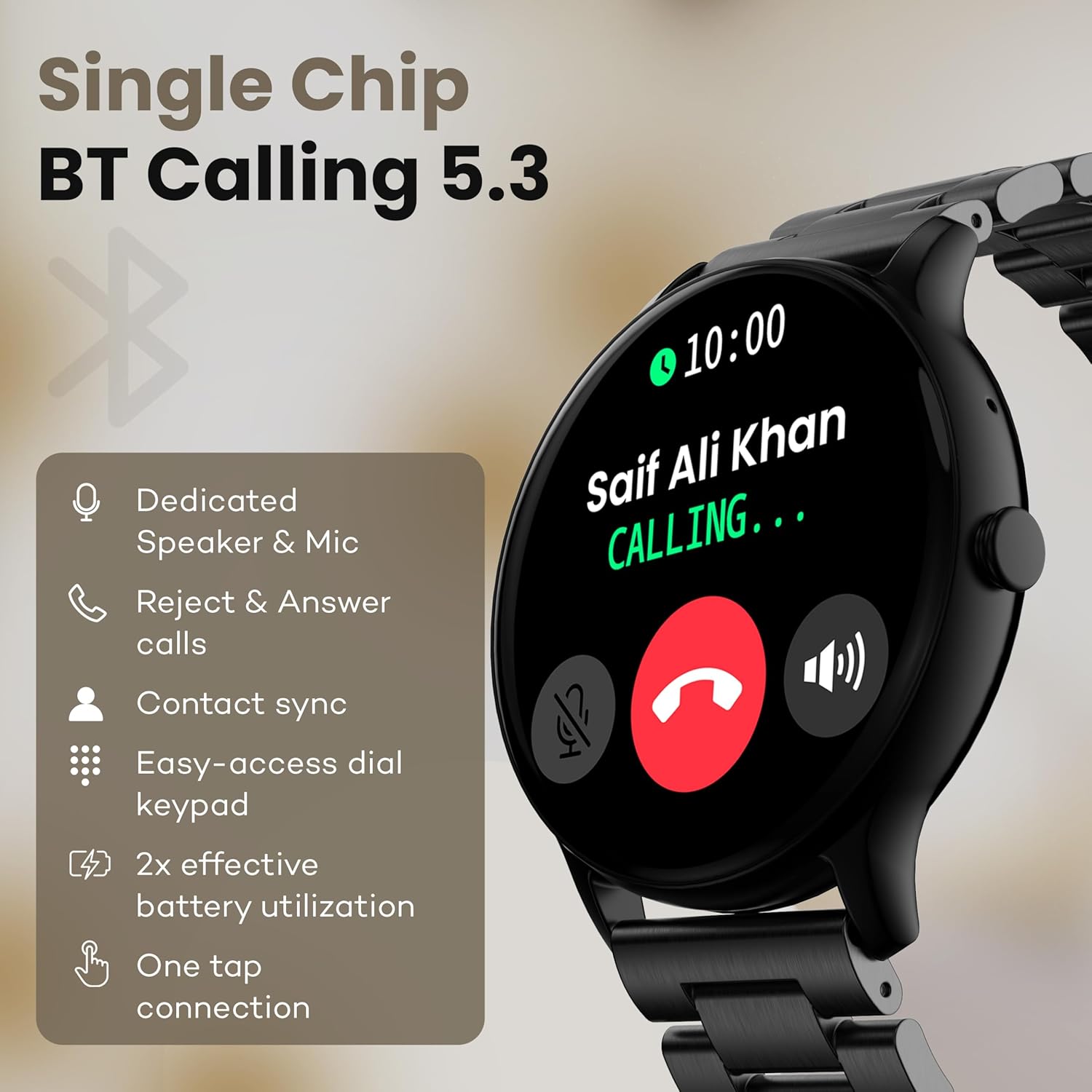
Image: The smartwatch screen showing an incoming call, highlighting features like dedicated speaker & mic, call rejection/answering, contact sync, and easy-access dial keypad.
۴. حالتهای ورزشی
The device supports over 120 sports modes. Navigate to the 'Sports' menu to select your activity. The watch will track metrics such as calories burned, distance, and heart rate during your workout.
۳.۳ دستیار صوتی هوش مصنوعی
Activate the AI Voice Assistant feature (if enabled via the app) to control your watch or smartphone using voice commands.
6. کنترل دوربین
Use your smartwatch as a remote shutter for your smartphone camera. Open the camera control feature on your watch and tap to take a picture.
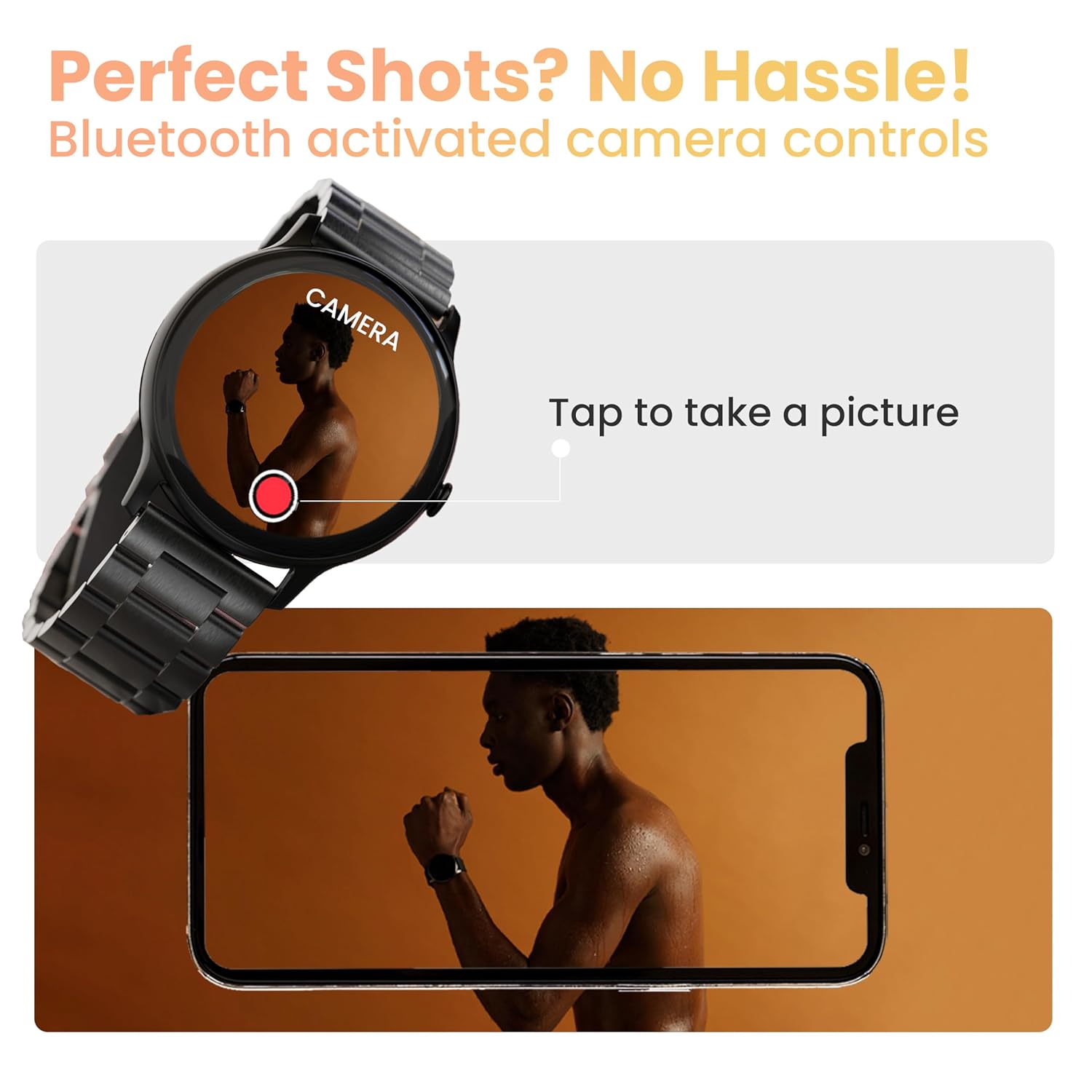
Image: The smartwatch displaying a camera interface, indicating its ability to control a smartphone camera via Bluetooth.
7. اطلاعیه ها
Receive notifications from your paired smartphone directly on your wrist. Ensure notification permissions are granted in the companion app.

Image: The smartwatch displaying various updates and reminders, such as message notifications and 'Time to Drink Water'.
8. Mini Games
The smartwatch includes pre-installed mini-games for entertainment. Access them through the main menu.
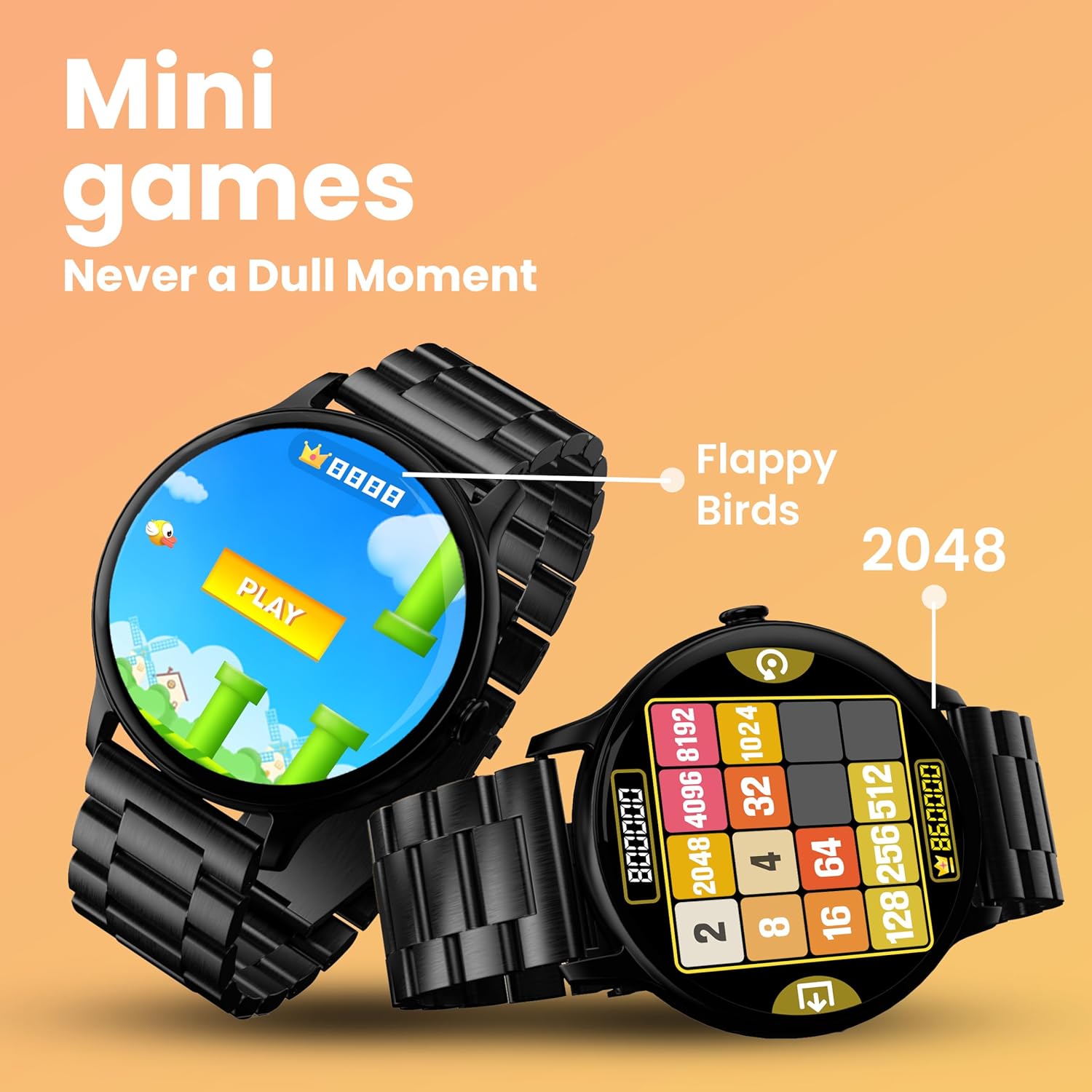
Image: The smartwatch screen showing two mini-games, 'Flappy Birds' and '2048', available for play.
ویژگی های پایش سلامت
Your GOBOULT Dire Smartwatch is equipped with several health monitoring functions:
- مانیتور ضربان قلب 24x7: ضربان قلب شما را در طول روز به طور مداوم پیگیری میکند.
- SpO2 Blood Oxygen Saturation Monitor: سطح اکسیژن خون شما را اندازهگیری میکند.
- Female Menstrual Cycle Tracking: به ردیابی و پیشبینی چرخههای قاعدگی کمک میکند.
- یادآوری نوشیدن آب: Prompts you to drink water at regular intervals.
- یادآوری های کم تحرک: وقتی مدت زیادی غیرفعال بودهاید، به شما هشدار میدهد.
- نظارت بر خواب: الگوهای خواب و کیفیت آن را تجزیه و تحلیل میکند.
- Calories Count & Meditation: Tracks calorie expenditure and offers guided meditation features.
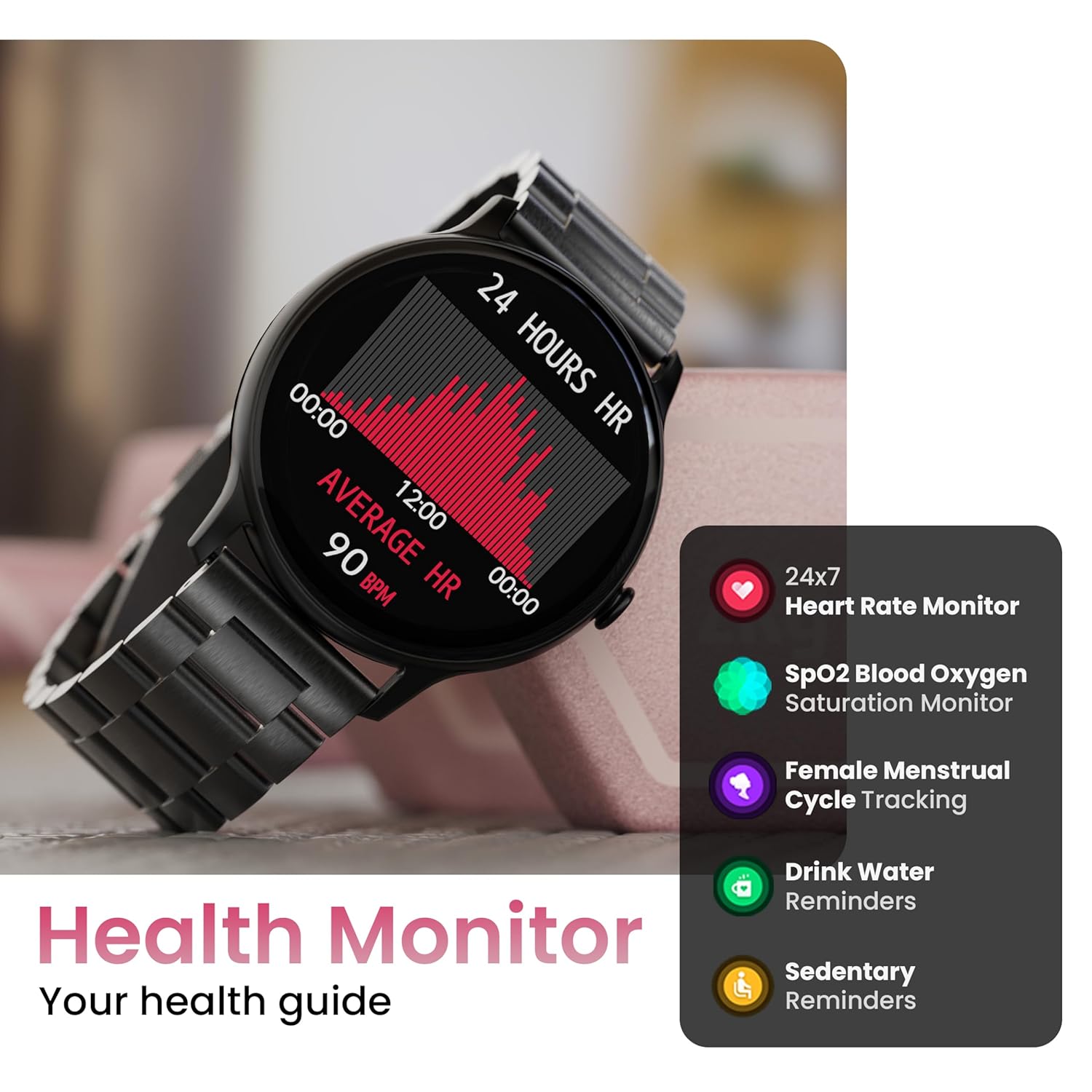
Image: The smartwatch displaying a heart rate graph, alongside icons for Heart Rate Monitor, SpO2, Female Menstrual Cycle Tracking, Drink Water Reminders, and Sedentary Reminders.
ویژگی های هوشمند
تلفن من را پیدا کن
If your paired smartphone is misplaced, use the 'Find Device' feature on your smartwatch. Navigate to the watch menu, select 'Find Device', and tap the search button. Your connected phone will ring or vibrate, helping you locate it.
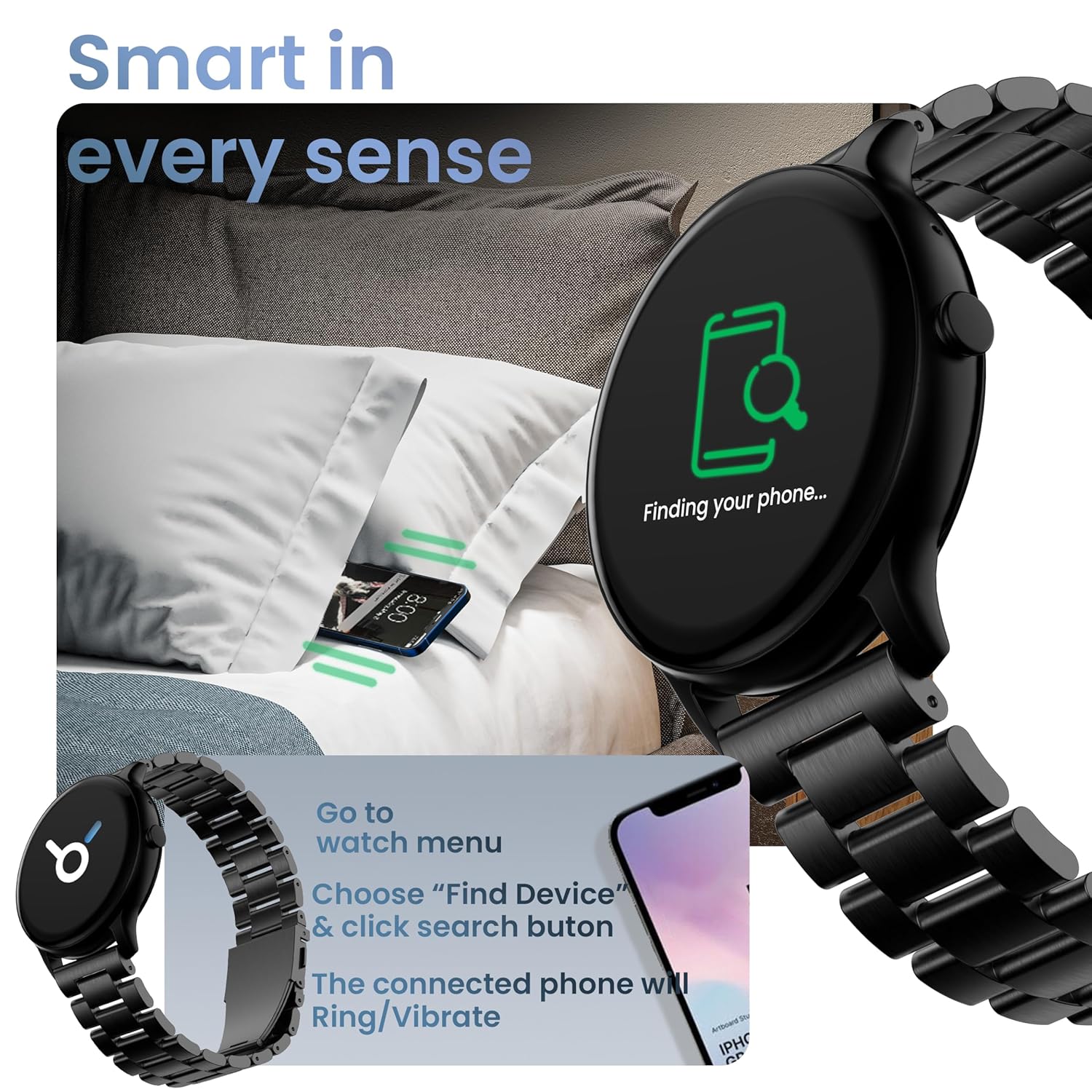
Image: The smartwatch displaying 'Finding your phone...' with an illustration of a phone vibrating under a pillow, demonstrating the 'Find Device' function.
تعمیر و نگهداری
تمیز کردن دستگاه
Wipe the smartwatch regularly with a soft, dry, lint-free cloth. For stubborn dirt, slightly dampپارچه را با آب بشویید. از استفاده از مواد شیمیایی قوی یا مواد ساینده خودداری کنید.
مقاومت در برابر آب و گرد و غبار (IP67)
The GOBOULT Dire Smartwatch is IP67 rated, meaning it is resistant to dust and can withstand immersion in water up to 1 meter for 30 minutes. It is suitable for daily use, including splashes and sweat. However, it is not recommended for swimming, showering with hot water, or diving.
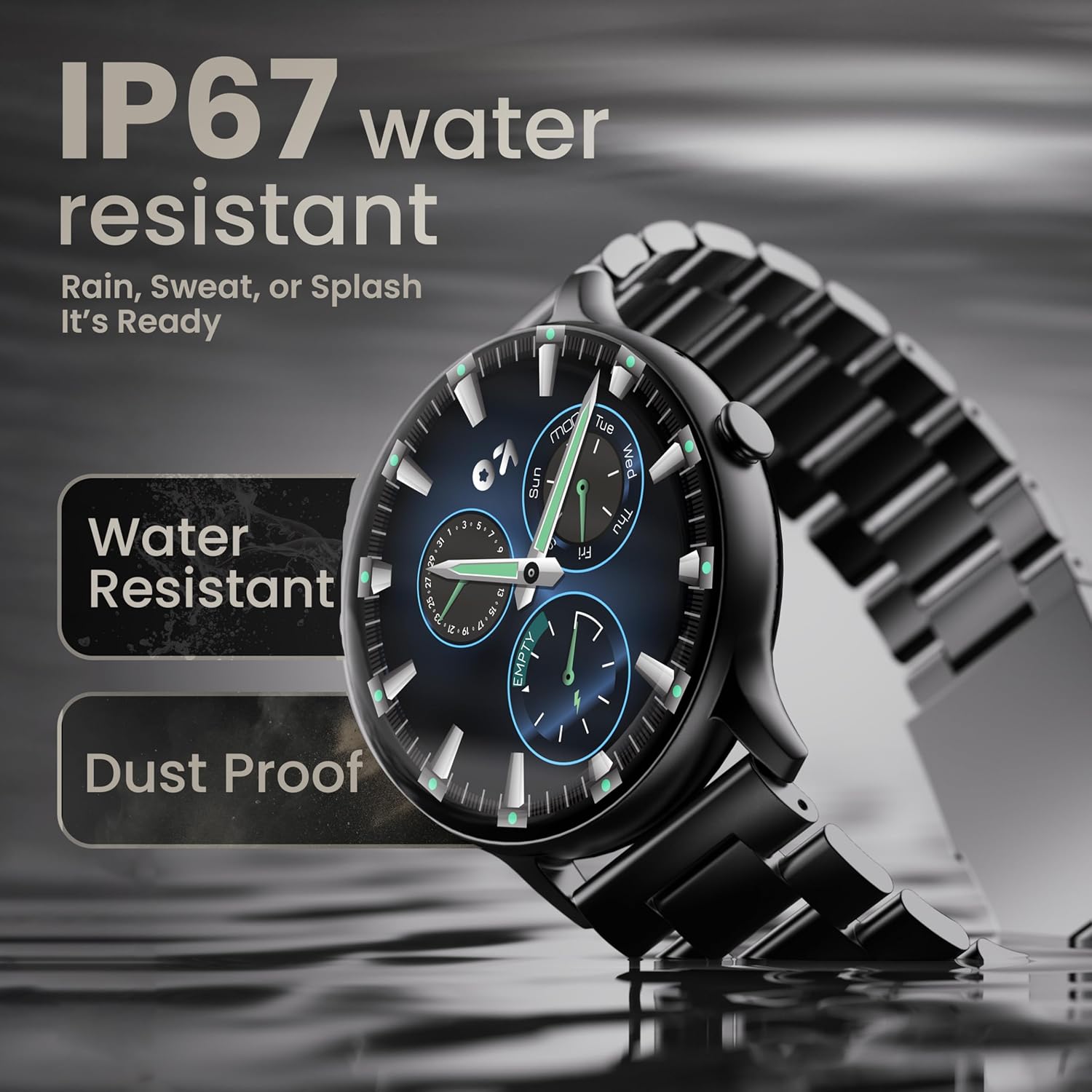
Image: The smartwatch submerged partially in water, with text indicating 'IP67 water resistant' and 'Rain, Sweat, or Splash It's Ready'.
مراقبت از باتری
To maximize battery life (up to 7 days on average), avoid extreme temperatures and fully discharge the battery occasionally before recharging. Use only the provided charging cable.
عیب یابی
| مشکل | راه حل |
|---|---|
| روشن نشدن را تماشا کنید | مطمئن شوید که ساعت کاملاً شارژ شده است. آن را حداقل به مدت 30 دقیقه به شارژر وصل کنید. |
| نمیتوان با گوشی هوشمند جفتسازی کرد | Make sure Bluetooth is enabled on your phone. Restart both the watch and phone. Ensure the companion app is installed and open. Check if the watch is already paired with another device. |
| اعلان ها ظاهر نمی شوند | Verify that notification permissions are granted for the companion app in your phone's settings. Ensure the watch is connected via Bluetooth. |
| دادههای نادرست سلامت | مطمئن شوید که ساعت به طور محکم روی مچ دستتان بسته شده است، نه خیلی تنگ و نه خیلی گشاد. حسگر پشت ساعت را تمیز کنید. |
| عمر باتری کوتاه | Reduce screen brightness, disable unnecessary features like continuous heart rate monitoring if not needed, and limit frequent notifications. Ensure background app usage is optimized. |
مشخصات
| ویژگی | جزئیات |
|---|---|
| نام تجاری | گوبولت |
| نام مدل | Boult Dire |
| اندازه نمایشگر | 1.38 اینچ |
| نوع نمایشگر | HD, 2.5D Curved |
| روشنایی | 500 نیت |
| نسخه بلوتوث | 5.2 |
| مقاومت در برابر آب | IP67 (مقاوم در برابر گرد و غبار و آب) |
| عمر باتری (میانگین) | 7 روز |
| زمان شارژ باتری | 150 دقیقه |
| سازگاری سیستم عامل | iOS، اندروید |
| وزن مورد | 40 گرم |
| مواد قاب | آلیاژ روی |
| اجزای شامل | Charging Cable, Smartwatch, User Manual, Warranty Card |
گارانتی و پشتیبانی
Your GOBOULT Dire Smartwatch comes with a manufacturer's warranty. Please refer to the included Warranty Card for detailed terms, conditions, and duration of the warranty period.
For technical assistance, product inquiries, or warranty claims, please contact GOBOULT customer support through the contact information provided on your Warranty Card or the official GOBOULT webسایت


