
LIGE BW1829 PRO
LIGE 1.43'' AMOLED Smartwatch User Manual
Model: BW1829 PRO
Introduction
Thank you for choosing the LIGE BW1829 PRO Smartwatch. This device is designed to enhance your daily life with its advanced features, including a vibrant 1.43-inch AMOLED display, Bluetooth calling capabilities, comprehensive health monitoring, and support for over 100 sports modes. Its IP68 waterproof rating ensures durability for various activities. This manual provides essential information for setup, operation, maintenance, and troubleshooting to ensure optimal performance of your smartwatch.
Setup Guide
1. Package Contents
- LIGE BW1829 PRO Smartwatch
- Magnetic Charging Cable
- Leather Strap (pre-installed or included)
- Stainless Steel Strap (included)
- User Manual
2. Charging the Smartwatch
Before first use, fully charge your smartwatch. Connect the magnetic charging cable to the charging points on the back of the watch and plug the USB end into a 5V/1A power adapter or a computer USB port. A full charge typically takes 2-3 hours.

3. App Installation and Pairing
- Download the App: Scan the QR code provided in the manual or on the watch screen (if available) to download the companion app (e.g., GloryFit, or similar as specified by the manufacturer) from your smartphone's app store (Google Play Store for Android, Apple App Store for iOS).
- Enable Bluetooth: Ensure Bluetooth is enabled on your smartphone.
- Open the App: Launch the app and follow the on-screen instructions to create an account or log in.
- Add Device: In the app, navigate to the 'Device' or 'Add Device' section. The app will search for available smartwatches. Select 'BW1829 PRO' or the corresponding device name when it appears.
- Confirm Pairing: A pairing request may appear on both your phone and the smartwatch. Confirm the pairing on both devices. For Bluetooth call functionality, an additional pairing for 'BW1829 PRO_CALL' or similar may be required in your phone's Bluetooth settings.
- Grant Permissions: Allow necessary permissions (e.g., notifications, location, contacts) for the app to function correctly.
Operating Instructions
1. Basic Navigation
- Touchscreen: Swipe left/right, up/down to navigate through menus and features. Tap to select.
- Side Buttons: The physical buttons on the side typically serve as power on/off, back, or quick access to specific functions. Refer to the on-screen prompts for specific button actions.

2. Bluetooth Calling
The smartwatch features a built-in microphone and high-fidelity speaker, allowing you to make and receive calls directly from your wrist after successful Bluetooth pairing.
- Making Calls: Access the dial pad or contact list on the watch to initiate a call.
- Receiving Calls: When a call comes in, you can answer or reject it directly from the watch screen.

3. Health Monitoring
The smartwatch provides 24/7 monitoring of various health metrics.
- Heart Rate: Continuously monitors your heart rate.
- Blood Oxygen (SpO2): Measures your blood oxygen saturation levels.
- Blood Pressure: Provides estimates of blood pressure.
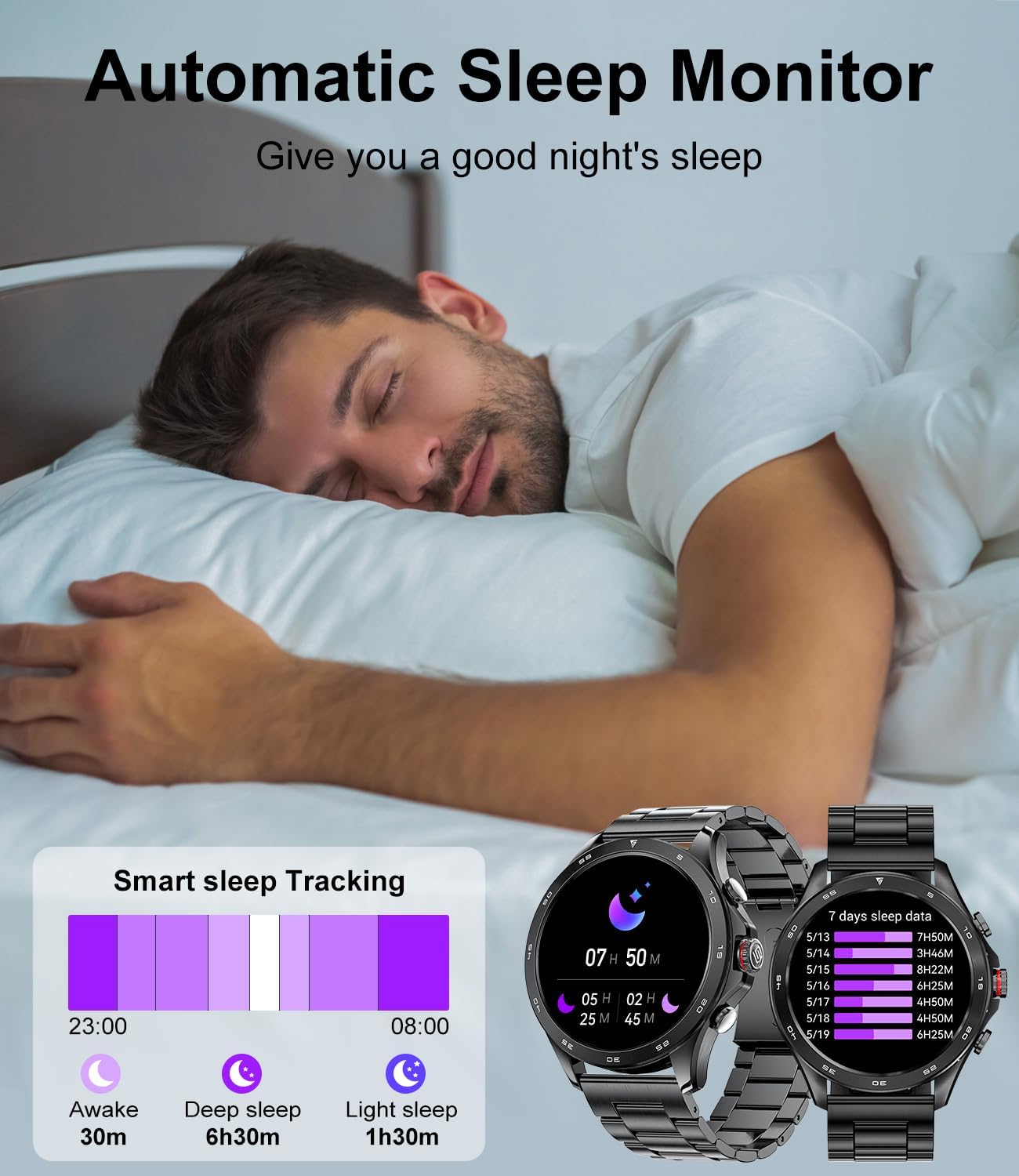
- Sleep Tracking: Automatically monitors your sleep patterns, including awake time, deep sleep, and light sleep, to help improve sleep quality.

4. Sports Modes
The smartwatch supports over 100 sports modes to accurately track your workouts, including walking, running, cycling, skipping rope, badminton, basketball, football, and swimming.
- Tracking: Select your desired sport mode from the watch menu to start tracking calories burned, steps taken, distance, and workout duration.
- Data Analysis: View detailed analysis of your workouts in the companion app.

5. Smart Notifications
Receive notifications for messages from various applications (e.g., WhatsApp, Twitter, Instagram, Facebook Messenger) directly on your smartwatch, ensuring you don't miss important updates.
6. Other Features
- Music Control: Control music playback on your smartphone (play, pause, skip tracks).
- Camera Remote: Use the watch as a remote shutter for your phone's camera.
- Voice Assistant: Integrated voice assistant for quick commands.
- Weather Forecast: Get real-time weather updates.
- Alarm Clock & Stopwatch: Set alarms and use the stopwatch/timer functions.
- Find Phone/Watch: Locate your paired phone or watch.
- Sedentary Reminder & Water Reminder: Prompts to move and hydrate.
7. Watch Face Customization
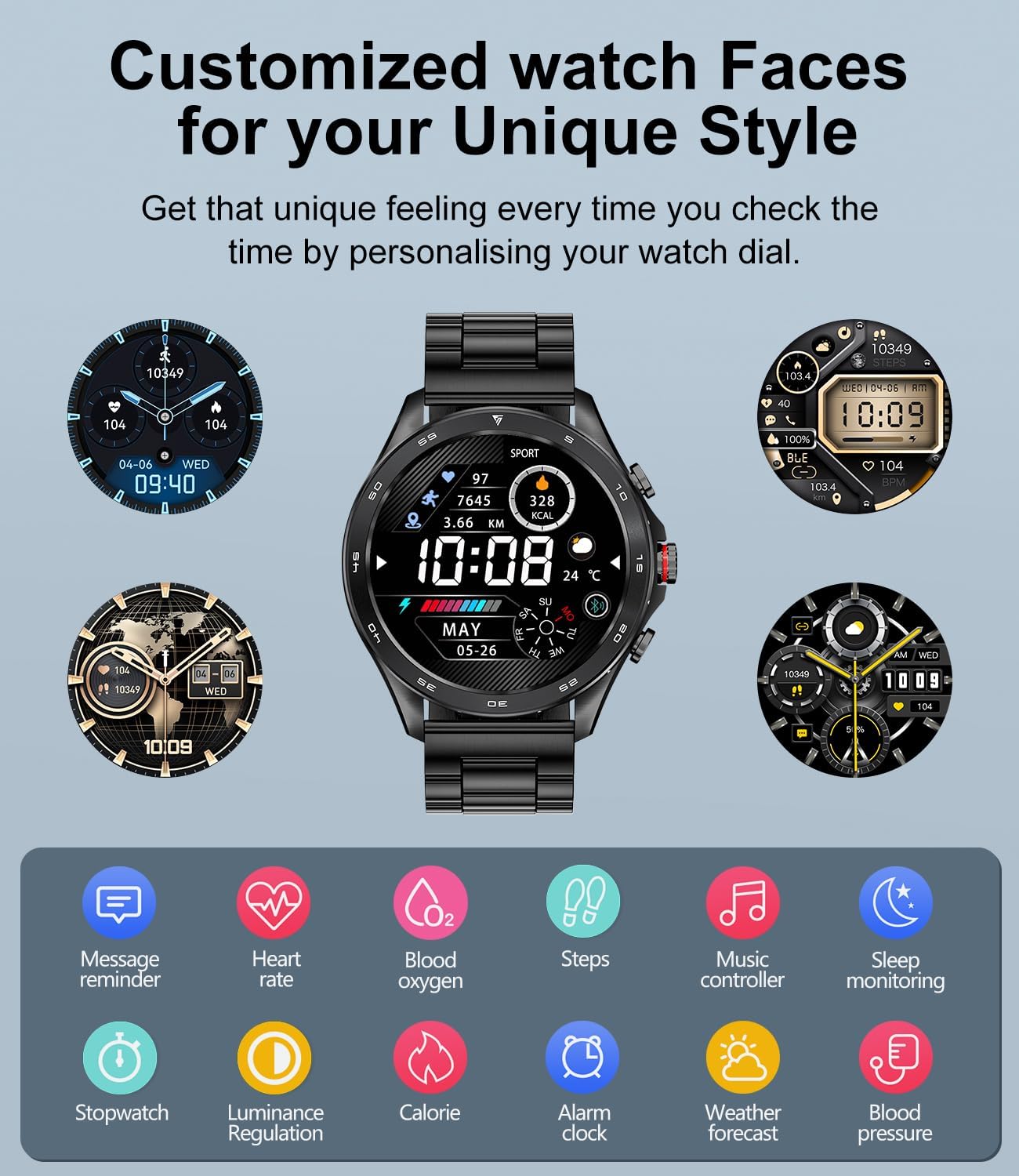
Personalize your smartwatch with a variety of pre-installed watch faces or create your own using the companion app.
Maintenance
- Cleaning: Regularly wipe the watch screen and straps with a soft, dry cloth. For stubborn dirt, use a slightly damp cloth and dry thoroughly.
- Water Resistance: The smartwatch is IP68 waterproof, meaning it can withstand immersion in water up to 1.5 meters for 30 minutes. It is suitable for swimming and daily use but avoid hot water, saunas, or diving. Do not press buttons underwater.
- Avoid Chemicals: Do not use harsh chemicals, cleaning solvents, or strong detergents to clean the watch, as they may damage the finish or internal components.
- Storage: Store the watch in a cool, dry place when not in use.
Troubleshooting
| Problem | Possible Solution |
|---|---|
| Watch does not turn on | Ensure the watch is fully charged. Press and hold the power button for several seconds. |
| Cannot pair with phone | Ensure Bluetooth is enabled on both devices. Make sure the watch is within range. Restart both the watch and phone. Check if the app has necessary permissions. |
| Inaccurate health data | Ensure the watch is worn snugly on your wrist, not too tight or too loose. Clean the sensor on the back of the watch. Avoid excessive movement during measurements. Note that this device is not a medical device. |
| Notifications not received | Check app notification settings on your phone and in the smartwatch app. Ensure the app is running in the background. Disable battery optimization for the app if applicable. |
| Bluetooth call not working | Ensure both 'BW1829 PRO' and 'BW1829 PRO_CALL' (or similar) are paired in your phone's Bluetooth settings. Check volume levels on both devices. |
Specifications
| Feature | Detail |
|---|---|
| Brand | LIGE |
| Model Number | ea3720f8-5ffb-4e6b-a5b3-f2dda3939c9c (BW1829 PRO) |
| Display | 1.43-inch AMOLED, 466*466 Resolution, Always On Display (AOD) |
| Connectivity | Bluetooth 5.0 |
| Battery Capacity | 400 mAh Lithium-polymer |
| Battery Life | 7-15 days (normal use), up to 30 days (standby) |
| Charging Time | 2-3 hours |
| Memory | 256 MB |
| Water Resistance | IP68 |
| Compatibility | Android 5.0+, iOS 9.0+ (iOS 13+ for one-click call connection), HarmonyOS 2.0 |
| Health Monitoring | Heart Rate, Blood Oxygen (SpO2), Blood Pressure, Sleep Tracking, Breath Training |
| Sports Modes | 100+ modes (e.g., Walking, Running, Cycling, Swimming) |
| Other Features | Bluetooth Calls, Voice Assistant, Notifications, Music Control, Camera Remote, Weather, Alarm, Stopwatch, Timer, Find Phone/Watch, Sedentary/Water Reminders |

Warranty and Support
Your LIGE BW1829 PRO Smartwatch comes with a 24-month warranty, which covers replacement, return, or repair for any manufacturing defects or issues encountered during normal use.
If you experience any problems or have questions regarding your smartwatch, please contact our customer support team. We are committed to providing prompt and satisfactory solutions within 24 hours.
Contact Information: Please refer to the contact details provided on the product packaging or the official LIGE website for customer service.
Related Documents - BW1829 PRO
 |
LIGE Smart Watch User Manual and Guide Official user manual for the LIGE Smart Watch, providing instructions on setup, features, health tracking, fitness modes, and connectivity for Android and iOS devices. |
 |
LIGE BWHDT11 Smart Watch User Manual - Features and Operation Guide Comprehensive user manual for the LIGE BWHDT11 Smart Watch, detailing setup, navigation, call handling, messaging, sports tracking, health monitoring, and additional features. |
 |
GloryFitPro Smartwatch User Manual - Your Guide to Healthy Living Comprehensive user manual for the LIGE GloryFitPro smartwatch, covering setup, app pairing, features, notifications, and safety. Learn how to maximize your fitness tracking experience. |
 |
LIGE ST2 Smartwatch User Manual Comprehensive user manual for the LIGE ST2 Smartwatch, detailing setup, features like calling, fitness tracking, heart rate monitoring, message notifications, and app connectivity for Android and iOS devices. |
 |
LIGE T2.PRO Smartwatch User Manual - Bluetooth Call, AMOLED Display Comprehensive user guide for the LIGE T2.PRO smartwatch, detailing its Bluetooth calling capabilities, vibrant AMOLED display, health monitoring features (heart rate, blood oxygen, sleep), sports modes, notifications, and technical specifications including IP68 water resistance. |
 |
LIGE Smart Watch 737 (S5) User Manual User manual for the LIGE Smart Watch 737 (S5), detailing its components including power key, speaker, heart rate sensor, microphone, and charging port for health monitoring and Bluetooth calls. |
Ask a question about this manual
Ask about setup, troubleshooting, compatibility, parts, safety, or missing instructions. Manuals+ will review the question and use this page’s manual context to help answer it.