1. مقدمه
Thank you for choosing the Retevis NR630 Walkie Talkie. This device is designed for reliable and efficient communication in various environments. Featuring IP67 waterproofing, long-range capabilities, and intelligent noise reduction, the NR630 is suitable for professional and recreational use. Please read this manual carefully to ensure proper operation and maintenance of your device.

Figure 1: Retevis NR630 Walkie Talkie
2. محتویات بسته
Upon unpacking, please verify that all items listed below are included and in good condition. If any items are missing or damaged, contact your retailer.
- 3 x Retevis Walkie Talkie
- 3 x آنتن
- 3 عدد بند دستی
- 3 عدد کابل شارژ Type-C
- 3 عدد گیره کمربند
- پایه شارژ 3 عدد
- 3 x دفترچه راهنمای کاربر

شکل 2: محتویات بسته
3. ویژگی های محصول
- ارتباطات دوربرد: Designed for adults, this walkie-talkie features a high-gain long antenna, high power, and strong penetration to efficiently achieve long-distance communication.
- IP67 ضد آب و گرد و غبار: The transceiver is professionally waterproof and dustproof, capable of being submerged in 1 meter of water for 30 minutes. This allows for reliable operation in harsh environments.
- کاهش هوشمند نویز: Equipped with an independent noise reduction chip, this technology effectively filters out ambient noise, ensuring clear voice transmission and reception, unlike standard squelch functions.
- One-Key Group Call: The one-key group call function facilitates efficient multi-sector cooperation and improves overall work efficiency.
- Long Battery Life (2800 mAh): Equipped with a large 2800 mAh battery, the radio supports high-intensity daily use, ensuring reliable communication throughout your workday.
- Sturdy and Durable Design: Built to withstand demanding conditions, ensuring longevity and reliability.
- هشدار اضطراری: Features a dedicated emergency alarm function for local and remote alerts, enhancing user safety.

Figure 3: Wide Range Communication

شکل ۱۱: ویژگی ضد آب IP67

Figure 5: Noise Reduction Technology

Figure 6: One-Key Group Call Function

شکل ۳.۳: باتری ۴۰۰۰ میلیآمپر ساعتی
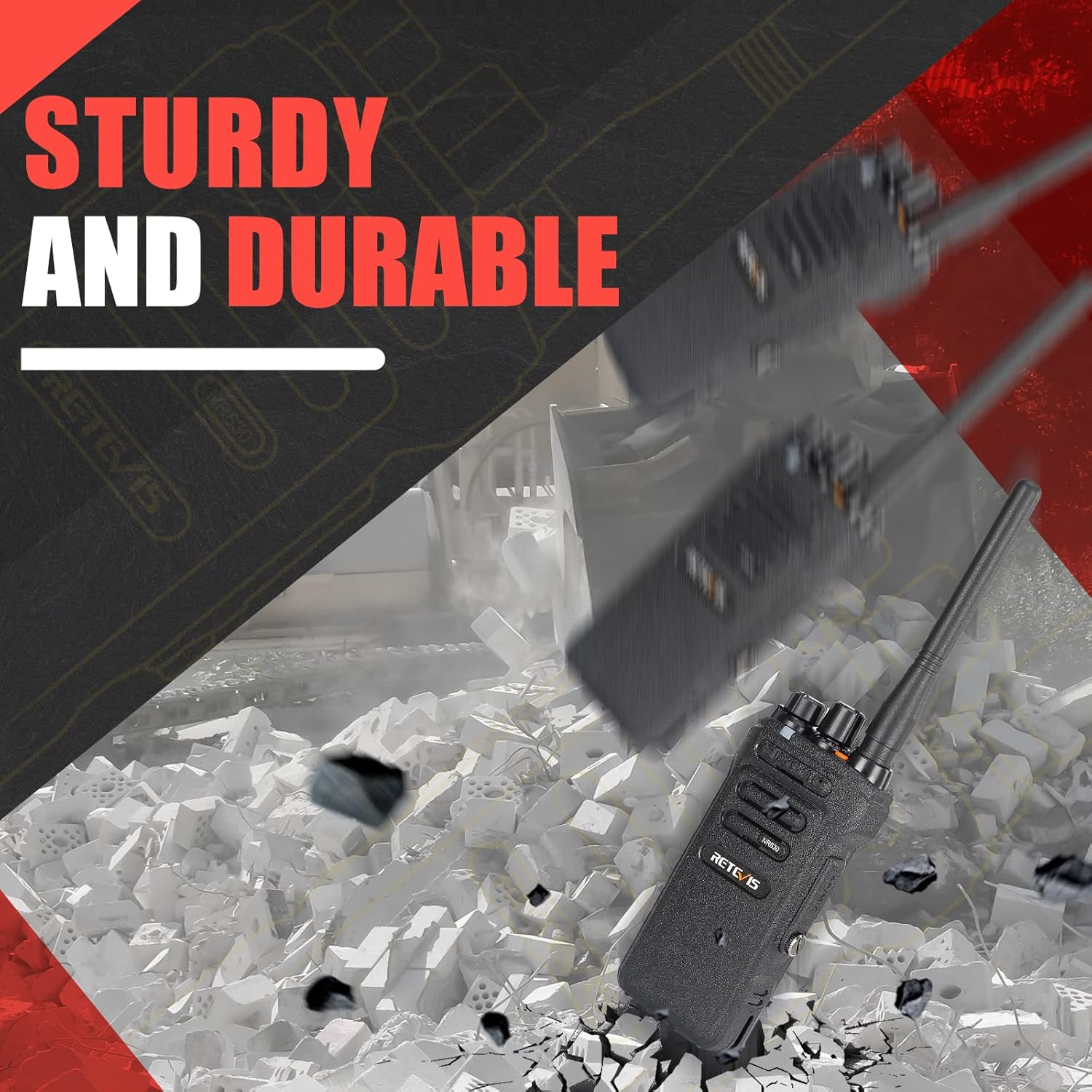
Figure 8: Sturdy and Durable Construction

Figure 9: Emergency Alarm Button
4. راه اندازی
4.1. نصب و شارژ باتری
- مطمئن شوید که واکی تاکی خاموش است.
- Align the battery with the compartment on the back of the radio and slide it into place until it clicks securely.
- To charge, place the walkie-talkie in the charging base. Connect the Type-C charging cable to the base and a suitable power source. The indicator light on the base will show charging status.
- شارژ کامل معمولاً چند ساعت طول میکشد. باتری را بیش از حد شارژ نکنید.
۳.۲ اتصال آنتن
- Screw the antenna clockwise into the connector on the top of the walkie-talkie until it is firmly seated. Do not overtighten.
۴.۳ اتصال گیره کمربند
- Attach the belt clip to the designated slots on the back of the walkie-talkie using the provided screws.
5. دستورالعمل های عملیاتی
۱. روشن/خاموش کردن و کنترل صدا
- برای روشن کردن، بچرخانید کلید پاور/ولوم clockwise until you hear a click and a tone.
- برای خاموش کردن، بچرخانید کلید پاور/ولوم در خلاف جهت عقربه های ساعت تا زمانی که صدای کلیک را بشنوید.
- با چرخاندن صدا، صدا را تنظیم کنید کلید پاور/ولوم. Clockwise increases volume, counter-clockwise decreases it.
5.2. انتخاب کانال
- را بچرخانید دستگیره انتخاب کننده کانال (usually the top-most knob) to select the desired channel. Ensure all radios in your group are on the same channel for communication.
۴.۴. ارسال و دریافت
- برای ارسال، دکمه را فشار داده و نگه دارید دکمه Push-to-Talk (PTT). کنار رادیو. واضح در میکروفون صحبت کنید.
- دکمه PTT را برای دریافت رها کنید.
۶.۴ عملکرد تماس گروهی
The NR630 supports a one-key group call function. Consult the full programming software for detailed setup of group call channels and members.
5.5. هشدار اضطراری
To activate the emergency alarm, briefly press the designated Emergency Alarm button (often an orange button on top or side). This will trigger both local and remote alarms.
5.6. CTCSS/DCS Deactivation
The device supports CTCSS/DCS deactivation for compatibility with various walkie-talkies. Refer to the programming guide for specific steps to disable these tones if needed.
6. تعمیر و نگهداری
6.1. مراقبت عمومی
- رادیو را خشک نگه دارید. اگر خیس شد، فوراً آن را پاک کنید.
- رادیو را در معرض دمای شدید قرار ندهید.
- از انداختن یا قرار دادن رادیو در معرض ضربات شدید خودداری کنید.
- قسمت بیرونی رادیو را با یک اسفنج نرم و زبر تمیز کنید.amp پارچه از مواد شیمیایی یا حلال های خشن استفاده نکنید.
6.2. مراقبت از باتری
- قبل از استفاده اولیه باتری را کاملاً شارژ کنید.
- Do not store the battery in a fully charged or completely discharged state for extended periods.
- اگر زمان کارکرد باتری به طور قابل توجهی کاهش یافت، آن را تعویض کنید.
7 عیب یابی
| مشکل | علت احتمالی | راه حل |
|---|---|---|
| بدون قدرت | باتری خالی شده یا به درستی نصب نشده است. | باتری را شارژ کنید یا آن را به درستی دوباره نصب کنید. |
| عدم امکان برقراری ارتباط با رادیوهای دیگر | Different channels, CTCSS/DCS settings, or out of range. | Ensure all radios are on the same channel and have matching CTCSS/DCS settings. Check range. |
| کیفیت صدای ضعیف | Low battery, antenna loose, or interference. | Charge battery, check antenna connection, move to an area with less interference. |
| Radio continuously transmits | PTT button stuck or faulty. | Check PTT button. If stuck, try to free it. If faulty, contact support. |
8. مشخصات
| ویژگی | مشخصات |
|---|---|
| نام تجاری | رتیویس |
| مدل | NR630 |
| ابعاد محصول | 24.7 × 18 × 6 سانتی متر; 550 گرم |
| باتری ها | 3 باتری لیتیوم یون مورد نیاز (شامل) |
| رابط سخت افزار | USB |
| دستگاه های سازگار | Various two-way devices and accessories |
| ویژگی های اضافی | 2800 mAh, Noise Cancellation, Group Call, IP67 Waterproof, Long Range |
| تعداد آیتم ها | 3 |
| سطح نویز | ۴۵ دسیبل |
| جلدtage | 7.4 ولت |
| ترکیب سلول باتری | لیتیوم یون |
| نوع رابط | USB |
| سطح مقاومت در برابر آب | ضد آب |
| تعداد کانال ها | 16 |
| طیف فرکانس | 400-430 مگاهرتز |
| حداکثر برد مکالمه | ۳ کیلومتر |
9. گارانتی و پشتیبانی
برای اطلاعات گارانتی و پشتیبانی فنی، لطفاً به مستندات همراه خرید خود مراجعه کنید یا از وبسایت رسمی Retevis دیدن کنید. webرسید خرید خود را به عنوان مدرک خرید برای درخواستهای گارانتی نگه دارید.


