1. مقدمه
The Atcall SF-Truck Cell Phone Booster is designed to enhance 5G and 4G LTE cellular signals for all major U.S. carriers within trucks and semi-trucks. Featuring an intuitive LCD monitor, this device provides real-time signal strength information and simplifies installation and troubleshooting. It is engineered for robust performance in various environments, ensuring reliable communication on the road.
2. ویژگی های کلیدی
- Designed for Trucks, Smart LCD Monitor: HD LCD display shows real-time signal strength changes and working status, aiding quick installation and troubleshooting.
- Truck Cell Booster for All U.S. Carriers: Supports Band 12/17, Band 13, Band 5, Band 2/25, and Band 4/66. Compatible with Verizon, AT&T, T-Mobile, U.S. Cellular, and more.
- Stronger Cell Service Booster: Offers 50dB max gain for truck size, reducing dropped calls, improving voice quality, and increasing data speeds for streaming in remote areas.
- Rugged Outside Antenna: Newly upgraded high-gain omnidirectional antenna receives signals from distant cell towers. It is waterproof, shockproof, and rustproof.
- Efficient DIY Installation: Omnidirectional antenna eliminates the need to locate a specific signal tower. Comes with all necessary accessories for typical installation in under an hour.
- تایید شده توسط FCC: FCC ID: 2A34B-SFZN007. No APP or subscription required, ensuring privacy and safety.
3. محتویات بسته
The Atcall SF-Truck Cell Phone Booster package includes the following components:
- 1 x SF-T Booster (Main Unit)
- 1 x Outside Antenna
- 1 x Inside Antenna
- 2 x Booster Mounting Brackets
- 1 عدد آداپتور برق
- Cables (1 x 15ft 3D-FB Cable + 2 x 5ft LMR100)
- Mounting Kits (including screws and suction cup mount)

Figure 3.1: All components included in the Atcall SF-Truck Cell Phone Booster package.
4. راه اندازی و نصب
Follow these steps for optimal installation of your Atcall SF-Truck Cell Phone Booster. For a visual guide, refer to the installation video below.
Video 4.1: Quick video steps guide for installing the Atcall SF-Truck Signal Booster.
4.1 Outside Antenna Installation
The rugged omnidirectional outside antenna should be mounted vertically on the exterior of your truck, ideally on a mirror arm or similar sturdy structure, to receive signals from all directions. Ensure it has a clear line of sight to the sky and is free from obstructions.
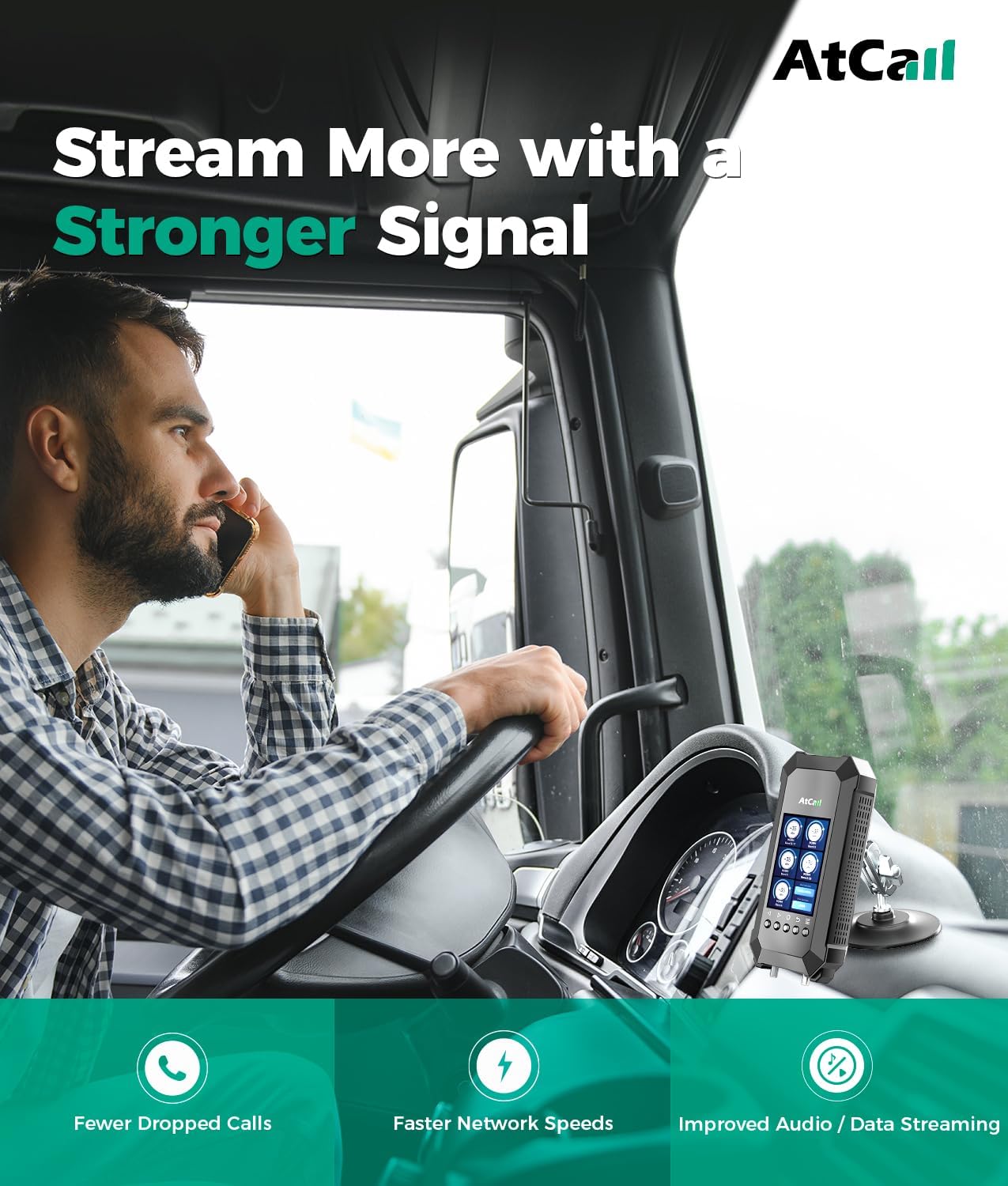
Figure 4.1.1: Proper placement of the rugged exterior antenna on a truck.
4.2 Booster and Inside Antenna Installation
The main booster unit with its intuitive LCD monitor can be mounted in the center console using one of the two provided mounting brackets (suction cup or adhesive pad). The inside antenna should be placed within the cabin, typically on the seat or dashboard, to rebroadcast the ampسیگنال قطع شده

Figure 4.2.1: Booster unit mounted in the truck cabin using different bracket options.

Figure 4.2.2: Recommended placement for the inside antenna.
4.3 Antenna Separation
Crucial for preventing signal oscillation and ensuring optimal performance, maintain a minimum separation of 4 فوت به صورت افقی و ۲۰ فوت به صورت عمودی between the outside antenna and the inside antenna. The inside antenna and outside antenna cannot be installed on the same side of the truck.

Figure 4.3.1: Diagram showing proper antenna separation for optimal booster performance.
4.4 اتصال برق
Connect the provided power adapter to the booster unit and plug it into your truck's 12V power outlet. The booster will power on automatically.
5. دستورالعمل های عملیاتی
Once installed and powered on, the Atcall SF-Truck booster will automatically begin to amplify signals. The intuitive LCD monitor provides real-time feedback on its operation.
5.1 Real-time Signal Monitoring
The HD LCD display on the booster unit shows the real-time signal strength changes and working status for each supported frequency band. This allows you to monitor performance and identify any issues quickly.

Figure 5.1.1: LCD display showing real-time signal strength and status.
5.2 Supported Carriers and Bands
The booster supports 5G and 4G LTE signals across various bands, ensuring compatibility with all major U.S. carriers including Verizon, AT&T, T-Mobile, Sprint, and U.S. Cellular.

Figure 5.2.1: Atcall SF-Truck booster supports all major U.S. carriers.
5.3 Checking Frequency Bands
To verify which frequency band your phone is using, you can utilize specific methods for iPhone and Android devices:
- برای آیفون: Dial *3001#12345#* then press the call button. Choose All Metrics, click Serving Cell Info, and check Band Info.
- برای گوشی اندروید: Download "Network Cell Info Lite" app. Choose "GAUGE" and check "BAND".

Figure 5.3.1: Methods for testing frequency bands on mobile devices.
6. تعمیر و نگهداری
To ensure the longevity and optimal performance of your Atcall SF-Truck Cell Phone Booster, follow these simple maintenance guidelines:
- تمیز نگه دارید: Regularly wipe down the booster unit and antennas with a soft, dry cloth to remove dust and debris. Avoid using harsh chemicals or abrasive cleaners.
- بررسی اتصالات: Periodically inspect all cable connections to ensure they are secure and free from corrosion or damage. Loose connections can affect performance.
- بازرسی آنتن: Check the outside antenna for any physical damage, especially after long trips or exposure to severe weather. Ensure it remains firmly mounted.
- مدیریت کابل: Ensure cables are not pinched, kinked, or exposed to excessive heat or sharp edges, which can cause damage over time.
7 عیب یابی
If you experience issues with your Atcall SF-Truck Cell Phone Booster, refer to the following common troubleshooting tips:
- No Signal Boost: Verify that the booster is powered on and the LCD screen is active. Check all cable connections between the antennas and the booster. Ensure proper antenna separation (at least 4 feet horizontally and vertically).
- Oscillation Warning: If the LCD displays an "OSCILLATION" warning, it indicates that the inside and outside antennas are too close or facing each other, causing feedback. Increase the distance between the antennas or adjust their orientation to ensure they are not directly in line.
- Weak Signal Improvement: Ensure the outside antenna is mounted in a location with the best possible signal reception, free from metal obstructions. Confirm that the booster is set to the correct frequency bands for your carrier.
- مسائل قدرت: Check the power adapter connection and the vehicle's 12V outlet. Ensure the outlet is providing power.
- After Moving Antenna: If you adjust the position of either antenna, it is recommended to power off the booster and then power it back on to allow it to re-calibrate and optimize signal.
8. مشخصات
| صفت | ارزش |
|---|---|
| مدل | SF-Truck |
| نام تجاری | تماس بگیرید |
| ابعاد بسته بندی | 12.5 x 10.8 x 4.7 اینچ |
| وزن مورد | 5.95 پوند |
| استاندارد ارتباط بی سیم | فرکانس رادیو |
| نوع رابط | RJ45 |
| مکس گین | 50dB (for truck size) |
| باندهای پشتیبانی شده | گروه ۱۲/۱۷، گروه ۱۳، گروه ۵، گروه ۲/۲۵، گروه ۴/۶۶ |
9. مطابقت با FCC
این دستگاه با قسمت 15 قوانین FCC مطابقت دارد. عملکرد مشروط به دو شرط زیر است: (1) این دستگاه ممکن است تداخل مضر ایجاد نکند، و (2) این دستگاه باید هر گونه تداخل دریافتی را بپذیرد، از جمله تداخلی که ممکن است باعث عملکرد ناخواسته شود.
FCC ID: 2A34B-SFZN007
این یک دستگاه مصرف کننده است.
Before use, you MUST REGISTER THIS DEVICE with your wireless provider and have your provider's consent. Most wireless providers consent to the use of signal boosters. Some providers may not consent to the use of this device on their network. If you are unsure, contact your provider. You MUST operate this device with approved antennas and cables as specified by the manufacturer. Antennas MUST be installed at least 20cm (8 inches) from any person. You MUST cease operating this device immediately if requested by the FCC or a licensed wireless service provider.
هشدار. اطلاعات مکان E911 ممکن است برای تماسهایی که با استفاده از این دستگاه انجام میشوند ارائه نشوند یا نادرست باشند.
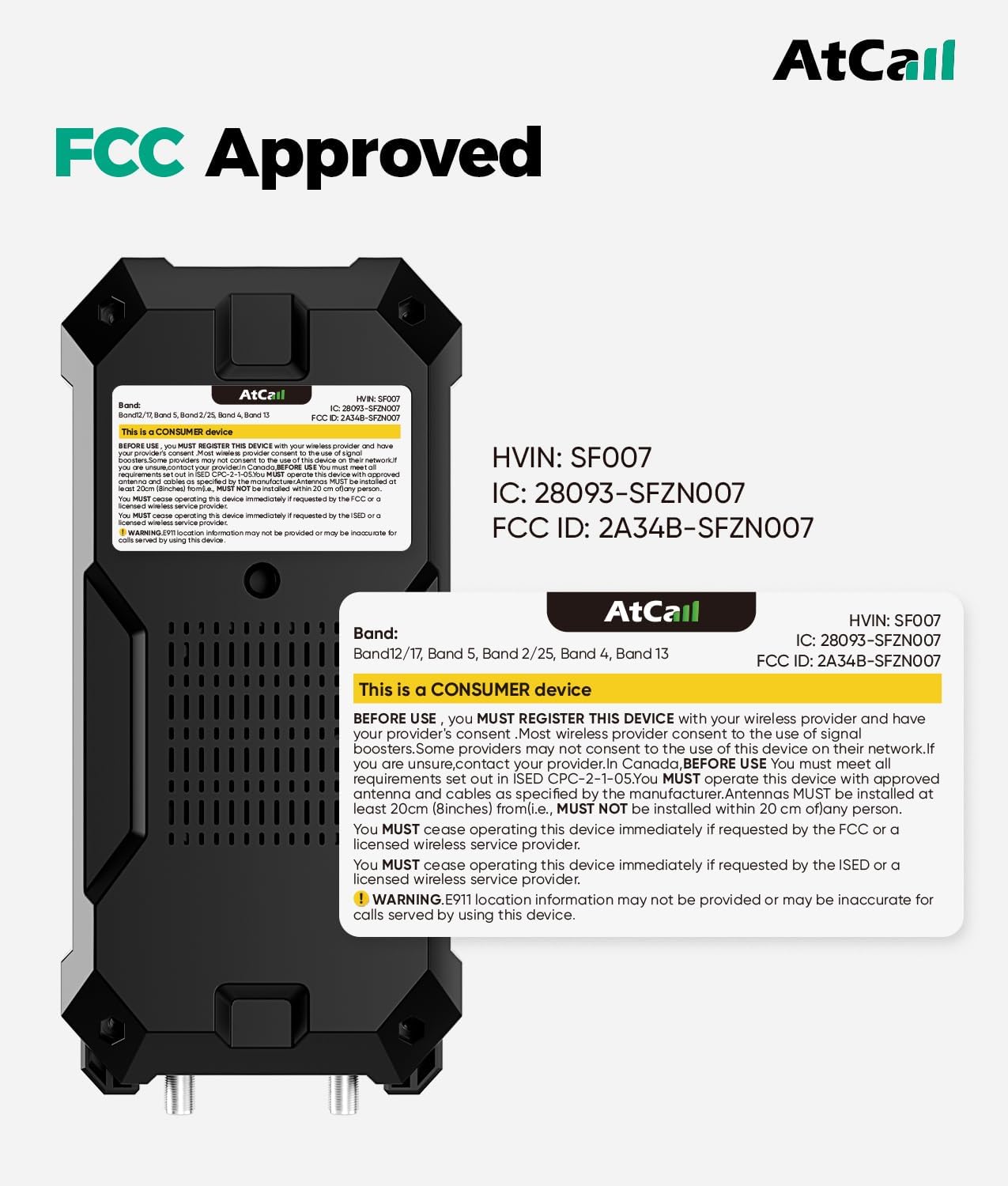
Figure 9.1: FCC compliance information on the booster unit.
10. گارانتی و پشتیبانی
Atcall provides professional customer support for the SF-Truck Cell Phone Booster. If you encounter any problems or have questions regarding your device, please feel free to contact our support team for assistance.
برای پشتیبانی، لطفاً به اطلاعات تماس ارائه شده همراه با بستهبندی محصول خود مراجعه کنید یا از وبسایت رسمی Atcall دیدن کنید. webسایت


