1. بیش ازview
The Hisense 32A4NR is a 32-inch Class A4 Series FHD 1080p Smart Roku TV. It features built-in Wi-Fi and Roku TV for streaming content. The television provides a Full HD high-definition picture and Dolby Audio for enhanced sound. Its slim bezel design offers a larger viewمنطقه صفحه نمایش قادر
ویژگی های کلیدی عبارتند از:
- Roku TV: Integrated streaming platform for access to various apps and channels.
- سازگاری با دستیار گوگل و الکسا: Control the TV using voice commands with compatible devices.
- رزولوشن فول اچ دی: 1080p High-Definition LCD screen with Full Array LED backlight for clear and bright images.
- صدای دالبی: Delivers clear dialogue, detail, and realistic surround sound.
- طراحی قاب باریک: Maximizes screen space with a minimalist frame.

تصویر 1.1: جلو view of the Hisense 32A4NR Roku TV, showing the home screen with various streaming application icons.
۲. چه چیزهایی در جعبه است؟
Upon unboxing your Hisense 32A4NR TV, please ensure all the following components are present:
- تلویزیون هوشمند روکو ۴۳ اینچی هایسنس سری A4 با کیفیت FHD 1080p
- کابل برق
- کنترل از راه دور (شامل ۲ باتری قلمی)
- TV Stand (with screws for assembly)
3. راهنمای راه اندازی
3.1. باز کردن بسته بندی و قرار دادن
Carefully remove the TV from its packaging. It is recommended to have two people for this process. Place the TV on a stable, flat surface or prepare for wall mounting (wall mount sold separately).
۲. اتصال پایه
If you are not wall-mounting, attach the included stand to the bottom of the TV. Align the stand with the screw holes on the TV and secure it using the provided screws. Ensure the stand is firmly attached before placing the TV upright.

تصویر ۵.۱: کنار view of the Hisense 32A4NR TV, illustrating the slim design and the attached stand.
3.3. اتصال برق
Connect the power cable to the TV's power input and then plug it into a standard electrical outlet (110 Volts). The TV will enter standby mode.
3.4. راه اندازی کنترل از راه دور
Open the battery compartment on the back of the remote control. Insert the two AAA batteries, ensuring correct polarity (+/-). Close the compartment.
۴. تنظیمات اولیه تلویزیون روکو
Press the Power button on the remote to turn on the TV. Follow the on-screen instructions to:
- زبان خود را انتخاب کنید
- به شبکه وای فای خود وصل شوید.
- حساب Roku خود را فعال کنید (یا یک حساب جدید ایجاد کنید).
- Scan for channels if using an antenna.
An internet connection is required to access Roku TV features and streaming content.
3.6. اتصال دستگاه های خارجی
Use the HDMI and USB ports to connect external devices such as cable boxes, game consoles, Blu-ray players, or USB storage devices. Refer to the port labels on the back of your TV for correct connections.
- HDMI: برای صدا و تصویر با کیفیت بالا.
- USB: برای پخش رسانه از درایوهای USB.
4. دستورالعمل های عملیاتی
۲. ناوبری رابط تلویزیون روکو
The Roku TV home screen provides access to all your entertainment. Use the directional pad on your remote to navigate through menus and select options. The Home screen displays your installed streaming channels, input selections (HDMI, USB), and other features.

Image 4.1: The Roku TV home screen, demonstrating the simple interface for accessing streaming services and inputs.
۶.۲ برنامههای پخش جریانی
Access popular streaming services like Netflix, Hulu, Disney+, and more directly from the home screen. New channels can be added from the Roku Channel Store.
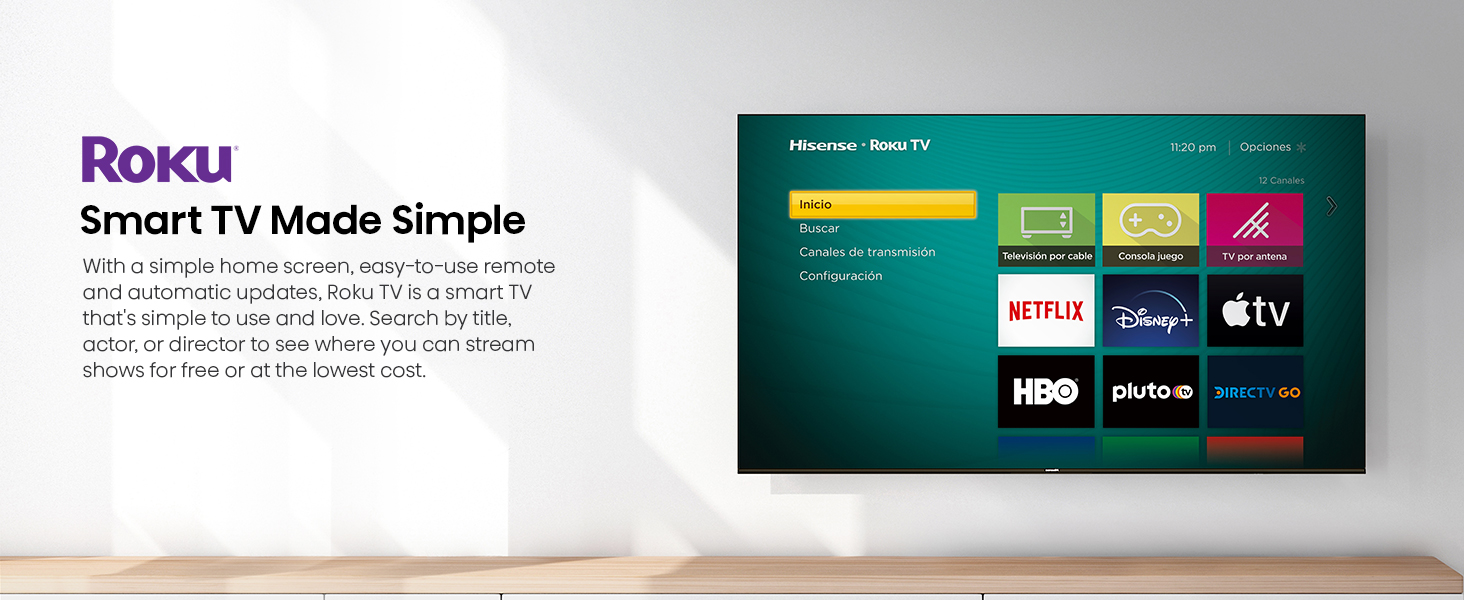
Image 4.2: A visual representation of the Roku TV interface displaying a wide array of streaming content options.
4.3. Voice Control Compatibility
The TV is compatible with Google Assistant and Alexa. If you own a compatible smart speaker or device, you can link it to your Roku TV to control functions like power, volume, and channel selection using voice commands.
4.4. Dolby Audio
Experience enhanced sound quality with Dolby Audio. This technology provides clear, detailed, and immersive audio for all content. No special settings are typically required as it processes audio automatically.
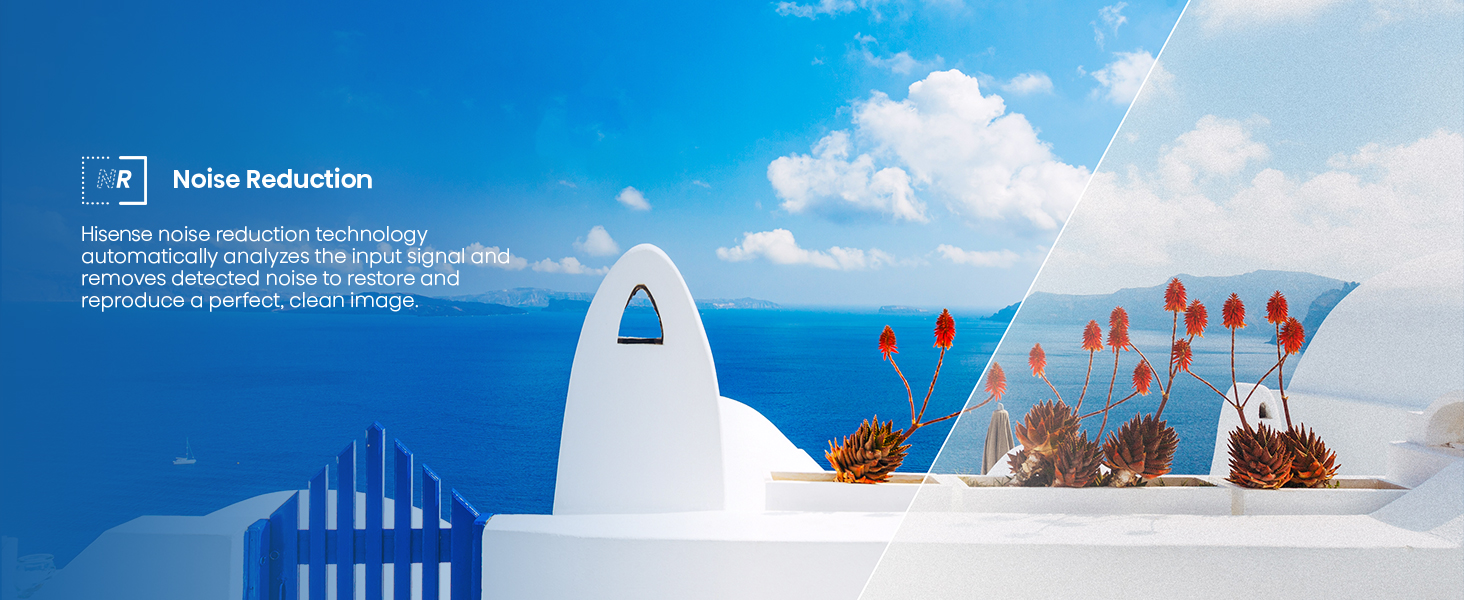
Image 4.3: Visual illustrating the immersive audio experience provided by Dolby Audio, with a focus on sound detail.
4.5. حالت بازی
For an optimized gaming experience, the TV features a Game Mode designed to reduce input lag. This mode can be activated through the TV settings when a game console is connected, providing a more responsive gaming session.
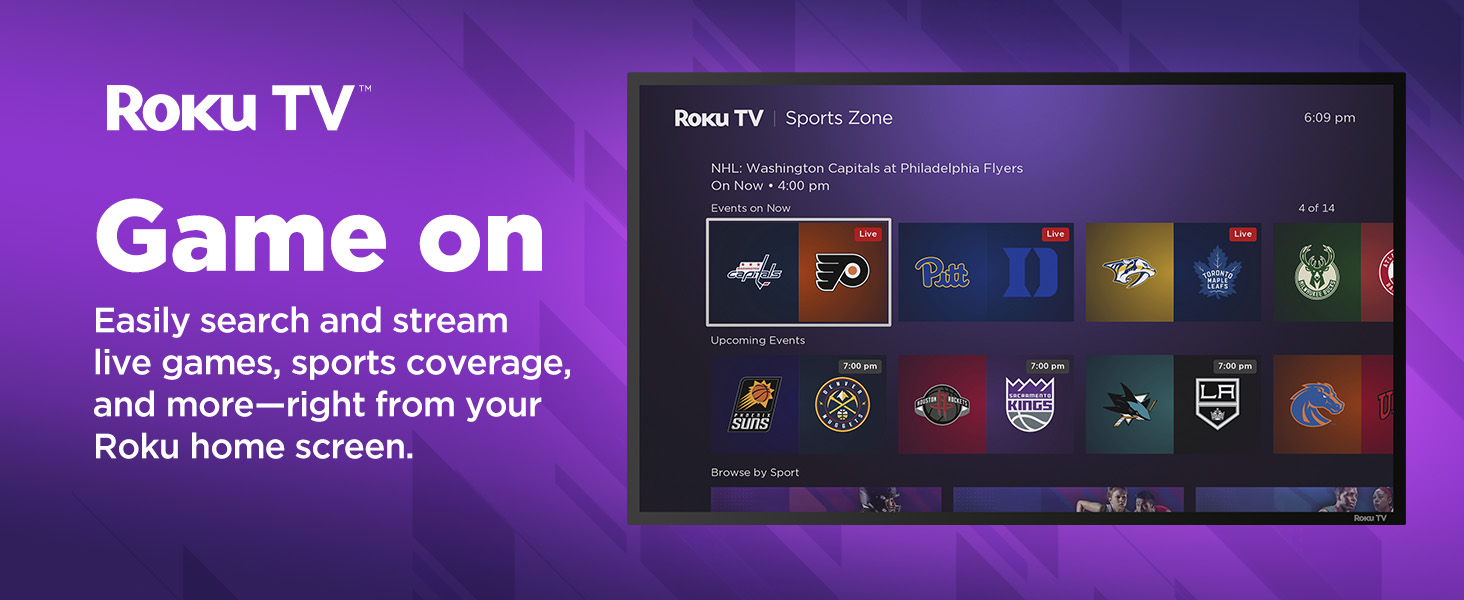
Image 4.4: Depiction of Game Mode, highlighting its benefit for responsive gaming with reduced input lag.
۷. حالت ورزشی هوش مصنوعی
The AI Sports Mode intelligently adjusts picture and sound settings to enhance sports viewing. This mode aims to provide a stadium-like experience by optimizing clarity and immersion for live sports content.

Image 4.5: Illustration of AI Sports Mode, designed to optimize viewing for sports content with enhanced clarity and immersion.
4.7. Apple AirPlay & HomeKit
This TV supports Apple AirPlay, allowing you to stream content (movies, music, photos) from your iPhone, iPad, or Mac directly to the TV. With Apple HomeKit compatibility, you can integrate the TV into your Apple smart home ecosystem for control via Siri or the Home app.
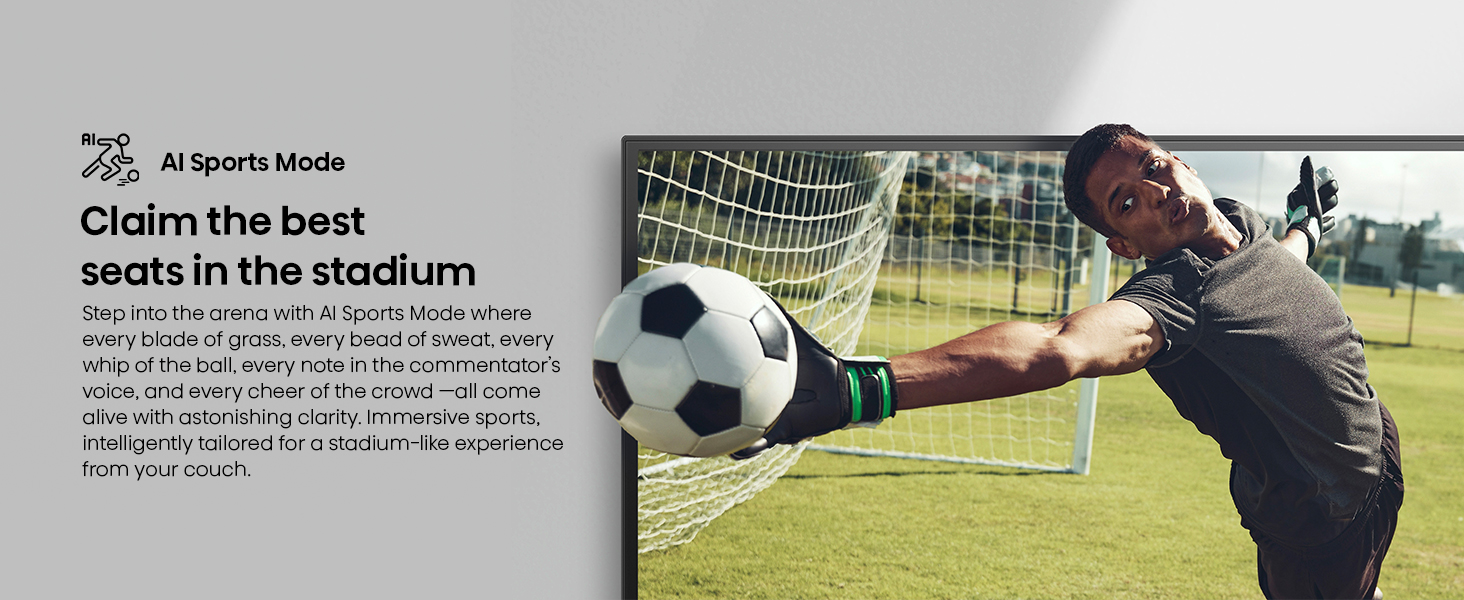
Image 4.6: Demonstrates the use of Apple AirPlay to stream content from a mobile device to the Hisense TV.
5. تعمیر و نگهداری
۱. تمیز کردن تلویزیون
برای تمیز کردن صفحه نمایش، آن را به آرامی با یک پارچه نرم، خشک و بدون پرز پاک کنید. برای لکههای سرسخت، کمی ...ampen the cloth with water or a screen-specific cleaning solution (avoid harsh chemicals). For the TV frame, use a soft, dry cloth.
- همیشه قبل از تمیز کردن، تلویزیون را از برق بکشید.
- Do not spray liquid directly onto the screen or frame.
5.2. به روز رسانی نرم افزار
Your Roku TV will automatically check for and install software updates when connected to the internet. These updates provide new features, performance improvements, and security enhancements. Ensure your TV remains connected to the internet for optimal performance.
6 عیب یابی
If you encounter issues with your Hisense Roku TV, refer to the following common solutions:
| مشکل | راه حل ممکن |
|---|---|
| بدون قدرت |
|
| تصویر وجود ندارد / صفحه سیاه است |
|
| بدون صدا |
|
| مشکلات اتصال به شبکه |
|
| کنترل از راه دور کار نمی کند |
|
7. مشخصات
| ویژگی | جزئیات |
|---|---|
| شماره مدل | 32A4NR |
| اندازه صفحه نمایش | ۶.۷ اینچ (مورب) |
| فناوری نمایش | ال سی دی، ال ای دی |
| قطعنامه | 1080p فول اچ دی |
| نرخ تازه سازی | 60 هرتز |
| نسبت تصویر | 16:9 |
| ابعاد محصول (D x W x H) | ۵.۹ اینچ در ۱۱.۸ اینچ در ۱۴.۶ اینچ |
| وزن مورد | 8.2 پوند |
| جلدtage | 110 ولت |
| واتtage | 50 وات |
| فناوری اتصال | اچدیامآی، یواسبی، وایفای |
| ویژگی های خاص | Dolby Audio, Multiple Voice Assistance (Google Assistant, Alexa), Slim Bezel Design |
| اجزای شامل | تلویزیون، کابل برق، کنترل از راه دور، پایه |
8. ضمانت و پشتیبانی
8.1. گارانتی محصول
Hisense products are covered by a limited warranty. For specific warranty terms and conditions applicable to your 32A4NR TV, please refer to the warranty card included with your product or visit the official Hisense webسایت. معمولاً برای درخواست گارانتی، ارائه مدرک خرید الزامی است.
8.2. پشتیبانی مشتری
For technical assistance, troubleshooting beyond this manual, or service inquiries, please contact Hisense customer support. You can find contact information (phone numbers, email, chat support) on the official Hisense webسایت:
Please have your TV model number (32A4NR) and serial number ready when contacting support.


