1. مقدمه
The TCL S642W is a 2.1 channel soundbar system designed to significantly enhance your home audio experience. This system includes a main soundbar unit and a wireless subwoofer, delivering powerful sound with deep, resonant bass. With advanced connectivity options like Bluetooth 5.3 and HDMI ARC, and support for Dolby Audio, the S642W provides an immersive and high-quality audio environment for movies, music, and games.
2. محتویات بسته
لطفا بسته را از نظر وجود موارد زیر بررسی کنید:
- TCL S642W Soundbar Unit
- ساب ووفر بی سیم
- کنترل از راه دور با باتری
- کابل برق برای ساندبار
- کابل برق برای ساب ووفر
- کابل HDMI
- کیت نصب دیوار
- راهنمای کاربر (این سند)
3. راه اندازی
3.1 قرار دادن
Proper placement of the soundbar and subwoofer is crucial for optimal sound performance and an immersive audio experience.
- نوار صدا: Position the soundbar centrally below your television. Ensure there are no obstructions in front of the soundbar that could block the sound.
- ساب ووفر بی سیم: The wireless subwoofer can be placed anywhere in the room, ideally near the soundbar, for enhanced bass. Avoid placing it in enclosed spaces that might muffle the sound.

Figure 1: Recommended placement of the soundbar and subwoofer in a living room environment.

Figure 2: Dimensions of the TCL S642W Soundbar (560mm x 62mm x 96.7mm) and Wireless Subwoofer (195mm x 320.4mm x 195mm).
3.2 اتصالات
برای اتصال سیستم صوتی خود، این مراحل را دنبال کنید:
- اتصال برق: Connect the power cables to the soundbar and the wireless subwoofer, then plug them into a wall outlet. The subwoofer will automatically pair with the soundbar when both are powered on.
- اتصال HDMI ARC (توصیه میشود): For the best audio quality and control, connect one end of the provided HDMI cable to the HDMI ARC port on your soundbar and the other end to the HDMI ARC/eARC port on your television. This allows your TV remote to control the soundbar's volume.
- اتصال بلوتوث: To stream audio wirelessly from your smart device, ensure the soundbar is powered on. Press the Bluetooth button on the remote control or the soundbar unit. The Bluetooth indicator light will flash. On your smart device, search for Bluetooth devices and select 'TCL S642W' to pair.
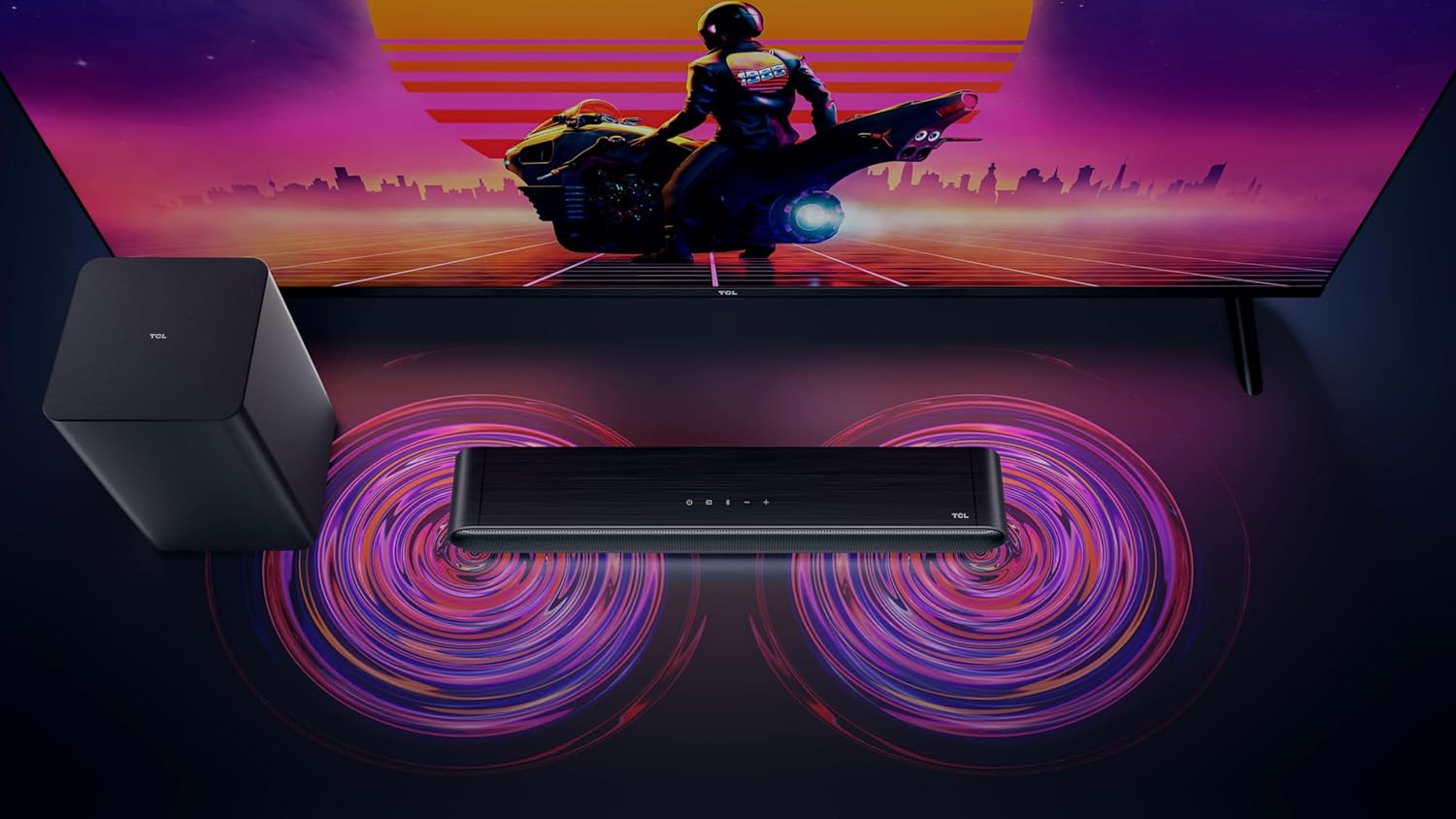
Figure 3: Connectivity options for the TCL S642W Soundbar, including Bluetooth 5.3 and HDMI.
4. دستورالعمل های عملیاتی
4.1 روشن/خاموش
را فشار دهید قدرت button on the remote control or the soundbar unit to turn the system on or off.
4.2 انتخاب ورودی
را فشار دهید منبع or ورودی button on the remote control to cycle through available input sources: HDMI ARC, Bluetooth.
4.3 کنترل صدا
استفاده کنید افزایش صدا (+) و کاهش صدا (-) buttons on the remote control or the soundbar unit to adjust the volume. If connected via HDMI ARC, your TV remote may also control the soundbar volume.
4.4 جفت شدن بلوتوث
برای جفت کردن یک دستگاه بلوتوث جدید:
- Ensure the soundbar is in Bluetooth mode (press the Bluetooth button).
- در دستگاه هوشمند خود، بلوتوث را فعال کنید و دستگاههای موجود را جستجو کنید.
- Select 'TCL S642W' from the list to connect. The Bluetooth indicator on the soundbar will stop flashing and remain solid once connected.
Figure 4: The included remote control for convenient operation of the soundbar.
5. تعمیر و نگهداری
To ensure the longevity and optimal performance of your TCL S642W Soundbar system, follow these maintenance guidelines:
- تمیز کردن: Use a soft, dry, lint-free cloth to clean the surfaces of the soundbar and subwoofer. Do not use liquid cleaners, sprays, or abrasive materials, as these can damage the finish or internal components.
- تهویه: Ensure that the soundbar and subwoofer have adequate ventilation. Do not block any ventilation openings. Avoid placing the units in enclosed cabinets without proper airflow.
- محیط زیست: سیستم را از نور مستقیم خورشید، منابع گرما، گرد و غبار زیاد، رطوبت و میدانهای مغناطیسی قوی دور نگه دارید.
- قدرت: Unplug the power cables from the wall outlet if the system will not be used for an extended period.
6 عیب یابی
If you encounter issues with your soundbar, refer to the following troubleshooting guide:
| مشکل | علت احتمالی | راه حل |
|---|---|---|
| صدایی از نوار صوتی وجود ندارد |
|
|
| ساب ووفر بیس تولید نمیکند |
|
|
| مشکلات اتصال بلوتوث |
|
|
7. مشخصات
Key technical specifications for the TCL S642W Soundbar system:
- برند: TCL
- نام مدل: S642W (2.1 Channel Soundbar with Wireless Subwoofer and HDMI ARC with Bluetooth 5.3 – Wall Mountable)
- نوع بلندگو: نوار صدا
- حداکثر توان خروجی بلندگو: 200 وات
- پاسخ فرکانس: 10 کیلوهرتز
- فناوری اتصال: HDMI, Bluetooth 5.3
- حالت خروجی صدا: Dolby Audio, DTS Virtual X
- نوع نصب: قابل نصب روی دیوار
- مواد: پلاستیک
- ویژگی های خاص: Bluetooth, USB Port, Portable
8. اطلاعات ایمنی
Please read and follow these safety precautions to prevent damage and ensure safe operation:
- دستگاه را در معرض باران، رطوبت، چکه کردن یا پاشیدن آب قرار ندهید.
- اجسام پر از مایعات مانند گلدان را روی دستگاه قرار ندهید.
- هیچ یک از منافذ تهویه را مسدود نکنید. مطابق دستورالعمل سازنده نصب کنید.
- در نزدیکی هیچ منبع حرارتی مانند رادیاتور، رجیستر حرارت، اجاق گاز، یا سایر دستگاه ها (از جمله ampزنده کننده ها) که گرما تولید می کنند.
- سیم برق را از راه رفتن یا نیشگون گرفتن، به ویژه در دوشاخه ها، پریزهای راحتی و نقطه ای که از دستگاه خارج می شوند، محافظت کنید.
- فقط از پیوست ها/لوازم جانبی مشخص شده توسط سازنده استفاده کنید.
- در هنگام طوفان های رعد و برق یا زمانی که برای مدت طولانی از آن استفاده نمی کنید، این دستگاه را از برق بکشید.
9. گارانتی و پشتیبانی
For detailed warranty information, terms, and conditions, please refer to the warranty card included with your product package. For technical support, product registration, or to find answers to frequently asked questions, please visit the official TCL support website or contact your local TCL customer service representative.
You can often find additional resources and contact information on the official TCL webسایت: www.tcl.com


