مقدمه
This manual provides comprehensive instructions for the installation, operation, maintenance, and troubleshooting of your Sharp 40-inch Full HD Smart LED Roku TV. Please read this manual thoroughly before using your television to ensure proper setup and functionality. Keep this manual for future reference.

تصویر: جلو view of the Sharp 40-inch Full HD Smart LED Roku TV.
راه اندازی
۳.۱. جعبهگشایی و محتویات بسته
تمام قطعات را با دقت از بستهبندی خارج کنید. بررسی کنید که تمام موارد ذکر شده در زیر وجود داشته باشند:
- Sharp 40-inch Full HD Smart LED Roku TV
- کنترل از راه دور (نیازمند ۲ باتری قلمی، شامل نمیشود)
- Table Stand with Screws
- راهنمای کاربر (این سند)
- اطلاعات گارانتی
۴.۱. اتصال پایه تلویزیون
If you are placing the TV on a table or entertainment unit, you will need to attach the included stand. Place the TV screen-down on a soft, clean surface to prevent scratches. Align the stand legs with the mounting holes on the bottom of the TV and secure them using the provided screws.

Image: The Sharp Roku TV displayed on its table stand in a room.
3. اتصال دستگاه های خارجی
Your Sharp Roku TV offers various ports for connecting external devices such as cable boxes, gaming consoles, and USB drives.
- پورت های HDMI: Connect high-definition devices using HDMI cables. This TV features 3 HDMI inputs.
- پورت USB: Connect USB storage devices for media playback. This TV features 1 USB input.
- ورودی ویدئوی کامپوزیت: For older devices, use the composite video (AV) input.
- خروجی صوتی نوری: برای اتصال به سیستمهای صوتی خارجی

Image: Rear panel of the TV illustrating the power connector and various input/output ports (HDMI, USB, Optical, AV).
4. اتصال برق
Connect the power cord to the TV's power input and then plug it into a standard electrical outlet (120V AC, 60Hz).
۷. راهاندازی اولیه و اتصال به شبکه
Upon first power-on, the TV will guide you through the initial setup process. This includes selecting your language, connecting to your Wi-Fi network, and activating your Roku account. A stable Wi-Fi connection is required to access smart TV features and streaming content.
دستورالعمل های عملیاتی
1. توابع کنترل از راه دور
The included remote control uses infrared technology. Ensure there is a clear line of sight between the remote and the TV's IR receiver. Insert two AAA batteries into the remote control, observing polarity.
2. Roku OS Interface
Your TV operates on the Roku OS, providing a user-friendly interface for accessing streaming channels, live TV, and connected devices. The home screen displays your installed channels and input selections.

Image: The Roku TV home screen interface and a smartphone displaying the Roku mobile app remote control with voice search functionality.
3. کنترل صدا
The Sharp Roku TV supports voice control through compatible devices like Amazon Alexa or Google Assistant. You can use voice commands to search for movies, change channels, switch inputs, and more.
4. Streaming and Apps
Access a wide variety of streaming services and applications through the Roku Channel Store. Many popular apps are pre-installed, and you can download additional ones to customize your viewتجربه کردن
5. Dolby Audio
This television features Dolby Audio technology, which enhances sound quality for a more immersive listening experience. Ensure your audio settings are configured to utilize this feature for optimal performance.
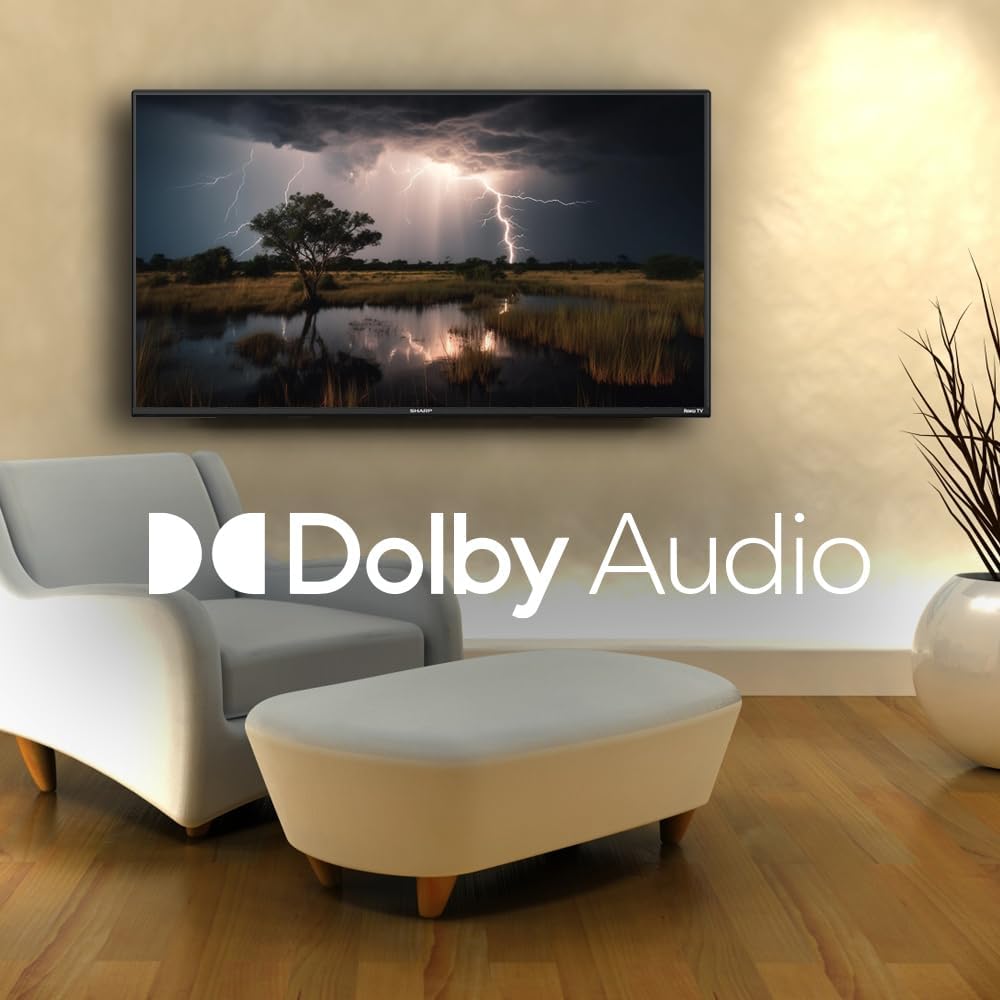
Image: A television screen displaying a dramatic scene with the Dolby Audio logo prominently featured.
تعمیر و نگهداری
1. Cleaning the TV Screen
برای تمیز کردن صفحه نمایش، آن را به آرامی با یک پارچه نرم و بدون پرز پاک کنید. برای لکههای سرسخت، به آرامی ...ampen the cloth with water or a screen-specific cleaning solution. Avoid using harsh chemicals, abrasives, or direct spraying onto the screen.
۸.۲ تمیز کردن تلویزیون Casing
تلویزیون را پاک کنیدasinبا یک پارچه نرم و خشک تمیز کنید. از پاک کننده های مایع مستقیماً روی c استفاده نکنید.asing.
3. تهویه
Ensure that the ventilation openings on the back of the TV are not blocked. Proper airflow is essential to prevent overheating.
عیب یابی
اگر با تلویزیون خود با مشکلاتی مواجه شدید، به مشکلات و راهحلهای رایج زیر مراجعه کنید:
| مشکل | راه حل ممکن |
|---|---|
| بدون قدرت | Check if the power cord is securely connected to both the TV and the electrical outlet. Ensure the outlet is functional. |
| تصویر ندارد، اما صدا دارد | تأیید کنید که منبع ورودی صحیح انتخاب شده است. اتصالات دستگاه خارجی را بررسی کنید. |
| صدا نداره ولی تصویر داره | Check the volume level and mute status. Ensure external audio systems are properly connected and powered on. |
| کنترل از راه دور کار نمی کند | Replace the batteries in the remote control. Ensure no obstructions are between the remote and the TV. |
| نمیتوان به وایفای وصل شد | Verify your Wi-Fi password. Restart your router and the TV. Ensure the TV is within range of your Wi-Fi network. |
| ویژگیهای هوشمند پاسخ نمیدهند | Check your internet connection. Restart the TV by unplugging it for 30 seconds and plugging it back in. |
مشخصات
| ویژگی | جزئیات |
|---|---|
| شماره مدل | 2TC40EF4UR |
| اندازه صفحه نمایش | ۱۰.۱ اینچ (۲۵.۷ سانتیمتر مورب قابل مشاهده) |
| فناوری نمایش | LED |
| قطعنامه | Full HD (1920 x 1080) |
| نرخ تازه سازی | 60 هرتز |
| سیستم عامل | سیستم عامل Roku |
| RAM | 512 مگابایت |
| قدرت خروجی صدا | 16 Watts (2.0 Dolby) |
| پورت های HDMI | 3 |
| پورت های USB | 1 |
| قابلیت اتصال | HDMI, USB, Wi-Fi, Composite Video |
| سازگاری کنترل صدا | آمازون الکسا، دستیار گوگل |
| مصرف برق (حالت روشن) | 65 وات |
| جلدtage | 120 ولت (AC) |
| ابعاد (با پایه) | 99 سانتیمتر (W) x 12 سانتیمتر (D) x 57 سانتیمتر (بالا) |
| وزن | 5.7 کیلوگرم |
| فناوری کنترل از راه دور | مادون قرمز |
| پشتیبانی از بلوتوث | خیر |

Image: The Sharp Roku TV with its width, depth, and height dimensions indicated.
گارانتی و پشتیبانی
اطلاعات گارانتی
Your Sharp 40-inch Full HD Smart LED Roku TV comes with a manufacturer's warranty. Please refer to the warranty document included in your product packaging for detailed terms, conditions, and registration information. Keep your proof of purchase for warranty claims.
پشتیبانی مشتری
For technical assistance, troubleshooting beyond this manual, or warranty service, please contact Sharp customer support. Contact information can typically be found on the Sharp official webدر سایت یا در اسناد گارانتی شما.


