مقدمه
The MAUL Eco 850 is an environmentally friendly desktop calculator designed for office, desk, and school use. This solar-powered device features a 12-digit LCD display and is constructed from 80% recycled plastic, earning it the "Blue Angel" eco-label. This manual provides instructions for setup, operation, maintenance, and troubleshooting to ensure optimal performance and longevity of your calculator.
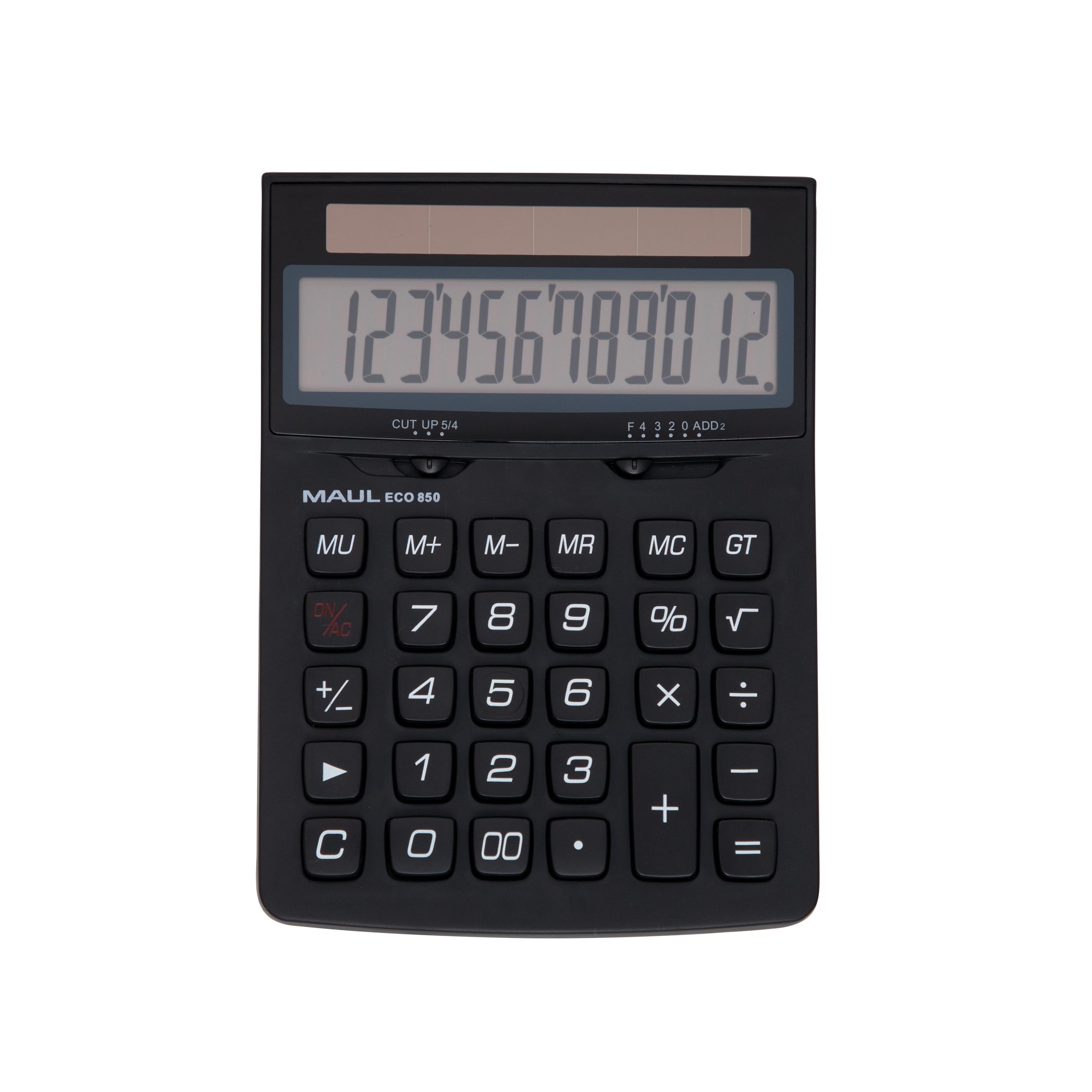
Image: The MAUL Eco 850 Desktop Calculator, demonstrating its compact size and clear display.
راه اندازی
The MAUL Eco 850 calculator is solar-powered and does not require batteries. It is ready for use when exposed to sufficient light.
- باز کردن بسته بندی: Carefully remove the calculator from its environmentally friendly, plastic-free packaging.
- روشن کردن: Place the calculator in an area with adequate ambient light (at least 50 lux). The display should activate automatically. If the display does not turn on, ensure it is exposed to brighter light.
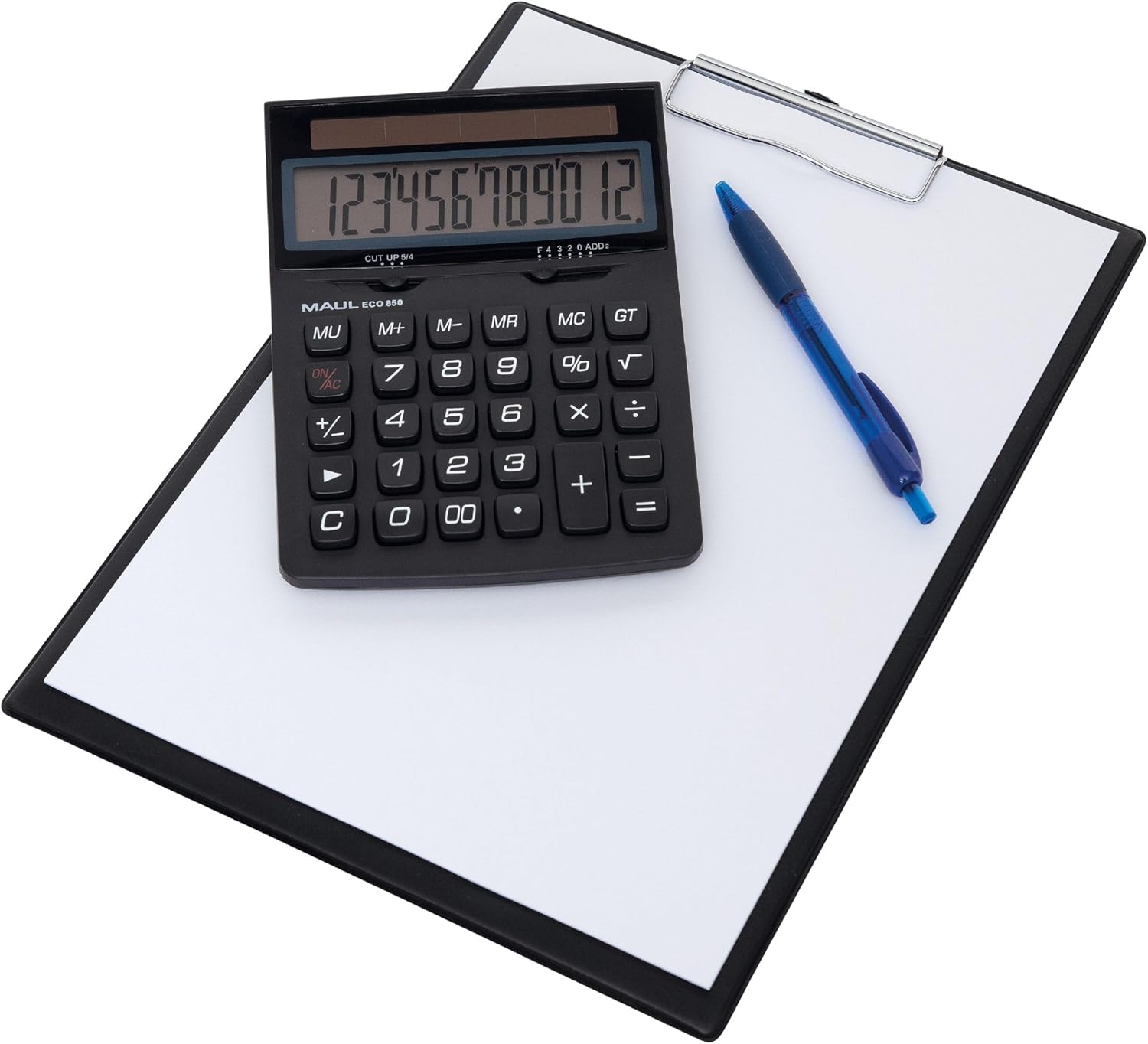
Image: The MAUL Eco 850 calculator ready for use on a desk.
دستورالعمل های عملیاتی
The MAUL Eco 850 features a 12-digit LCD display and a range of functions for various calculations.
توابع اساسی
- Addition (+), Subtraction (-), Multiplication (×), Division (÷): Enter the first number, press the desired operation key, enter the second number, then press the equals (=) key for the result.
- پرسنtage (%): برای محاسبه درصدtage, enter the base number, press the multiplication (×) key, enter the percentage value, then press the % key. For example, to calculate 10% of 200, enter 200 × 10 %.
- جذر (√): Enter the number, then press the √ key to calculate its square root.
- تغییر علامت (+/-): Press this key to change the sign of the displayed number from positive to negative or vice versa.
- دو صفر (۰۰): Quickly enter two zeros.
توابع حافظه
- M+ (Memory Plus): مقدار نمایش داده شده را به حافظه اضافه میکند.
- M- (منهای حافظه): مقدار نمایش داده شده را از حافظه کم میکند.
- MR (یادآوری حافظه): مقدار ذخیره شده در حافظه را به صفحه نمایش فراخوانی میکند.
- MC (پاک کردن حافظه): حافظه را پاک میکند.
Clear Functions
- روشن/خاموش (کاملاً تمیز): Clears all entries and memory, resetting the calculator.
- C (Clear Entry): Clears the last entered number or the current calculation without affecting memory or previous operations.
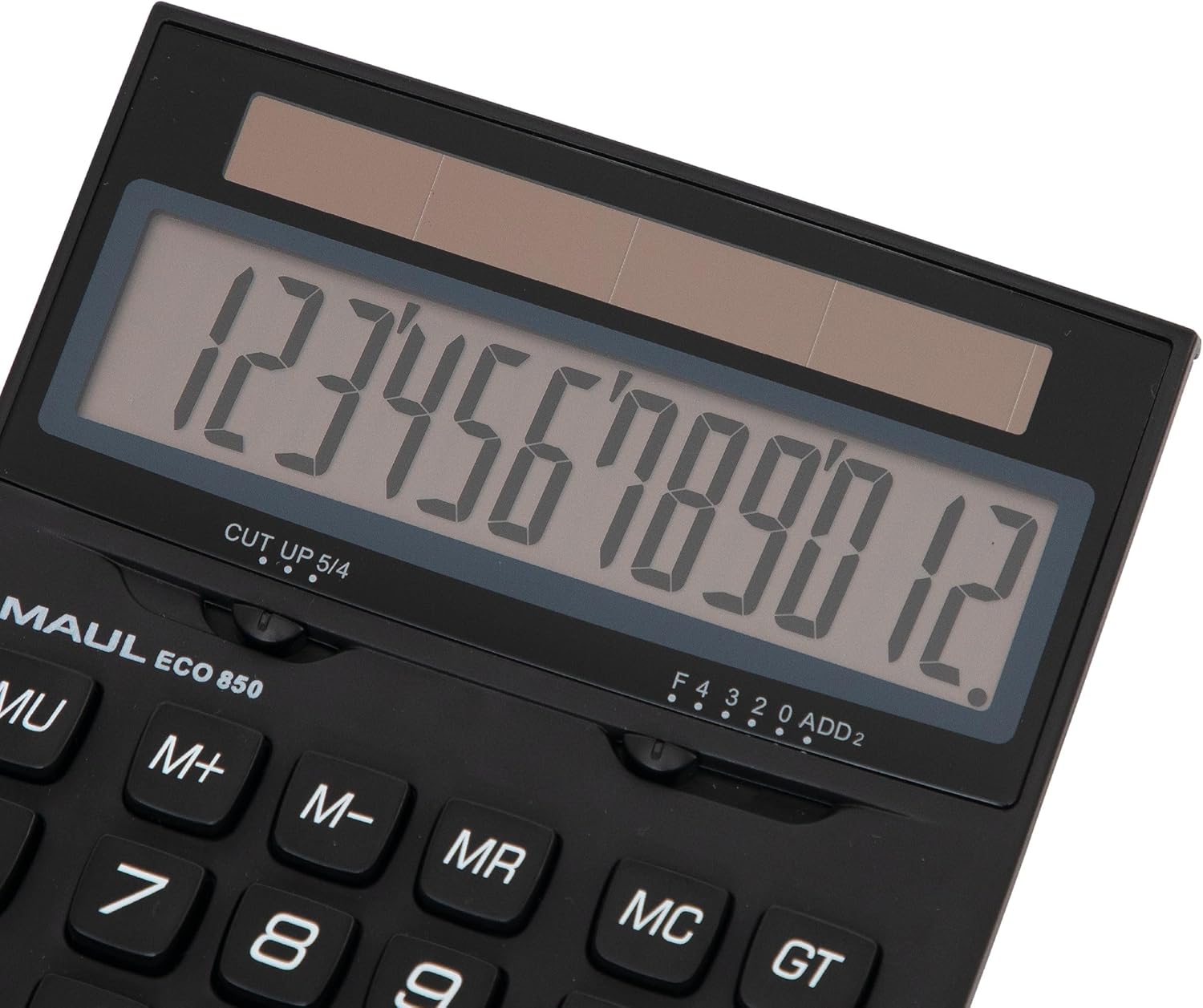
تصویر: دقیق view of the calculator's display and key layout.
تعمیر و نگهداری
To ensure the longevity and proper functioning of your MAUL Eco 850 calculator, follow these maintenance guidelines:
- تمیز کردن: Use a soft, dry cloth to clean the calculator's surface and display. Avoid using liquid cleaners, abrasive materials, or solvents, as these can damage the plastic and electronic components.
- منبع تغذیه: As the calculator is solar-powered, ensure it is regularly exposed to light to maintain its charge. Avoid storing it in dark places for extended periods.
- ذخیره سازی: Store the calculator in a cool, dry place away from direct sunlight, extreme temperatures, and high humidity.
- رسیدگی: The calculator features sturdy plastic buttons. Avoid dropping the device or subjecting it to strong impacts.

تصویر: کنار view highlighting the calculator's ergonomic design.
عیب یابی
If you encounter issues with your MAUL Eco 850 calculator, refer to the following common problems and solutions:
| مشکل | علت احتمالی | راه حل |
|---|---|---|
| صفحه نمایش خالی یا کم نور است. | Insufficient light for solar cells. | ماشین حساب را به یک منطقه روشن تر منتقل کنید. مطمئن شوید که پنل خورشیدی مسدود نشده باشد. |
| نتایج محاسبات نادرست. | Input error or previous calculation residue. | را فشار دهید ON/AC to clear all entries and memory, then re-enter the calculation. Double-check your input. |
| کلیدها واکنش نشان نمیدهند. | Temporary software glitch or low power. | Ensure adequate light. If the problem persists, try pressing ON/AC. |
مشخصات
- برند: ماول
- مدل: Eco 850 (Model Number: 7268890)
- نمایش: 12-digit LCD, 1-line display
- منبع تغذیه: Solar Powered (operates from 50 lux)
- مواد: Housing made from 80% recycled plastic
- توابع: Basic arithmetic (+, -, ×, ÷), Percentage (%), Square Root (√), Memory (M+, M-, MR, MC), Sign Change (+/-), Double Zero (00), Clear Entry (C), All Clear (ON/AC).
- ابعاد: ۱۳.۹۷ × ۲.۴۹ × ۱۱.۵۱ سانتیمتر (تقریباً ۵.۵ × ۰.۹۸ × ۴.۵۳ اینچ)
- وزن: ۱۸۰ گرم (تقریباً ۶.۳ اونس)
- صدور گواهینامه زیست محیطی: Blue Angel / UZ116

Image: The calculator proudly displaying the Blue Angel eco-label.
گارانتی و پشتیبانی
The MAUL Eco 850 Desktop Calculator comes with a 5 سال گارانتی, reflecting MAUL's commitment to precision and reliability. For support or warranty claims, please refer to the contact information provided with your purchase or visit the official MAUL website. MAUL, a German family business with over 110 years of experience, ensures high-quality products and customer service.


