مقدمه
This manual provides detailed instructions for the Jabra Elite 2 True Wireless In-Ear Bluetooth Earbuds. It covers product setup, operation, maintenance, and troubleshooting to ensure optimal performance and user experience. Please read this manual carefully before using your earbuds.
آنچه در جعبه است
The Jabra Elite 2 package includes the following components:
- هدفون های بی سیم واقعی Jabra Elite 2
- کیس شارژ
- کابل شارژ USB-C
- EarGels (three sizes: Small, Medium, Large)
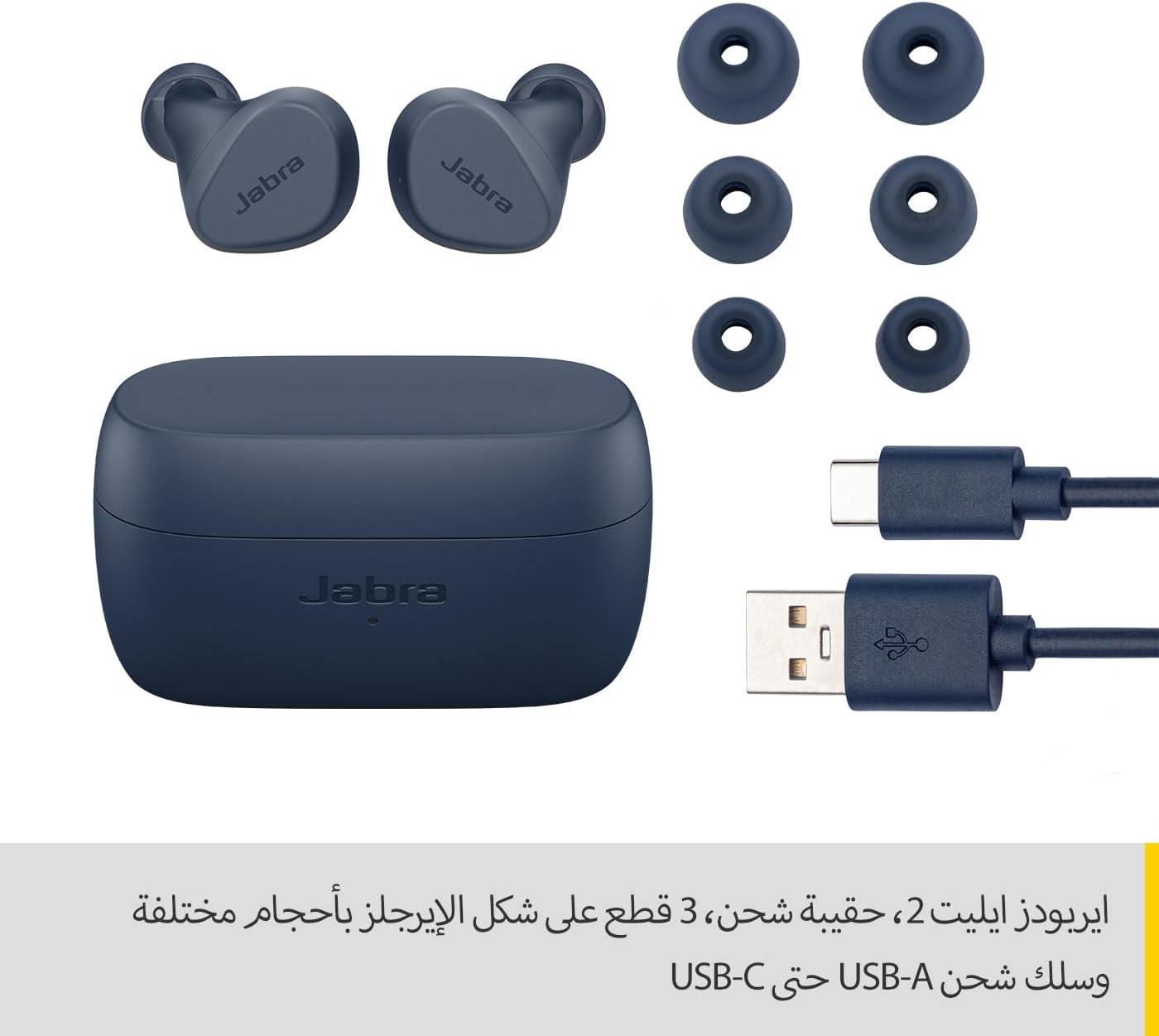
Image: Jabra Elite 2 earbuds, charging case, three sizes of EarGels, and USB-A to USB-C charging cable.
راه اندازی
۱. شارژ کردن ایربادها و قاب آنها
Before first use, fully charge the earbuds and the charging case. Place the earbuds into the charging case and connect the USB-C cable to the charging port on the case and a power source.
- این هدفونها با یک بار شارژ تا ۵.۵ ساعت امکان پخش موسیقی را فراهم میکنند.
- The charging case extends the total battery life to up to 21 hours.

Image: Jabra Elite 2 earbuds inside their charging case, ready for charging.
2. جفت شدن با دستگاه بلوتوث
- مطمئن شوید که ایربادها شارژ شده و در جعبه شارژ قرار دارند.
- محفظه شارژ را باز کنید. ایربادها به طور خودکار وارد حالت جفت شدن میشوند.
- در تلفن هوشمند یا سایر دستگاههای دارای بلوتوث، به تنظیمات بلوتوث بروید.
- Select 'Jabra Elite 2' from the list of available devices.
- پس از اتصال، یک پیام صوتی موفقیتآمیز بودن جفتسازی را تأیید میکند.
۴.۲. نصب ایربادها
For optimal sound quality and comfort, choose the correct size of EarGels. Insert the earbuds into your ears and rotate them slightly to ensure a secure and comfortable fit.
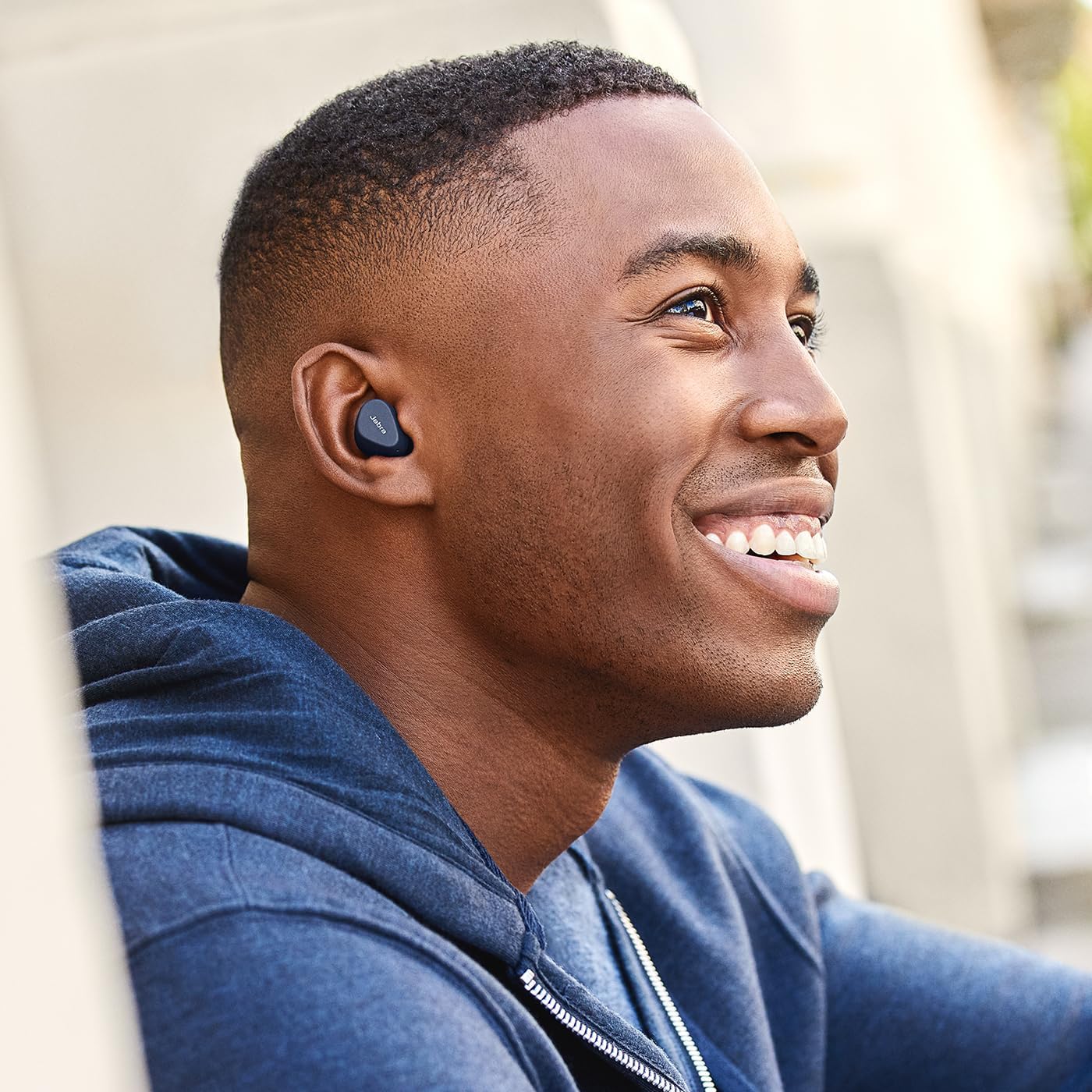
Image: A man wearing Jabra Elite 2 earbuds, demonstrating a proper fit.

Image: A woman wearing Jabra Elite 2 earbuds, demonstrating a proper fit.
دستورالعمل های عملیاتی
The Jabra Elite 2 earbuds feature intuitive controls for managing audio and calls.
Music and Call Controls
| اقدام | هدفون چپ | راست گوش |
|---|---|---|
| پخش/مکث موسیقی | تک پرس | تک پرس |
| پاسخ/پایان تماس | تک پرس | تک پرس |
| رد تماس | دو بار فشار دهید | دو بار فشار دهید |
| آهنگ بعدی | دو بار فشار دهید | N/A |
| آهنگ قبلی | پرس سه گانه | N/A |
| Activate Voice Assistant (Alexa for Android) | N/A | پرس سه گانه |

Image: Close-up of Jabra Elite 2 earbuds, highlighting the control surface.
تعمیر و نگهداری
Proper maintenance ensures the longevity and performance of your Jabra Elite 2 earbuds.
تمیز کردن
- مرتباً ایربادها و محفظه شارژ را با یک پارچه نرم، خشک و بدون پرز تمیز کنید.
- ژلهای گوش را برداشته و آنها را با آب و صابون ملایم تمیز کنید، سپس قبل از اتصال مجدد کاملاً خشک کنید.
- از استفاده از مواد شیمیایی خشن یا مواد ساینده خودداری کنید.
مقاومت در برابر آب
The Jabra Elite 2 earbuds are rated IP55 for resistance against dust and water splashes. This means they are protected against low-pressure water jets from any direction, making them suitable for use during light rain or workouts. They are not designed for submersion in water.

Image: A man wearing Jabra Elite 2 earbuds under an umbrella, illustrating their water resistance.
ذخیره سازی
وقتی از ایربادها استفاده نمیکنید، آنها را در جعبه شارژشان قرار دهید تا از آنها محافظت شود و شارژشان حفظ شود.
عیب یابی
If you encounter issues with your Jabra Elite 2 earbuds, refer to the following common solutions:
- بدون صدا/کم بودن صدا: Ensure earbuds are properly seated in your ears, volume is turned up on both earbuds and connected device, and EarGels are the correct size.
- مشکلات جفت شدن: Make sure Bluetooth is enabled on your device and the earbuds are in pairing mode. Try unpairing and re-pairing the earbuds.
- اتصال متناوب: Keep your device close to the earbuds. Avoid environments with strong Wi-Fi or other wireless interference.
- شارژ نشدن هدفون: مطمئن شوید که کابل شارژ محکم وصل شده و کیس شارژ برق دارد. اتصالات شارژ را هم روی ایربادها و هم روی کیس تمیز کنید.
- مشکلات میکروفون: Ensure the microphones are not obstructed. Check the audio input settings on your connected device. The Elite 2 features 2 microphones for clear calls.
برای راهنمایی بیشتر، به پشتیبانی رسمی جبرا مراجعه کنید webسایت
مشخصات
| ویژگی | جزئیات |
|---|---|
| نام مدل | Jabra Elite 2 |
| شماره مدل | 100-91400003-60 |
| فناوری اتصال | بی سیم (بلوتوث) |
| عمر باتری هدفون | تا 7 ساعت |
| عمر باتری کل (با قاب) | تا 21 ساعت |
| میکروفون ها | 2 عدد میکروفون داخلی |
| کنترل نویز | جداسازی نویز |
| رتبه بندی مقاومت در برابر آب | IP55 (Rain, Dust, Water Resistant) |
| موارد استفاده توصیه شده | Listening to audio (music, podcasts), phone calls, sports, fitness, travel |
| دستگاه های سازگار | دستگاه های دارای بلوتوث |
| نوع کنترل | Media/Volume Control, Remote Control |
| اجزای شامل | Protective case, USB-C cable, EarGels |
| رنگ | نیروی دریایی |
گارانتی و پشتیبانی
اطلاعات گارانتی
هدفونهای جبرا الیت ۴ با یک ... عرضه میشوند. 2 سال گارانتی. Product registration is required to activate the full warranty period. Please refer to the warranty card included in your package or visit the official Jabra webسایت برای شرایط و ضوابط دقیق.
پشتیبانی مشتری
For technical support, frequently asked questions, or to register your product, please visit the official Jabra support page:
You may also find additional resources and software updates on the Jabra webسایت


