1. مقدمه
This manual provides essential information for the safe and efficient use of your ROMOSS 20000mAh Portable Charger, Model PAS20. Please read it thoroughly before first use and retain it for future reference.

Image 1.1: The ROMOSS 20000mAh Portable Charger. This image displays the compact black power bank with its LED digital display showing '100' and the ROMOSS logo. The input/output ports are visible on one end.
2. محصول تمام شدview
2.1 ویژگی های کلیدی
- ظرفیت بالا: 20000 میلیآمپر ساعت هزینههای متعددی را برای دستگاههای مختلف فراهم میکند.
- طراحی فشرده: Measures approximately 5.7 x 2.7 x 1.1 inches for portability.
- Precise LED Digital Display: درصد باتری را نشان می دهدtage از 0٪ تا 100٪.
- 3 Input Ports: Recharge the power bank using Micro-USB, Lightning, or Type-C cables.
- 2 USB Output Ports: Charge two devices simultaneously at up to 2.1A.
- حفاظت ایمنی: Built-in intelligent system protects against over-heat, over-charge, over-current, over-discharge, and short-circuit.
2.2 اجزاء
The ROMOSS PAS20 features a streamlined design with clearly marked ports and an intuitive display.
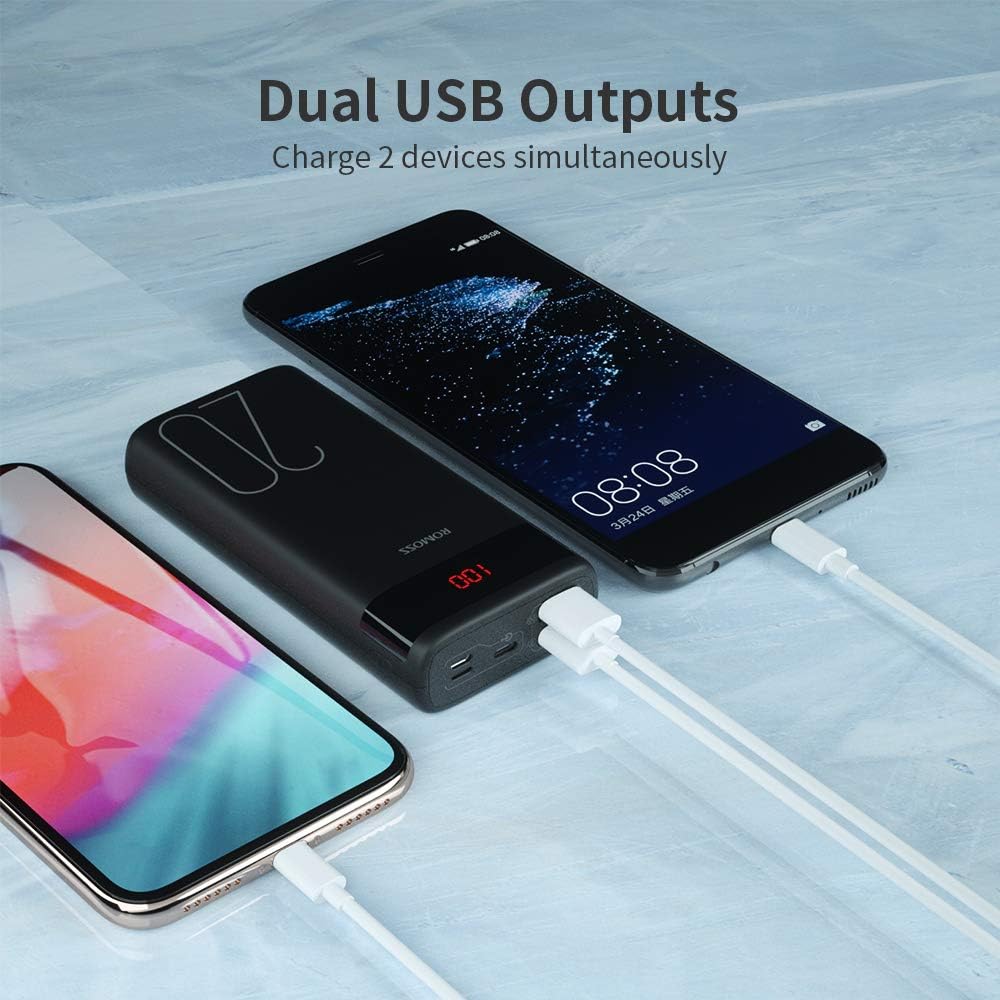
Image 2.1: Dual USB Output Ports. This image shows the end of the power bank with two USB-A output ports, allowing two devices to be charged simultaneously. Two smartphones are connected and charging.

Image 2.2: Charging Capacity Examples. This image illustrates the approximate number of charges the power bank can provide for various devices, including iPhone 8 (8.2 charges), iPhone XR (5 charges), Samsung S10 (4.4 charges), and Nintendo Switch (2 charges).

Image 2.3: Charging a Nintendo Switch. A user is shown holding a Nintendo Switch while it is connected and charging from the ROMOSS power bank, demonstrating its compatibility with gaming devices.
3. راه اندازی
۲.۱ شارژ اولیه پاوربانک
Before first use, it is recommended to fully charge your ROMOSS power bank. The power bank may not be fully charged upon initial receipt.
- Connect a compatible charging cable (Micro-USB, Lightning, or Type-C) to one of the input ports on the power bank.
- سر دیگر کابل را به یک آداپتور دیواری USB (که همراه دستگاه نیست) یا یک پورت USB متصل کنید.
- The LED digital display will show the charging progress. It is fully charged when the display shows '100'.
Note: A charging cable is not included with the power bank.
4. دستورالعمل های عملیاتی
4.1 شارژ کردن دستگاه های خود
The power bank features two USB-A output ports to charge your electronic devices.
- کابل شارژ USB دستگاه خود را به یکی از پورتهای خروجی USB روی پاوربانک وصل کنید.
- انتهای دیگر کابل را به دستگاه خود متصل کنید.
- The power bank will automatically begin charging your device. If it does not, press the power button on the side of the power bank.
- The LED display will show the remaining battery percentage از پاوربانک
4.2 بررسی سطح باتری
To check the remaining battery level of the power bank, simply press the power button once. The LED digital display will illuminate and show the current percentage.
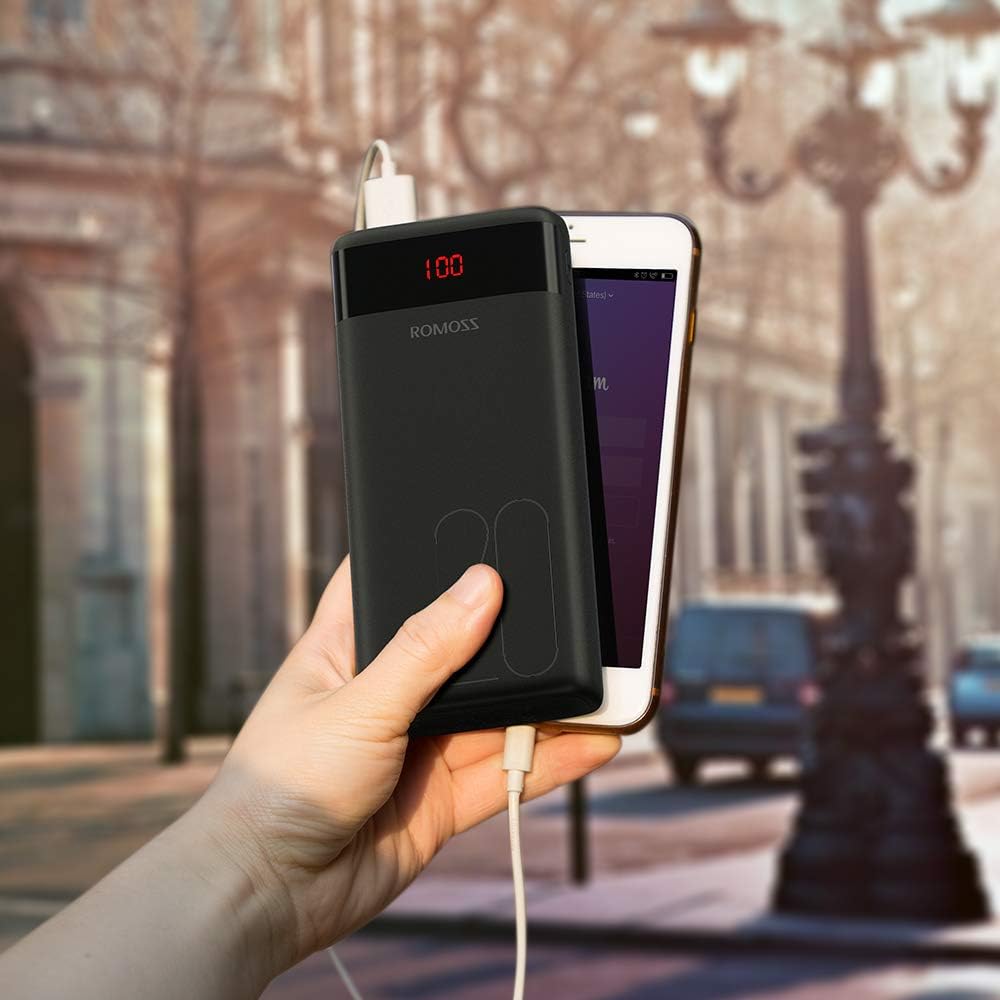
Image 4.1: Power Bank in Use. This image shows the ROMOSS power bank being held in a hand, connected to a smartphone via a charging cable, demonstrating its portable use.
5. تعمیر و نگهداری
- پاوربانک را از دمای شدید، نور مستقیم خورشید و مایعات دور نگه دارید.
- دستگاه را با یک پارچه نرم و خشک تمیز کنید. از پاک کننده ها یا حلال های ساینده استفاده نکنید.
- در صورت عدم استفاده در جای خشک و خنک نگهداری شود.
- If the power bank is not used for extended periods, charge it at least once every three months to maintain battery health.
6 عیب یابی
- شارژ نشدن پاور بانک: Ensure the charging cable is securely connected to both the power bank input port and the power source. Try a different cable or power adapter.
- دستگاه از پاوربانک شارژ نمیشود: Ensure the device's charging cable is securely connected to both the power bank output port and the device. Press the power button on the power bank to activate charging. Check if the power bank has sufficient charge.
- شارژ آهسته: Ensure you are using appropriate cables and adapters. Charging speed can vary depending on the device and cable quality.
- صفحه نمایش LED کار نمیکند: Press the power button. If it still doesn't light up, the power bank might be completely discharged or require service.
7. مشخصات
| ویژگی | جزئیات |
|---|---|
| شماره مدل | PAS20 |
| ظرفیت باتری | 20000 میلیونamp ساعت (mAh) |
| ابعاد محصول | 5.73 x 1.17 x 2.75 اینچ |
| وزن مورد | 15.2 اونس |
| پورت های ورودی | Micro USB, Lightning, Type-C |
| پورت های خروجی | 2 x USB-A (2.1A max) |
| ویژگی های خاص | Digital Display, Portable, Travel-friendly |
8. اطلاعات ایمنی
برای جلوگیری از آسیب یا جراحت به دستگاه، لطفاً نکات ایمنی زیر را رعایت کنید:
- خودتان دستگاه را جدا، اصلاح یا تعمیر نکنید.
- پاوربانک را در معرض آتش، آب یا دمای شدید قرار ندهید.
- از افتادن یا قرار دادن دستگاه در معرض ضربه های شدید خودداری کنید.
- دور از دسترس کودکان نگهداری شود.
- فقط از کابل های شارژ و آداپتورهای سازگار استفاده کنید.
- اگر پاوربانک متورم شد، نشت کرد یا بوی غیرمعمولی از خود ساطع کرد، فوراً استفاده از آن را متوقف کنید.
- The power bank is not fully charged when first used; charge it fully before use.
- If the power bank is not recharging, press the power button or reinsert the cable to activate the charger.
۵.۶ ویدیوی محصول
برای مشاهدهی تصویری کامل، ویدیوی رسمی این محصول را تماشا کنید.view of the ROMOSS 20000mAh Portable Charger.
Video 9.1: ROMOSS 20000mAh Portable Phone Charger. This video provides a detailed visual demonstration of the power bank's features, including its compact size, LED display, multiple input/output ports, and charging capabilities for various devices.


