1. مقدمه
This instruction manual provides detailed guidance for the OBO HANDS UID IC Cards. These cards are designed for various access control and identification systems, offering the unique capability to rewrite the User ID (UID) in Sector 0, Block Zero. This feature allows for flexible application in scenarios requiring card cloning or replacement without re-enrollment in the system.
2. محصول تمام شدview
2.1 ویژگی های کلیدی
- مواد: پی وی سی
- Rewrite Times: تا 100,000 بار
- فاصله را بخوانید: 0-10 cm (dependent on the reader/writer device)
- امنیت: Read-write capability with different access passwords or logical encryption versions for enhanced product security.
- سازگاری: Fully compatible with MIFARE Classic 1K, featuring a 4-byte UID and 1K Byte memory, organized into 16 sectors of 4 blocks. Compliant with ISO/IEC 14443A protocol.
- عملکرد: All block sectors are writable and rewritable, providing full utility.
- ماندگاری: Waterproof and dustproof design.
2.2 محتویات بسته
Each package contains 10 pieces of UID IC Cards, individually protected in clear plastic sleeves.
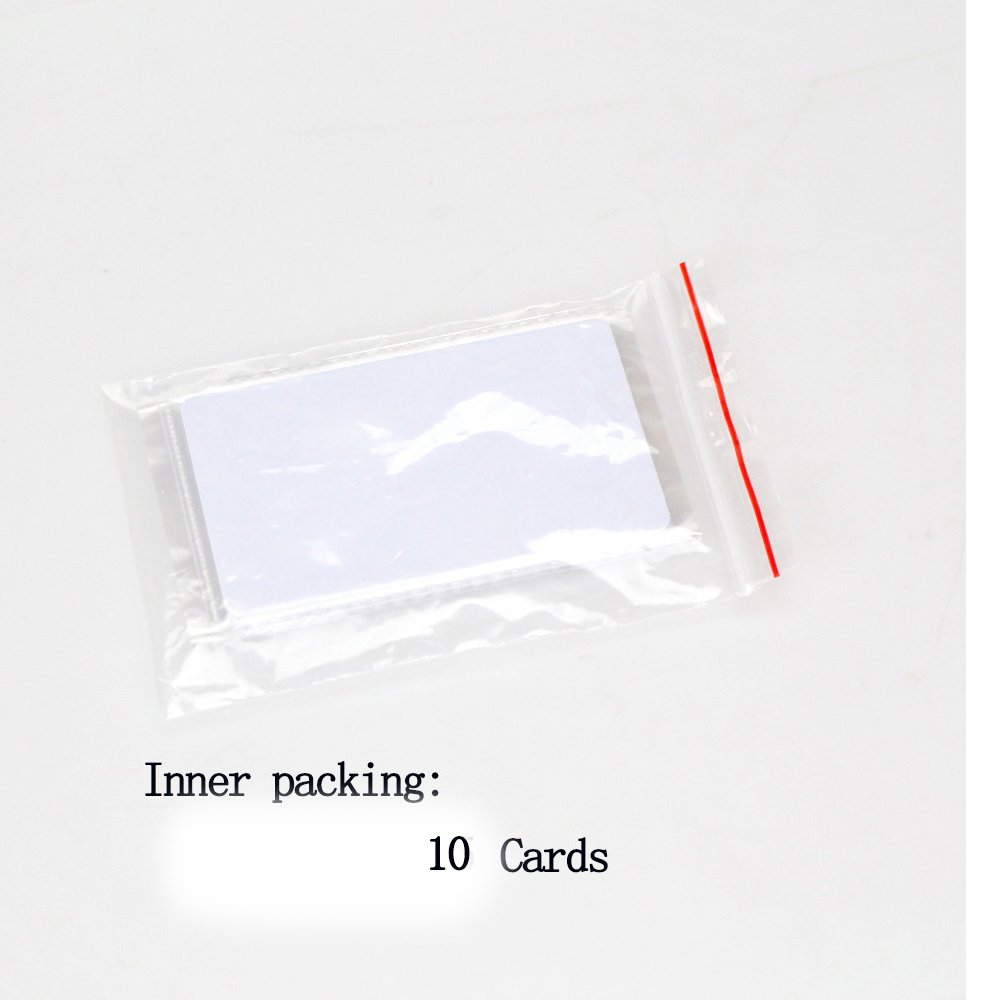
Image: Inner packaging showing 10 UID IC Cards sealed in a clear plastic bag.

Image: A stack of OBO HANDS UID IC Cards, each enclosed in a clear protective plastic sleeve.
2.3 برنامه های کاربردی
These UID IC Cards are suitable for a wide range of applications, including but not limited to:
- سیستم های کنترل دسترسی
- Hotel locks
- Staff attendance tracking
- مدرسه جampus access
- مدیریت عضویت
- Payment control
- Identification and security systems
- Parking lot entry
- Social security management
- حمل و نقل
- Municipal and ancillary services

تصویر: ویژوال سابقamples of RFID card usage in various settings, such as public transport, access control, and time attendance.
3. راه اندازی
To utilize the OBO HANDS UID IC Cards, a compatible card reader/writer device is required. These cards are blank and need to be programmed with the desired UID and data before use in an access control or identification system.
- Acquire a Compatible Reader/Writer: Ensure you have an RFID card reader/writer that supports 13.56MHz MIFARE Classic 1K cards and has the capability to write to Sector 0, Block Zero (the Manufacturer's Block where the UID is stored).
- نصب نرم افزار: Install any necessary software or drivers for your card reader/writer device on your computer or programming tool.
- قرار دادن کارت: Place an OBO HANDS UID IC Card onto the designated reading/writing area of your device.
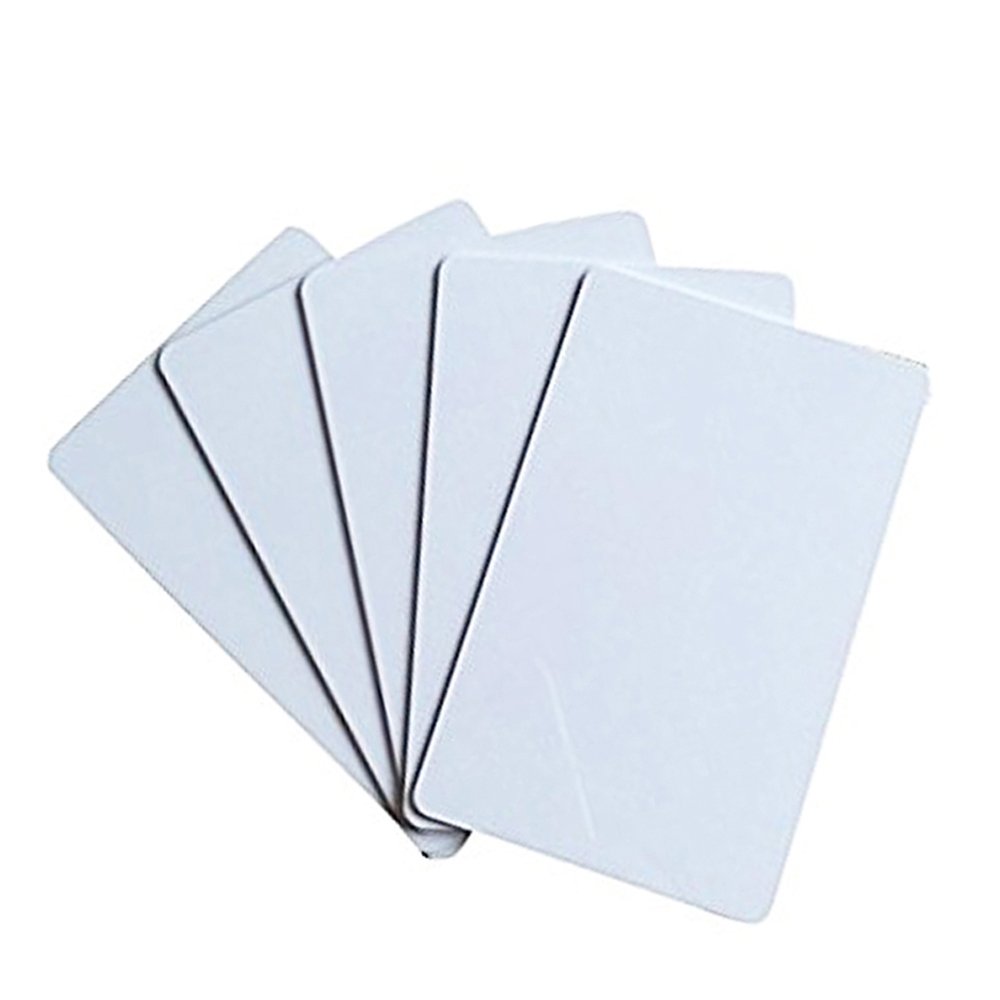
Image: A stack of five blank white OBO HANDS UID IC Cards, ready for programming.
4. دستورالعمل های عملیاتی
The primary function of these cards is their ability to have their UID rewritten. This section details the process.
4.1 Rewriting the UID (Sector 0, Block Zero)
The unique feature of these cards is the ability to reprogram Sector 0, Block Zero, which stores the Chip UID. This allows you to clone an existing card's UID or assign a new one.
- Connect Reader/Writer: Ensure your card reader/writer is connected and recognized by your computer or programming tool.
- نرم افزار راه اندازی: Open the software provided with your card reader/writer.
- Place Card: Place an OBO HANDS UID IC Card on the reader.
- Read Original Card (if cloning): If you are cloning an existing card, first read its UID using your reader/writer software. Note down the UID.
- Enter New UID: In your software, locate the function to write to Sector 0, Block Zero. Enter the desired UID (either the cloned UID or a new one).
- Execute Write Operation: Initiate the write command. The software should confirm successful writing.
- تأیید کنید: After writing, read the card again to confirm that the UID has been successfully changed to the new value.
نکته مهم: This UID card requires a dedicated card reader/writer to write the inner code (UID). General NFC tools like Android Mifare Classic Tool or NFC Tools typically only write data to other sectors, not the UID in Sector 0, Block Zero.
4.2 Writing Data to Other Sectors
Beyond the UID, all other sectors and blocks on the card are rewritable and useful for storing application-specific data.
- Select Sector/Block: In your card reader/writer software, select the specific sector and block where you wish to write data.
- داده ها را وارد کنید: Input the data you intend to store.
- Execute Write Operation: Perform the write command.
- تأیید کنید: Read the card to confirm the data has been correctly written to the selected sector/block.
5. تعمیر و نگهداری
OBO HANDS UID IC Cards are designed for durability. Follow these guidelines for optimal performance and longevity:
- رسیدگی: Handle cards by their edges to avoid fingerprints or scratches on the surface, which could affect readability.
- تمیز کردن: If necessary, gently wipe the card surface with a soft, dry cloth. Avoid abrasive cleaners or solvents.
- ذخیره سازی: Store cards in a cool, dry place away from direct sunlight, extreme temperatures, and strong magnetic fields.
- حفاظت: While waterproof and dustproof, avoid prolonged submersion in liquids or exposure to harsh chemicals.
6 عیب یابی
If you encounter issues with your OBO HANDS UID IC Cards, consider the following troubleshooting steps:
| مشکل | علت احتمالی | راه حل |
|---|---|---|
| Card not detected by reader. |
|
|
| Unable to write UID (Sector 0, Block Zero). |
|
|
| Data writing fails or is corrupted. |
|
|
7. مشخصات
| مشخصات | جزئیات |
|---|---|
| شماره مدل | UID |
| مواد | پی وی سی |
| فرکانس | 13.56 مگاهرتز |
| نوع تراشه | Compatible with MIFARE Classic 1K |
| حافظه | 1K Byte, organized in 16 sectors of 4 blocks |
| UID Type | 4-byte UID, rewritable (Magic Gen1a compatible) |
| پروتکل | ISO/IEC 14443A |
| Rewrite Cycles | 100,000 بار |
| فاصله را بخوانید | 0-10 cm (reader dependent) |
| حفاظت از محیط زیست | ضد آب و ضد گرد و غبار |
| ابعاد کارت | 86 mm x 54 mm (Standard Credit Card Size) |
| ابعاد بسته بندی | 3.58 x 2.32 x 0.35 اینچ |
| وزن مورد | 1.76 ounces (for 10 cards) |

Image: Diagram showing the dimensions of a single UID IC Card: 86 mm length and 54 mm width.
8. گارانتی و پشتیبانی
OBO HANDS products undergo rigorous quality testing to ensure reliability and durability. For any questions or issues regarding your UID IC Cards, please contact OBO HANDS customer support.
پشتیبانی مشتری:
- واتس اپ: 86 177 2255 +8183
- در دسترس بودن: Monday - Sunday, 24/7
For more information about OBO HANDS and our products, please visit the OBO HANDS Store on Amazon.


