مقدمه
ممنون از خریدتونasing the Zspeed K811 Touch Pen. This manual provides detailed instructions for setting up, operating, and maintaining your touch pen to ensure optimal performance with your iOS and Android devices. The Zspeed K811 features a high-sensitivity 1.5mm copper fine tip, USB rechargeable battery, and is designed for ease of use without Bluetooth pairing.

توضیحات تصویر: A standalone product shot of the Zspeed K811 Touch Pen in black, showcasinطراحی شیک آن.
اجزای محصول
Familiarize yourself with the different parts of your Zspeed K811 Touch Pen:

توضیحات تصویر: An illustration of the Zspeed K811 Touch Pen with labeled components. From top to bottom: USB charging port/pen cap, switch, metal material, grip zone, and 1.45mm ultra-fine pen tip. Additional icons indicate features: 30-minute auto power off, prevents shaking, and prevents scratches.
- USB Charging Port / Pen Cap: Located at the top, protected by a cap.
- سوئیچ قدرت: Button to turn the pen on and off.
- جنس فلز: The main body construction.
- Grip Zone: Area designed for comfortable holding.
- 1.5mm Ultra-fine Pen Tip: The precision copper tip for interaction with screens.
راه اندازی
The Zspeed K811 Touch Pen is designed for simple operation without the need for Bluetooth pairing.
- روشن کردن: Press the power switch located on the pen body to turn it on. The pen is ready for use immediately.
- iPad Specific Setting: If you are using an iPad, navigate to تنظیمات > یادداشت ها and disable the option "Only Draw with Apple Pencil" to ensure proper functionality with the Zspeed K811.
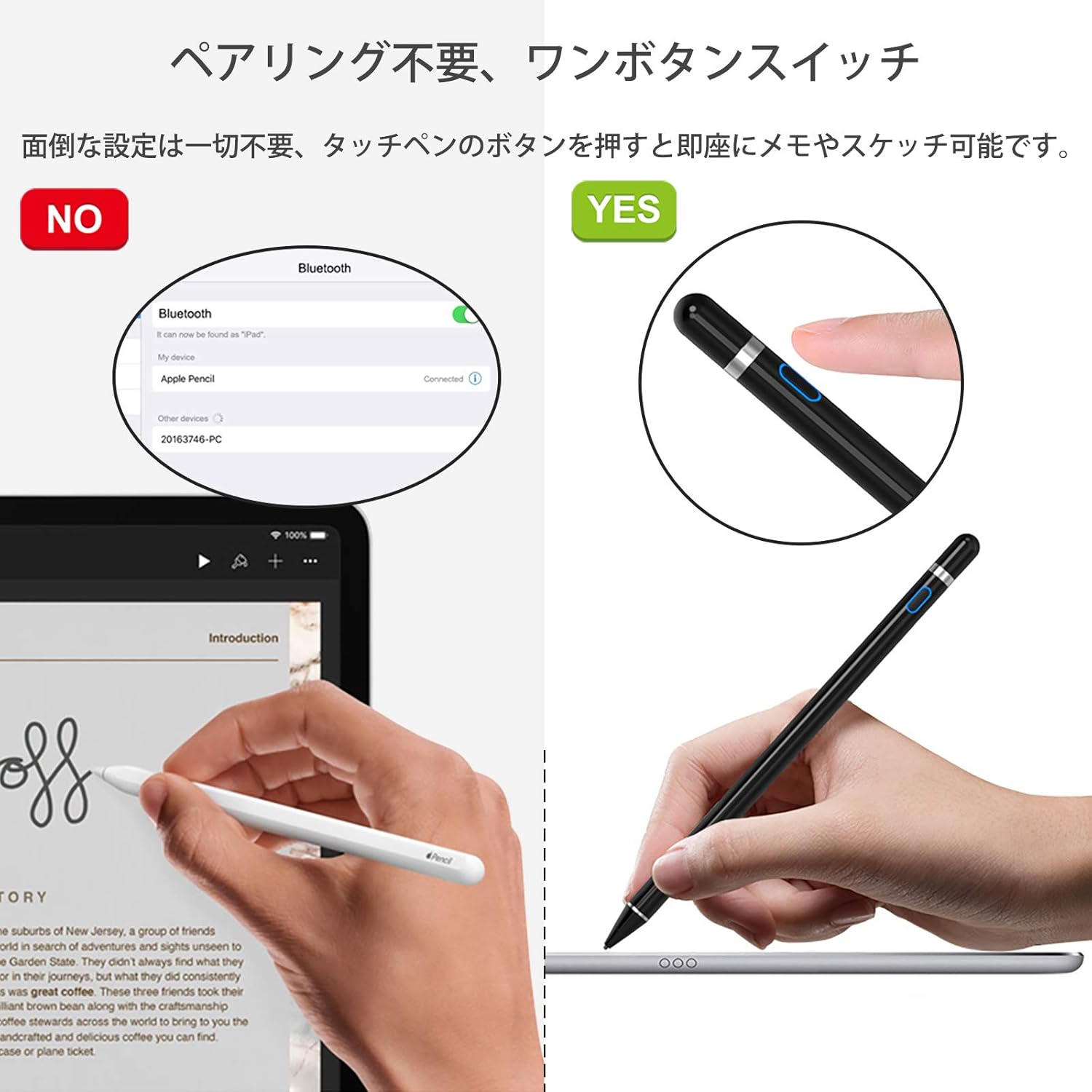
توضیحات تصویر: A comparison showing a device attempting Bluetooth pairing (labeled "NO") versus the Zspeed K811 Touch Pen being used directly without pairing (labeled "YES"). This illustrates the pen's instant-on functionality and the absence of complex setup.
دستورالعمل های عملیاتی
Once powered on, the Zspeed K811 Touch Pen can be used like a regular pen on your compatible touchscreen device.
- نوشتن و طراحی: Hold the pen naturally and touch the tip to your device's screen to write, draw, or navigate. The 1.5mm fine copper tip provides precision.
- خاموش شدن خودکار: The pen features an automatic power-off function after 30 minutes of inactivity to conserve battery life.

توضیحات تصویر: A hand holding the Zspeed K811 Touch Pen and drawing on a tablet screen, demonstrating its use for creative tasks and general navigation.
Charging the Touch Pen
The Zspeed K811 Touch Pen features a built-in rechargeable lithium battery.
- شارژر وصل کنید: Remove the pen cap to reveal the Micro USB charging port. Connect the pen to a 5V 1A power source using the provided Micro USB cable.
- نشانگر شارژ: The indicator light will show the charging status (e.g., red for charging, blue for in use).
- زمان شارژ: شارژ کامل تقریبا 1 ساعت طول می کشد.
- عمر باتری: A single full charge provides about 12 hours of continuous use. The standby time is approximately 90 days.

توضیحات تصویر: An image illustrating the Micro USB charging port of the Zspeed K811 Touch Pen and the charging cable. It also shows indicators for "In Use" (blue light) and "Charging" (red light), along with battery life statistics: 2 hours charging time, 15 hours usage time, and 90 days standby time. Note: Actual charging and usage times are 1 hour and 12 hours respectively, as per product specifications.
یادداشت های سازگاری
The Zspeed K811 Touch Pen is compatible with most capacitive touchscreen devices, including iOS and Android smartphones and tablets.
مهم: Some devices, such as Chromebooks, Sony Xperia models, and Huawei M5 Lite, may exhibit delayed response or inaccurate line tracking. Please confirm compatibility with your specific device model before purchase.

توضیحات تصویر: نمایش تصویرasing various iOS and Android devices (tablets and smartphones) to illustrate the broad compatibility of the Zspeed K811 Touch Pen. The pen's dimensions (180mm length, 8.9mm diameter) are also indicated. A warning note states that Chromebook, Sony Xperia, and Huawei M5 Lite are not supported.
نگهداری و مراقبت
To ensure the longevity of your Zspeed K811 Touch Pen and protect your device's screen, please observe the following:
- محافظ صفحه: The pen tip is made of metal. Always use a screen protector on your smartphone or tablet display to prevent scratches.
- تمیز کردن: Use a soft, dry cloth to clean the pen body. Do not use harsh chemicals or abrasive materials.
- ذخیره سازی: Store the pen in a safe place to prevent damage to the tip or body.
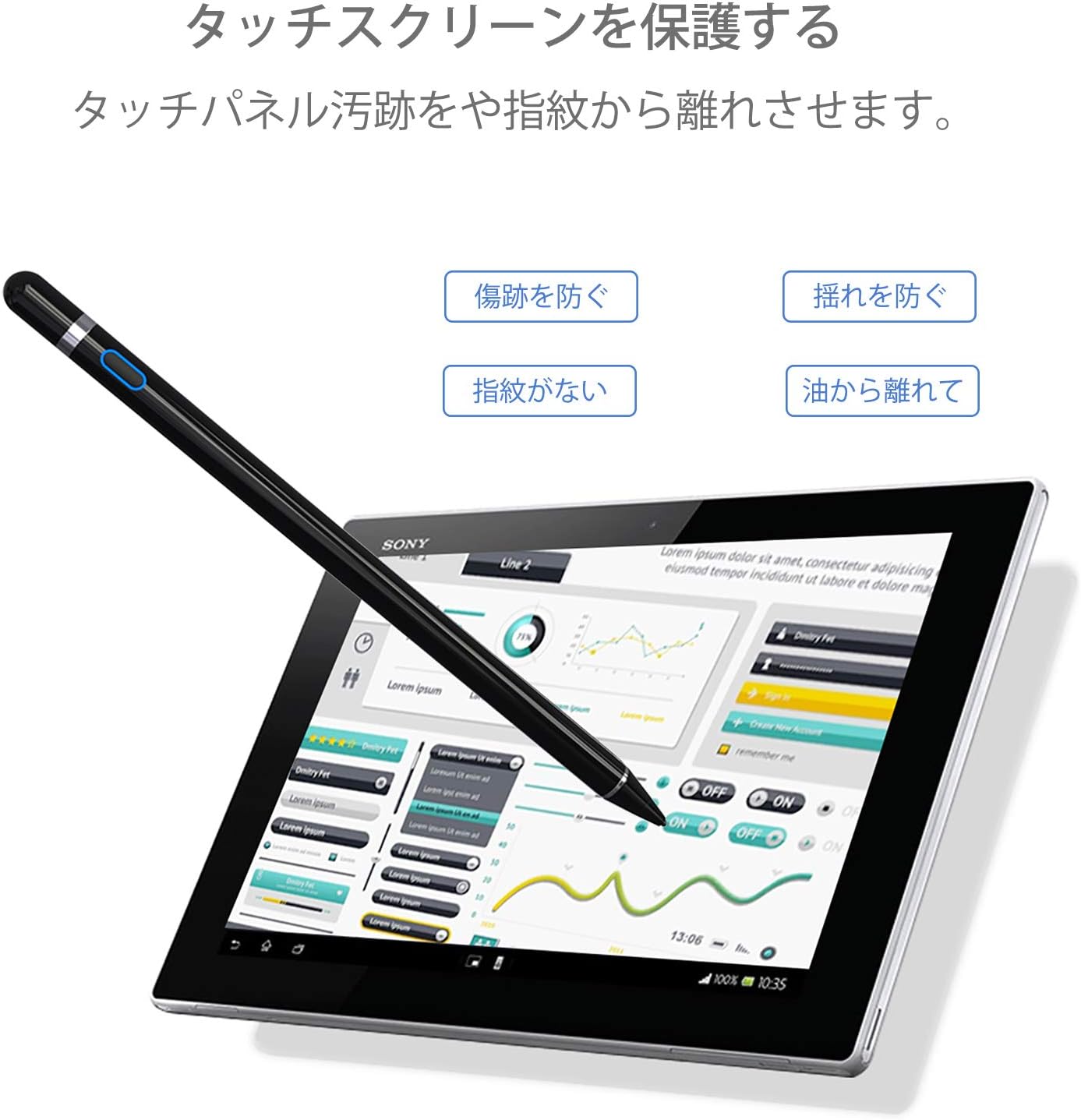
توضیحات تصویر: An image depicting the Zspeed K811 Touch Pen being used on a tablet, emphasizing the protection of the touchscreen. Icons highlight features like preventing scratches, preventing shaking, avoiding fingerprints, and keeping oil away from the screen.
عیب یابی
If you encounter issues with your Zspeed K811 Touch Pen, please refer to the following common solutions:
- قلم جواب نمیدهد: Ensure the pen is powered on. Check the battery level and charge the pen if necessary.
- Inaccurate Tracking or Lag: Verify that your device is compatible with the pen. For iPads, ensure the "Only Draw with Apple Pencil" setting is disabled (Settings > Notes).
- Lines Breaking or Skipping: This may indicate a low battery. Recharge the pen fully. If the issue persists, it might be related to device compatibility or a worn tip (though the tip is designed for durability).
- Scratches on Screen: Always use a screen protector on your device's display, as the pen tip is metal.
مشخصات
| ویژگی | جزئیات |
|---|---|
| مدل | K811 |
| نام تجاری | Zspeed |
| رنگ | مشکی |
| نوک قلم | 1.5mm Copper Fine Tip |
| ابعاد محصول (L x W x H) | 17.8 × 0.89 × 0.89 سانتی متر |
| وزن مورد | 35 گرم |
| نوع باتری | ۱ باتری لیتیوم یون (شامل میشود) |
| پورت شارژ | میکرو یو اس بی |
| ورودی شارژ | 5 ولت 1 آمپر |
| زمان شارژ | تقریبا 1 ساعت |
| زمان استفاده مداوم | تقریبا 12 ساعت |
| زمان آماده به کار | تقریباً 90 روز |
| خاموش شدن خودکار | بعد از 30 دقیقه عدم فعالیت |
| سازگاری | iOS and Android capacitive touchscreen devices (Smartphones, Tablets) |
گارانتی و پشتیبانی
For warranty information or technical support, please refer to the retailer where you purchased the Zspeed K811 Touch Pen or visit the official Zspeed webلطفاً رسید خرید خود را برای استفاده در گارانتی نگه دارید.


