1. Sarrera
This user manual provides essential information for the safe and efficient operation of your TCL 50T6C 50-inch QLED 4K HDR Fire TV. Please read this manual thoroughly before using your television and retain it for future reference.
2. Segurtasun informazioa
Always follow basic safety precautions when using this product to reduce the risk of fire, electric shock, and injury. Keep the television away from moisture, direct sunlight, and heat sources. Ensure proper ventilation and do not block ventilation openings. Use only attachments/accessories specified by the manufacturer. Disconnect the power cord during lightning storms or when unused for long periods.
3. Zer dago kutxan
Egiaztatu osagai guztiak daudela:
- Elikatze-kablea
- Urruneko Kontrola
- Zutik
- Erabiltzailearen eskuliburua (dokumentu hau)
4. Produktua amaitu daview eta Dimentsioak
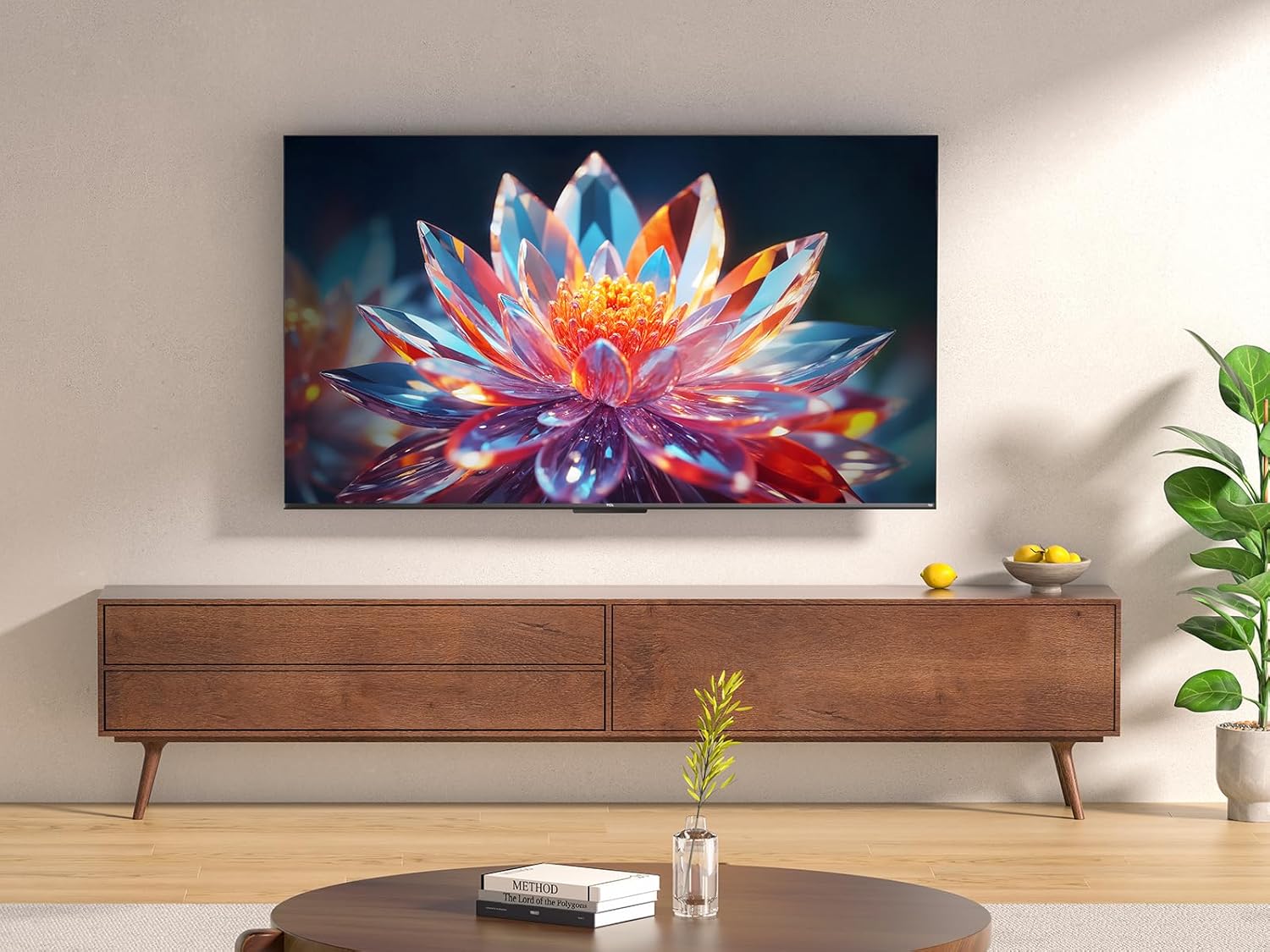
The TCL 50T6C is a 50-inch QLED 4K HDR Fire TV designed for an immersive viewing experience. Below are the key dimensions of the television.

5. Konfigurazioa
5.1 Standaren instalazioa
Telebistako euskarria instalatzeko:
- Kontu handiz jarri telebista aurpegia behera gainazal bigun eta lau batean, pantaila kaltetu ez dadin.
- Lerrokatu euskarriaren hankak telebistaren behealdeko dagokien zirrikituekin.
- Lotu euskarriaren hankak emandako torlojuak erabiliz. Ziurtatu ondo estututa daudela.
5.2 Horman muntatzea
For wall mounting, use a VESA-compatible mount (200x200mm for this model). Consult a professional for wall mounting to ensure safety and proper installation. Refer to the wall mount's instructions for specific details.
5.3 Gailuak konektatzea
Your TCL 50T6C TV offers various connectivity options:
- HDMI: Connect up to three HDMI devices (e.g., Blu-ray player, game console, soundbar) for high-definition audio and video.
- USBa: Connect a USB drive for media playback.
- Kablea/Satelitea: Connect your antenna or satellite cable for broadcast TV.
- Ethernet: Konektatu Ethernet kable bat kable bidezko internet konexioa lortzeko.
- Wi-Fi: Connect wirelessly to your home network.
- Bluetootha: Connect compatible Bluetooth devices such as headphones or speakers.
5.4 Piztea eta hasierako konfigurazioa
- Konektatu korronte-kablea telebistara eta korronte-hartune batera.
- Sakatu telebistako edo urrutiko aginteko pizteko botoia pizteko.
- Follow the on-screen instructions to complete the initial Fire TV setup, including network connection, language selection, and Amazon account login.
6. Zure telebista funtzionatzea
6.1 Urruneko kontrola
The included remote control provides full functionality for navigating your Fire TV and controlling your television.

6.2 Fire TV interfazea
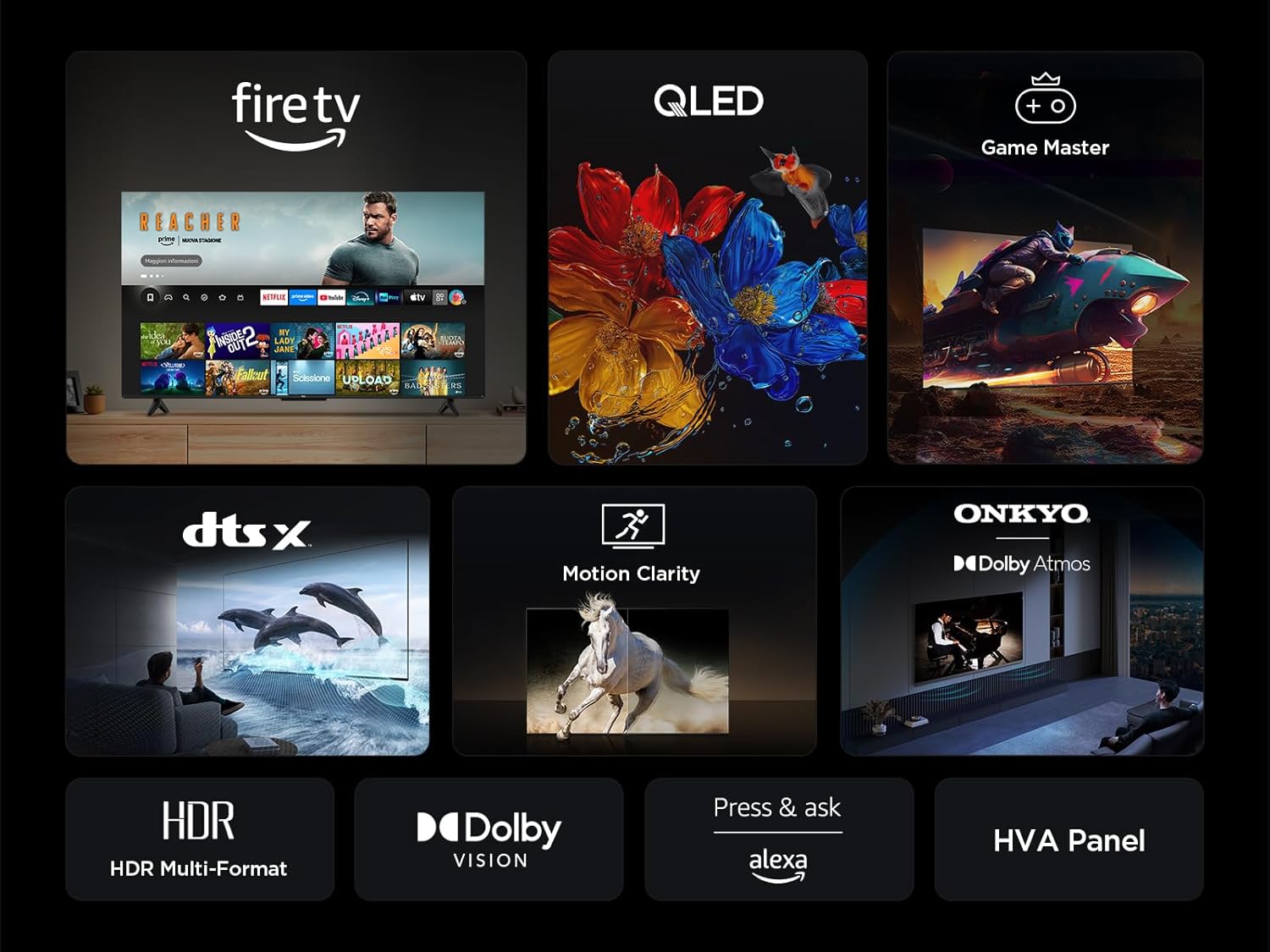
Your TV features an integrated Fire TV experience, providing access to a wide range of streaming content, live TV, and apps from a single home screen.

6.3 QLED pantaila teknologia
Experience vibrant and accurate colors with QLED technology. This TV utilizes Quantum Dot technology to produce over a billion shades of color, offering a realistic and wide color gamut with striking contrast.

6.4 HDR Multi-Format Support
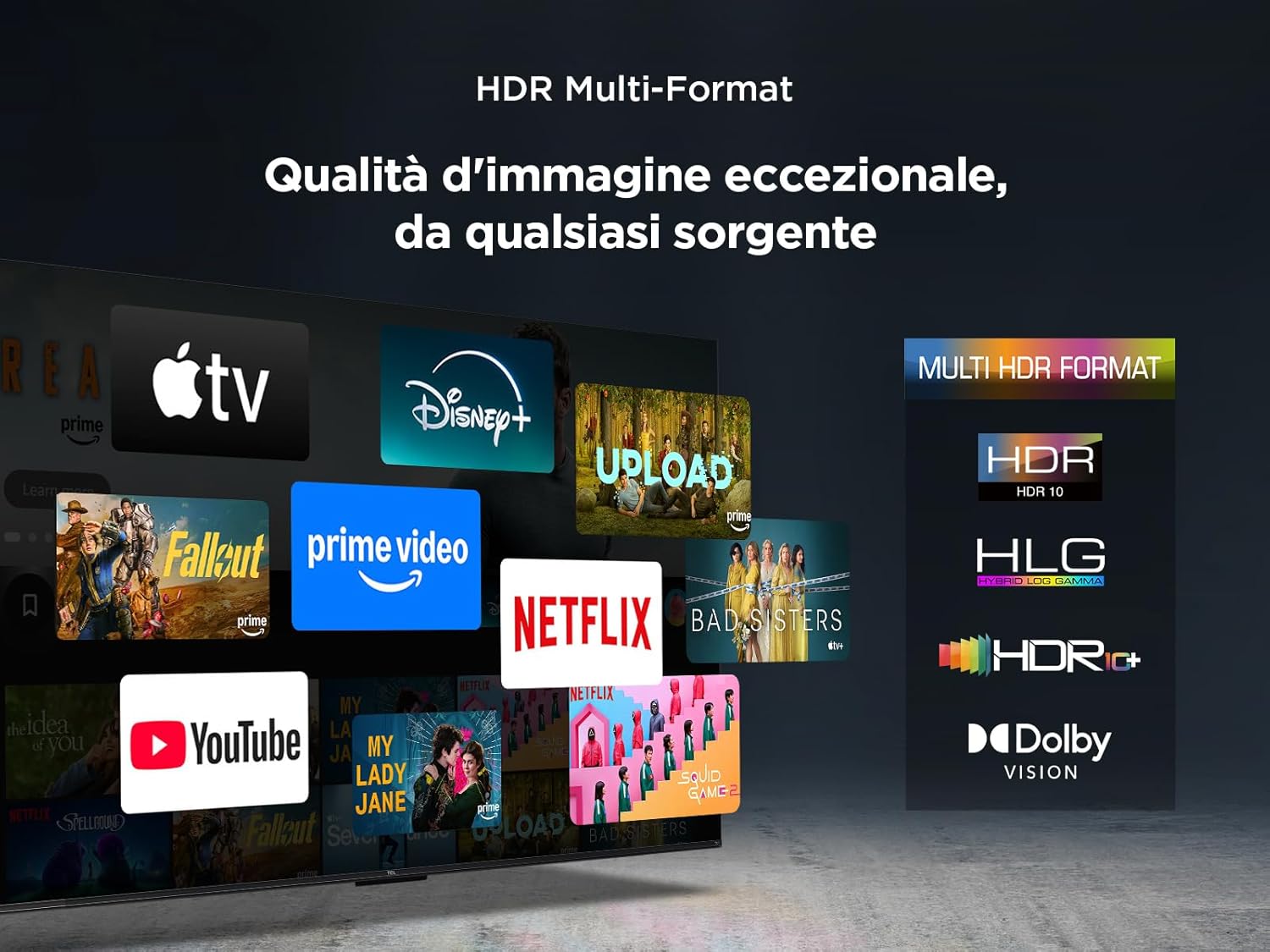
The TV supports multiple HDR formats, including HDR10, HLG, HDR10+, and Dolby Vision, ensuring exceptional image quality from various sources. This allows you to view content in the best possible format.
6.5 Audio Features (Dolby Atmos & DTS:X)
Immerse yourself in a captivating audio experience with Dolby Atmos and DTS:X technologies. These features provide rich, clear, and powerful sound, enhancing your viewplazerra.

6.6 Motion Clarity
Motion Clarity (MEMC) technology ensures smooth and harmonious images, reducing blur and judder in fast-moving scenes, ideal for sports and action films.

6.7 Jokoen Ezaugarriak
For gamers, the TCL 50T6C offers an optimized gaming experience with features like HDMI 2.1, ALLM (Auto Low Latency Mode), and VRR (Variable Refresh Rate) for smoother gameplay and reduced input lag.

6.8 Alexa Ahots Kontrola
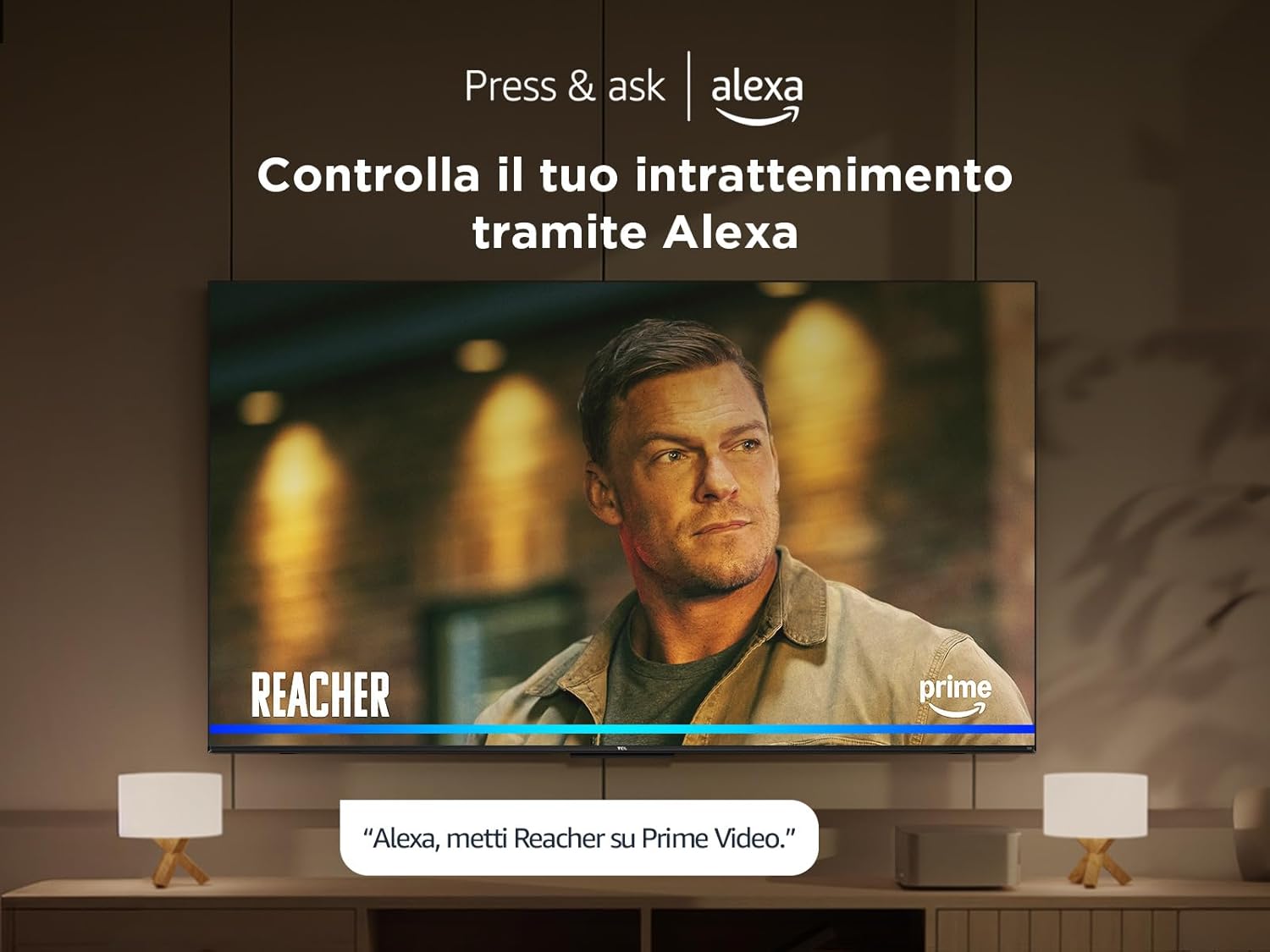
Control your TV and smart home devices using your voice with integrated Alexa. Simply press the microphone button on your remote and speak your command.
7. Mantentzea
Zure telebistaren iraupena eta errendimendua bermatzeko:
- Pantaila garbitzea: Garbitu pantaila astiro-astiro zapi leun eta pelusik gabeko batekin. Orban egoskorrak lortzeko, erabili telebistetarako bereziki diseinatutako pantaila-garbitzaile bat, zapiari aplikatuz, ez zuzenean pantailari.
- Markoa garbitzea: Erabili zapi leun eta lehor bat telebistaren markoa eta euskarria garbitzeko.
- Saihestu produktu kimiko gogorrak: Do not use alcohol, benzene, thinners, or other volatile substances, as they may damage the TV.
- Aireztapena: Ziurtatu telebistaren atzealdeko aireztapen-irekidurak ez daudela blokeatuta, gehiegi berotzea saihesteko.
8. Arazoak
Telebistarekin arazoak badituzu, saiatu honako irtenbide hauekin:
- Potentziarik gabe: Check if the power cable is securely connected and the power outlet is working. Try a different outlet.
- Irudi/soinurik ez: Ziurtatu sarrera-iturri zuzena hautatuta dagoela. Egiaztatu kable-konexio guztiak (HDMI, antena).
- Urrunekoa ez dabil: Ordeztu bateriak. Ziurtatu ez dagoela oztoporik urrutiko agintearen eta telebistaren artean.
- Irudiaren kalitate eskasa: Check antenna/cable connections. Adjust picture settings in the TV menu. For streaming content, check your internet connection speed.
- Interneteko konexio arazoak: Restart your router and modem. Reconnect to the Wi-Fi network or try a wired Ethernet connection.
If problems persist, consult the online support resources or contact customer service.
9. Zehaztapen Teknikoak
| Ezaugarri | Zehaztapena |
|---|---|
| Fabrikatzailea | TCL |
| Modelo zenbakia | 50T6C |
| Pantailaren tamaina | 50 hazbete |
| Pantaila Teknologia | QLED |
| Ebazpena | 4K |
| Freskatze tasa | 60 Hz |
| Ezaugarri bereziak | 60 Hz VRR & MEMC, Dolby Audio, Fire OS Alexa, Quantum Dot |
| Konektibitate Teknologia | Bluetooth, Ethernet, HDMI, USB, Wi-Fi |
| Aspektu-erlazioa | 16:9 |
| Produktuaren neurriak (WxDxH) | 111.1 x 25.7 x 68.4 cm |
| Pisua | 10.6 kg |
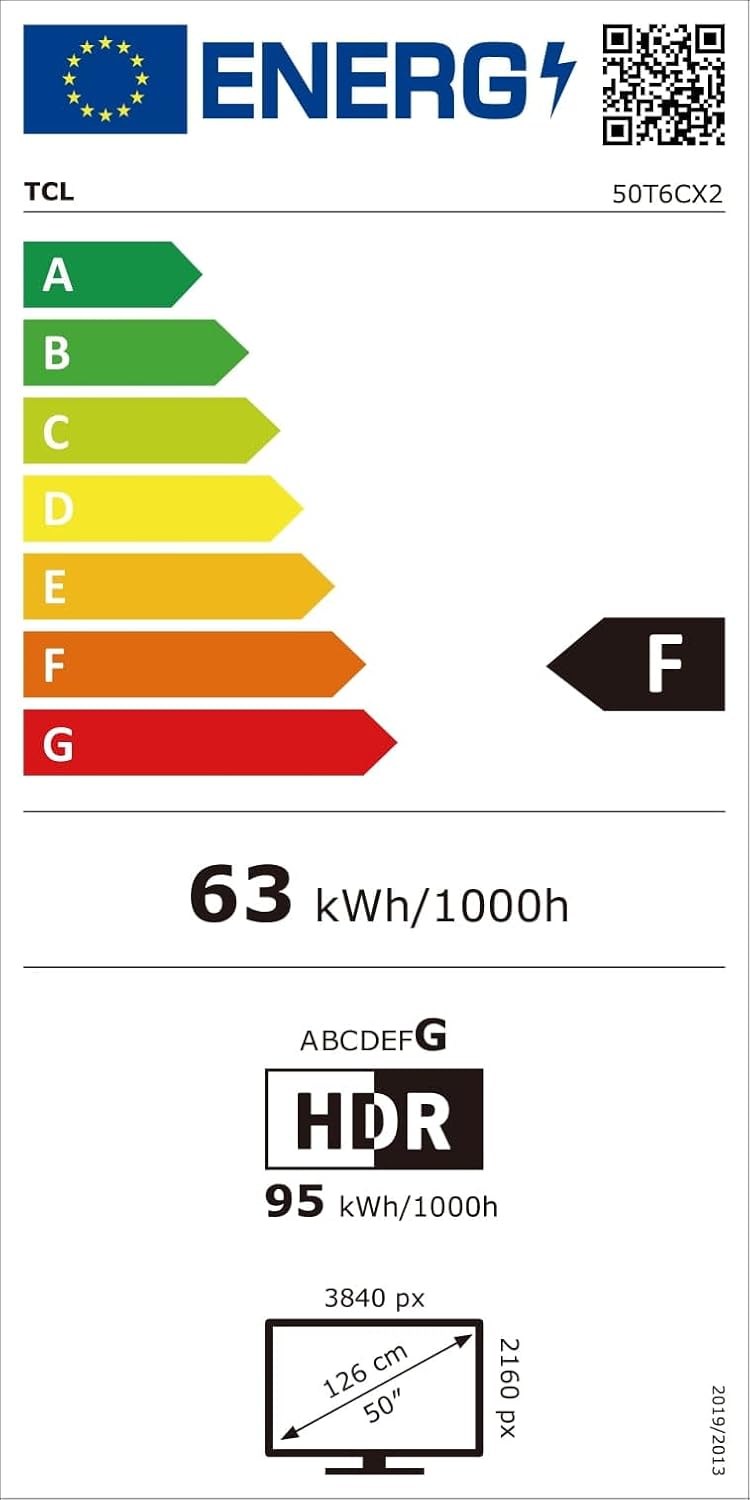
9.1 Energia-eraginkortasuna
10. Bermea eta Laguntza
Bermeari buruzko informazioa eta bezeroarentzako laguntza lortzeko, kontsultatu zure produktuarekin batera datorren berme-txartela edo bisitatu TCLren laguntza ofiziala. webgunea. Gorde erosketa-agiria erosketaren frogagiri gisa.


