1. Configuración
1.1 Desempaquetado y contenido del paquete
Carefully unpack your Samsung Smart TV. Ensure all components are present before proceeding with the setup.
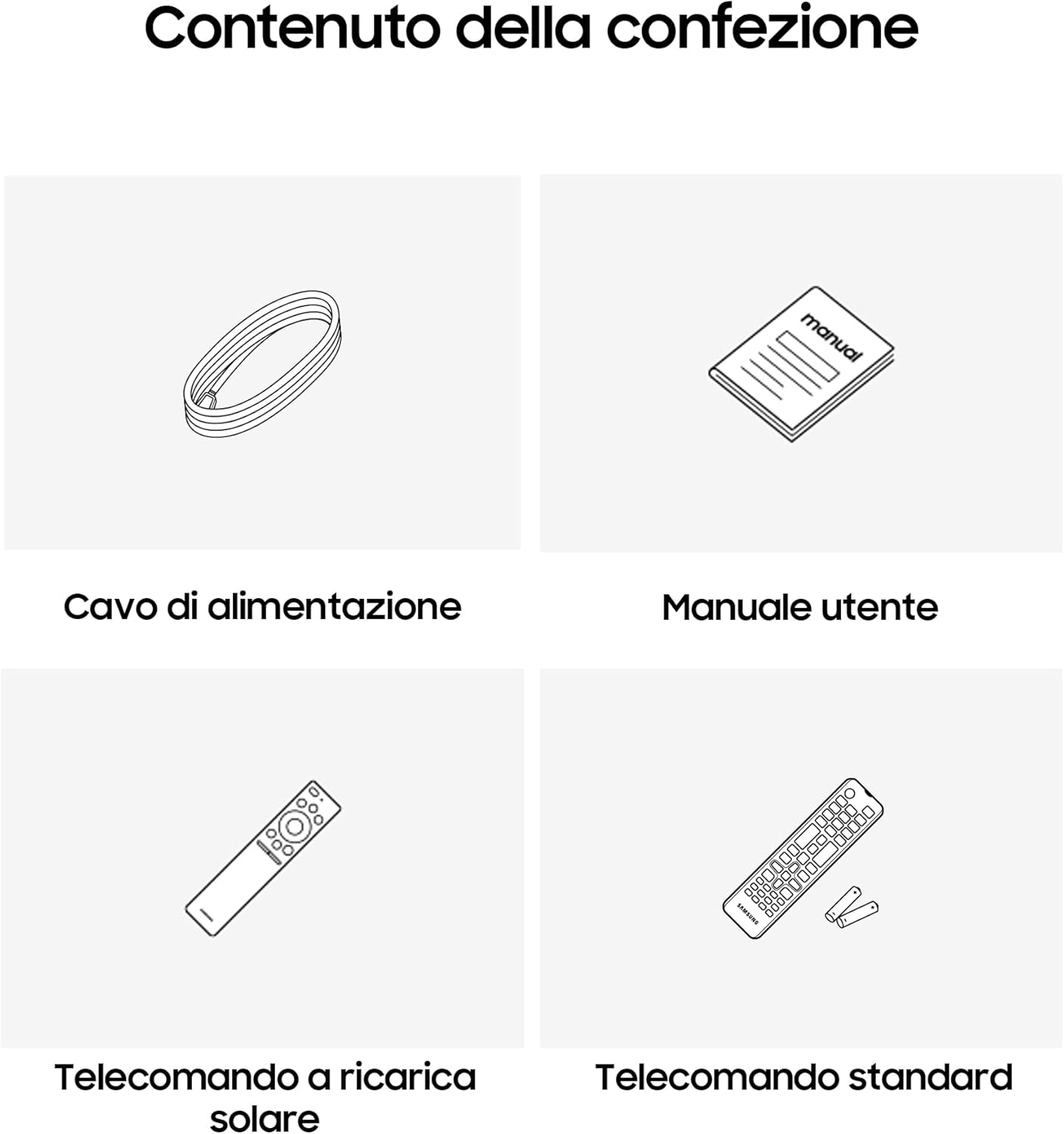
Imagen: Contenido del paquete. This image illustrates the items included in the box: the Samsung Smart TV, a power cable, a user manual, a solar-powered remote control, and a standard remote control.
El paquete debe contener:
- 1x Samsung Smart TV 48" QE48S94FAEXZT
- 1x cable de alimentación
- 1x Manual de usuario
- 2x Remote Controls (one solar-powered, one standard)
1.2 Instalación física
Before installation, consider the dimensions of your TV for proper placement.

Image: TV Dimensions. This diagram provides precise measurements for the 48-inch Samsung OLED TV, detailing its width, height with and without the stand, and depth with the stand, crucial for installation planning.
The TV dimensions are approximately:
- With Stand (LxAxP): 106.93 cm x 68.59 cm x 26.52 cm
- Peso: 11.9 kilogramos
Follow the instructions in the included user manual for attaching the stand or mounting the TV to a wall. Ensure the TV is placed on a stable surface or securely mounted.
1.3 Conexión inicial
Connect the power cable to the TV and a power outlet. Use appropriate cables for connecting external devices such as set-top boxes, gaming consoles, or sound systems via HDMI, USB, or other available ports. The TV supports Bluetooth, Ethernet, HDMI, USB, and Wi-Fi connectivity.
2. Operación de su Smart TV
2.1 Encendido y configuración inicial
Press the power button on the remote control to turn on the TV. Follow the on-screen prompts to complete the initial setup, including language selection, network connection, and channel scanning.
2.2 Smart Features and AI Enhancements
Your Samsung Smart TV is equipped with advanced AI features for an optimized viewExperiencia de aprendizaje.
- Procesador NQ4 AI Gen3: This processor enhances picture and sound quality in real-time, utilizing 4K AI Upscaling Pro to improve lower-resolution content to near 4K quality.
- Modo IA: Optimizes image and sound settings automatically based on the content being viewed and the ambient environment.
- Haga clic para buscar: Provides instant information about content on screen.

Image: NQ4 AI Gen3 Processor. This image shows the NQ4 AI Gen3 Processor, which is central to the TV's ability to deliver enhanced 4K AI Upscaling Pro, optimizing visuals and audio through artificial intelligence.

Image: 4K AI Upscaling Pro. This image demonstrates the 4K AI Upscaling Pro feature, which enhances the resolution of shows and movies to 4K, improving clarity and detail.
2.3 Calidad de la imagen
Experience superior picture quality with OLED technology and advanced HDR capabilities.
- OLED HDR: Provides enhanced brightness and deeper contrasts, allowing for the capture of intricate details in both bright and dark scenes.
- Mejorador de movimiento con IA Pro: Sharpens the movement of objects and text on screen, reducing blur in fast-paced scenes.
- Acelerador de movimiento 144 Hz: Ensures smooth images and an exceptional gaming experience with a high refresh rate.
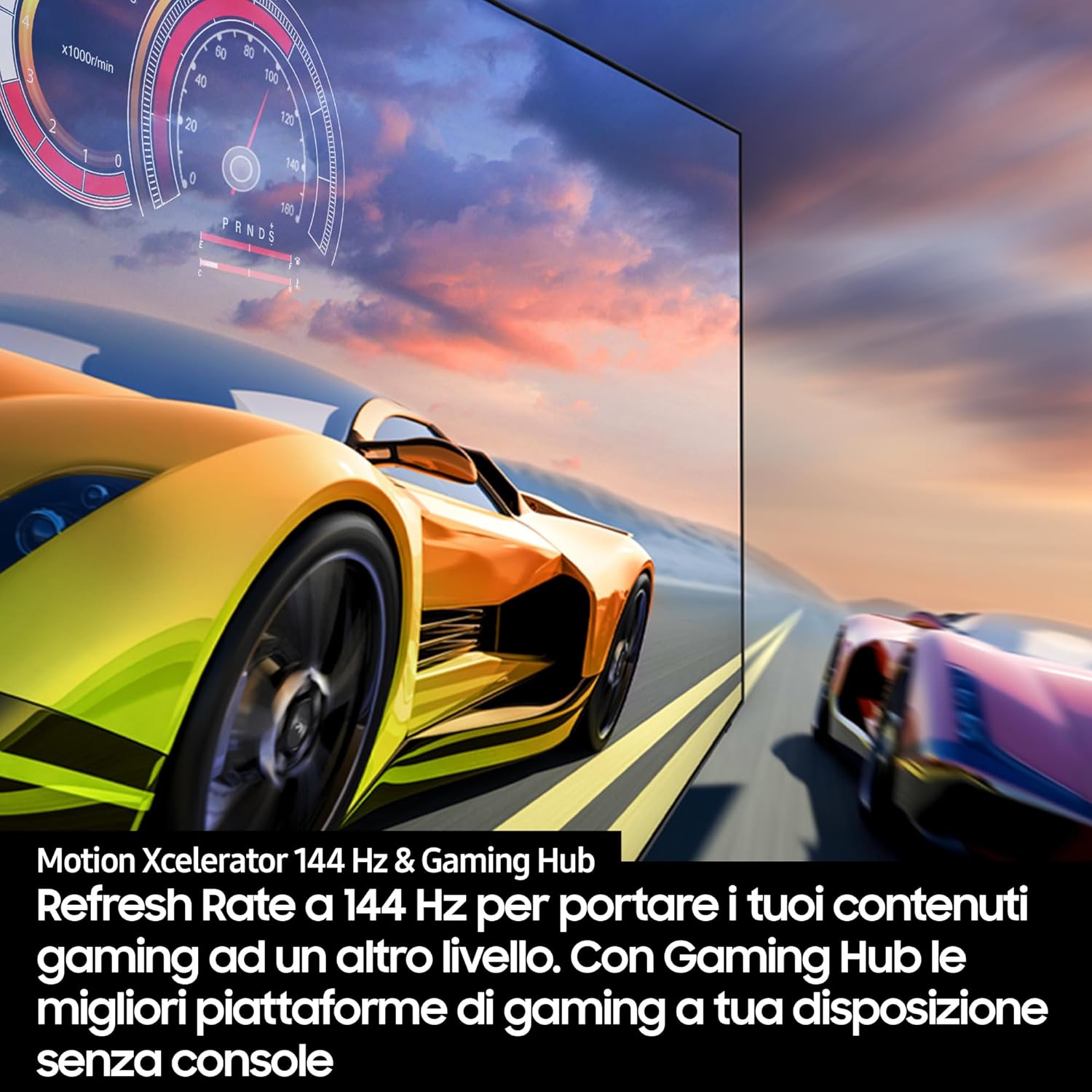
Image: OLED HDR. This image illustrates the OLED HDR feature, showcasing how it delivers large-scale brightness and contrast for a more dynamic visual experience.
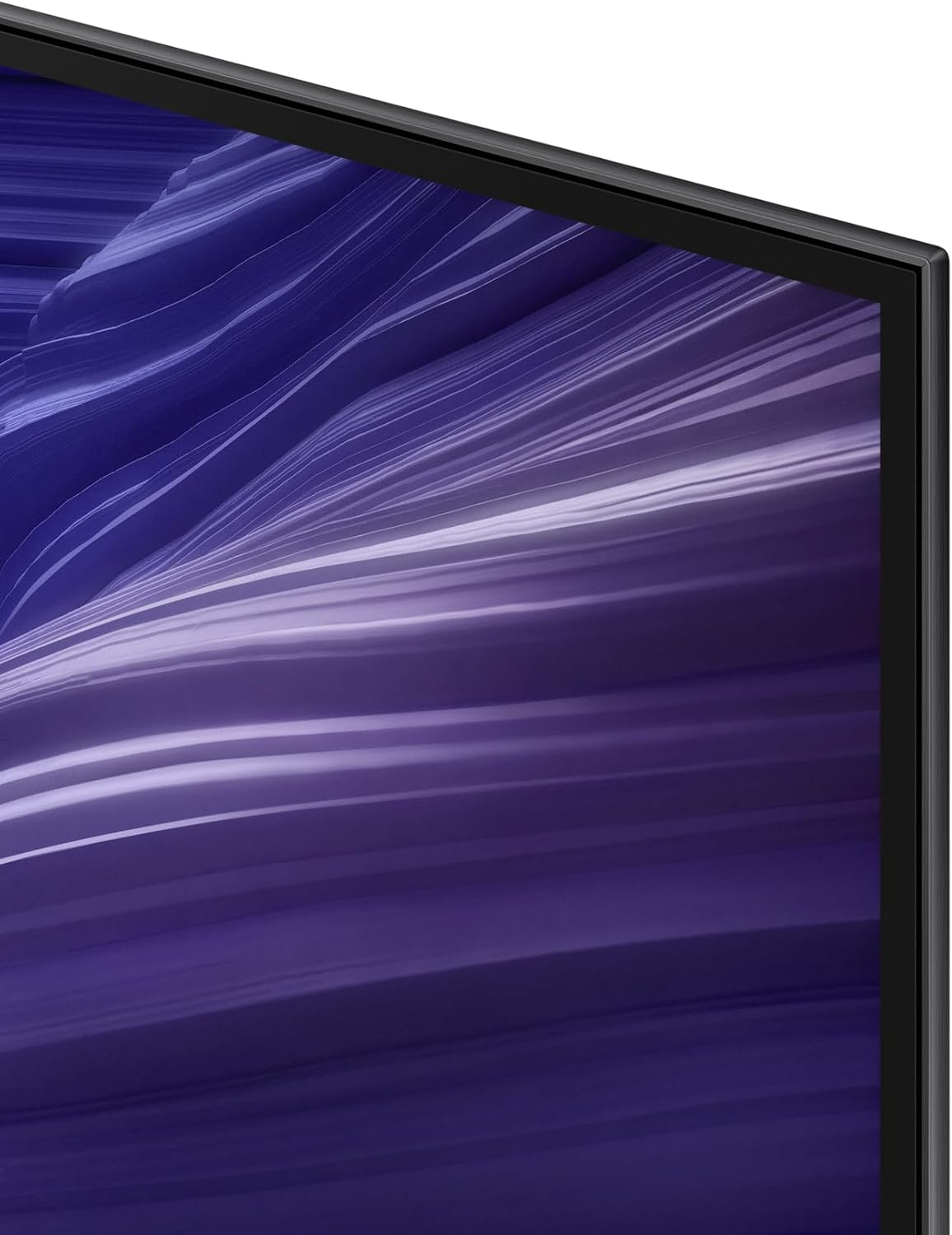
Image: Motion Xcelerator 144Hz & Gaming Hub. This image highlights the 144 Hz refresh rate, which provides fluid motion for gaming and other content, along with access to gaming platforms via the Gaming Hub.
2.4 Funciones de audio
Immerse yourself in rich, dynamic sound.
- Dolby Atmos y OTS Lite: Provides 3D surround sound synchronized with on-screen action for an immersive experience.
- Sinfonía Q: Achieves perfect harmony between a compatible soundbar (not included) and the TV's speakers.
- Sonido adaptativo Pro: Calibrates sound based on content type and room acoustics.

Image: Dolby Atmos & OTS Pro. This image depicts the Dolby Atmos and OTS Pro features, which create a three-dimensional sound experience with multiple speakers, ensuring no detail of dialogue or special effects is missed.
2.5 Smart Hub and Connectivity
Access a world of content and control your smart home devices.
- Centro inteligente: Centralizes movies, games, and programs in one accessible location.
- Centro de juegos: Provides access to leading gaming platforms without the need for a console.
- Cosas inteligentes: Allows control of all your compatible smart devices directly from the TV.

Image: SmartThings Icon. This icon represents the SmartThings platform, which allows users to control various smart home devices directly from their Samsung TV.

Image: Samsung Vision AI Icon. This icon signifies Samsung Vision AI, highlighting the TV's advanced artificial intelligence capabilities for optimizing viewExperiencias de aprendizaje.
El televisor admite varias opciones de conectividad:
- Bluetooth
- Ethernet
- HDMI
- USB
- Wifi
3. Mantenimiento
3.1 Cleaning the TV Screen and Body
Para mantener la claridad y la longevidad de su televisor, siga estas pautas de limpieza:
- Always turn off and unplug the TV before cleaning.
- Use a soft, dry microfiber cloth to gently wipe the screen and body.
- Para marcas difíciles, aplique ligeramenteampen the cloth with distilled water. Do not spray cleaning solutions directly onto the TV.
- Avoid using harsh chemicals, abrasive cleaners, or alcohol-based solutions, as these can damage the screen and finish.
3.2 Cuidado del control remoto
Keep the remote controls clean and dry. For the solar remote, ensure it receives adequate light exposure for charging. Replace batteries in the standard remote as needed.
4. Solución de problemas
Si tiene problemas con su televisor, consulte las siguientes soluciones comunes:
4.1 Sin energía
- Asegúrese de que el cable de alimentación esté conectado de forma segura tanto al televisor como a una toma de corriente que funcione.
- Compruebe si la toma de corriente funciona enchufando otro dispositivo.
- Intente presionar el botón de encendido en el televisor, no sólo en el control remoto.
4.2 No hay imagen o la calidad de la imagen es mala
- Verifique que esté seleccionada la fuente de entrada correcta (por ejemplo, HDMI 1, TV).
- Verifique que todas las conexiones de cables (HDMI, antena) no estén sueltas ni dañadas.
- Si utiliza un dispositivo externo, asegúrese de que esté encendido y funcione correctamente.
- Ajuste la configuración de la imagen (brillo, contraste, nitidez) en el menú del televisor.
4.3 No hay sonido o la calidad del sonido es mala
- Verifique el nivel de volumen y asegúrese de que el televisor no esté silenciado.
- Verify audio cable connections if using external speakers or a soundbar.
- Check the audio output settings in the TV menu (e.g., TV Speaker, Optical, HDMI ARC).
- Si usa una barra de sonido con Q-Symphony, asegúrese de que esté correctamente emparejada y configurada.
4.4 El control remoto no funciona
- For the standard remote, replace the batteries.
- For the solar remote, ensure it is charged by exposing its solar panel to light.
- Asegúrese de que no haya obstrucciones entre el control remoto y el sensor del televisor.
- Try re-pairing the remote control with the TV if it's a Bluetooth remote (refer to the on-screen manual for specific instructions).
4.5 Problemas de conectividad de red
- Reinicie su enrutador Wi-Fi y el televisor.
- Check Wi-Fi signal strength. If weak, consider moving the router closer or using an Ethernet cable.
- Verify Wi-Fi password and network settings in the TV menu.
For more detailed troubleshooting, consult the comprehensive user manual provided with your TV or visit the Samsung support websitio.
5. Especificaciones
Below are the key technical specifications for the Samsung Smart TV 48" QE48S94FAEXZT:
| Característica | Especificación |
|---|---|
| Número de modelo | QE48S94FAE |
| Tamaño de pantalla | 48 pulgadas |
| Tecnología de visualización | Pantalla OLED |
| Resolución | 4K (3840 x 2160 píxeles) |
| Frecuencia de actualización | 100 Hz (nativo), 144 Hz (Motion Xcelerator) |
| Procesador | Procesador NQ4 AI Gen3 |
| Características especiales | Built-in Speaker, Multiple Voice Assistants, Browser, Parental Controls, Flat Screen |
| Tecnología de conectividad | Bluetooth, Ethernet, HDMI, USB, Wi-Fi |
| Relación de aspecto | 16:9 |
| Dimensiones del producto (con soporte) | 106.93 x 26.52 x 68.59 cm |
| Peso del producto | 11.9 kilogramos |
| Consumo de energía (SDR) | 64.7 W |
| Consumo de energía (HDR) | 132 W |
| Minimum Software Firmware Availability | 8 años |
| Disponibilidad mínima de repuestos | 7 años |
5.1 Información de la etiqueta energética
The TV's energy efficiency information is provided on the energy label.
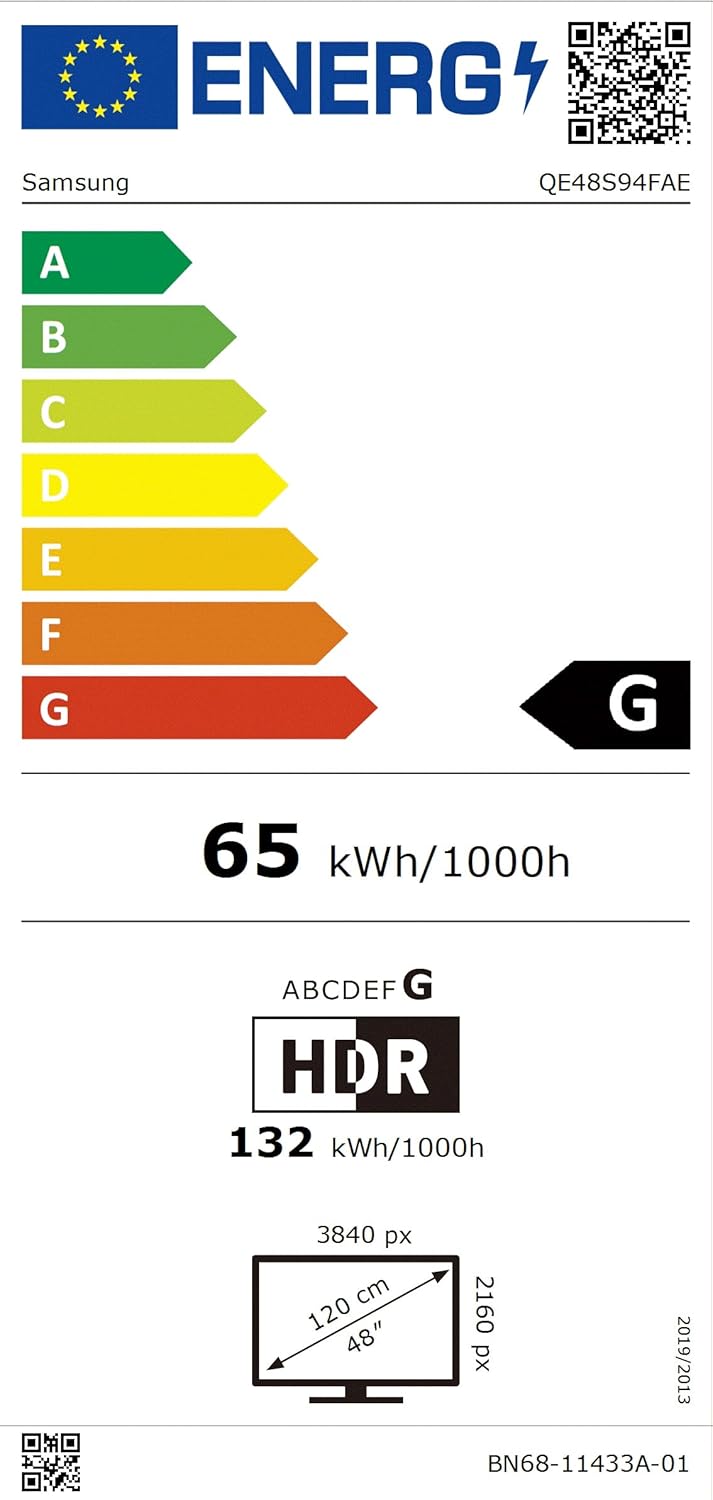
Imagen: Etiqueta energética. This image displays the EU Energy Label for the Samsung QE48S94FAE, indicating its energy efficiency class G, power consumption for SDR and HDR, and screen dimensions.
For detailed product information, you can refer to the EPREL database:
- EPREL Number: 2205124
- EPREL Link: https://eprel.ec.europa.eu/qr/2205124
6. Garantía y soporte
6.1 Garantía del producto
Your Samsung Smart TV QE48S94FAEXZT comes with a general warranty provided by the supplier.
- Minimum General Warranty Duration: 2 años
- OS Upgrade Support: 7 Years of free OS upgrades.
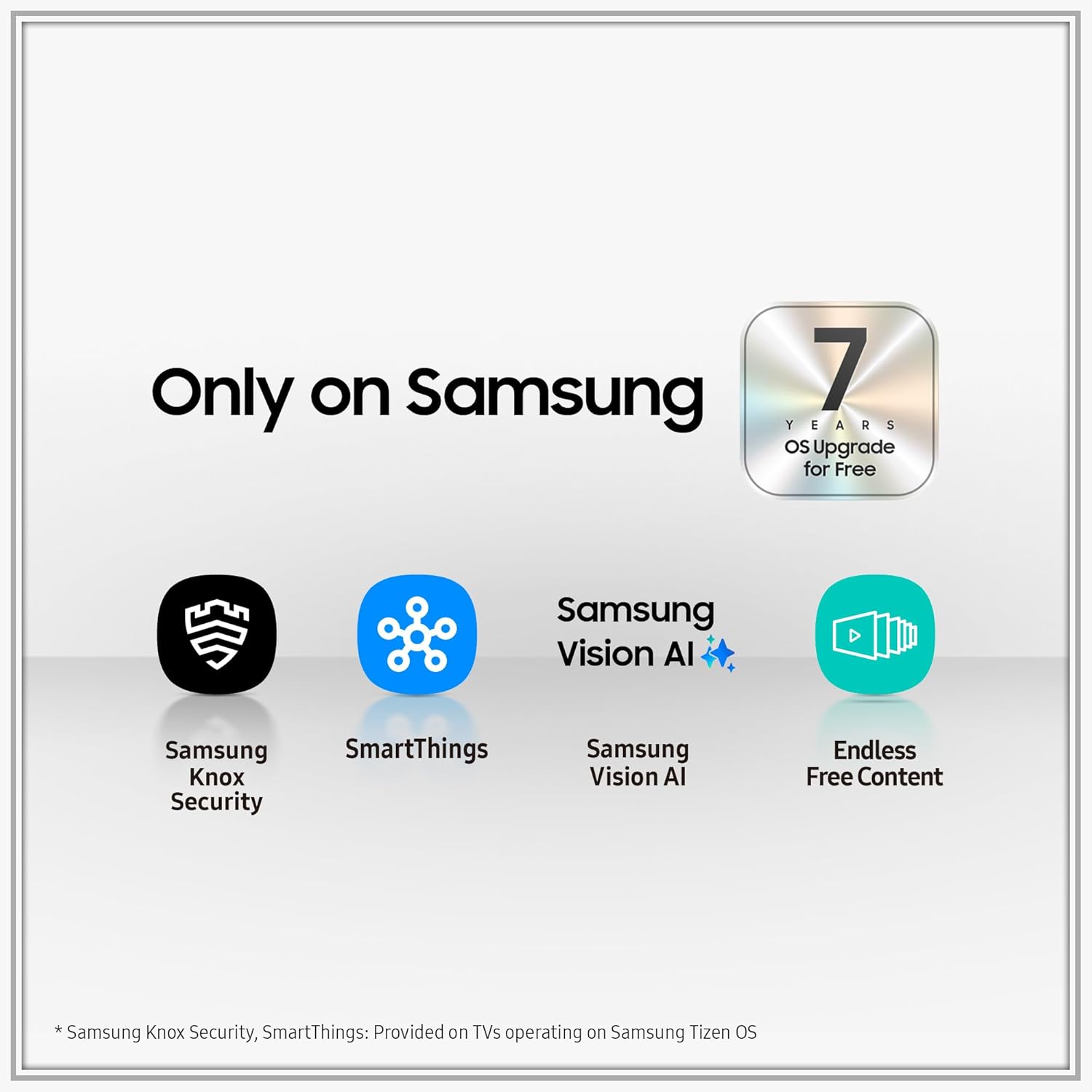
Image: Samsung Ecosystem & OS Upgrade. This image highlights exclusive Samsung features including Knox Security, SmartThings, Vision AI, and Endless Free Content, along with a notable offer of 7 years of free OS upgrades.
6.2 Atención al cliente
For technical assistance, service requests, or further inquiries, please contact Samsung customer support.
- Proveedor: Samsung
- Servicio al cliente: Contacto público
- Correo electrónico: eprel@samsung.com
- DIRECCIÓN: Samsung, PO Box 12987, Blackrock, Co. Dublin, Ireland
Please have your TV model number (QE48S94FAEXZT) and serial number ready when contacting support.


