Introducción
This manual provides comprehensive instructions for the safe and efficient use of your Lava Hero Shakti 2025 Dual Sim Keypad Mobile Phone. Please read this manual carefully before operating your device to ensure optimal performance and longevity.
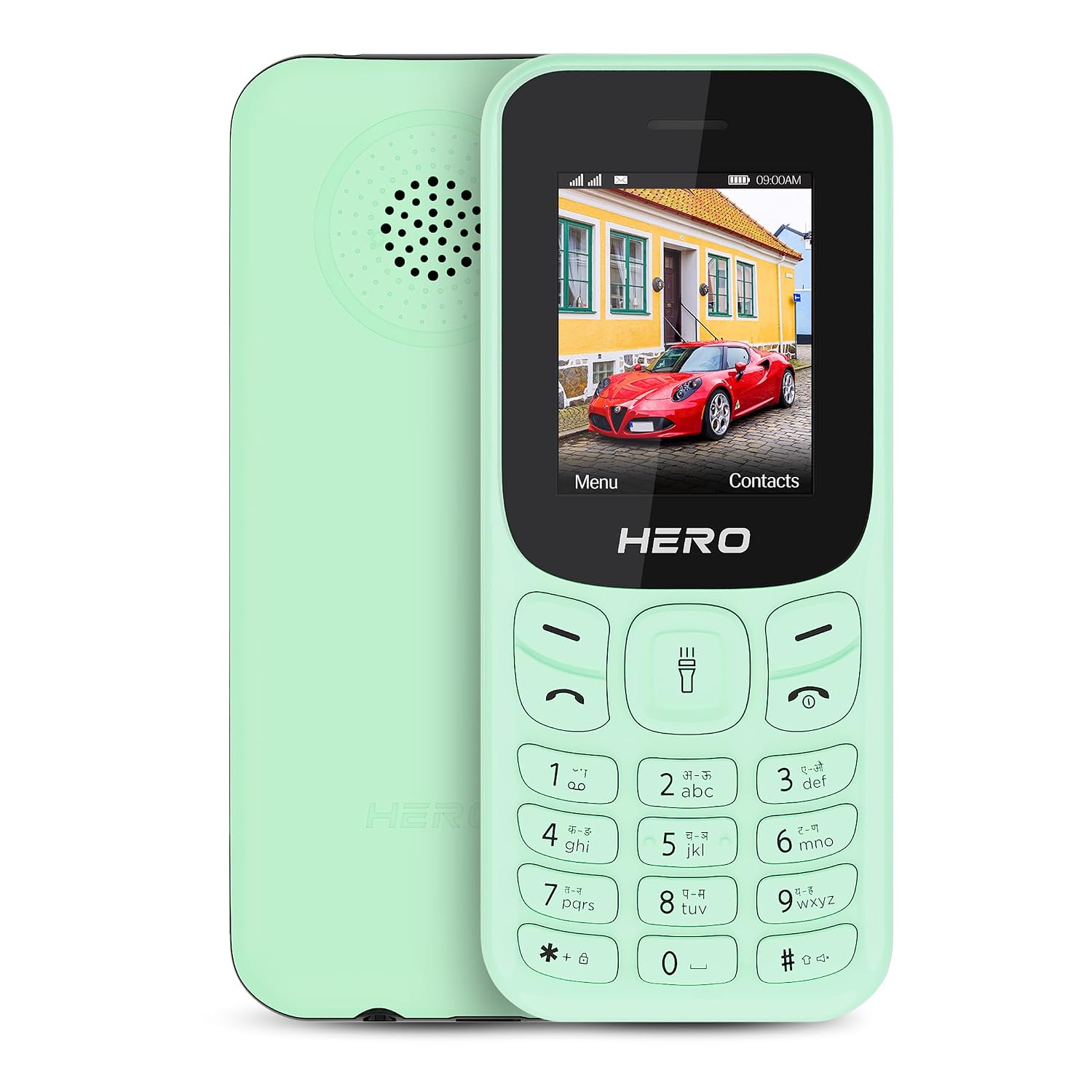
Imagen: Anverso y reverso view of the Lava Hero Shakti 2025 mobile phone in Mint Green.
Guía de configuración
1. Contenido del paquete
Asegúrese de que todos los artículos estén presentes en la caja:
- Lava Hero Shakti 2025 Mobile Phone
- Adaptador de corriente
- Batería (preinstalada o separada)
2. Inserción de la(s) tarjeta(s) SIM y la batería
- Power off the phone if it is on.
- Retire con cuidado la cubierta posterior del teléfono.
- Insert the SIM card(s) into the designated slot(s) with the gold contacts facing down. This phone supports Dual SIM functionality.
- If the battery is separate, insert it into the battery compartment, ensuring the contacts align.
- Vuelva a colocar la cubierta trasera de forma segura.

Imagen: Frente view of the Lava Hero Shakti 2025, showing the display and keypad.
3. Carga de la batería
- Connect the power adapter to the charging port on the phone.
- Conecte el adaptador de corriente a una toma de pared.
- Deje que el teléfono se cargue completamente antes del primer uso. Una carga completa suele tardar unas horas.
- El icono de la batería en la pantalla indicará el estado de carga.

Image: Illustration highlighting the long-lasting battery of the Lava Hero Shakti 2025.
4. Encendido / apagado
- Para encender: Mantenga presionado el botón de Encendido/Finalizar llamada (botón rojo) hasta que la pantalla se ilumine.
- Para apagar: Mantenga presionado el botón de Encendido/Finalizar llamada hasta que aparezcan las opciones de apagado, luego seleccione "Apagar".
Instrucciones de funcionamiento
1. Funciones del teclado
The phone features a standard alphanumeric keypad for navigation and input.
- Teclas de navegación: Use the directional pad (up, down, left, right) to navigate menus.
- OK/Select Key: The center key of the directional pad confirms selections.
- Tecla de llamada (verde): Inicia llamadas y responde llamadas entrantes.
- Tecla de finalización de llamada/encendido (roja): Ends calls, returns to the home screen, or powers the phone on/off.
- Claves suaves: The two keys directly below the display perform functions indicated on the screen (e.g., Menu, Contacts).
2. Realización y recepción de llamadas
- Haciendo una llamada:
- Introduzca el número de teléfono utilizando el teclado.
- Press the Green Call key to dial.
- Responder una llamada:
- Cuando suene el teléfono, presione la tecla de llamada verde para responder.
- Terminar una llamada:
- Presione la tecla roja Finalizar llamada.
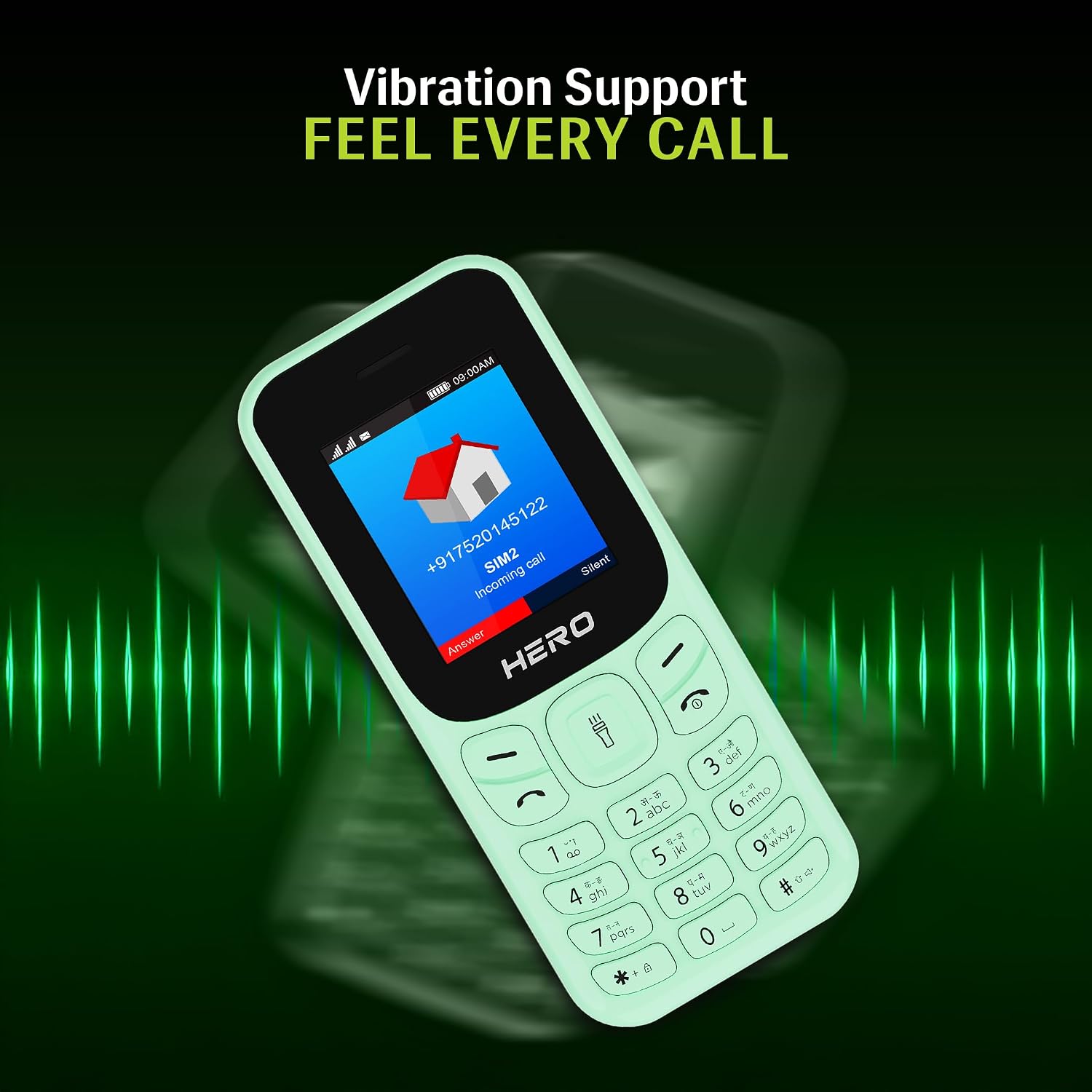
Image: The phone screen showing an incoming call, illustrating the vibration alert feature.
3. Mensajería (SMS)
- Desde el menú principal, navegue hasta "Mensajes".
- Seleccione “Escribir mensaje” o “Nuevo SMS”.
- Ingrese su mensaje utilizando el teclado.
- Introduzca el número de teléfono del destinatario o selecciónelo entre los contactos.
- Seleccione "Enviar".
4. Contactos
- From the main menu, select "Contacts".
- You can "Add New Contact", "View Contacts", or "Search".
- To add a contact, enter the name and phone number, then save.
5. Características especiales
- Pantalla de 1.8": The phone features a clear 1.8-inch display for easy viewing de texto e iconos.

Image: Close-up of the 1.8-inch display, demonstrating its clarity.
- Alerta de vibración: The phone provides discreet vibration alerts for incoming calls and messages.
- Super Saving Battery Mode: Optimize battery usage for extended standby time. This phone offers up to 7 days of battery standby.
- Wireless FM with Recording: Access and record your favorite FM radio stations without needing a headset.

Image: Illustration of the phone's powerful speaker, suitable for FM radio playback.
- Number Talker: This feature announces incoming calls and messages aloud, enhancing accessibility.

Image: Visual representation of the Number Talker feature, where the phone speaks numbers.
- Soporte multi-idioma: The device supports 22 languages, including English, Hindi, Tamil, Telugu, Kannada, Punjabi, Gujarati, Bengali, Marathi, and Urdu.

Image: Graphic illustrating the phone's support for multiple Indian languages.
- Antorcha: An instant torch feature is available for convenience.
- Almacenamiento expandible: The phone offers 32GB expandable storage.
Mantenimiento y cuidado
- Limpieza: Utilice un paño suave y seco para limpiar la superficie del teléfono. Evite los limpiadores líquidos.
- Cuidado de la batería:
- No exponga la batería a temperaturas extremas.
- Evite sobrecargar o descargar completamente la batería con frecuencia.
- Si no va a utilizar el teléfono durante un período prolongado, cárguelo al 50 % aproximadamente antes de guardarlo.
- Almacenamiento: Guarde el teléfono en un lugar fresco y seco, alejado de la luz solar directa y de la humedad.
- Evite el impacto: Protect the phone from drops and impacts to prevent damage.
Solución de problemas
| Problema | Posible solución |
|---|---|
| El teléfono no se enciende. | Asegúrese de que la batería esté correctamente insertada y cargada. Conéctela al cargador y vuelva a intentarlo. |
| No puedo realizar ni recibir llamadas. | Comprueba que la tarjeta SIM esté correctamente insertada y activada. Verifica la intensidad de la señal de la red. |
| La batería se agota rápidamente. | Reduce screen brightness, close unused applications, or activate Super Saving Battery Mode. Ensure the battery is not old or damaged. |
| El teclado no responde. | Reinicia el teléfono. Si el problema persiste, contacta con atención al cliente. |
Presupuesto
| Característica | Detalle |
|---|---|
| Modelo | Lava Hero Shakti 2025 |
| Mostrar | 1.8 pulgadas (4.57 cm) |
| Sistema operativo | Sistema operativo en tiempo real |
| Soporte de SIM | Doble SIM |
| Conectividad | Bluetooth, USB |
| Características especiales | Vibration Alert, Expandable Memory (32GB), Wireless FM, Number Talker, Torch |
| Batería | Lithium Ion (included), up to 7 days standby |
| Dimensiones (LxAnxAl) | 11.05 x 4.76 x 1.5 cm |
| Peso | 110 gramos |
| En la caja | Adaptador de corriente |
Garantía y soporte
Información de garantía
For detailed warranty terms and conditions, please refer to the warranty card included with your product or visit the official Lava webSitio. Conserve su recibo de compra como comprobante de compra.
Atención al cliente
If you encounter any issues not covered in this manual or require further assistance, please contact Lava customer support.
- Lava Official Websitio: www.lavamobiles.com
- Contacto de servicio al cliente: Consulte el embalaje de su producto o el manual oficial. webSitio para obtener la información de contacto más reciente.


