1. Introducción
This manual provides detailed instructions for the safe and efficient operation of your NUTRI FIT Digital Food Scale EK5950. Please read this manual thoroughly before use and retain it for future reference.
1.1 Contenido del paquete
- 1 x NUTRI FIT Digital Kitchen Scale
- 2 pilas AAA
- 1 x Manual de usuario
2. Información de seguridad
- Coloque la báscula sobre una superficie dura, plana y estable para garantizar lecturas precisas.
- No sumerja la báscula en agua ni en otros líquidos.
- Limpiar la báscula con adamp paño; no utilice limpiadores abrasivos.
- No sobrecargue la báscula más allá de su capacidad máxima de 11 libras (5 kg).
- Retire las pilas si no va a utilizar la báscula durante un periodo prolongado.
- Mantener fuera del alcance de los niños.
3. Características del producto
- Weighs up to 5kg/11lbs with 0.1oz / 1g precision.
- Large weighing panel for easy reading with various container sizes.
- Equipped with 4 units of measure: grams (g), ounces (oz), milliliters (ml), and pounds:ounces (lb:oz).
- Features a clear LCD display.
- Incluye indicaciones de baja potencia y sobrecarga.
- Automatic turn-off function after 3 minutes of inactivity to conserve battery life.
- Stylish and slim design for easy storage and hanging.
- Tare function for zeroing out container weight.

Image: The NUTRI FIT Digital Food Scale EK5950, showcasing su elegante diseño y pantalla LCD.
4. Configuración
4.1 Instalación de la batería
- Abra la tapa del compartimento de la batería en la parte inferior de la báscula.
- Inserte las 2 pilas AAA, asegurándose de la polaridad correcta (+/-).
- Cierre bien la tapa del compartimento de la batería.
4.2 Colocación inicial
Coloque la báscula sobre una superficie firme, plana y nivelada. Las superficies irregulares pueden afectar la precisión.
5. Instrucciones de funcionamiento
5.1 Encendido y apagado
- To turn on: Lightly press the CERO button. The display will show "8888" and then "0" or "0.0" when ready.
- Para apagar: Mantenga presionado el CERO button for a few seconds, or the scale will automatically turn off after 3 minutes of inactivity.
5.2 Conversión de unidades
Presione el UNIDAD button to cycle through the available measurement units: grams (g), ounces (oz), milliliters (ml), and pounds:ounces (lb:oz).
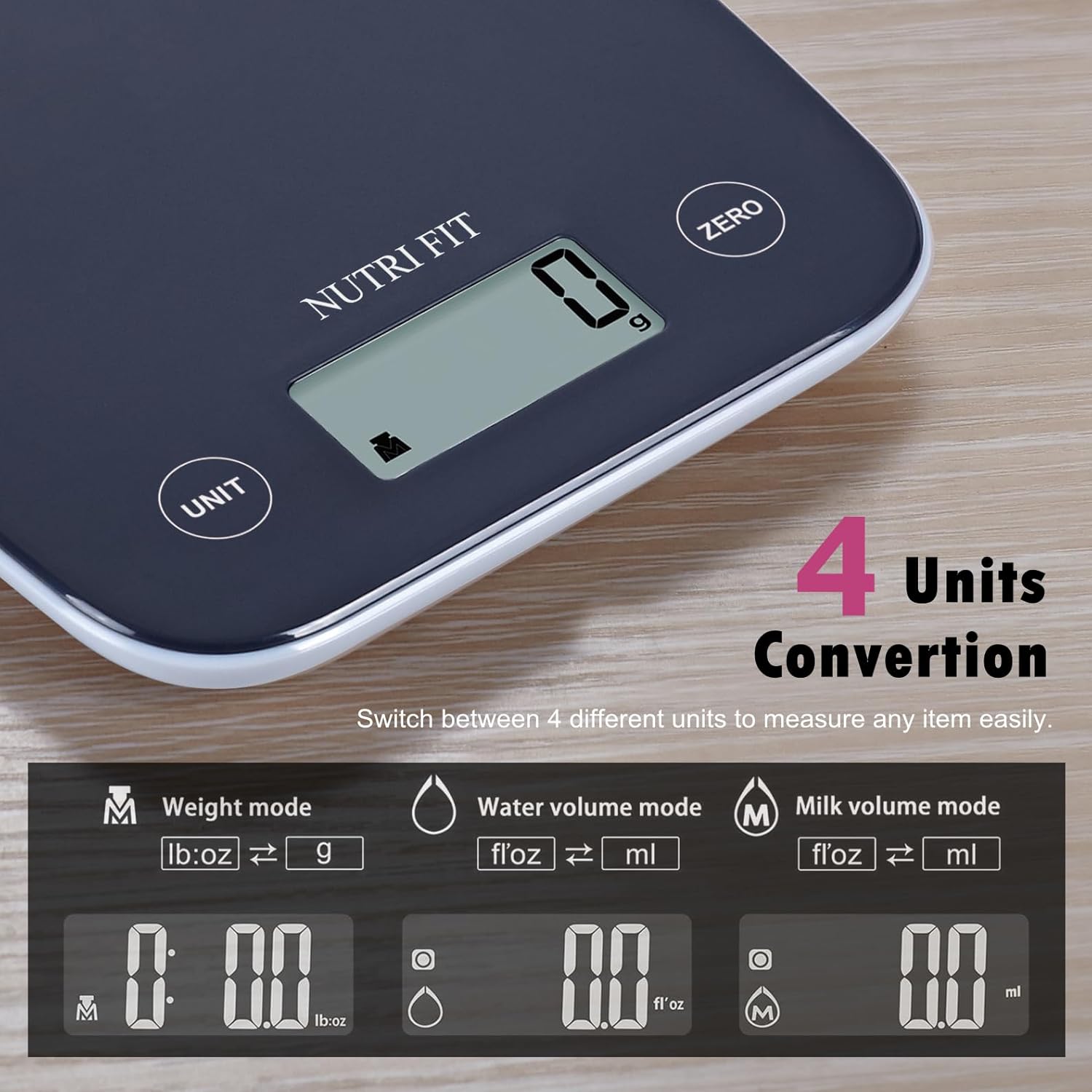
Image: Illustration of the four unit conversion modes available on the scale: Weight (lb:oz, g), Water Volume (fl:oz, ml), and Milk Volume (fl:oz, ml).
5.3 Función de tara
La función de tara permite pesar los ingredientes de un recipiente restando su peso. Esto resulta útil para pesar varios ingredientes en el mismo recipiente.
- Turn on the scale and ensure it displays "0" or "0.0".
- Coloque un recipiente vacío sobre la plataforma de pesaje. La pantalla mostrará su peso.
- Presione el CERO Botón. La pantalla se reiniciará a "0" o "0.0".
- Add the item you wish to weigh into the container. The display will now show only the weight of the added item.

Image: A four-step visual guide demonstrating the tare function: 1. Turn on scale, 2. Place container, 3. Press ZERO, 4. Add item and get measurement.
5.4 Pesaje de artículos
Once the scale is on and set to your desired unit (and tared if using a container), simply place the item(s) on the center of the weighing platform. The weight will be displayed on the LCD screen.

Image: The digital food scale displaying the weight of a mix of nuts and dried fruits, illustrating clear result readability.
6. Mantenimiento
6.1 Limpieza
To clean the scale, wipe the weighing surface with a soft, damp cloth. Avoid using harsh chemicals or abrasive materials. Ensure the scale is dry before storing or next use.
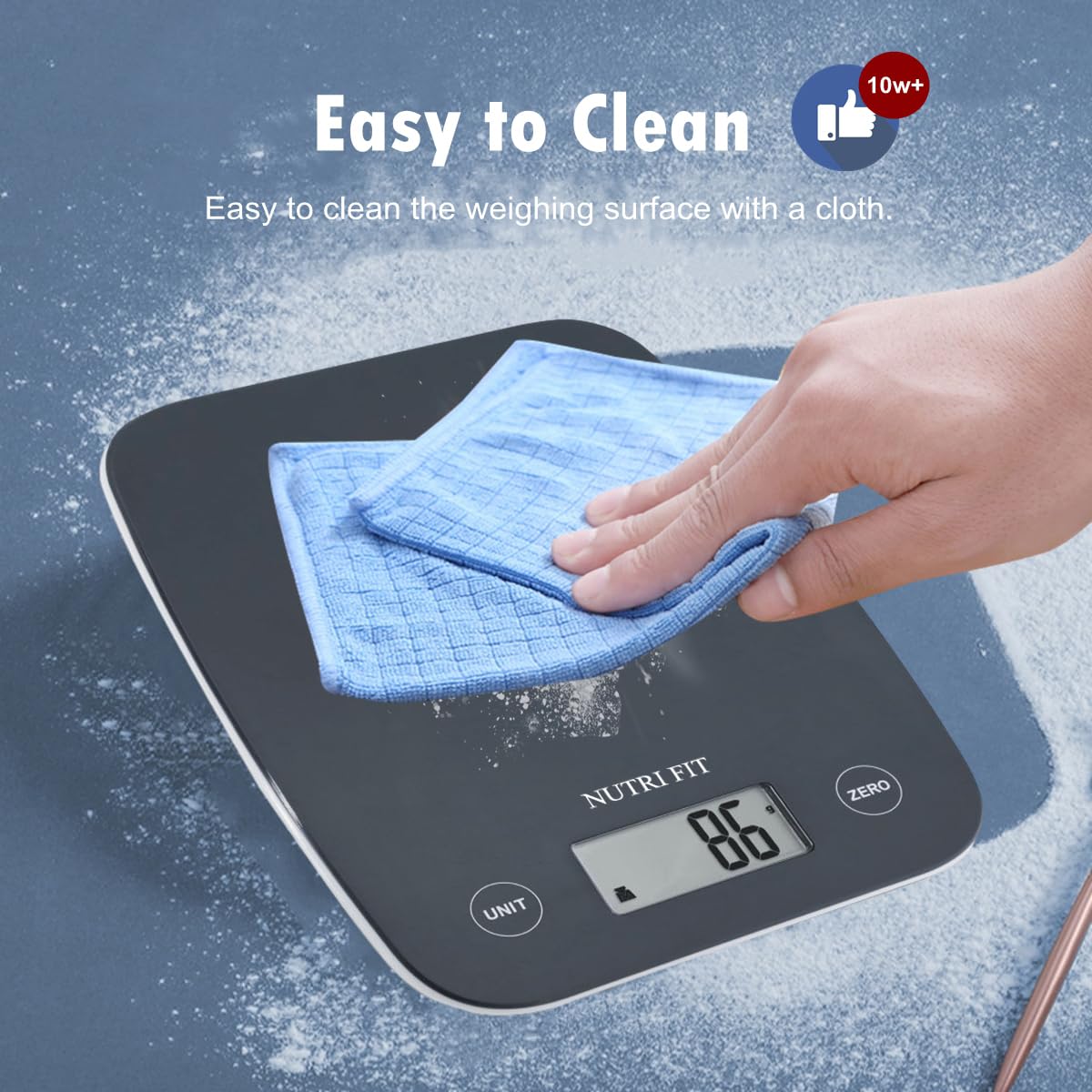
Image: A hand wiping the surface of the digital food scale with a blue cloth, demonstrating its easy-to-clean design.
6.2 Almacenamiento
The slim design of the NUTRI FIT Digital Food Scale allows for easy storage in cabinets or drawers. It also features a hanging design for convenient wall storage, saving counter space.
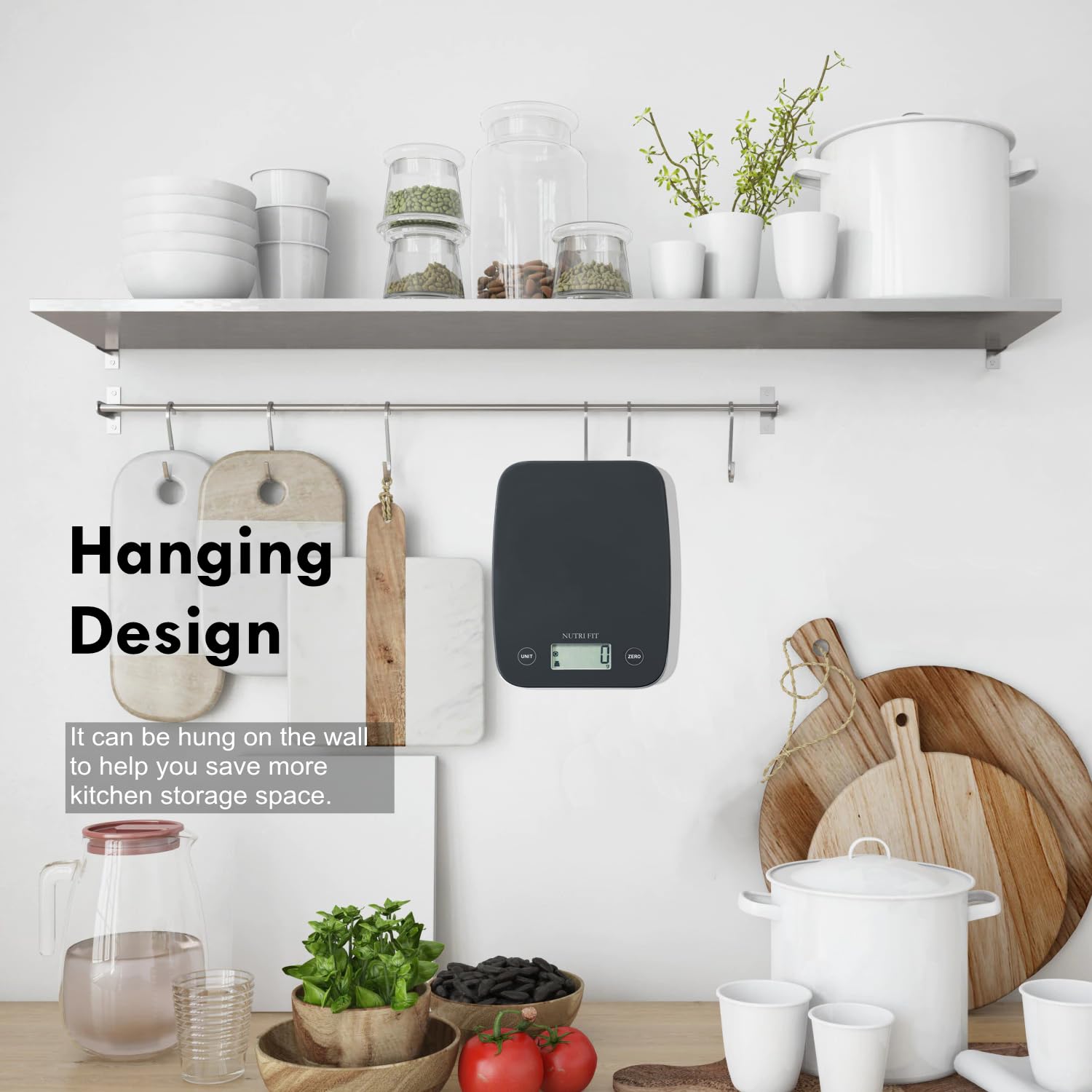
Image: The digital food scale hanging on a kitchen wall hook, illustrating its space-saving design.
7. Solución de problemas
- "Lo" mostrado: Indica batería baja. Reemplace las 2 pilas AAA.
- Se muestra "Err": Indicates overload. Remove items from the scale immediately to prevent damage.
- Lecturas inexactas: Ensure the scale is on a flat, stable surface. Check if batteries are low. Recalibrate by turning off and on.
- La báscula no se enciende: Verifique la instalación de la batería y asegúrese de que las baterías no estén agotadas.
8. Especificaciones
| Característica | Detalle |
|---|---|
| Marca | NUTRI AJUSTE |
| Modelo | EK5950 |
| Capacidad máxima | 11 libras/5 kg |
| Precisión | 0.1 onzas/1 gramos |
| Unidades de medida | g, oz, ml, lb:oz |
| Tipo de pantalla | Pantalla LCD |
| Fuente de poder | 2 pilas AAA (incluidas) |
| Características especiales | Auto Shut Off, Large Display, Lightweight, Tare Function |
| Dimensiones | 8.43 x 6.73 x 1.14 pulgadas |
9. Garantía y soporte
NUTRI FIT provides lifetime support for this product. For any inquiries or assistance, please contact us at nutrifitlink@hotmail.com.
10. Demostración del producto
Video: A demonstration of the NUTRI FIT Digital Food Scale, showing how to power it on, use the tare function with a bowl, and measure spices. It also highlights the various unit modes available.


