1. Producto terminadoview
The Philips Sonicare ProtectiveClean 4300 electric toothbrush utilizes advanced sonic technology to provide a gentle yet effective cleaning experience. It is designed to remove up to 7 times more plaque compared to a manual toothbrush, promoting improved gum health and whiter teeth.
Key features include a built-in pressure sensor to prevent excessive brushing force, dual-intensity settings for personalized comfort, a 2-minute Smartimer, and a QuadPacer to ensure thorough cleaning of all mouth quadrants. The BrushSync feature tracks brush head usage for optimal replacement reminders.

Image: Philips Sonicare ProtectiveClean 4300 Electric Toothbrush with charging base and brush head.
2. Contenido del paquete
Verifique que su paquete contenga los siguientes elementos:
- Philips Sonicare ProtectiveClean 4300 Handle
- 1 x Brush Head
- Base de cargador
3. Primeros pasos (Configuración)
3.1 Colocación del cabezal del cepillo
- Align the brush head with the front of the toothbrush handle.
- Press the brush head down onto the metal shaft until it stops.
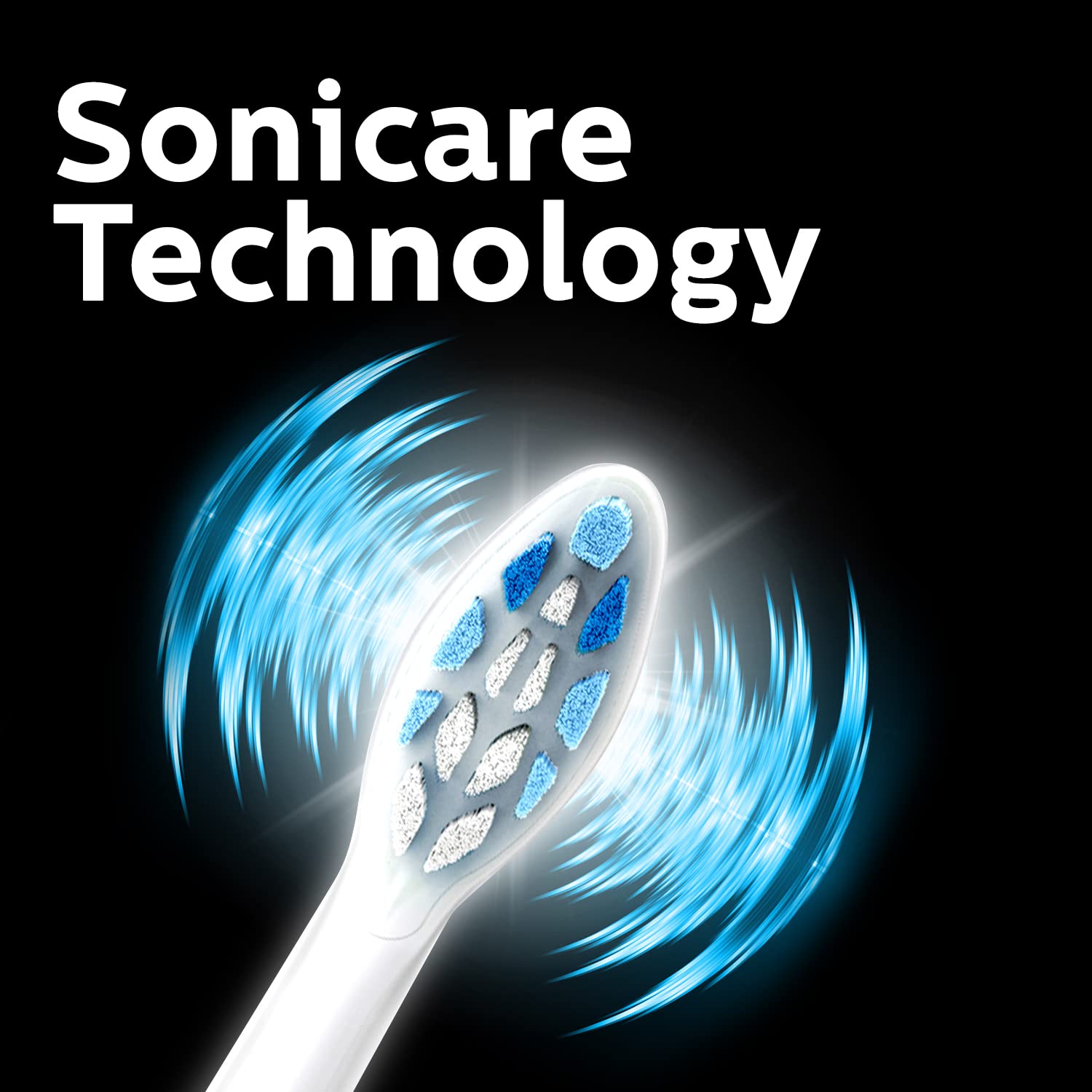
Image: Close-up of the Philips Sonicare brush head, illustrating its design.
3.2 Carga del cepillo de dientes
Before first use, charge the toothbrush for at least 24 hours. A full charge provides up to 2 weeks of regular use.
- Plug the charger base into an electrical outlet.
- Coloque el mango del cepillo de dientes sobre la base del cargador.
- The battery indicator light will flash to show charging is in progress. When fully charged, the light will remain solid green.
4. Instrucciones de funcionamiento
4.1 Cepillarse los dientes
- Moje el cabezal del cepillo y aplique una pequeña cantidad de pasta de dientes.
- Coloque el cabezal del cepillo contra sus dientes en un ligero ángulo hacia la línea de las encías.
- Presione el botón de encendido para comenzar a cepillar.
- Gently move the brush head slowly across your teeth in small back-and-forth motions, allowing the sonic vibrations to do the work.
- The QuadPacer will signal every 30 seconds to move to the next quadrant of your mouth.
- El Smartimer apagará automáticamente el cepillo de dientes después de 2 minutos de cepillado.
- Rinse your mouth and the brush head after use.

Image: Sonicare Technology gently pulses liquid between teeth for effective cleaning.
4.2 Dual Intensity Settings
Your toothbrush offers dual intensity settings to suit your preference. Press the mode button to switch between the two intensity levels (Gentle and Regular) during brushing.
5. Características explicadas
5.1 Sensor de presión
The built-in pressure sensor alerts you if you are brushing too hard. When excessive pressure is applied, the handle will emit a gentle pulsing sound to remind you to ease off. This helps protect your teeth and gums from damage.

Image: Visual representation of the Pressure Sensor, QuadPacer, 2-minute timer, and battery life features.
5.2 Smartimer and QuadPacer
- Smartimer: Ensures you brush for the dentist-recommended 2 minutes by automatically turning off the toothbrush.
- QuadPacer: A 30-second interval timer that indicates when to move to the next quadrant of your mouth, ensuring even cleaning.
5.3 BrushSync Technology
The BrushSync feature tracks how long you have been using your brush head and how hard you have been brushing. When it's time to replace the brush head (approximately every 3 months), a light on your handle and a short beep will notify you, ensuring optimal cleaning performance.

Image: The Philips Sonicare ProtectiveClean 4300 removes up to 7 times more plaque than a manual toothbrush.
6. Mantenimiento
6.1 Limpieza del cepillo de dientes
- Después de cada uso, enjuague bien el cabezal del cepillo y las cerdas con agua corriente.
- Limpie el mango con publicidad.amp Paño. No sumerja el mango en agua.
- Clean the charger base periodically with a damp paño.
6.2 Reemplazo del cabezal del cepillo
For optimal performance and hygiene, replace your Philips Sonicare brush head every 3 months, or sooner if the bristles become splayed or worn. The BrushSync feature will remind you when it's time.
7. Solución de problemas
- El cepillo de dientes no enciende: Asegúrese de que la batería esté cargada. Si el problema persiste, comuníquese con atención al cliente.
- El cepillo de dientes no se carga: Check if the charger is properly plugged in and the handle is correctly placed on the charger. Ensure the outlet is functional.
- Pressure sensor not activating: Ensure you are applying sufficient pressure to trigger the sensor. If it still doesn't work, contact customer support.
- Potencia de cepillado reducida: Esto podría indicar que la batería está baja. Recargue el cepillo de dientes. Si el problema persiste después de cargarlo, es posible que el cabezal esté desgastado y deba reemplazarlo.
8. Especificaciones
| Marca | Philips |
| Número de modelo | HX6807/24 |
| Tecnología | Sónico |
| Eliminación de placa | Up to 7x more than manual toothbrush |
| Sensor de presión | Incorporado |
| Ajustes de intensidad | Doble intensidad |
| Minutero | 2-minute Smartimer, QuadPacer |
| Recordatorio de reemplazo de cabezal de cepillo | BrushSync Feature |
| Duración de la batería | Hasta 2 semanas |
| Fuente de poder | Funciona con pilas |
| Peso del artículo | 306 gramos |
| Dimensiones del producto | 3.11 x 2.81 x 18.71 cm |
9. Garantía y soporte
For warranty information, service, or support, please contact Philips customer care:
- No de atención al cliente: 18001022929
- Correo electrónico: Customercare.india@philips.com
- Fabricante: Philips India Limited, 3rd Floor, Tower A, DLF IT Park, 8 Block AF, Major Arterial road, Kolkata - 700156
Conserve su comprobante de compra para reclamos de garantía.


